Introduction
In this tutorial, you will learn where to find the landing pages shared by your upline in UpMLM. By the end of this guide, you will be able to access, duplicate, and start using those pages to generate leads for your own MLM business.
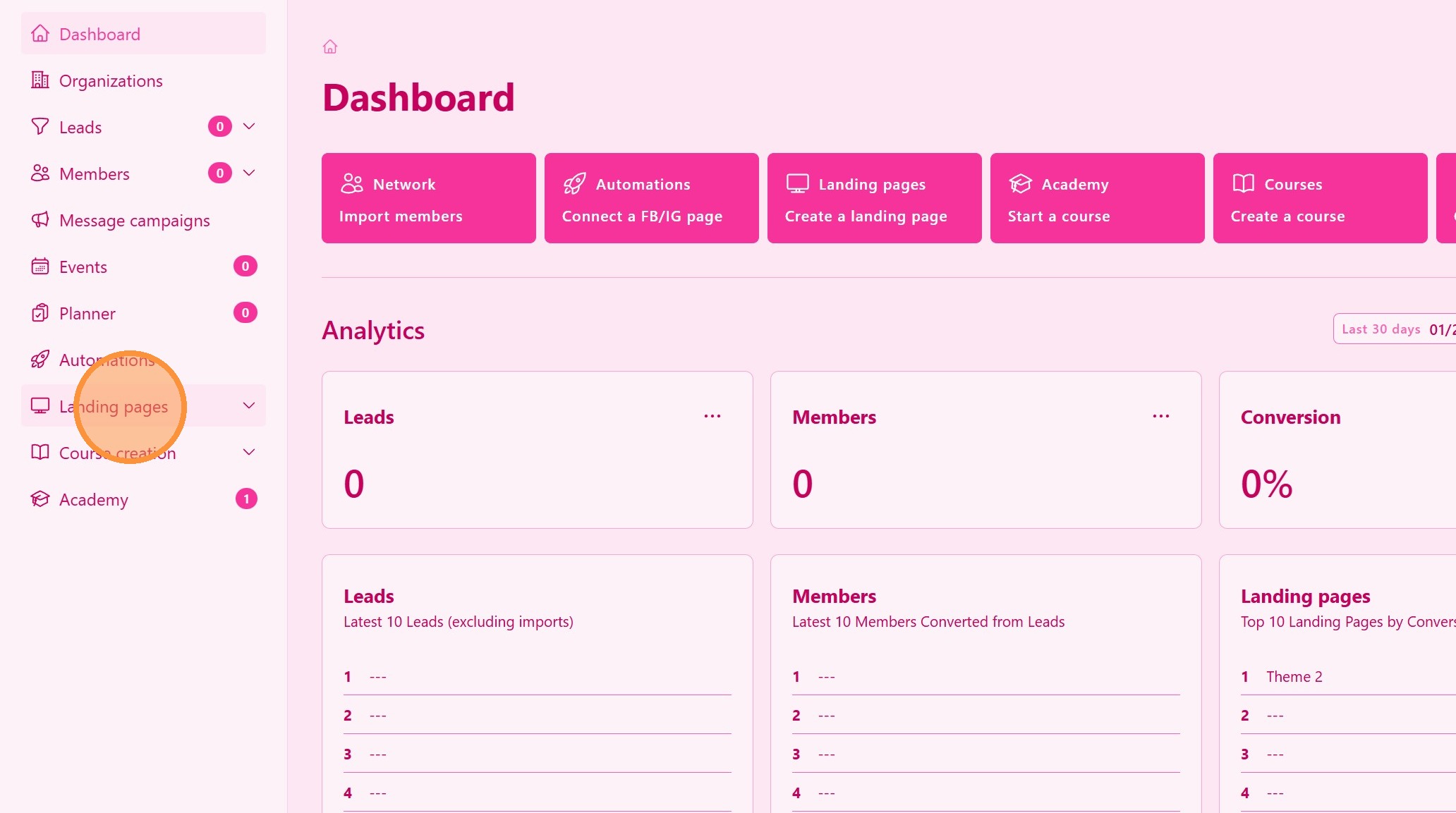
1. ### Go to the Landing Pages Section
From the main navigation menu, click on Landing Pages.
> This section displays all pages available to you.
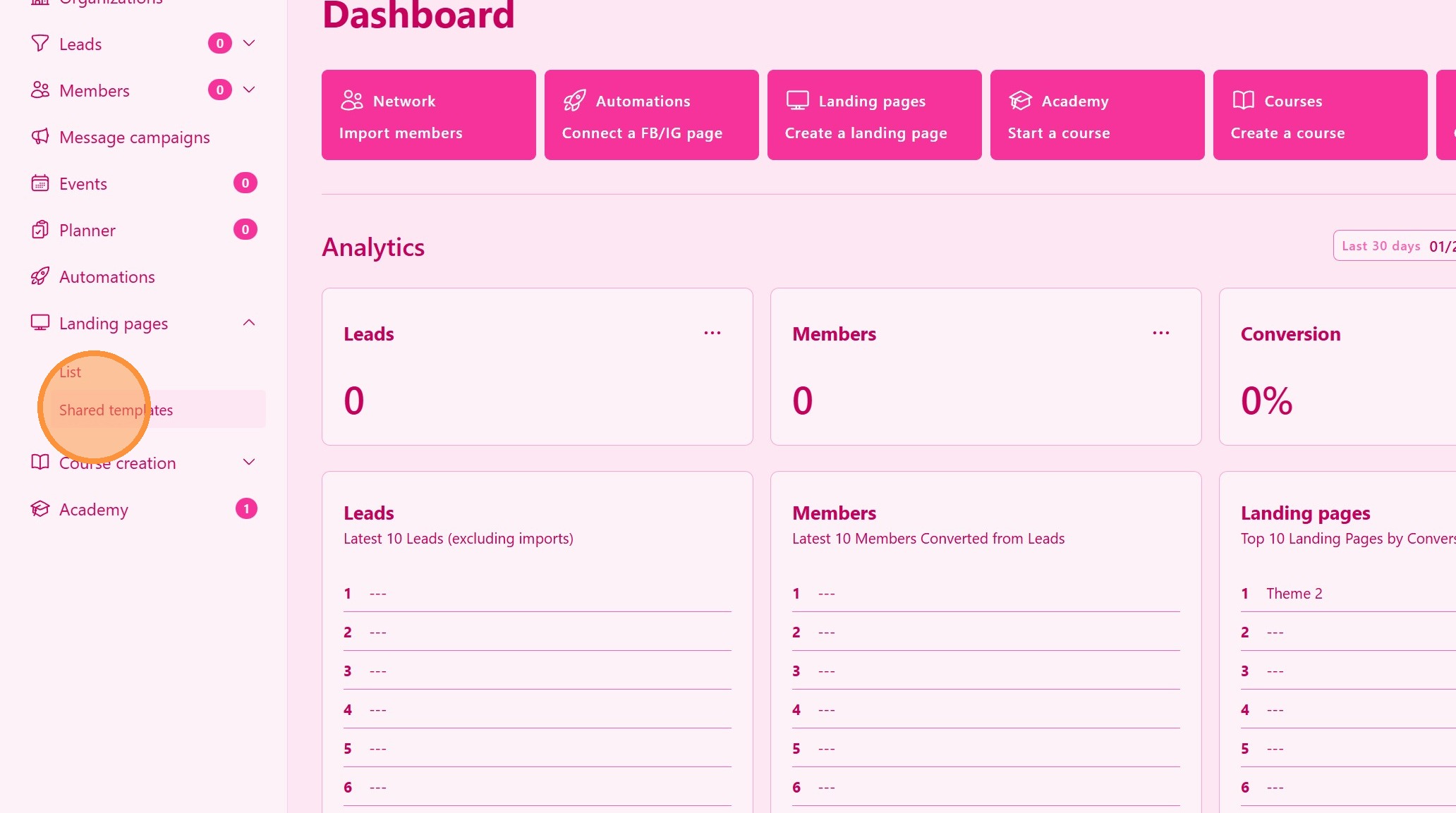
2. ### Locate Shared Pages from Your Upline
Look for the section labeled Shared Pages.
> These are landing pages created and shared by your upline for duplication within the team.
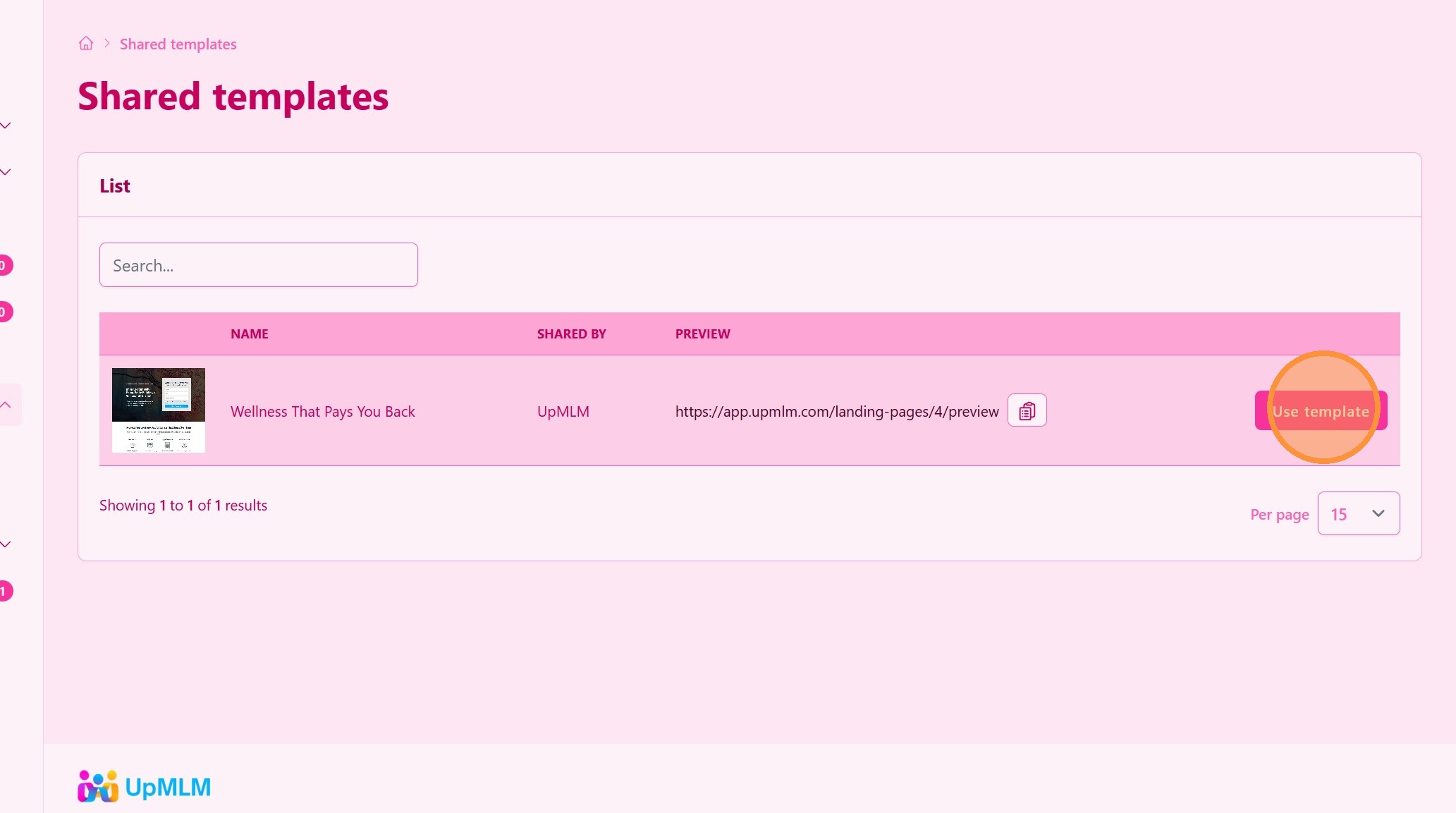
3. ### Duplicate the Landing Page
Select the option Use Template to make the page yours.
> This creates your own version of the landing page that you can personalize.
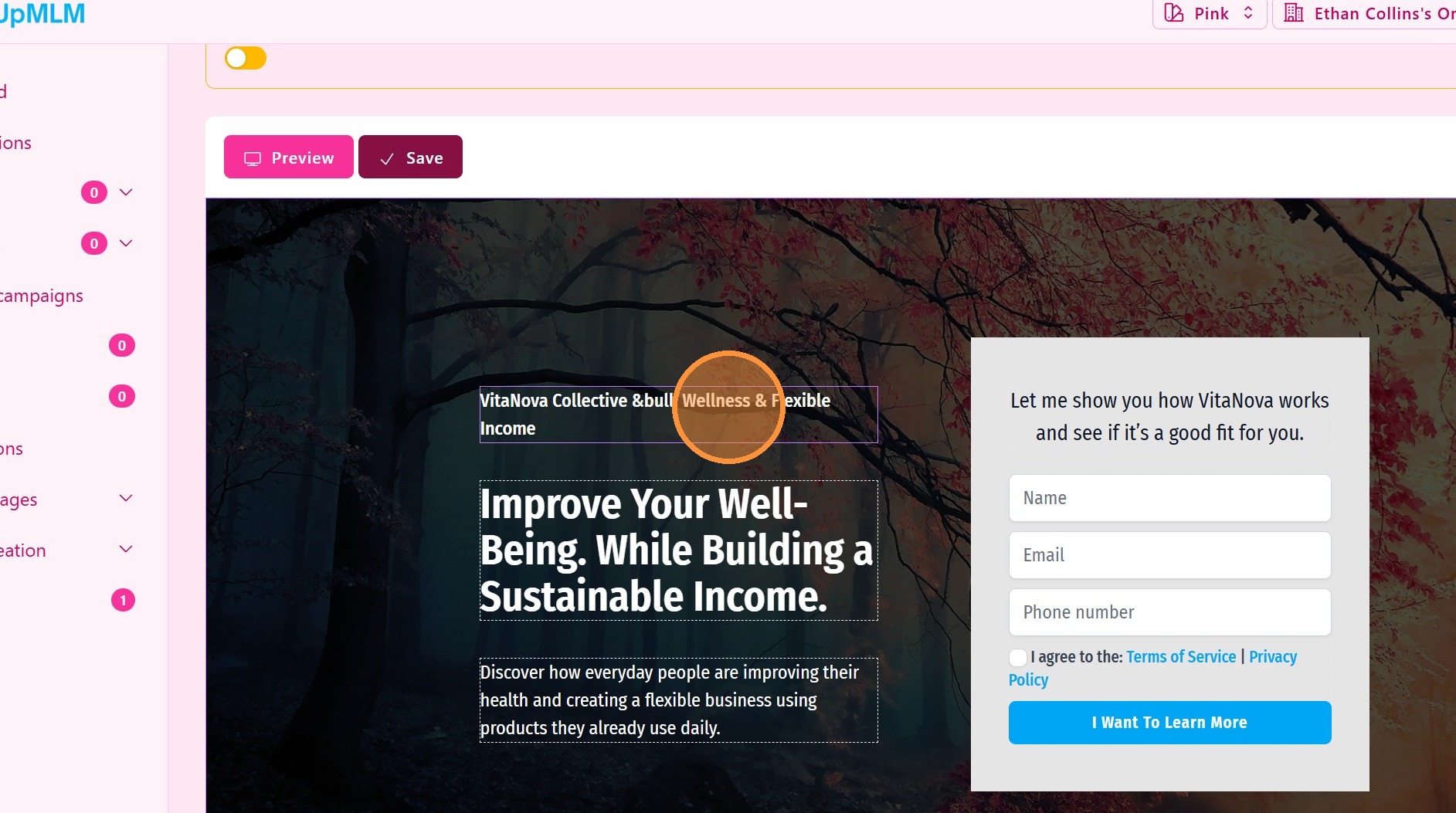
4. ### Customize and Publish
Edit the page with your details, such as:
-
Your contact information
-
Your referral links
-
Your personal message
Save and publish the page once ready.
> After publishing, you can start sharing the page to generate leads.
Tip: ## Practical Tips
-
Use proven pages first: Shared pages are often optimized for conversion.
-
Personalize strategically: Keep the structure but add your own identity.
-
Test before sharing: Always preview your page after editing.
-
Share consistently: Post your page across your online channels.
Tip: ## Conclusion
Finding and duplicating landing pages shared by your upline in UpMLM allows you to leverage proven marketing assets while maintaining your own branding. This feature supports structured, duplicable growth across your MLM organization.