How to edit and manage leads?
Introduction
In this tutorial, you will learn how to edit and manage a lead in UpMLM. By the end of this guide, you will be able to update lead details, review activity, and take actions that help move the lead forward in your process.
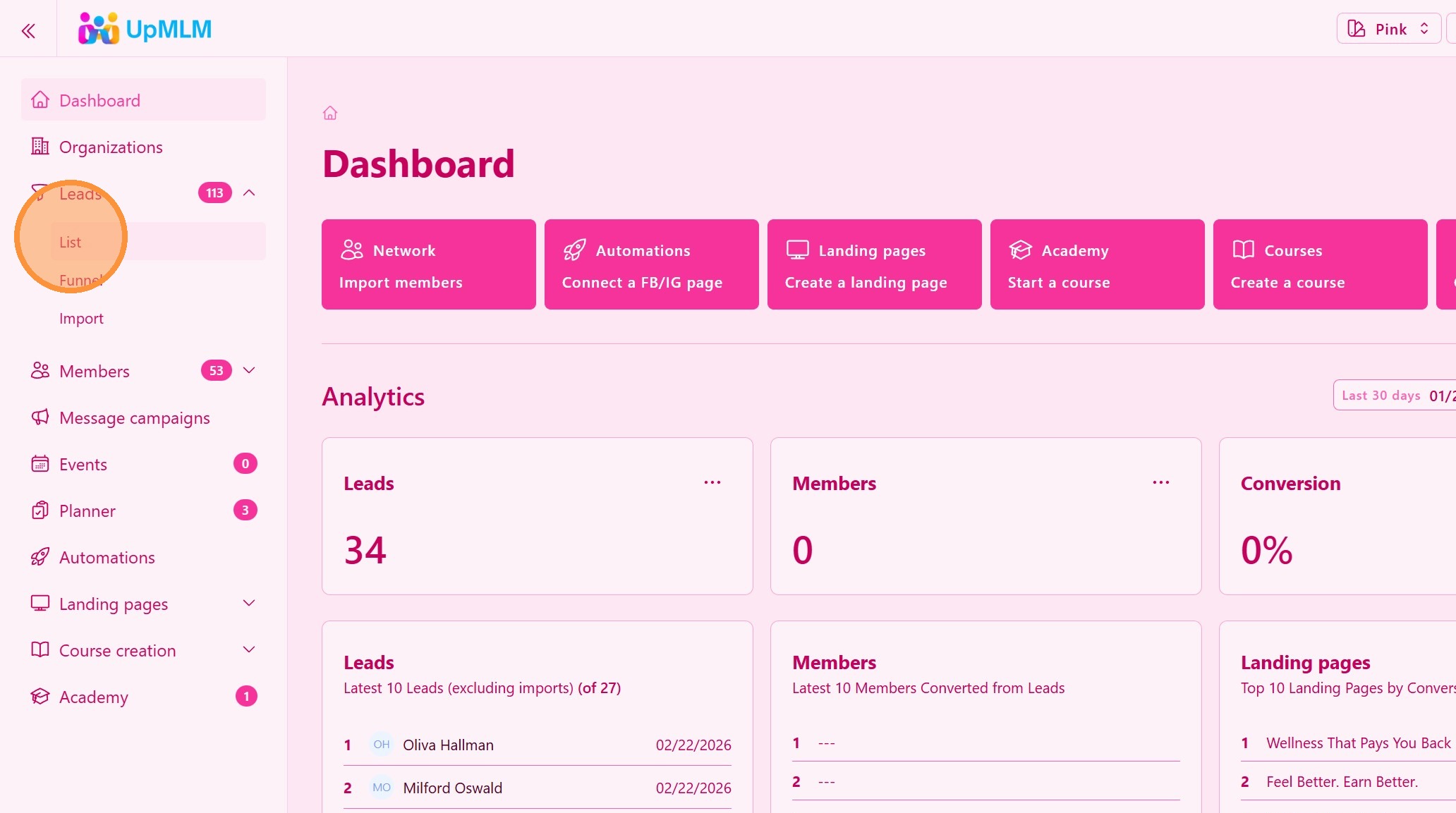
1. ### Open the Leads Section
From the main navigation menu, click on Leads.
> This section displays all leads stored in your system.
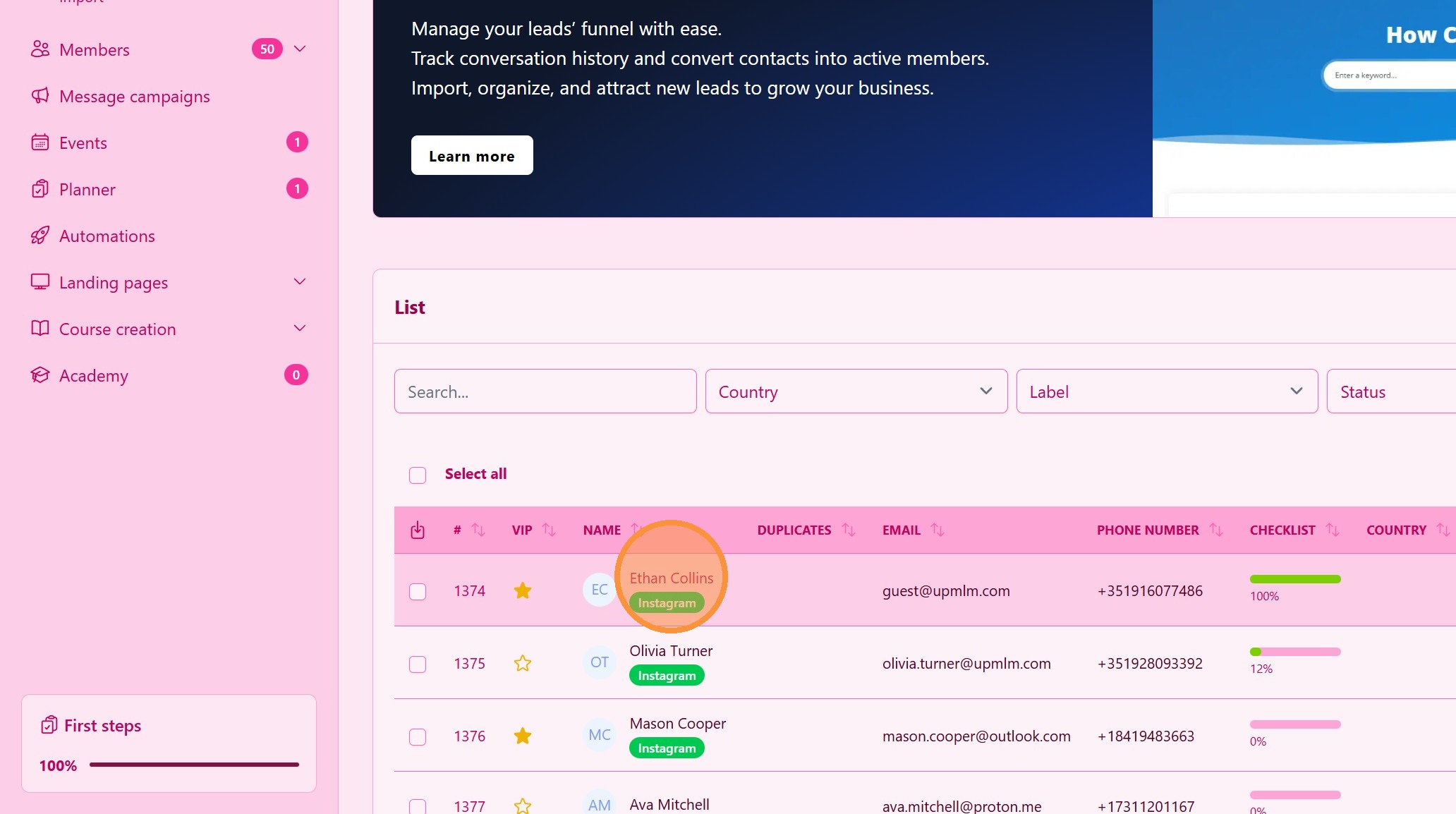
2. ### Select a Lead
Find the lead you want to manage and click on their name.
> This opens the lead’s detailed profile view.
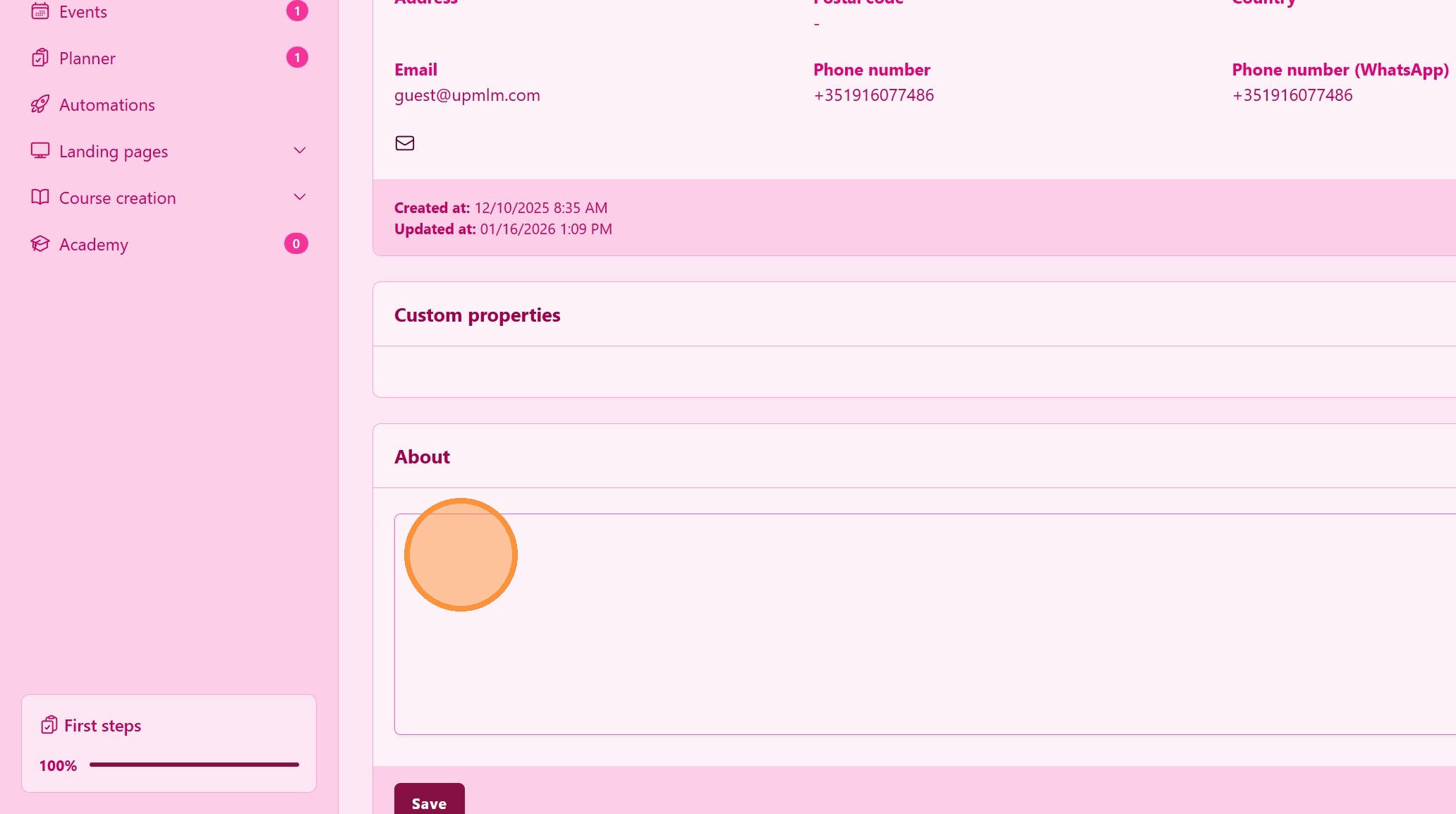
3. ### Take Action on the Lead
Use available actions such as:
-
Add notes
-
Add labels for segmentation
> These actions help you stay consistent and organized in your follow-up.
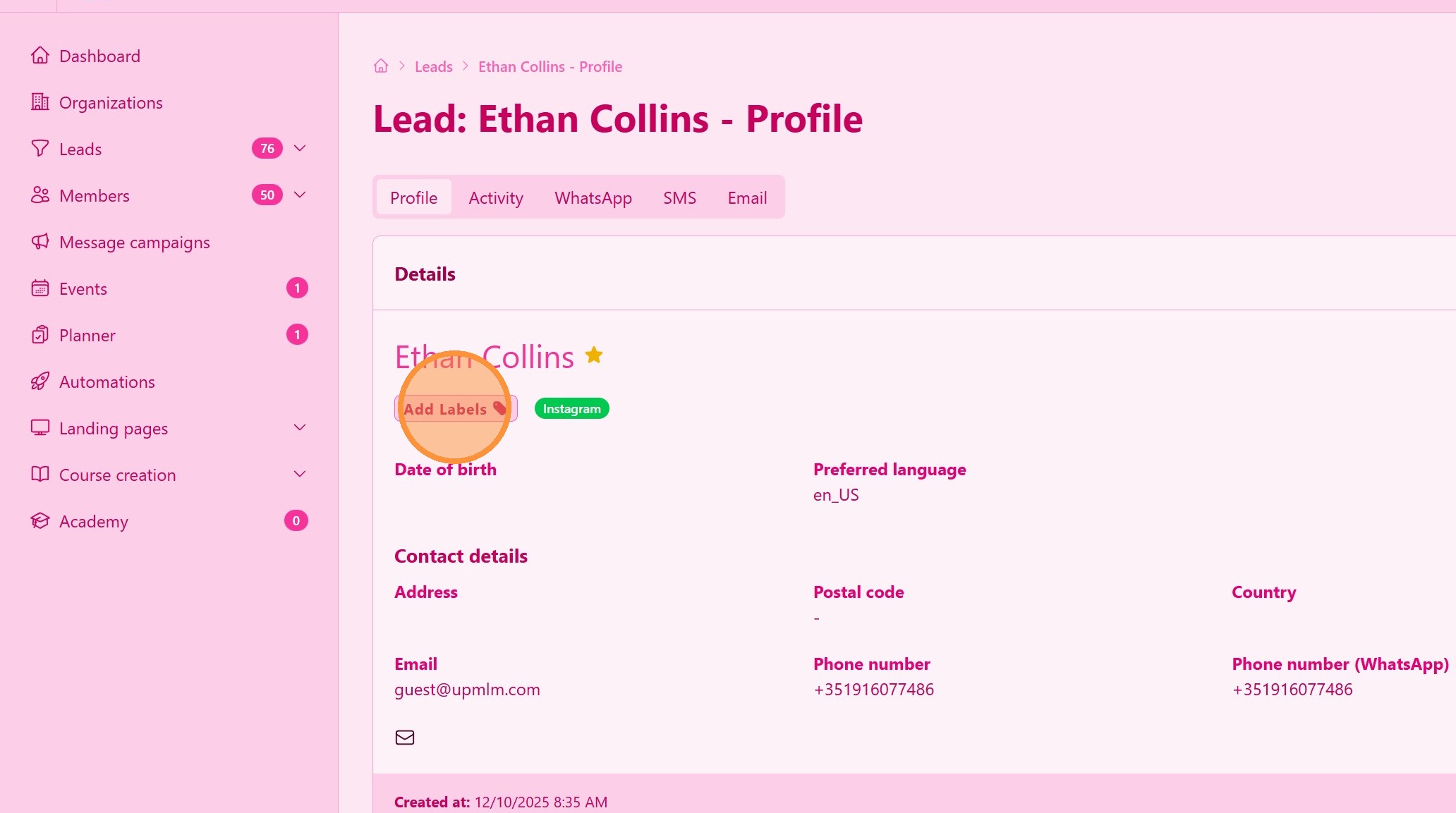
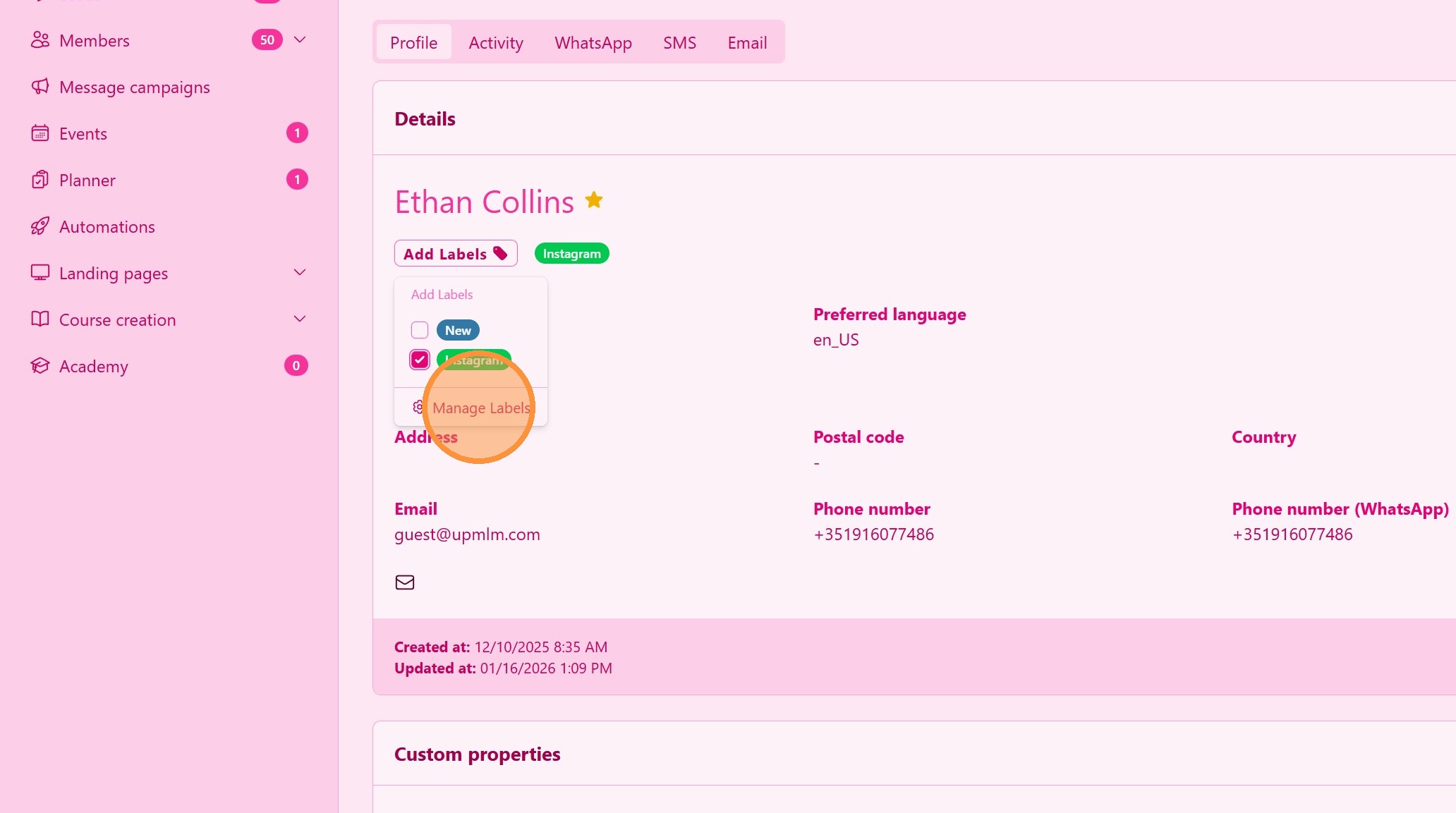
4. Labels
Click “Add Labels” to open the labels menu
5. Personalize Labels
Create labels that are useful to segment your leads
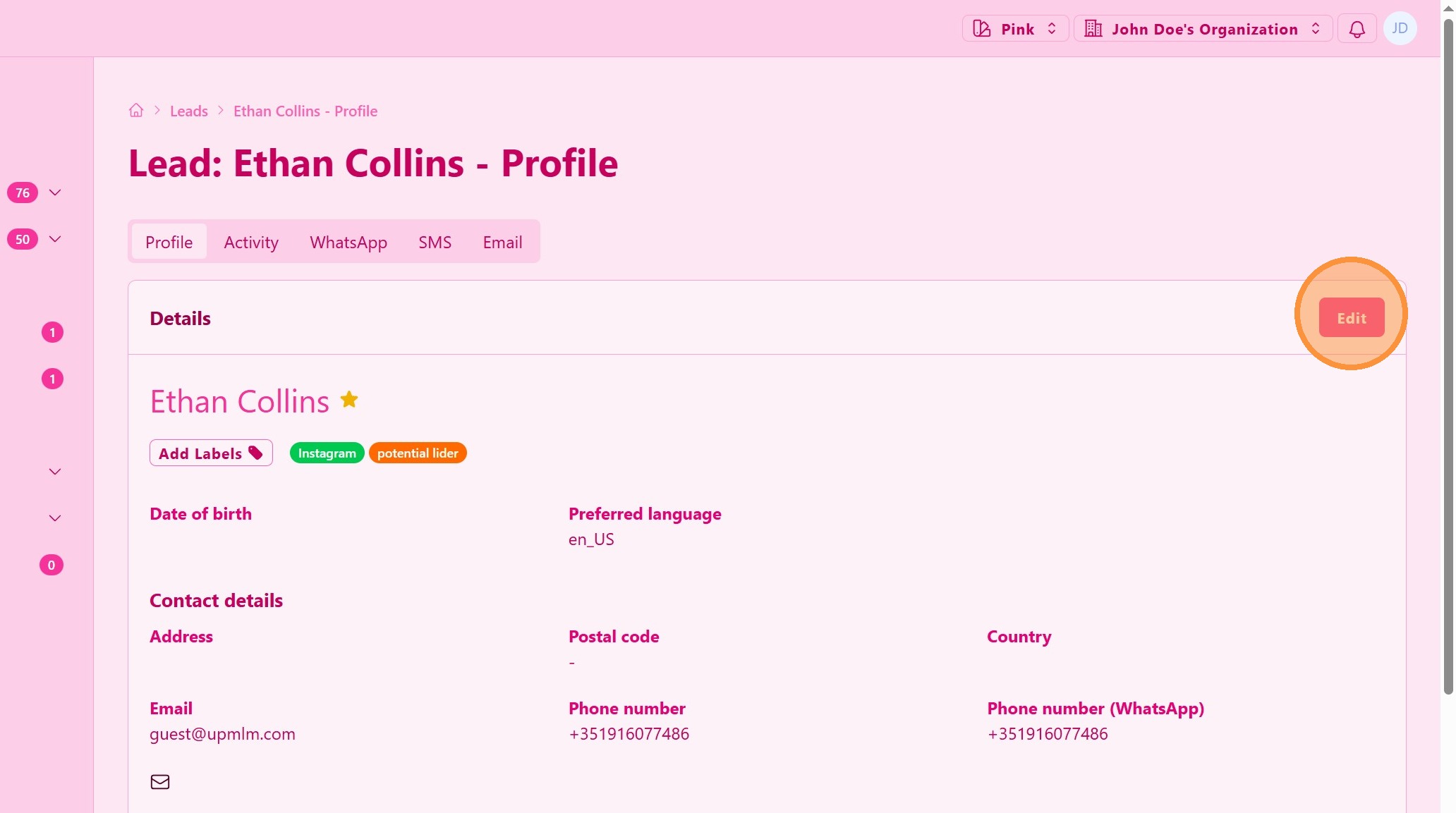
6. Edit Personal Info
Click Edit to open the lead progile editor
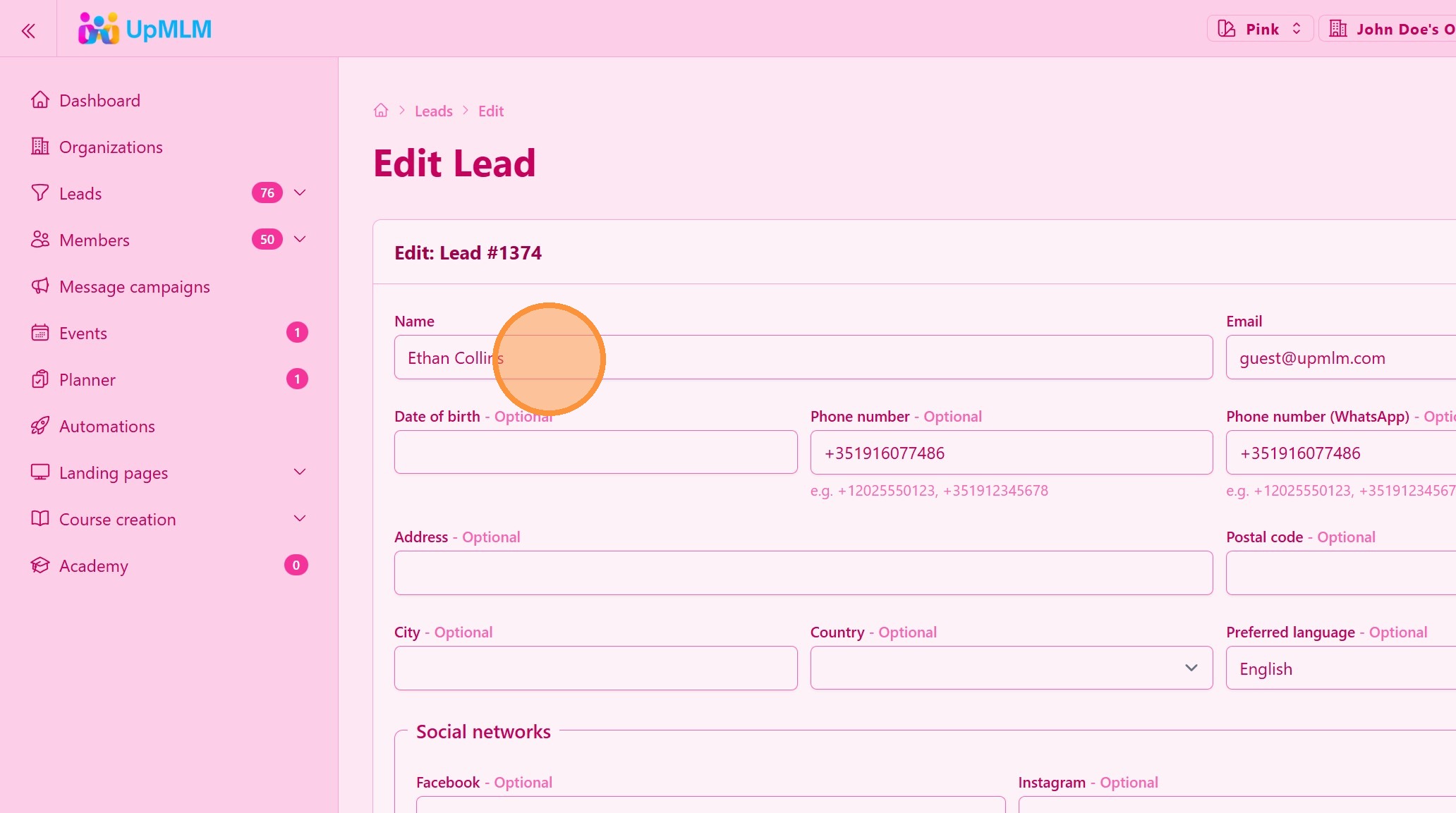
7. ### Edit Lead Information
Click Edit or select the editable fields to update information such as:
-
Name
-
Contact details
-
Status
-
Notes
> Keeping lead information updated improves follow-up accuracy.
Tip: ## Practical Tips
-
Update status regularly: This helps prioritize leads and plan next actions.
-
Use notes consistently: Notes provide context for future interactions.
-
Review activity before contacting: Personalized follow-up increases engagement.
Tip: ## Conclusion
Editing and managing leads in UpMLM allows you to keep accurate records and maintain effective follow-up. Proper lead management improves organization, communication, and overall conversion potential.