Update Your Organization Profile in UpMLM
Tutorial
1. ### Open the Organization Menu
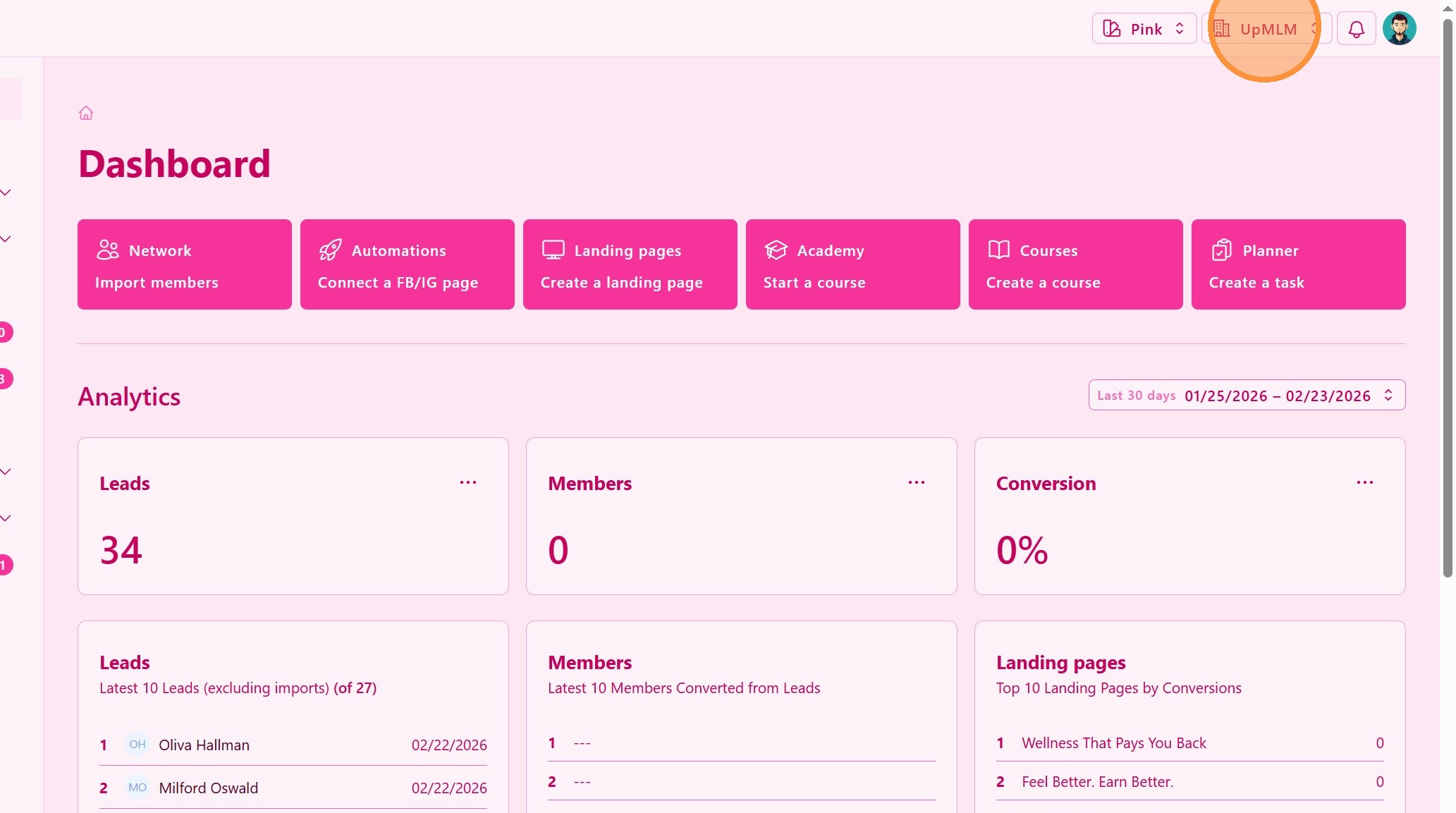
Click on your organization name or organization menu in the top navigation bar.
> This menu provides access to organization-level settings and configuration options.
2. ### Access Organization Profile Settings
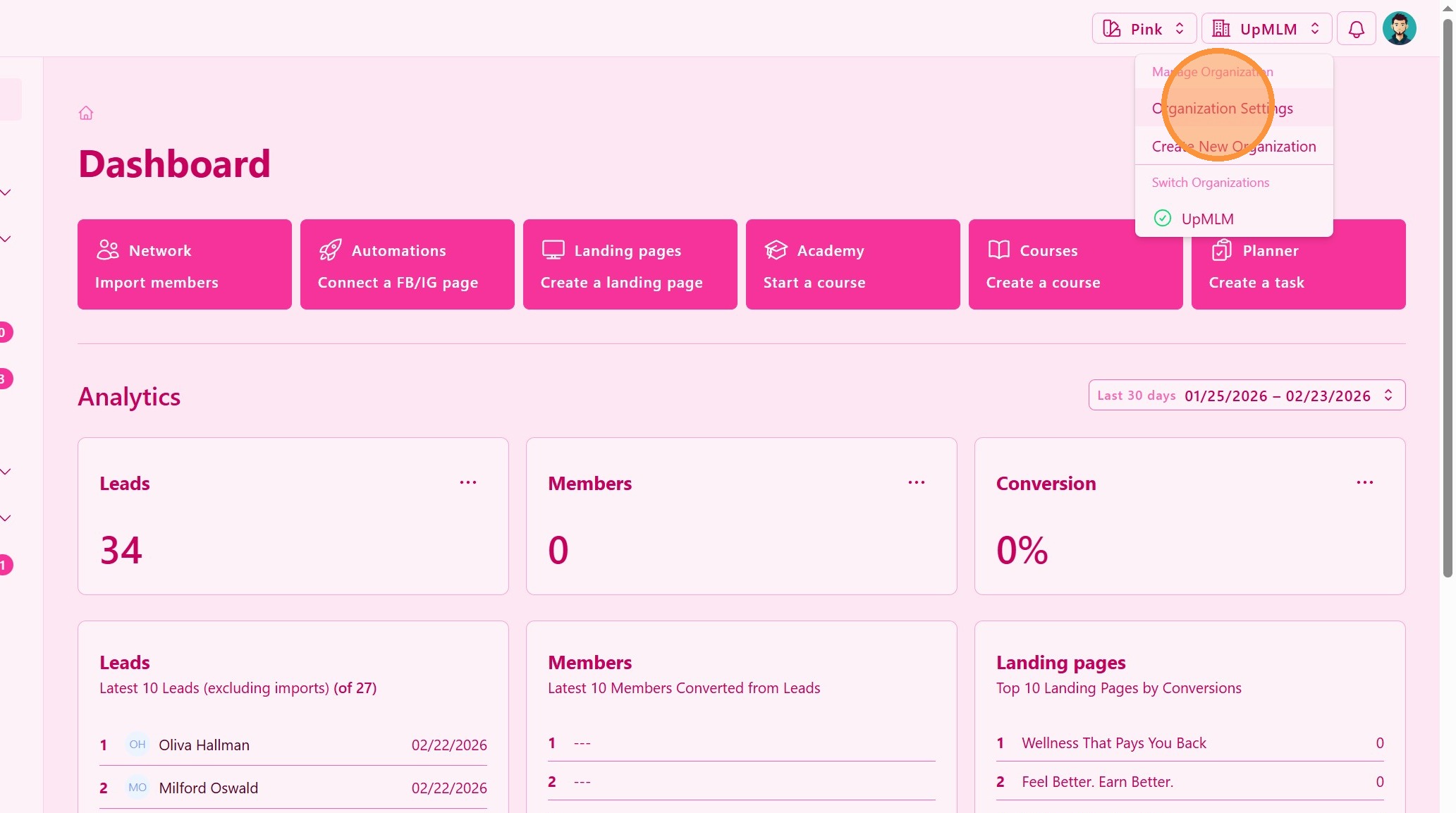
Select Organization Profile, Organization Settings, or a similar option from the menu.
> This section allows you to manage your organization’s core information.
3. ### Upload Organization Cover Image
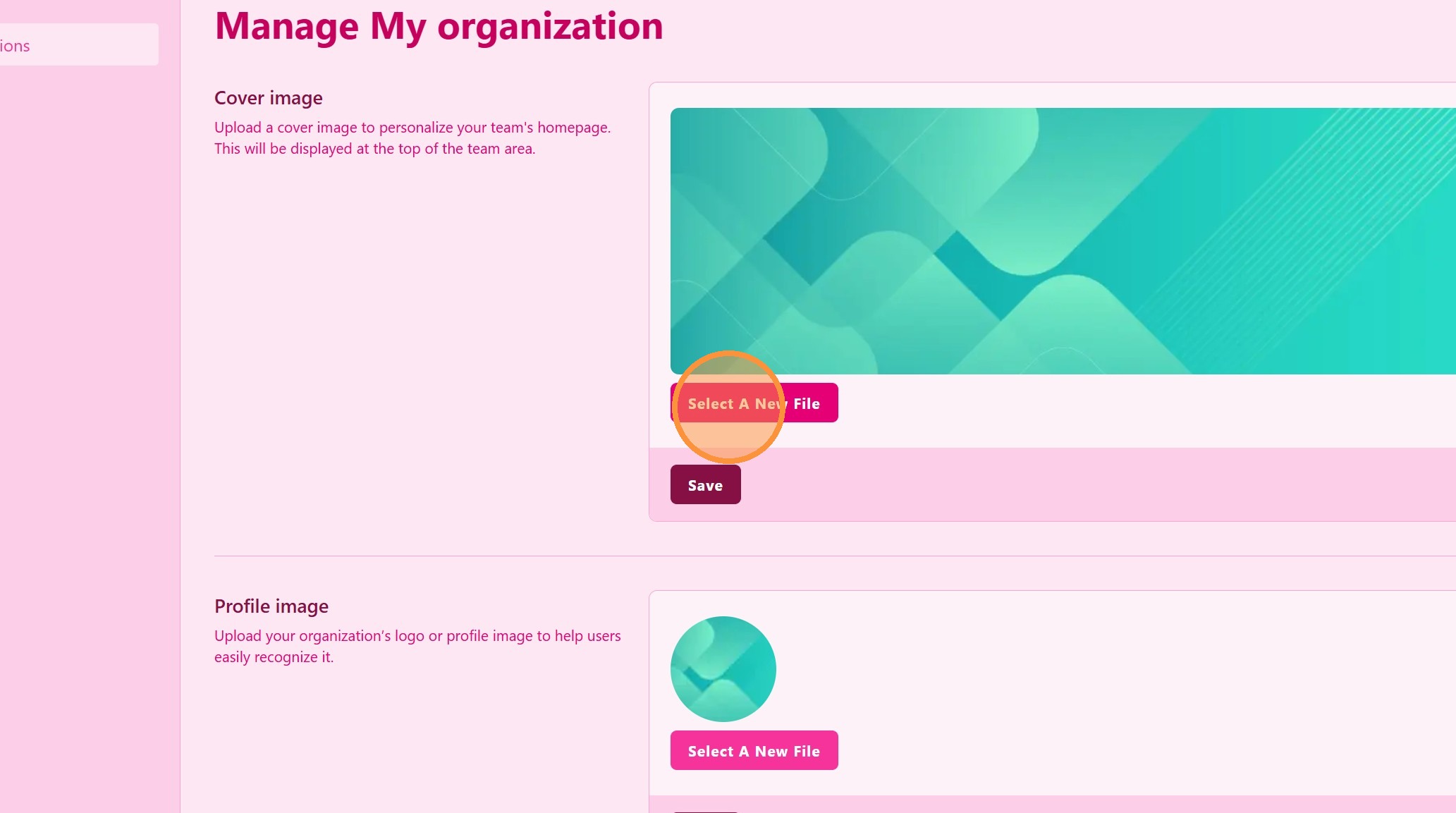
Upload a cover image to personalize your team’s homepage. This will be displayed at the top of the team area.
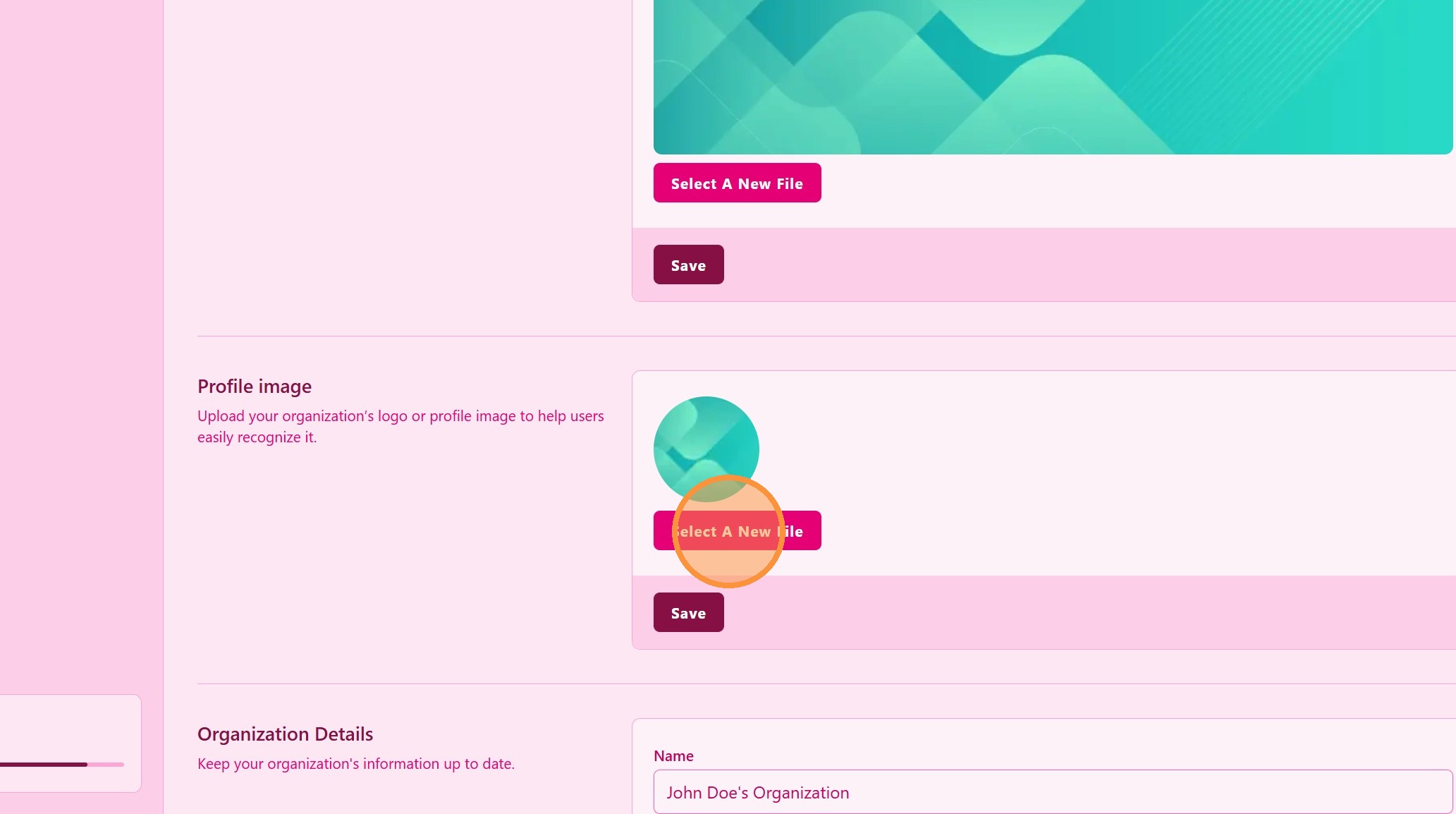
4. ### Upload Profile Image
Upload your organization’s logo or profile image to help users easily recognize it.
5. ### Edit Organization Information
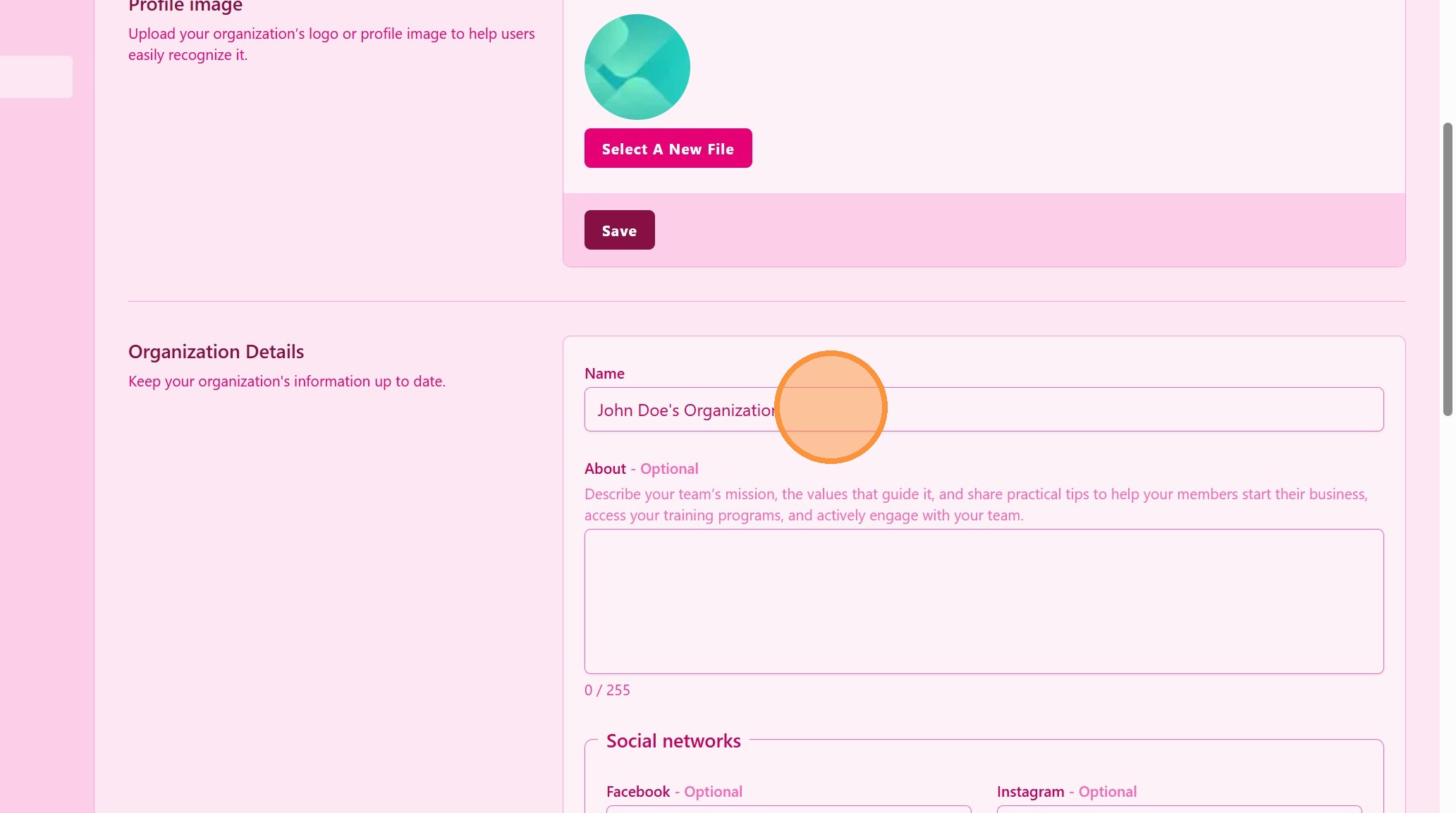
Update the relevant fields, such as:
-
Organization name
-
About
-
Social network channels
-
Other available organization details
> Ensure all information is correct, as it may be visible to team members or used in system communications.
6. ### Save the Changes
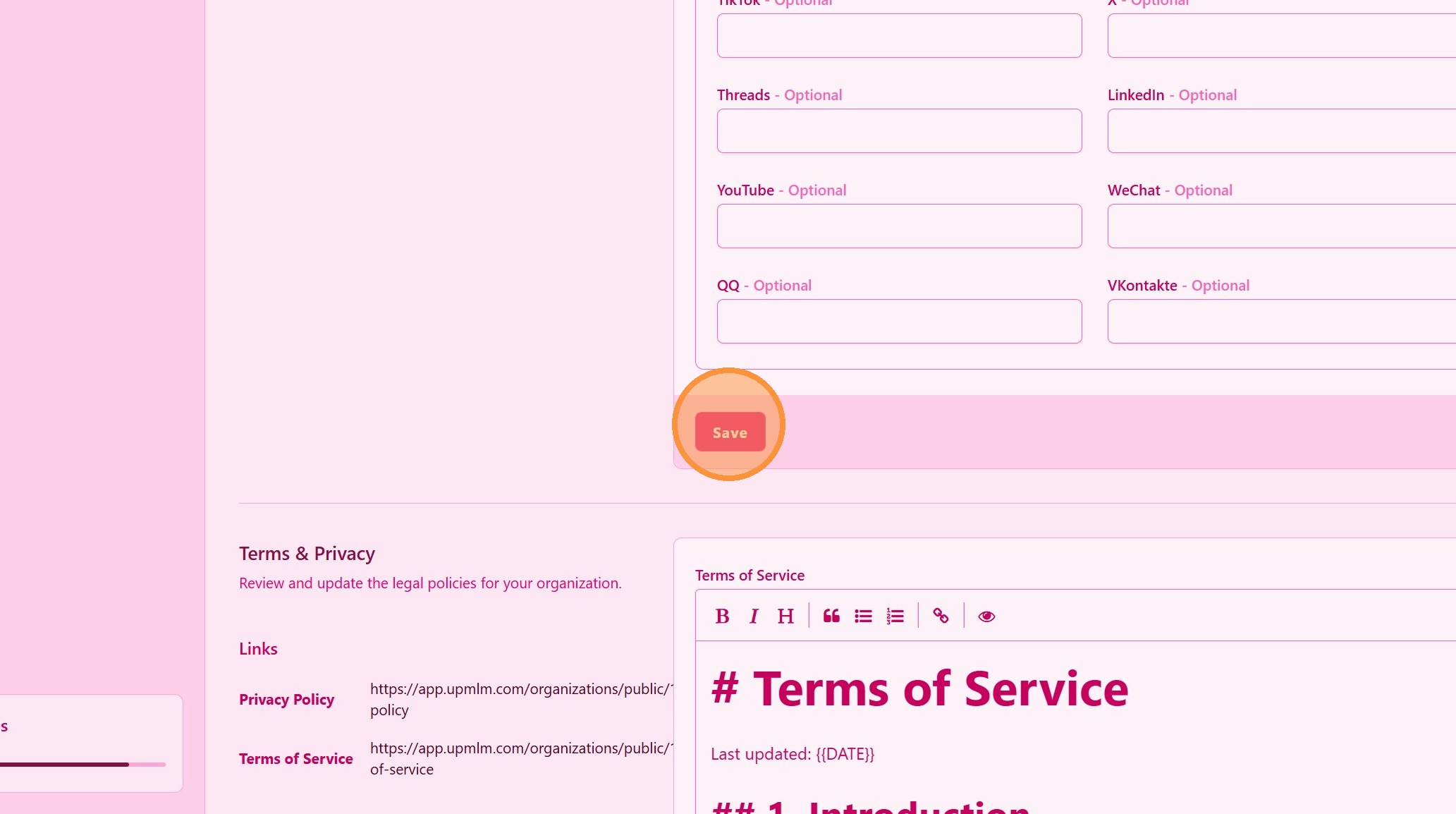
After completing the updates, click Save.
> Your changes will be applied immediately and reflected throughout the platform.