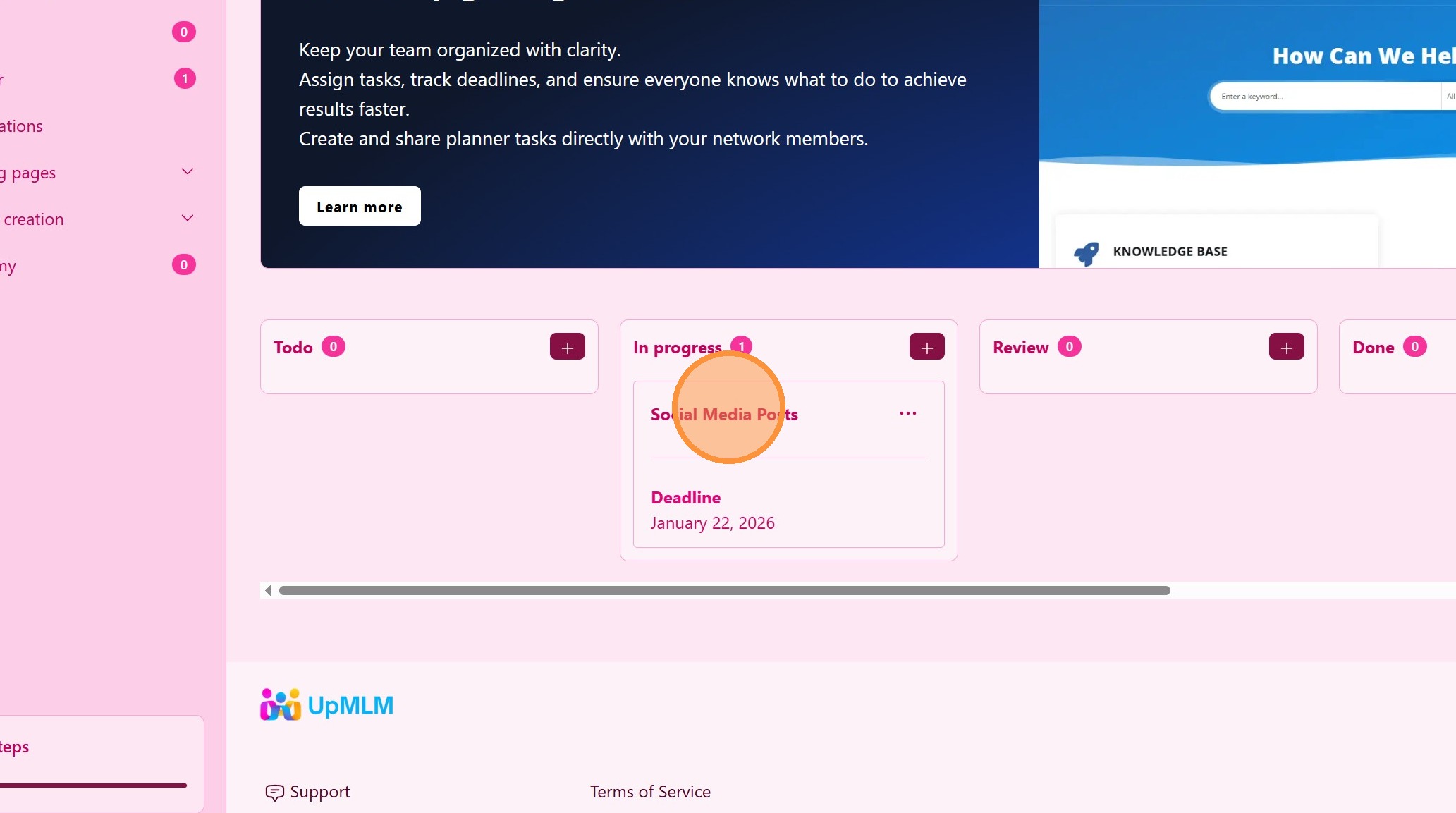
How to Edit my Planner
Introduction
In this tutorial, you will learn how to cancel adding a Facebook subtask to a social media post in UpMLM. By the end of this guide, you will be able to exit the subtask creation process safely without making any changes to your post.
1. ### Open the Planner Editor
From the main navigation menu, click on Planner.
> This section allows you to manage your most important business tasks
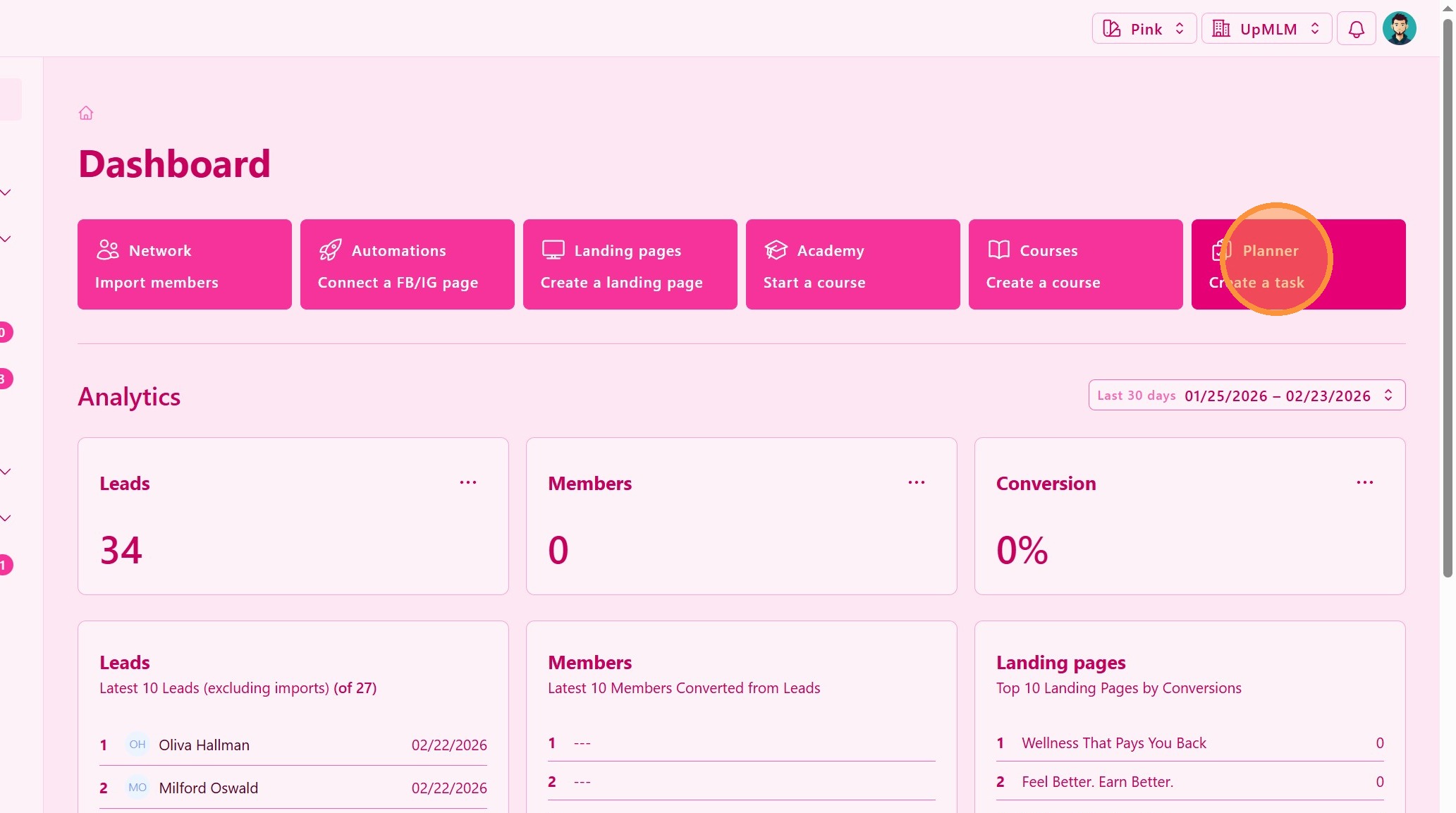
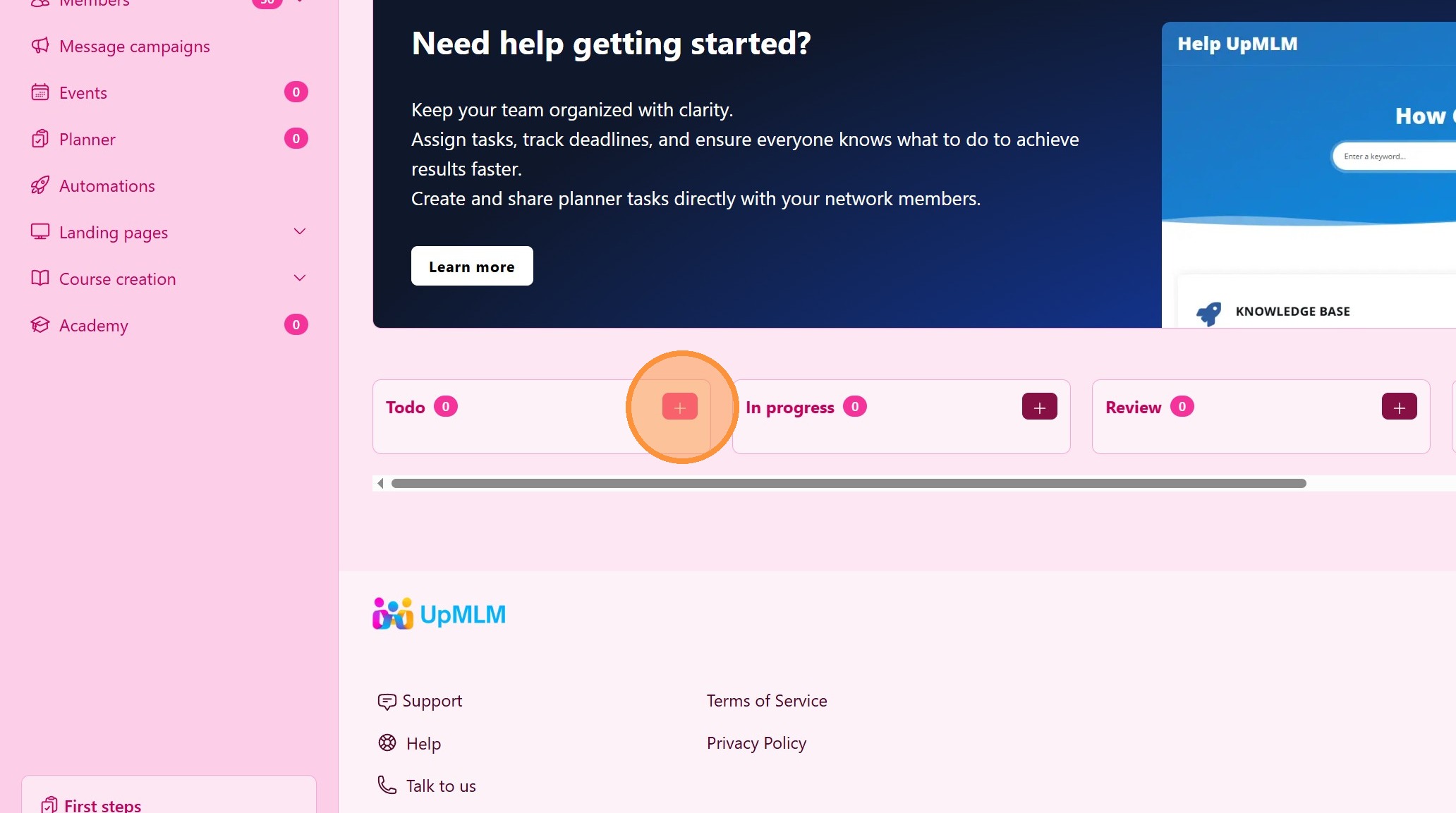
2. ### Create a Task
This opens the task editor
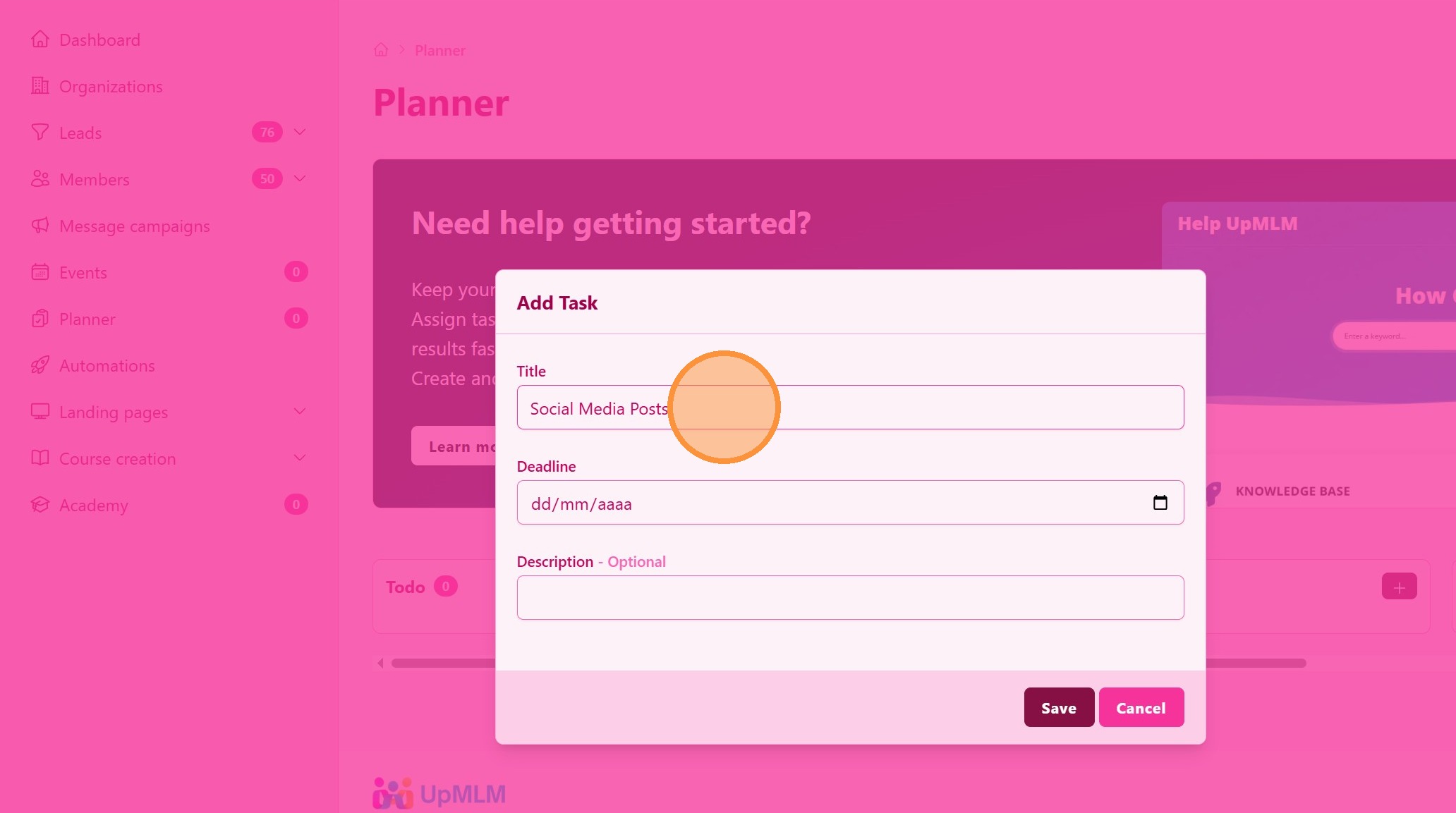
3. ### Task Editor
Edit the name and Deadline
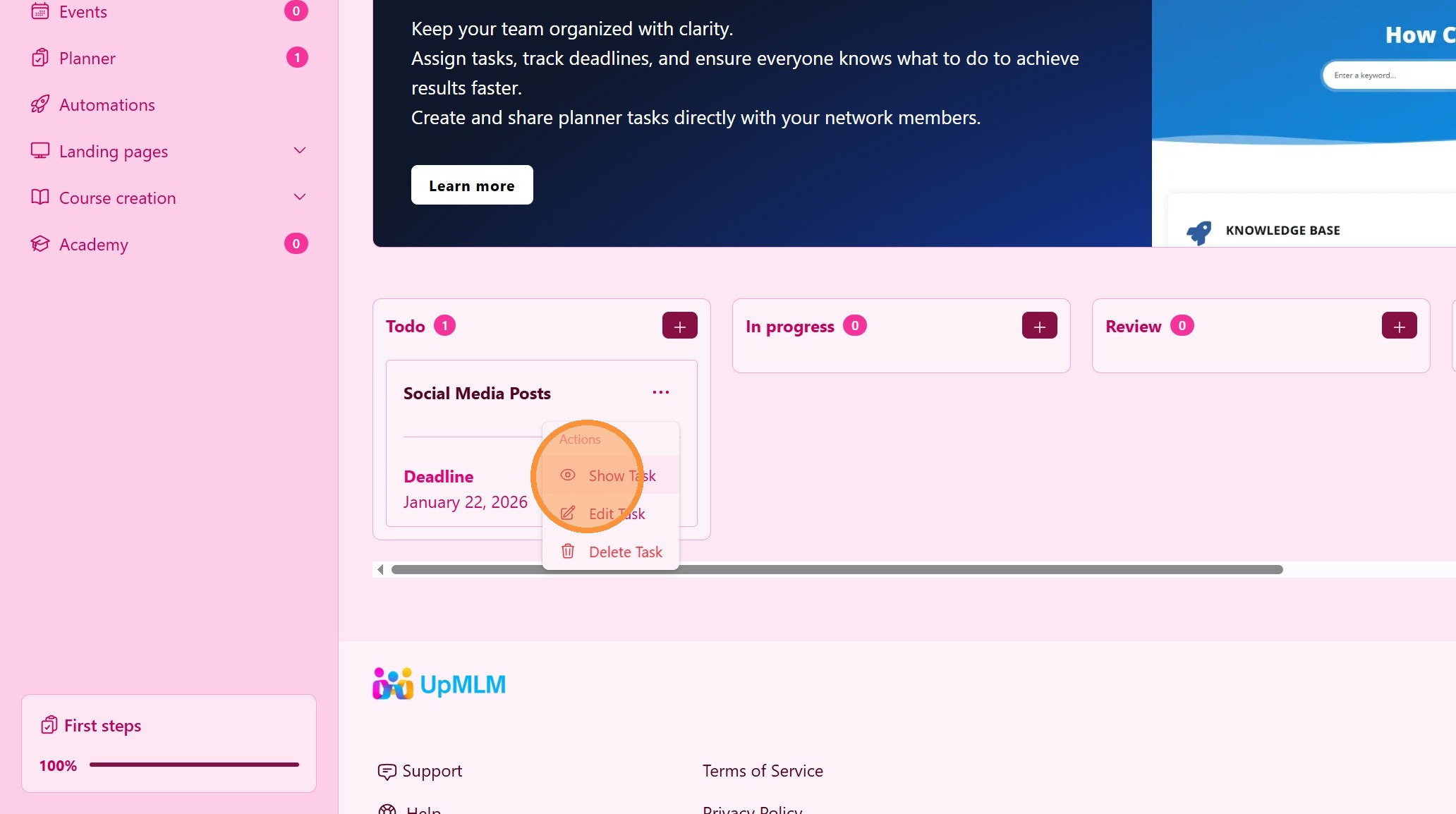
4. Click “Show Task”
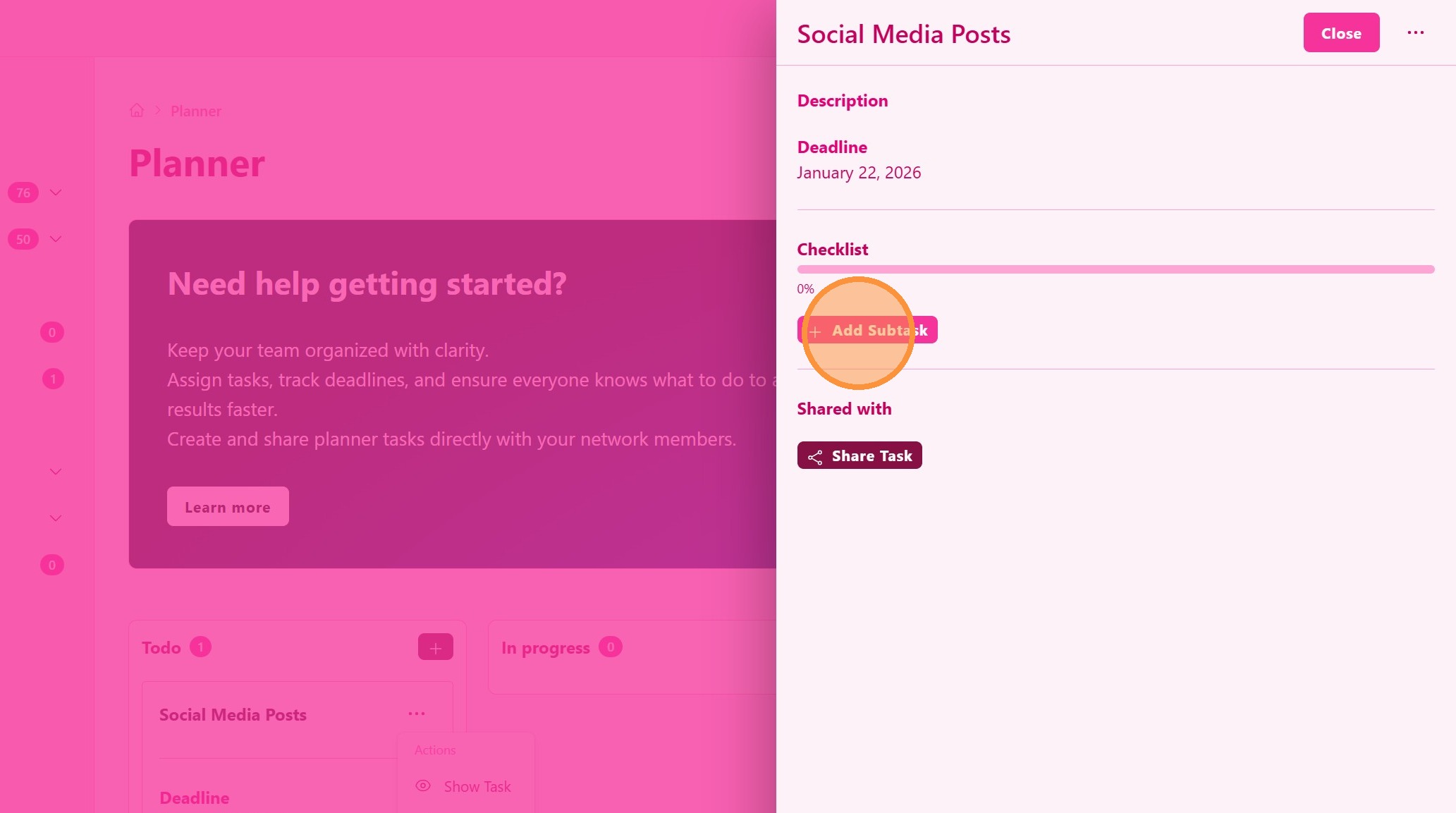
5. ### Subtasks
Create subtasks that organize even further your activities and keept track of your progress.
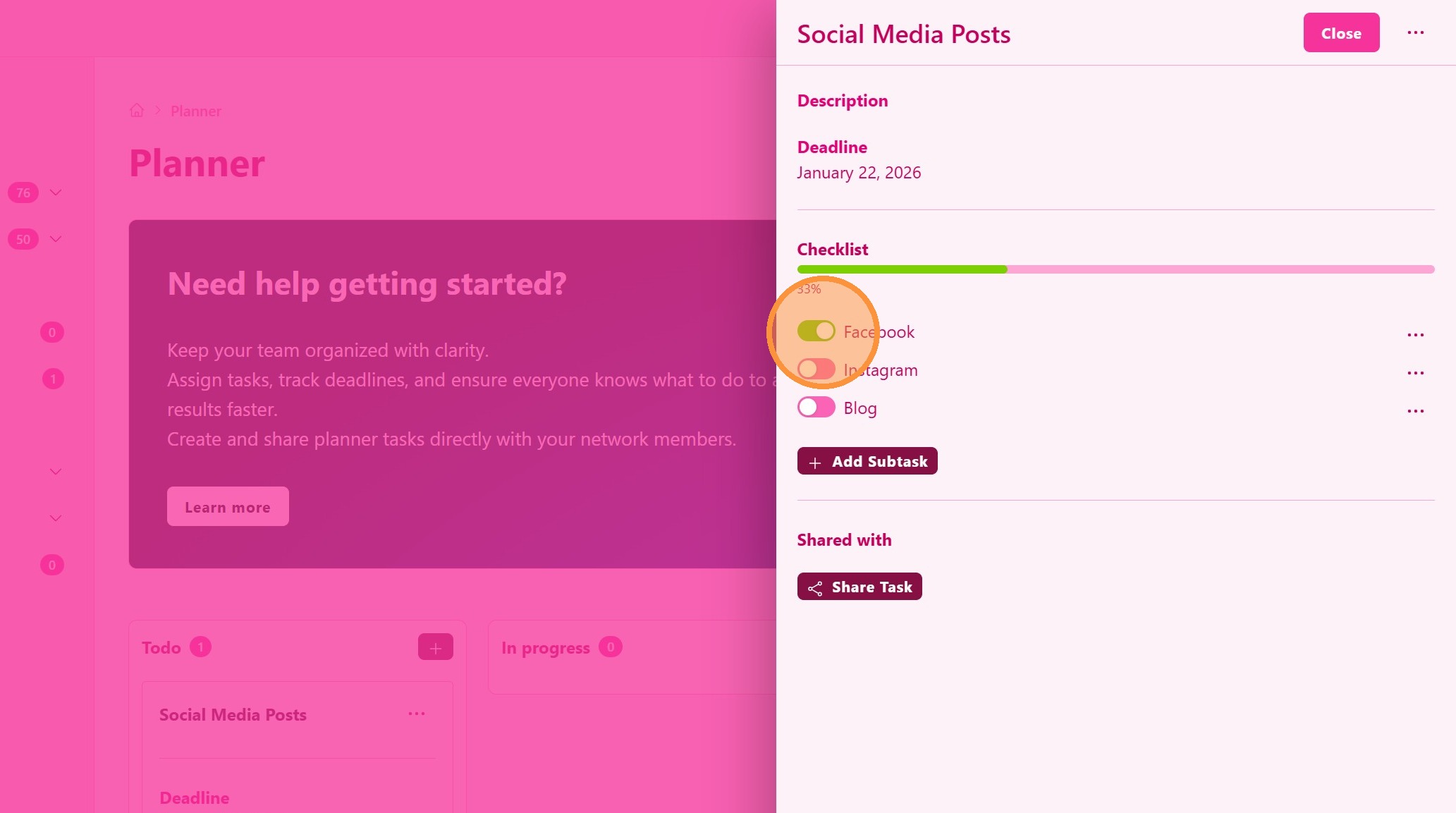
6. Keep track of your progress
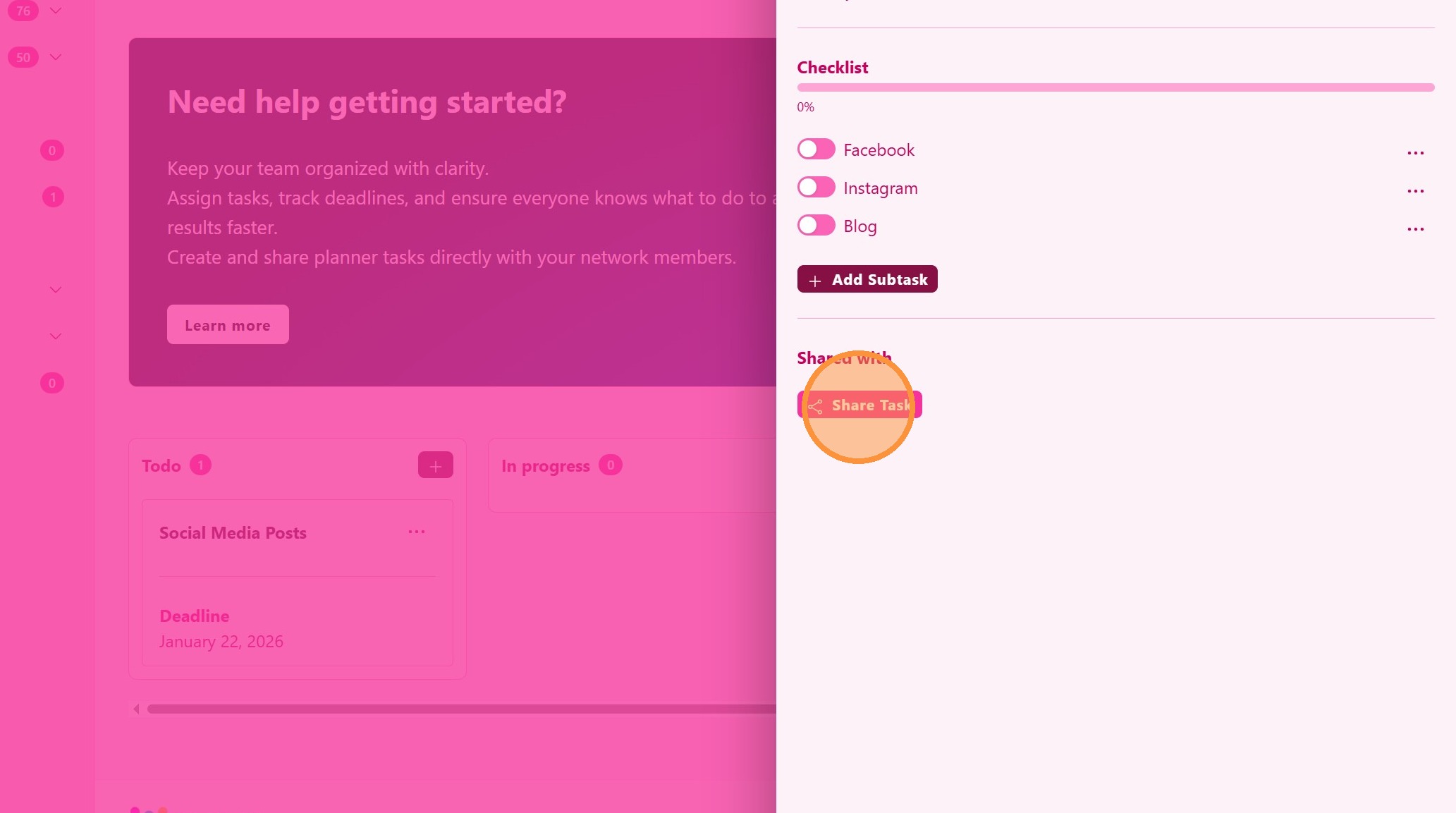
7. ### Share Tasks
Create planner tasks for your team members so everyone is aligned with the most important business priorities.
Shared tasks will be shown on your member’s planner
8. ### Task Managment
Drag and drop your task through the task progress steps