Create a Lead Funnel in UpMLM
## Introduction
In this tutorial, you will learn how to create a funnel for leads in UpMLM. By the end of this guide, you will be able to define funnel stages, guide leads through each step, and improve follow-up and conversion consistency.
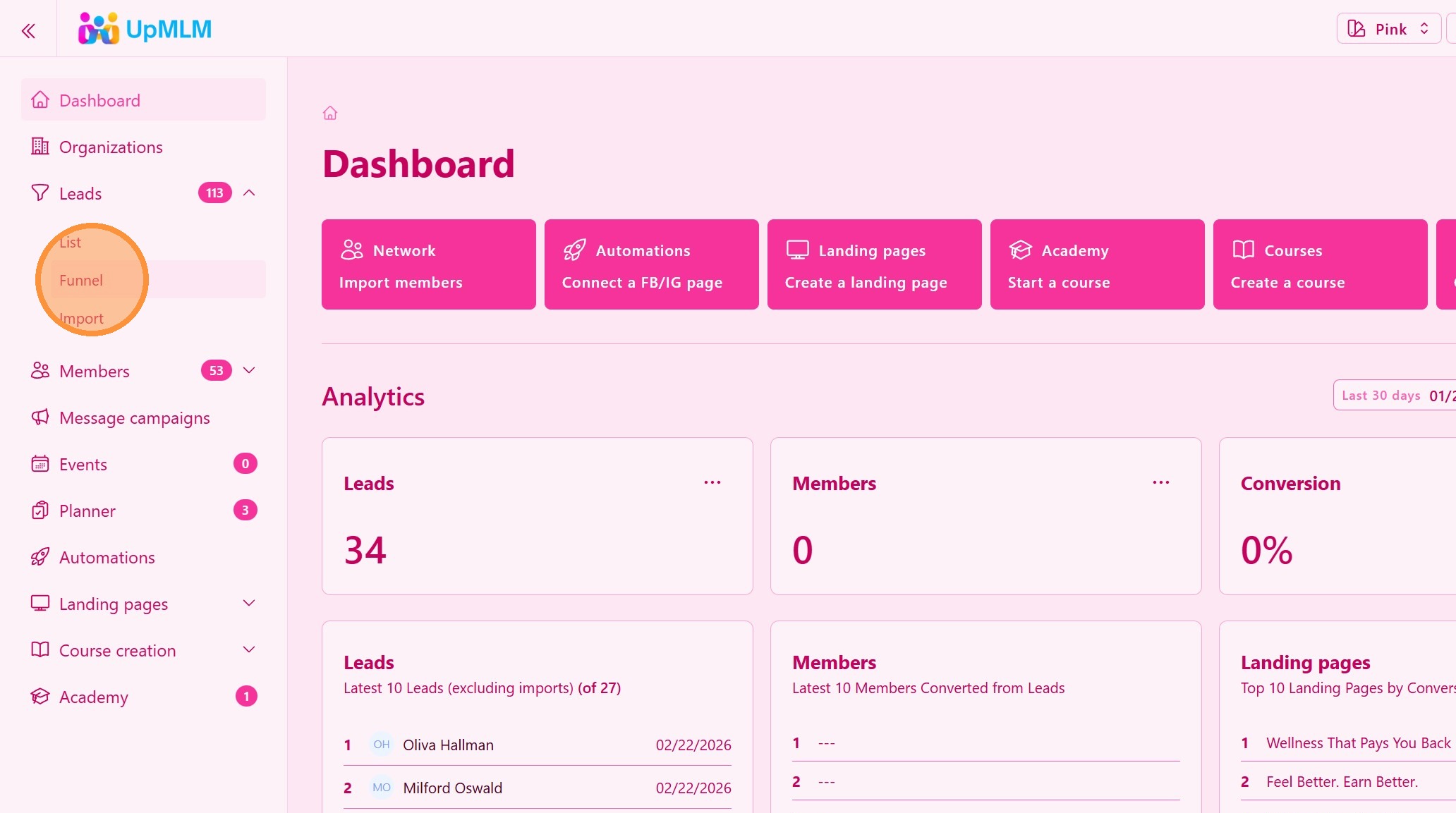
1. ### Open the Funnels
From the main navigation menu, click on Funnels.
> This section allows you to manage lead workflows and funnel structures.
2. ### Add Funnel Stages
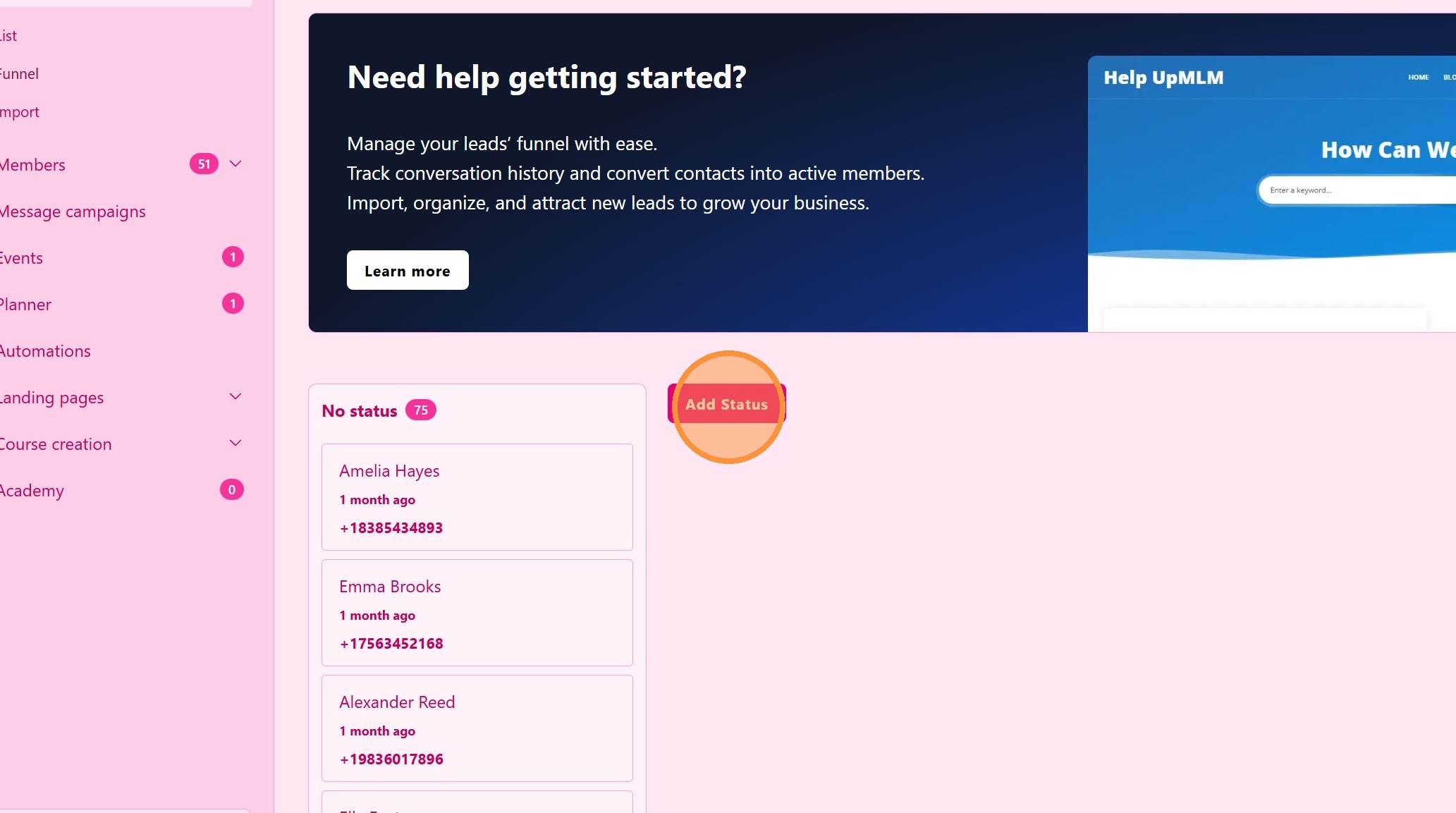
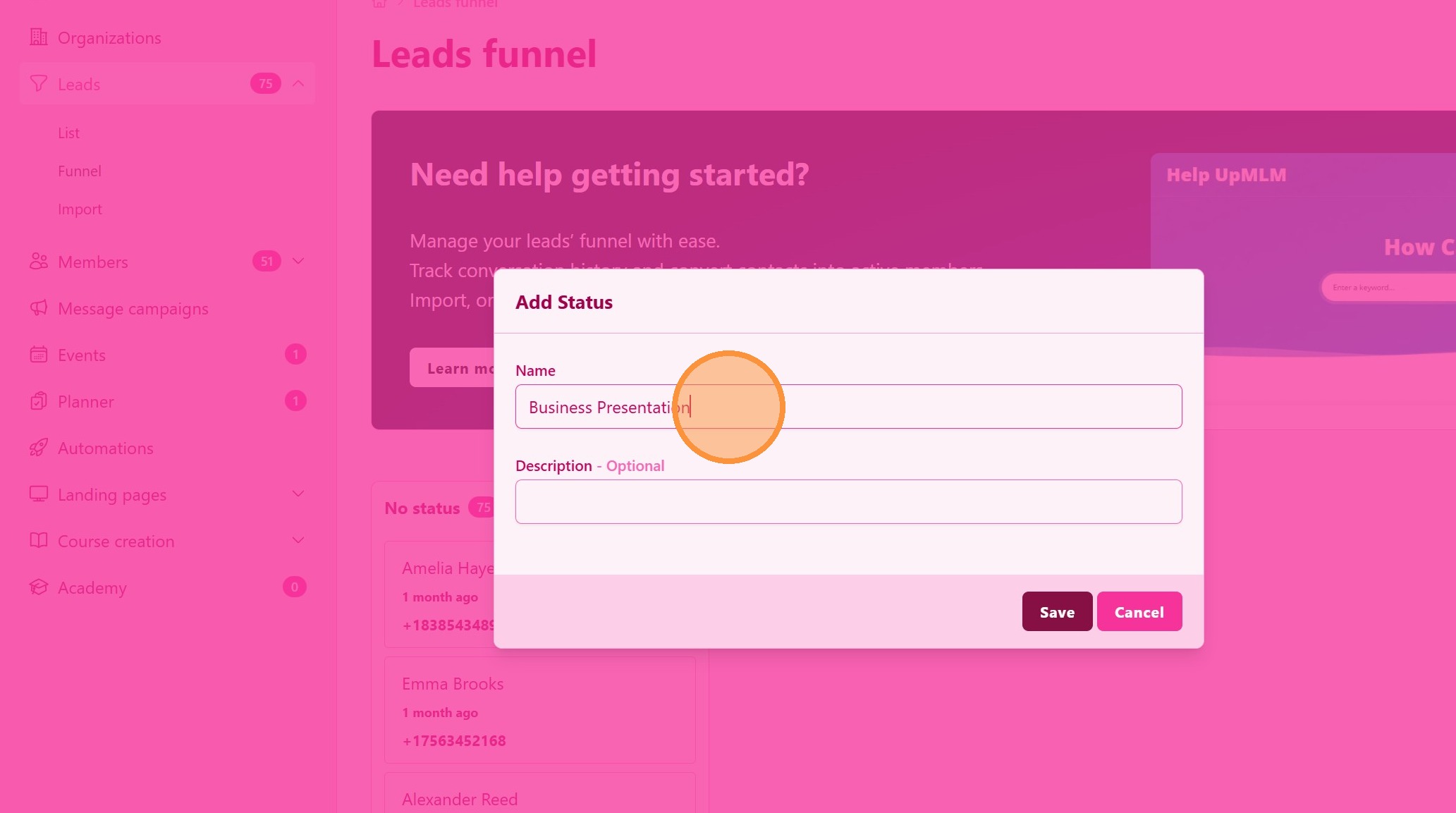
3. ### Define Funnel Stages
Add and name the stages of your funnel (for example: New Lead, Contacted, Presentation, Decision).
> Clear stages help track lead progress and next actions.
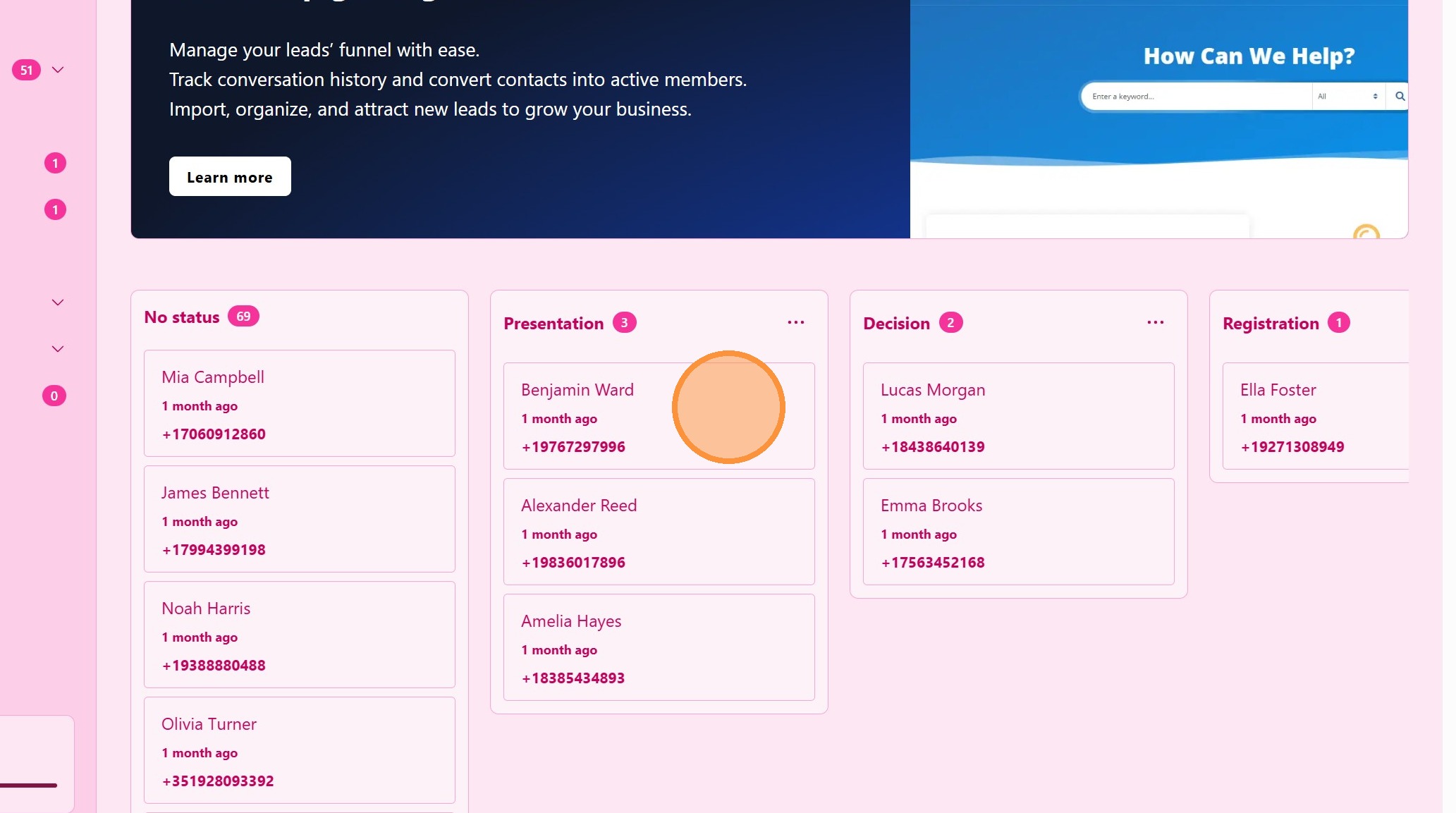
4. ### Moove Leads in the Funnel
Place the leads on the different funnel stages in order to focus your tasks and monitor your progress
Tip: ## Practical Tips
-
Keep funnels simple: Fewer stages improve clarity and duplication.
-
Use clear stage names: Everyone on the team should understand each step.
-
Review funnel performance: Regularly check how leads move through the funnel.
Tip: ## Conclusion
Creating a lead funnel in UpMLM helps standardize your recruitment or sales process and ensures consistent follow-up. Well-defined funnels improve organization, visibility, and conversion rates across your team.