Create and Publish a Course on UPMLM
## Introduction
In this tutorial, you will learn how to create and publish a course in UpMLM. By the end of this guide, you will be able to structure course content, configure course settings, and make the course available to your team.
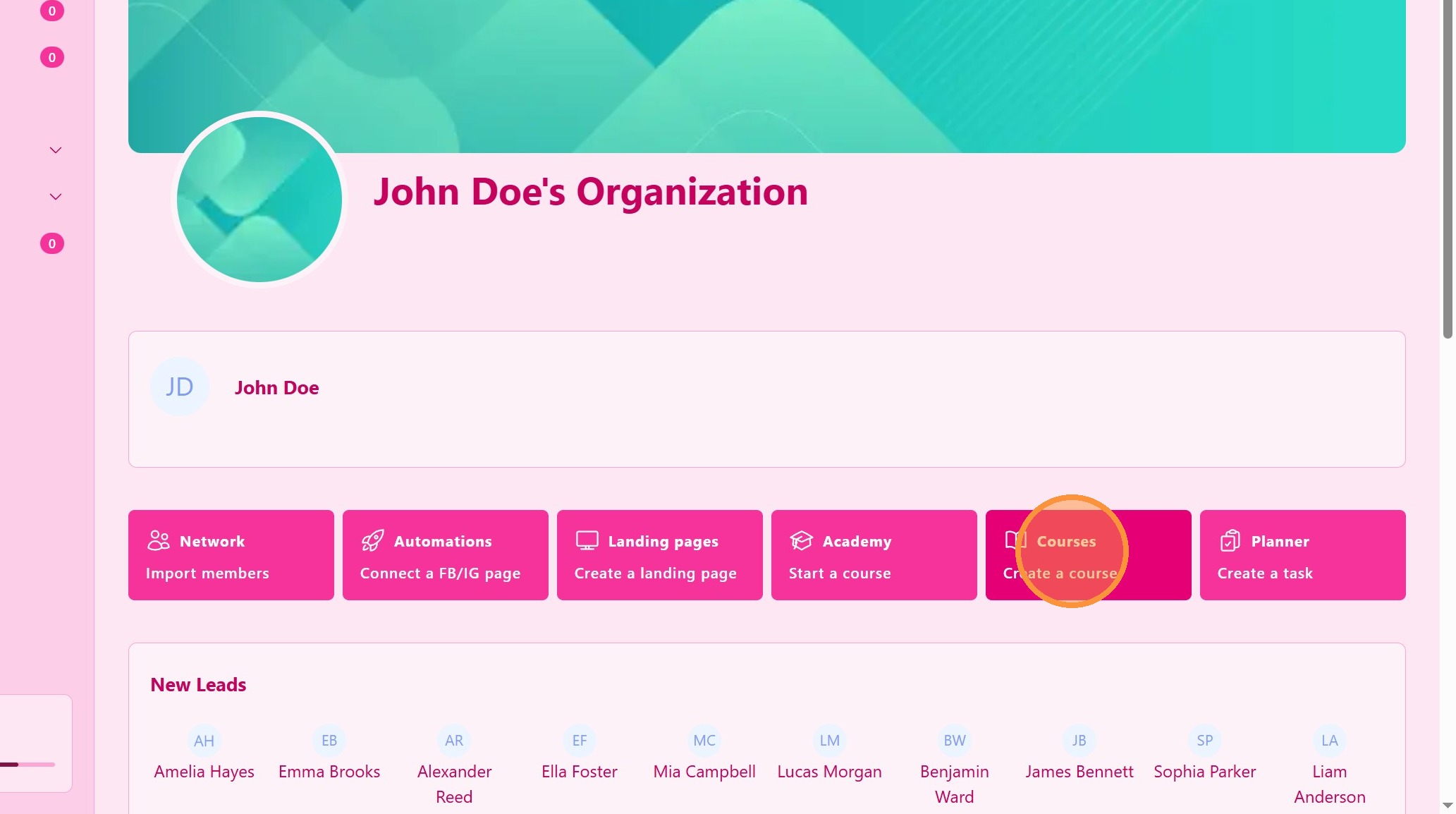
1. ### Open the Courses Section
From the main navigation menu, click on Courses.
> This section allows you to manage all training content and educational materials.
2. ### Enter Course Details
Fill in the required information, such as:
-
Course title
-
Course description
-
Other available settings
> Clear titles and descriptions help users understand the purpose of the course.
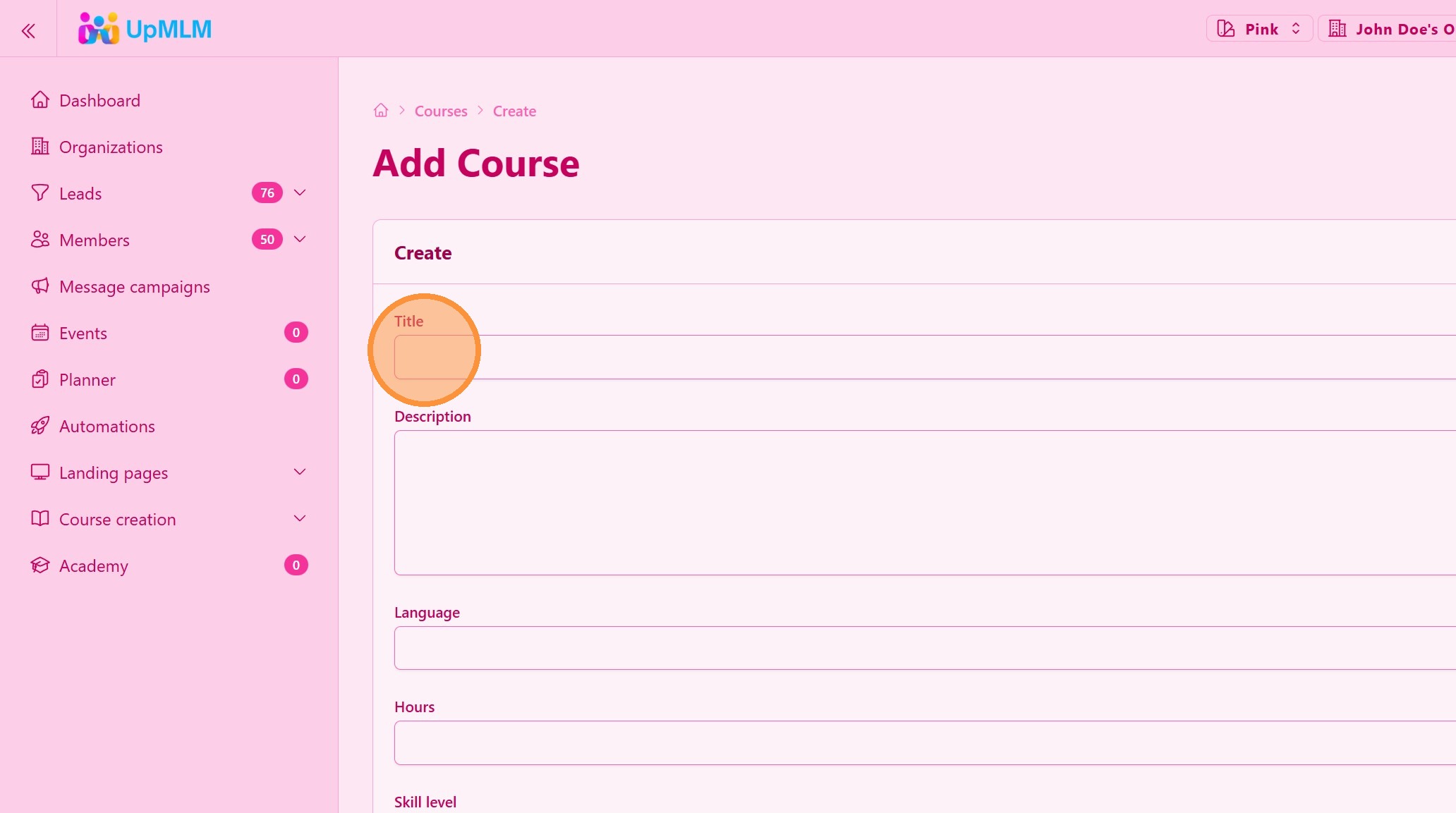
3. Click “Save”
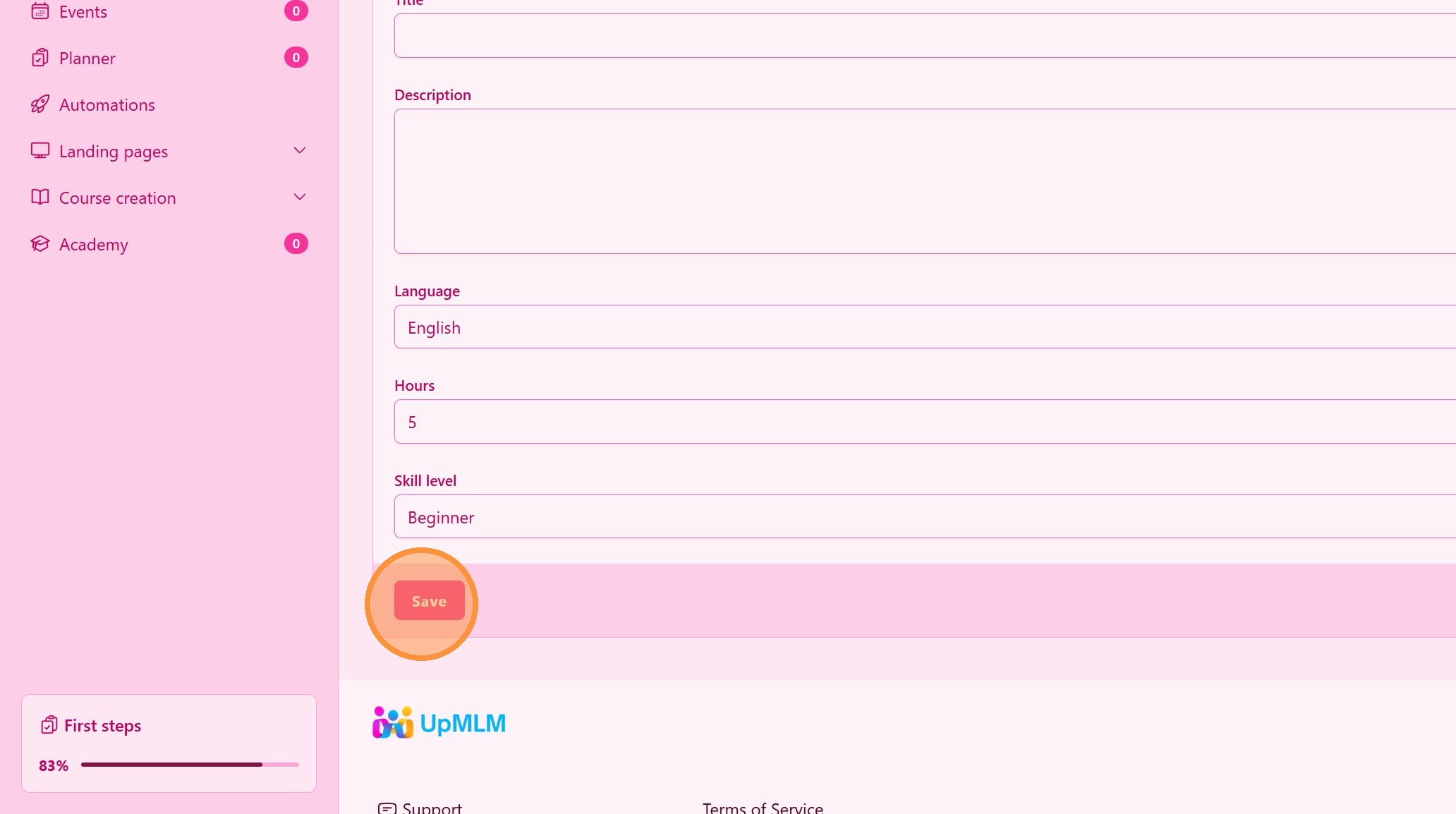
4. Click The Course Menu
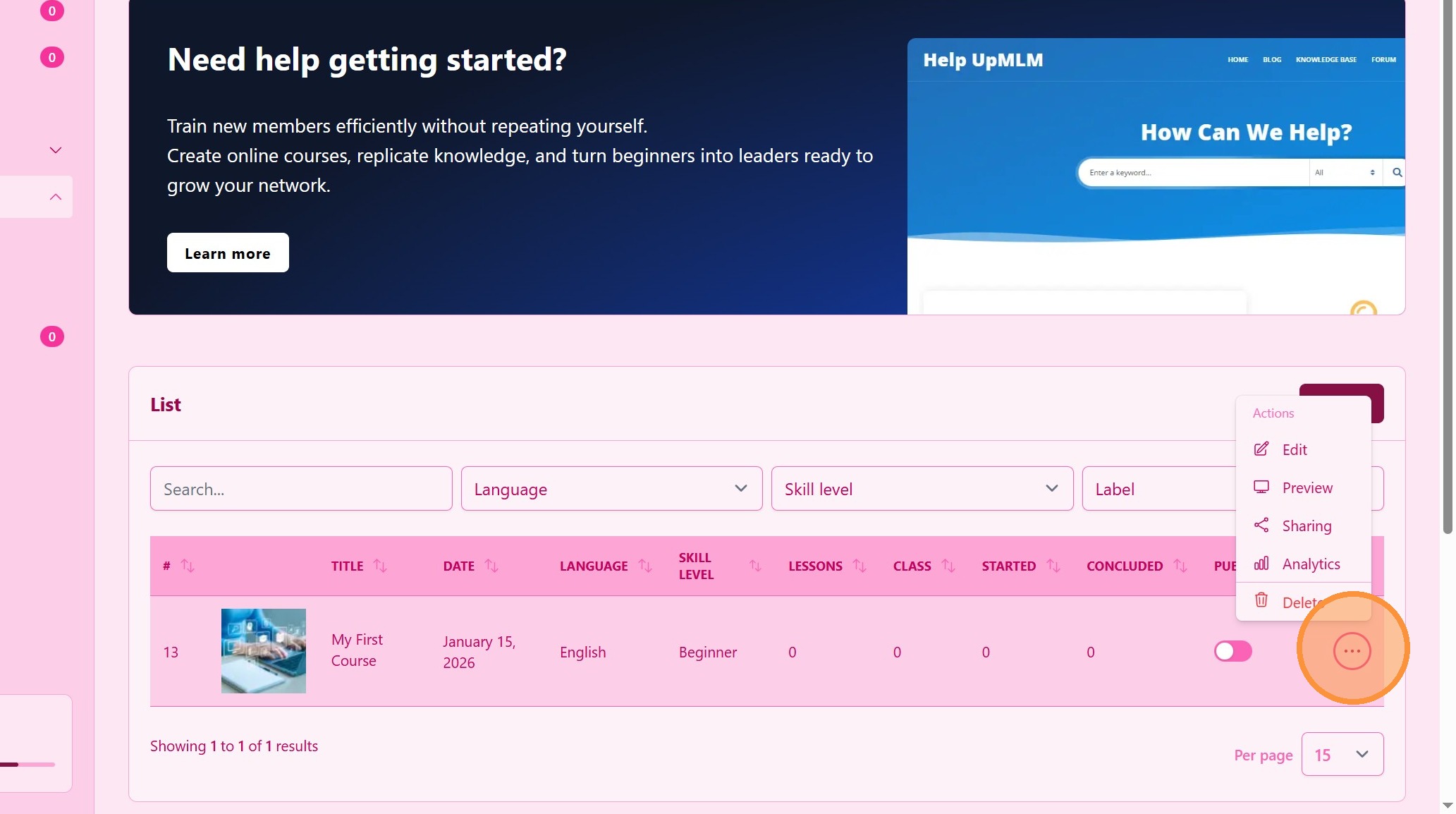
5. Click Edit
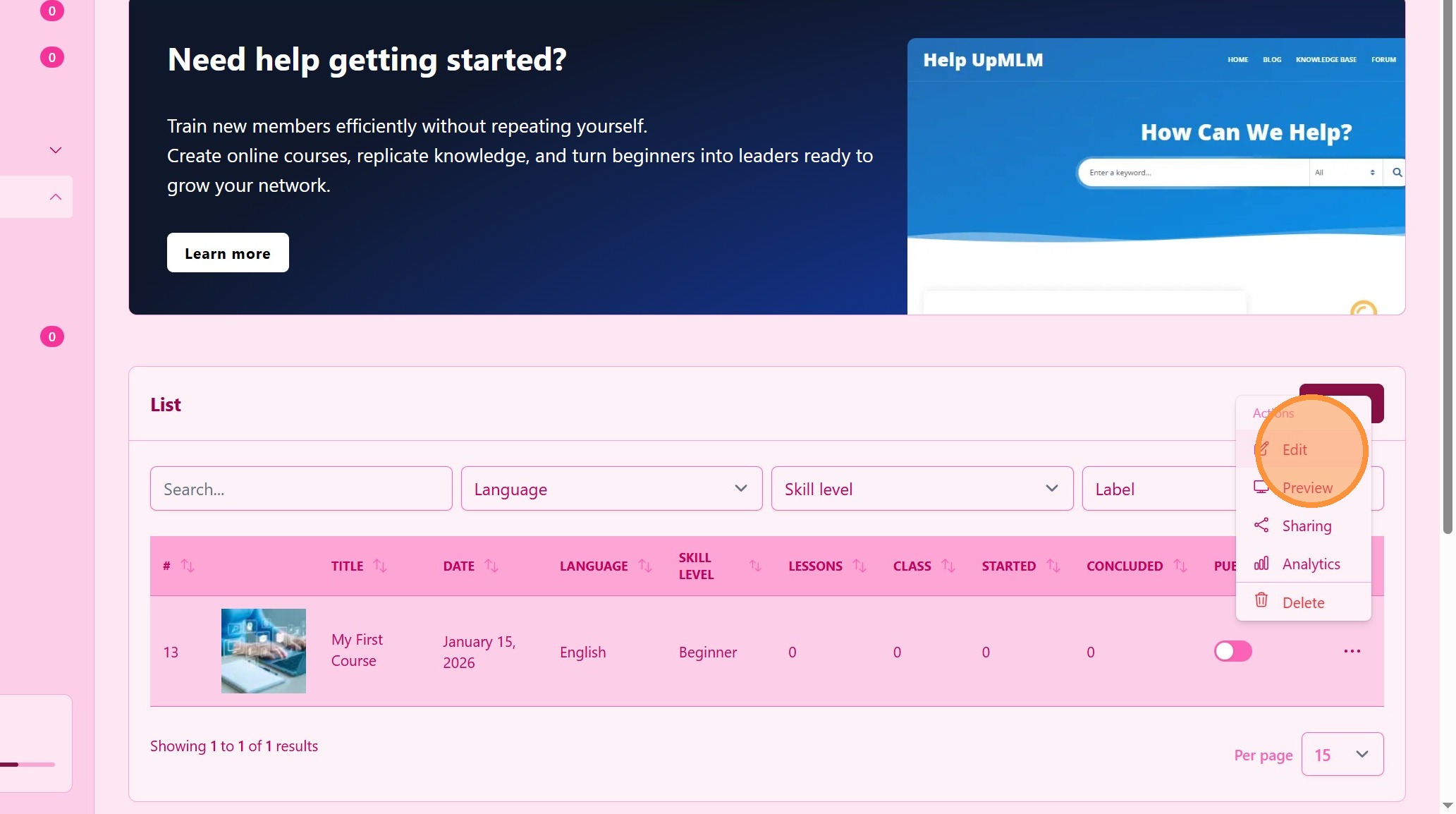
6. Fill in the required information, such as:
-
Course cover image
-
labels
-
Other available settings
> Clear cover image, titles and descriptions help users understand the purpose of the course.
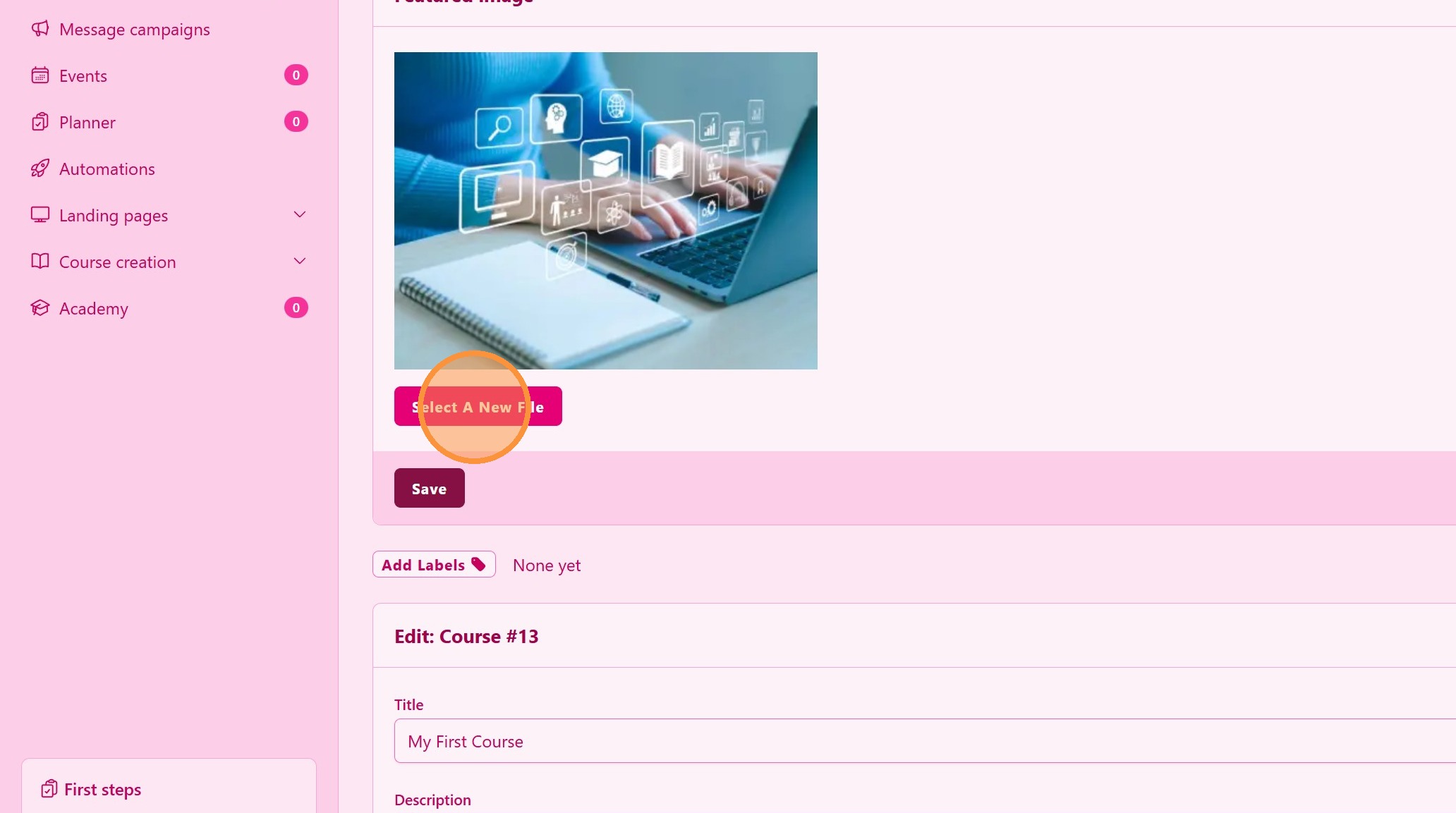
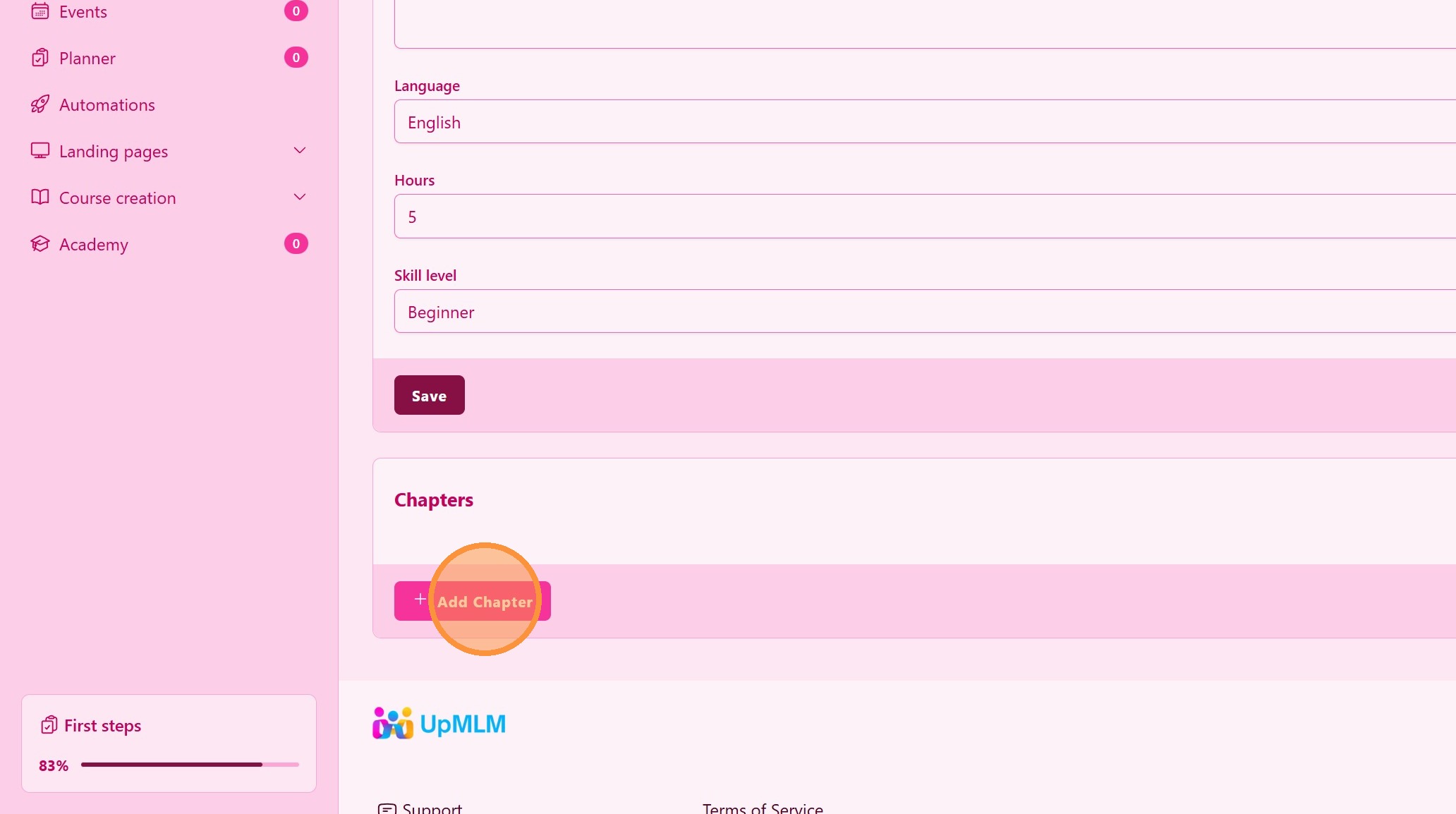
7. ### Course Structure
Add chapters to the course.
> You can include as many chapters as needed and drag them to re-order.
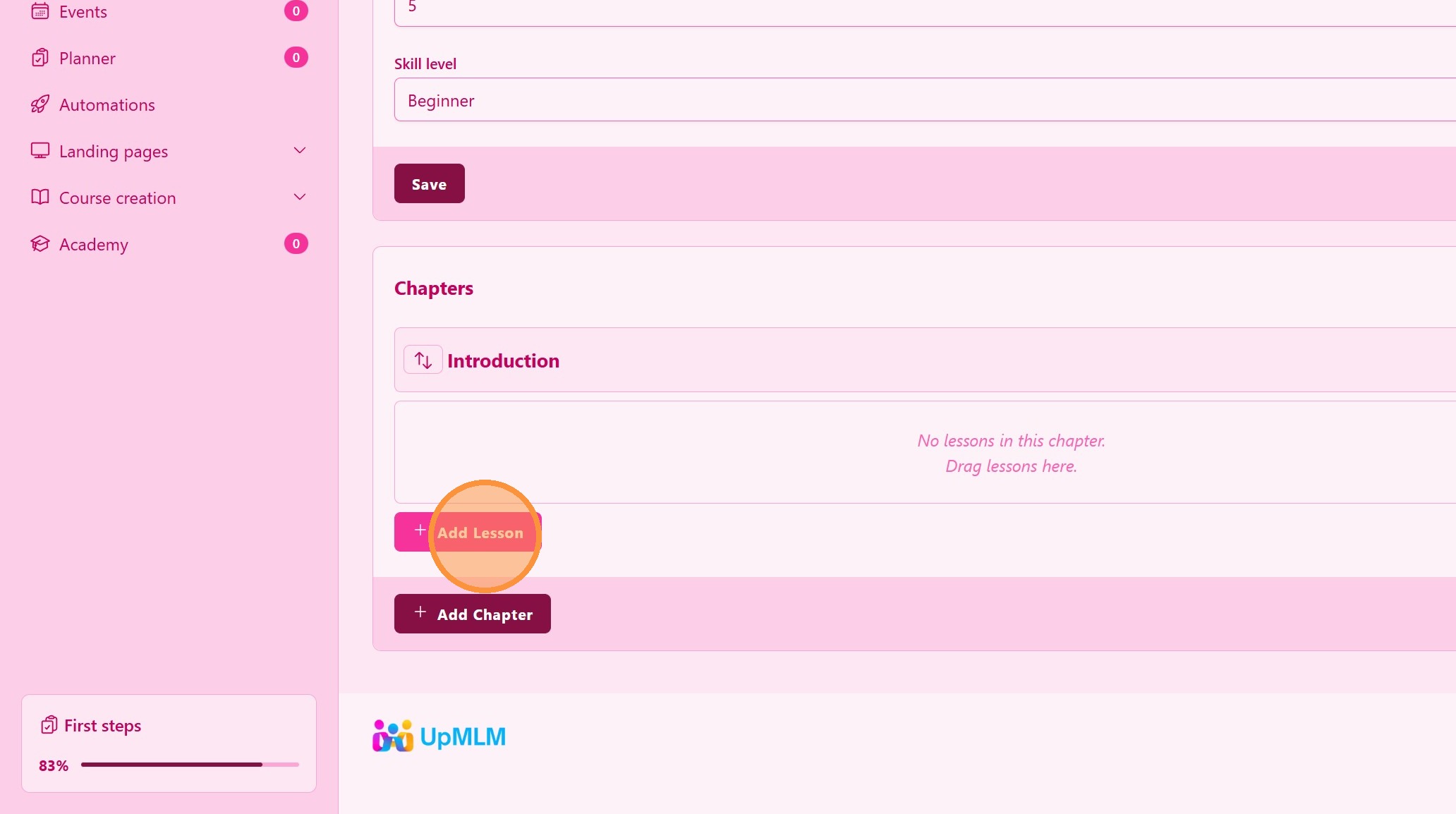
8. ### Chapter Lessons
Add lesson to each chapter. Lessons are edited in a specific area. See Lesson tutorial
> You can include as many lessons as needed and drag them to re-order.
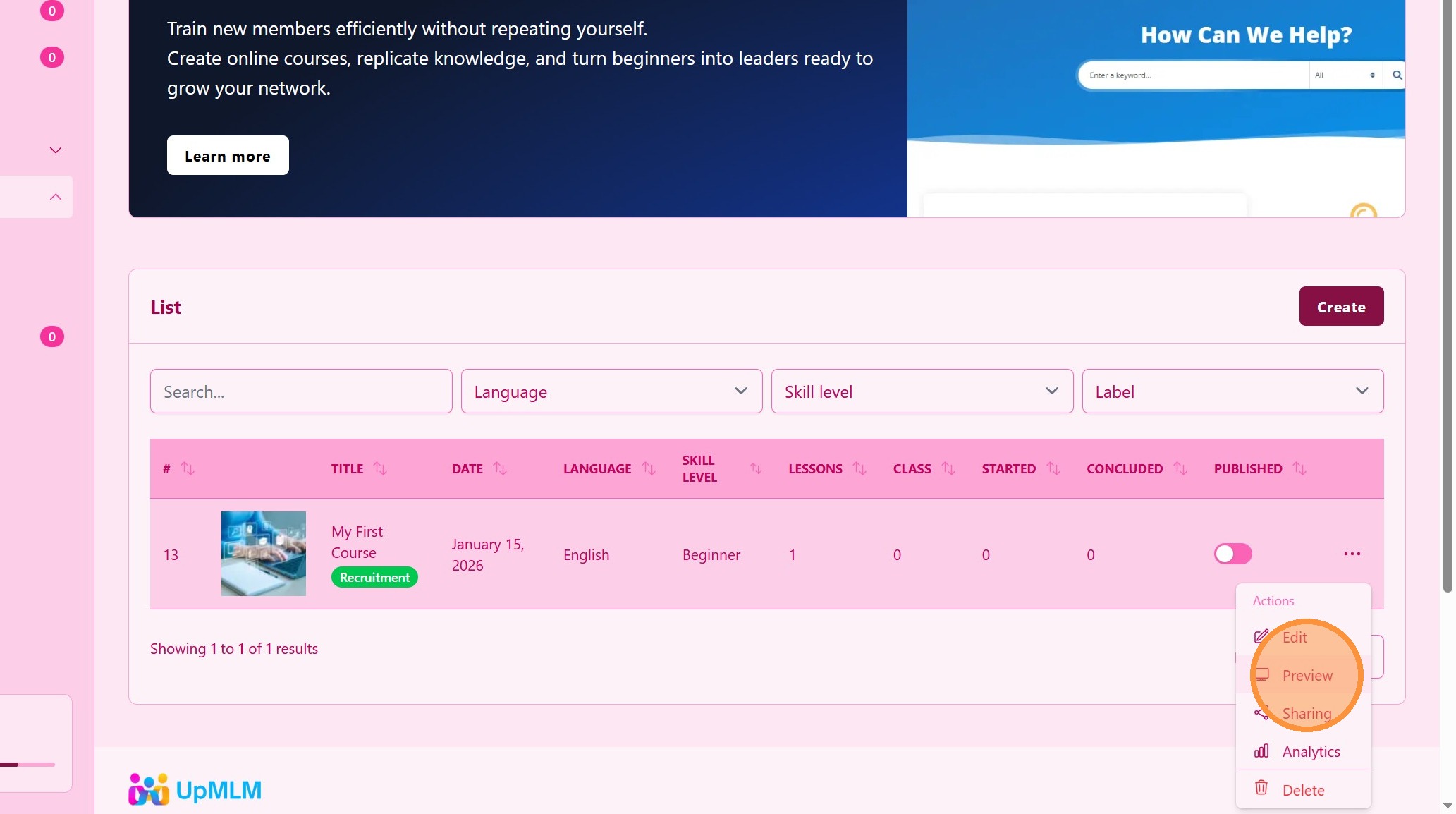
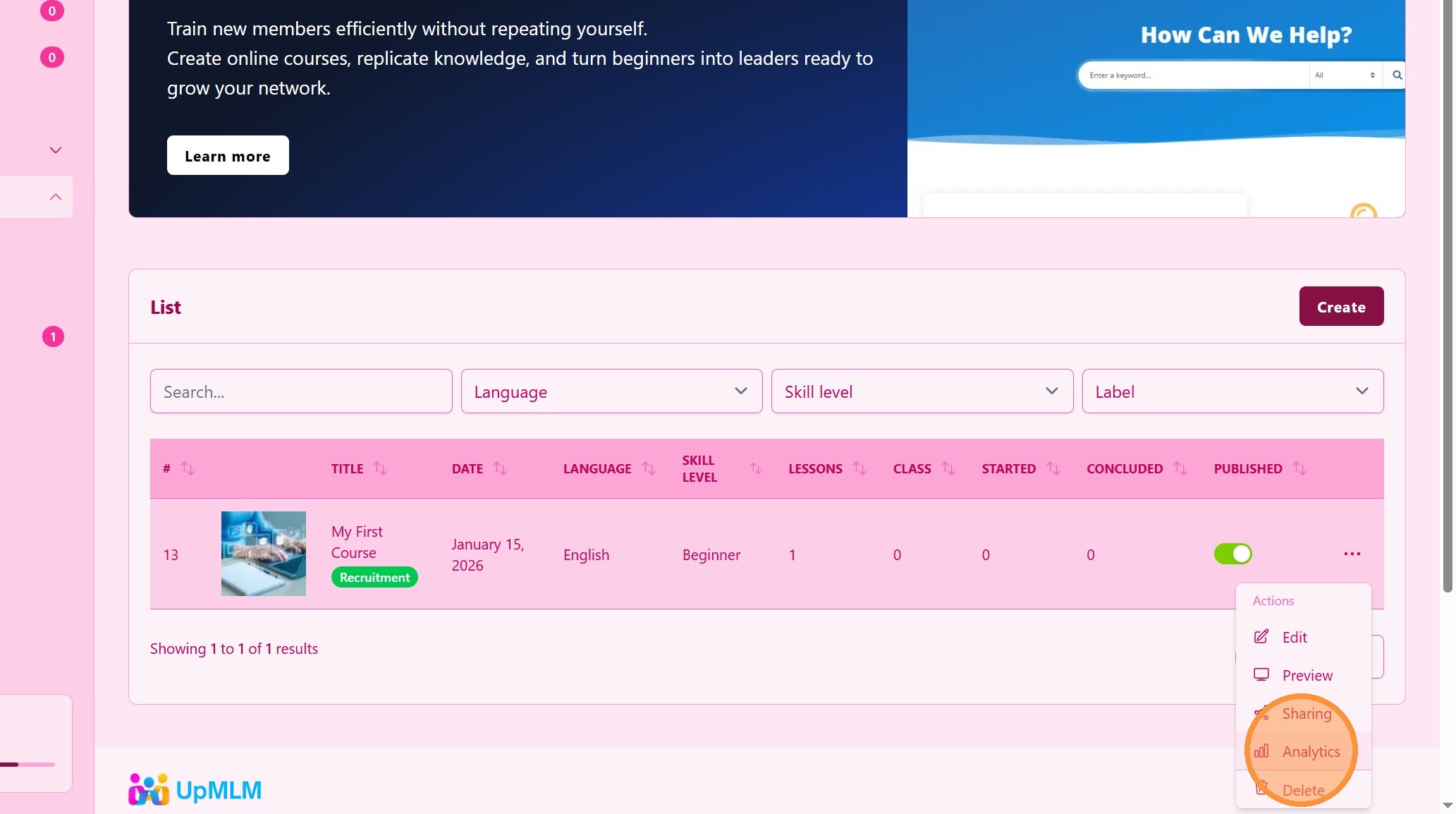
9. Click “Preview”
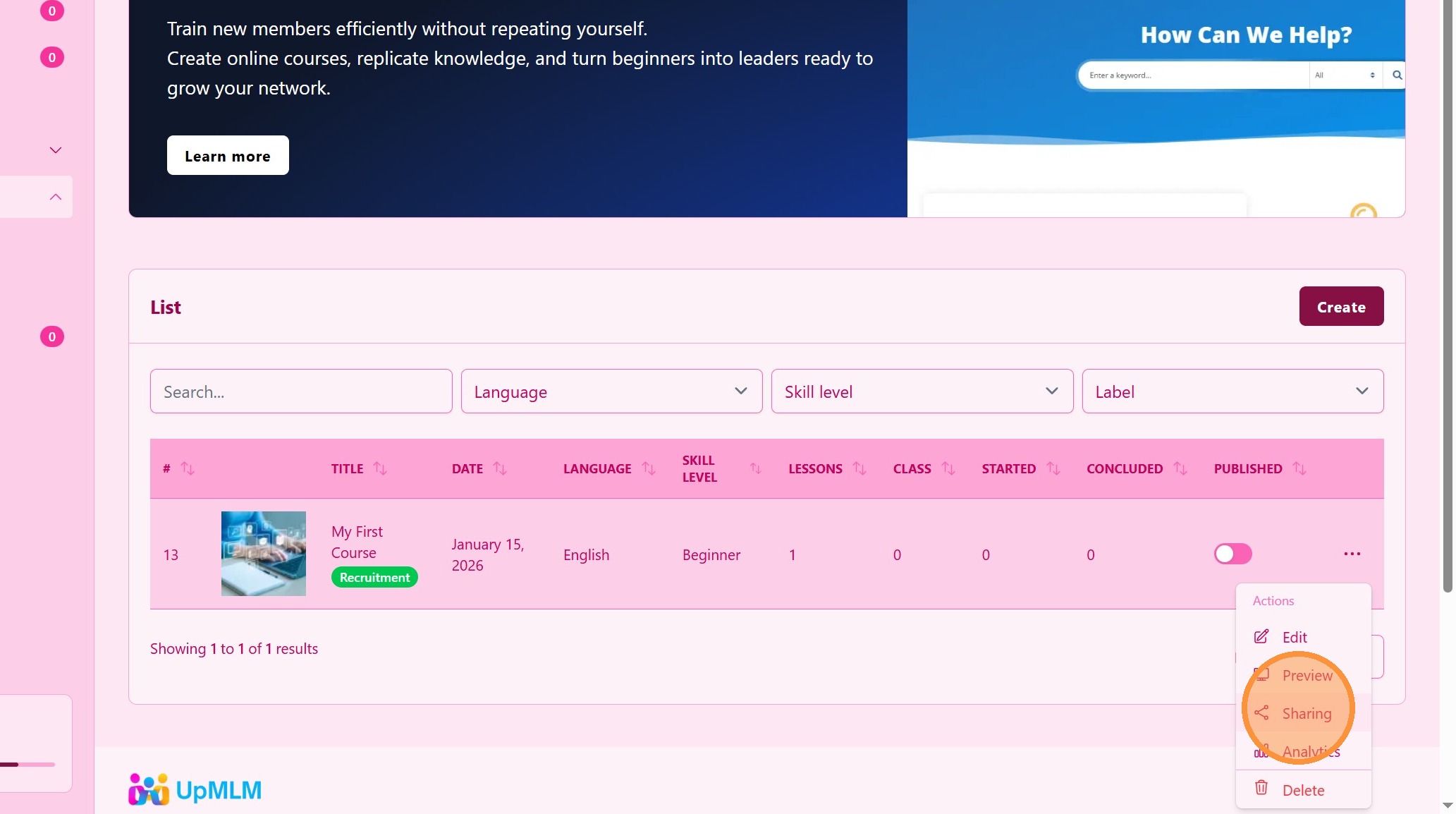
10. Click “Sharing”
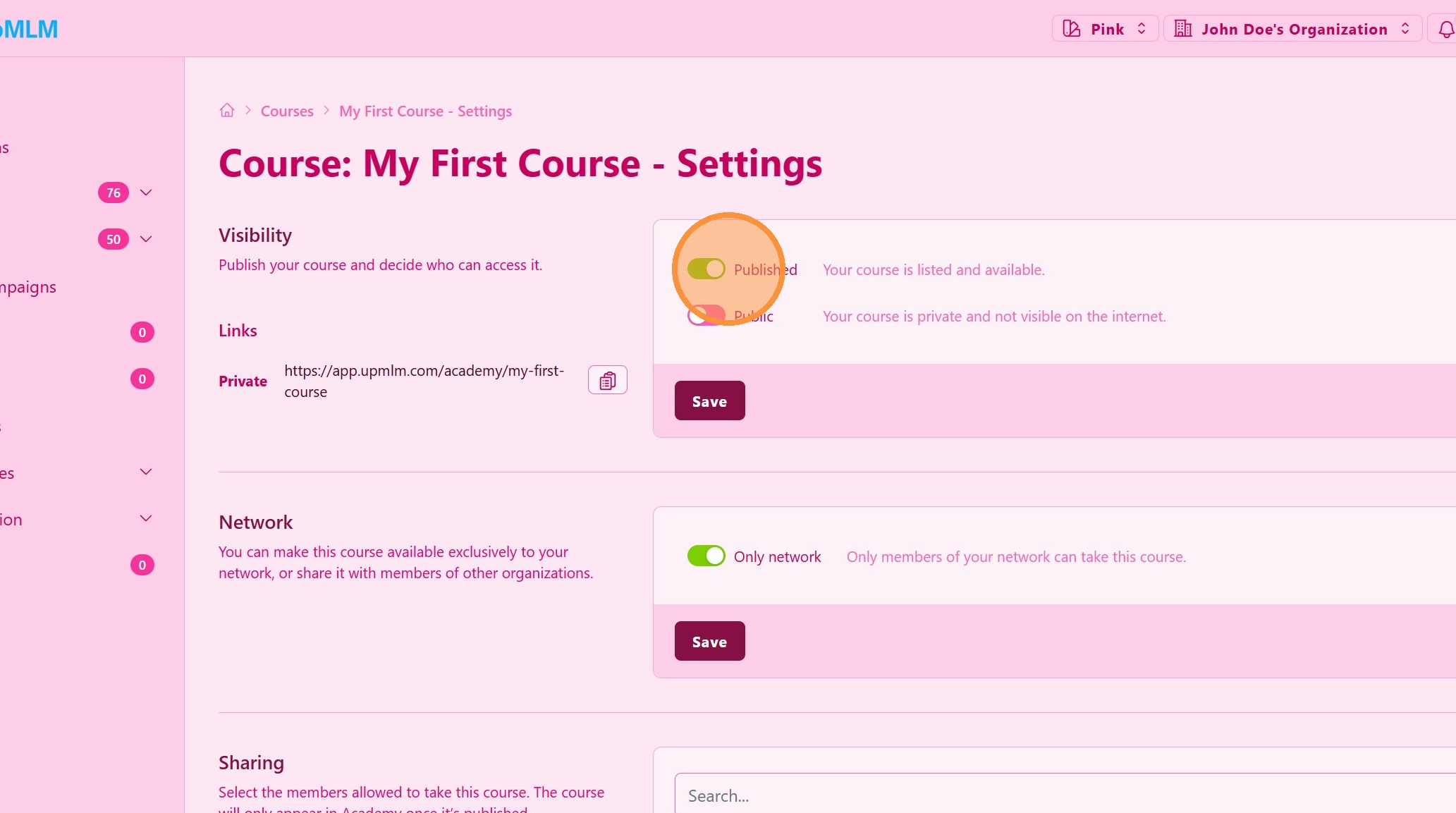
11. ### Configure Course Visibility
Adjust course visibility. You can make this course visible only for your members or to the world.
On the next step you have to select the users that have access to the course in ther Academy section.
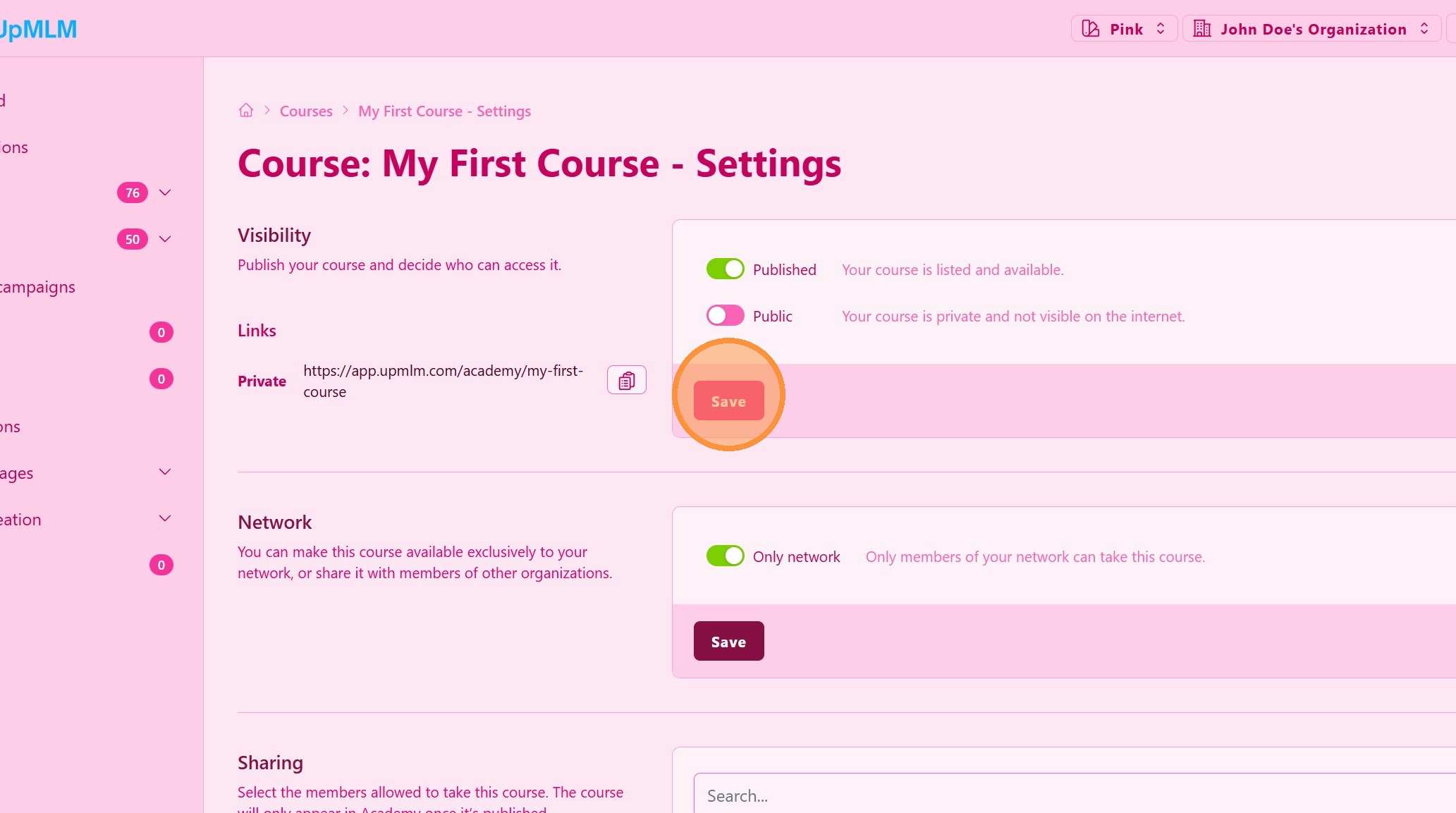
12. Click “Save” to Apply Course Visibility
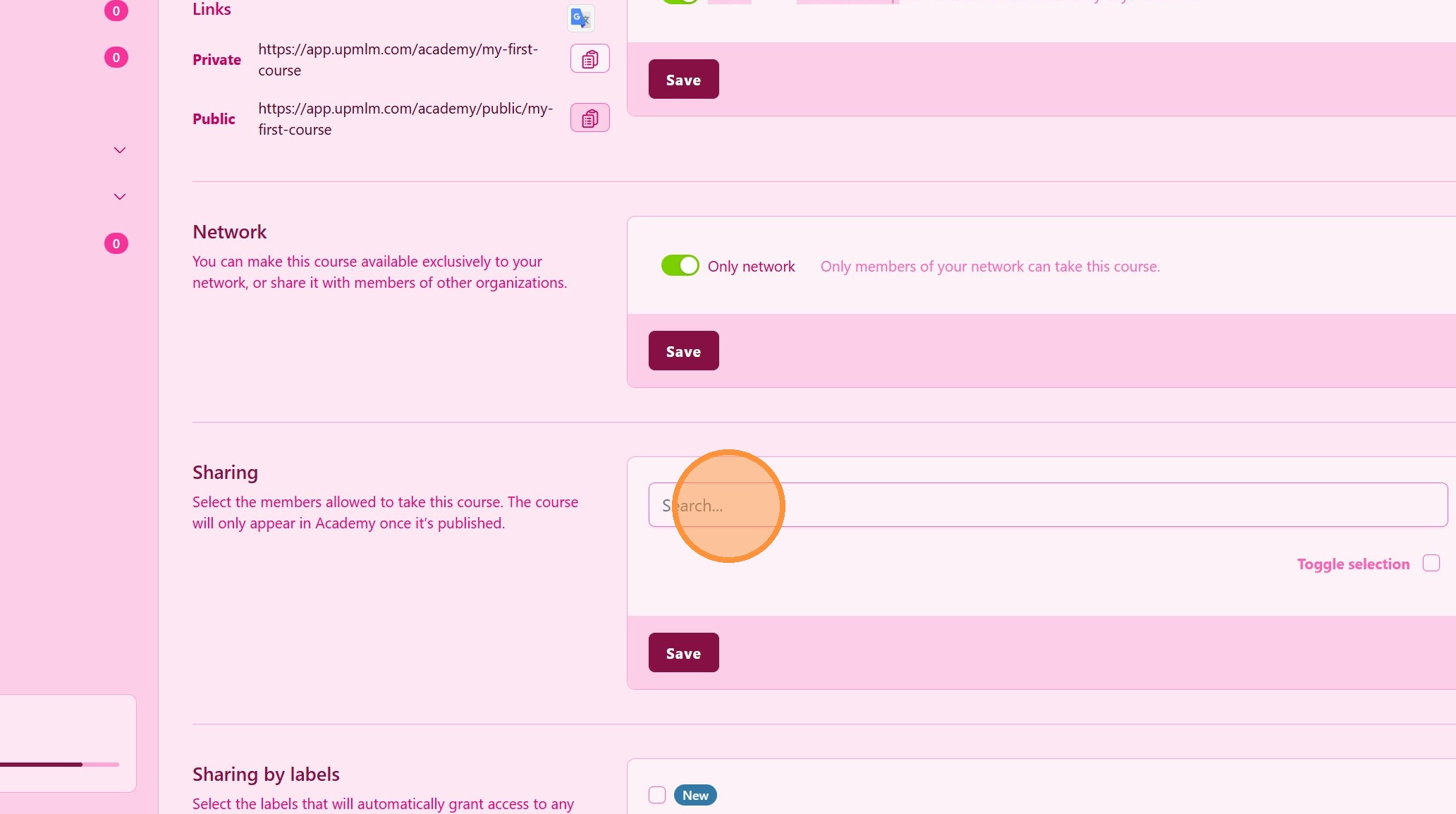
13. ### Member Sharing
Select the members that can take this course.
> This course will be available in your member’s Academy area.
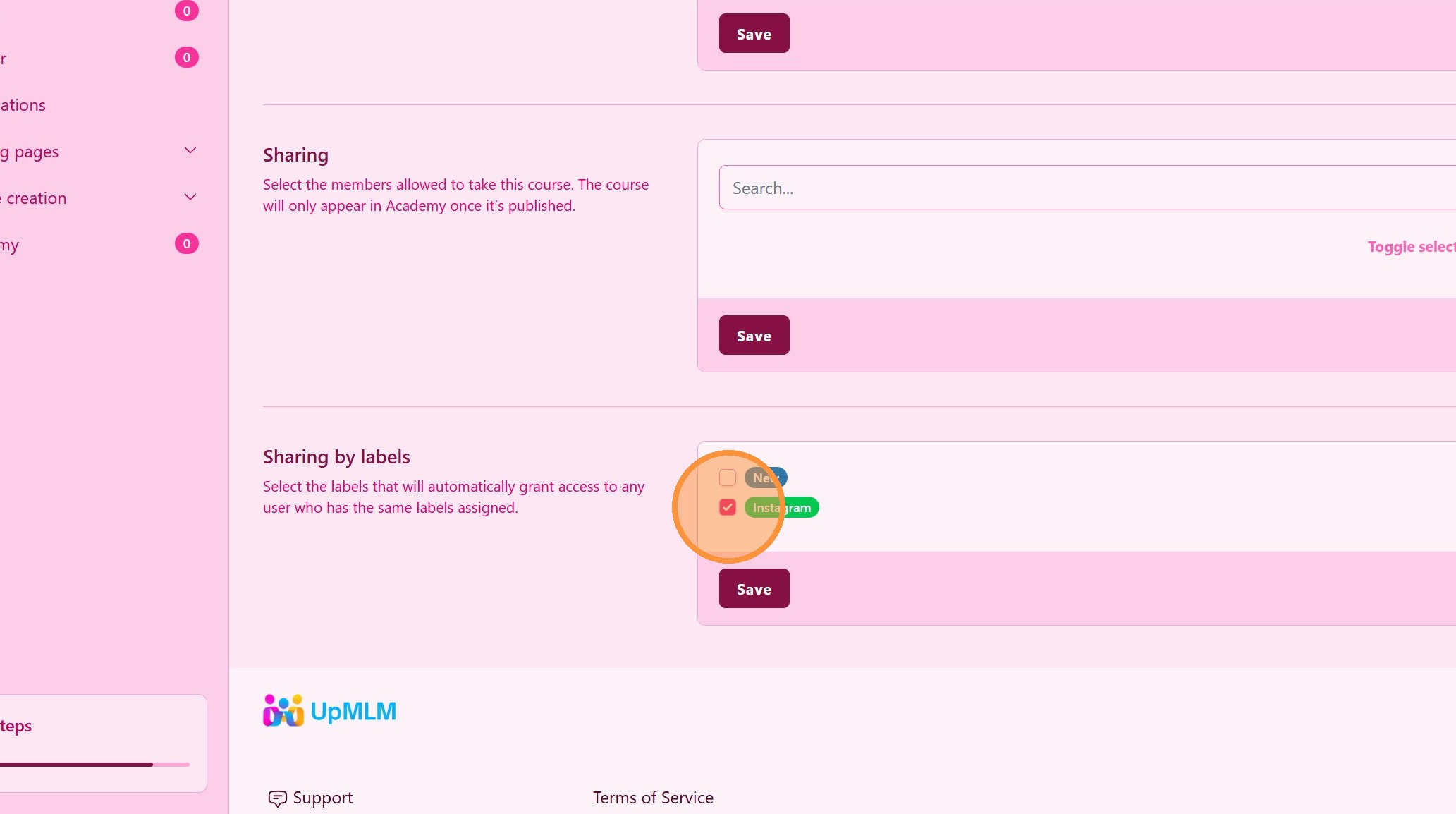
14. ### Member Sharing Using Labels (Recomended)
Select specific labels that group members.
> Every time you assing one of these labels to a member, he will get access to this course.
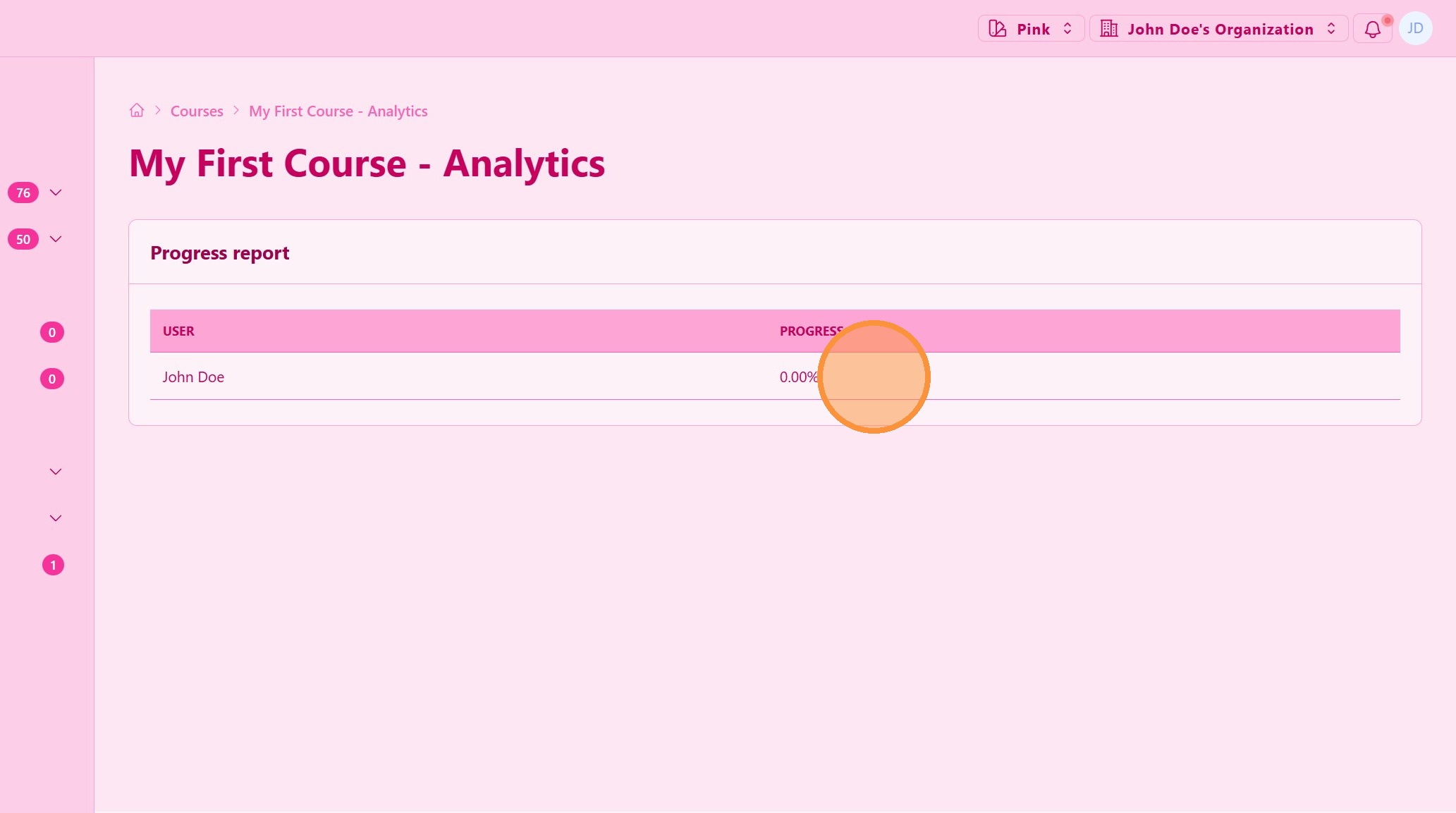
15. ### Analytics
Track the progress of every student taking this course.
16. Student Progress
Tip: ## Practical Tips
-
Structure content clearly: Break lessons into short, focused modules.
-
Start with key training: Create onboarding courses for new members.
-
Update regularly: Keep course content relevant and aligned with your current strategy.
Tip: ## Conclusion
Creating and publishing courses in UpMLM enables you to train your team efficiently and consistently. Well-structured courses support knowledge sharing, leadership development, and scalable growth within your organization.