How do I create and share a calendar event?
## Introduction
In this tutorial, you will learn how to create and share a calendar event in UpMLM. By the end of this guide, you will be able to schedule events, invite participants, and ensure everyone is informed and prepared.
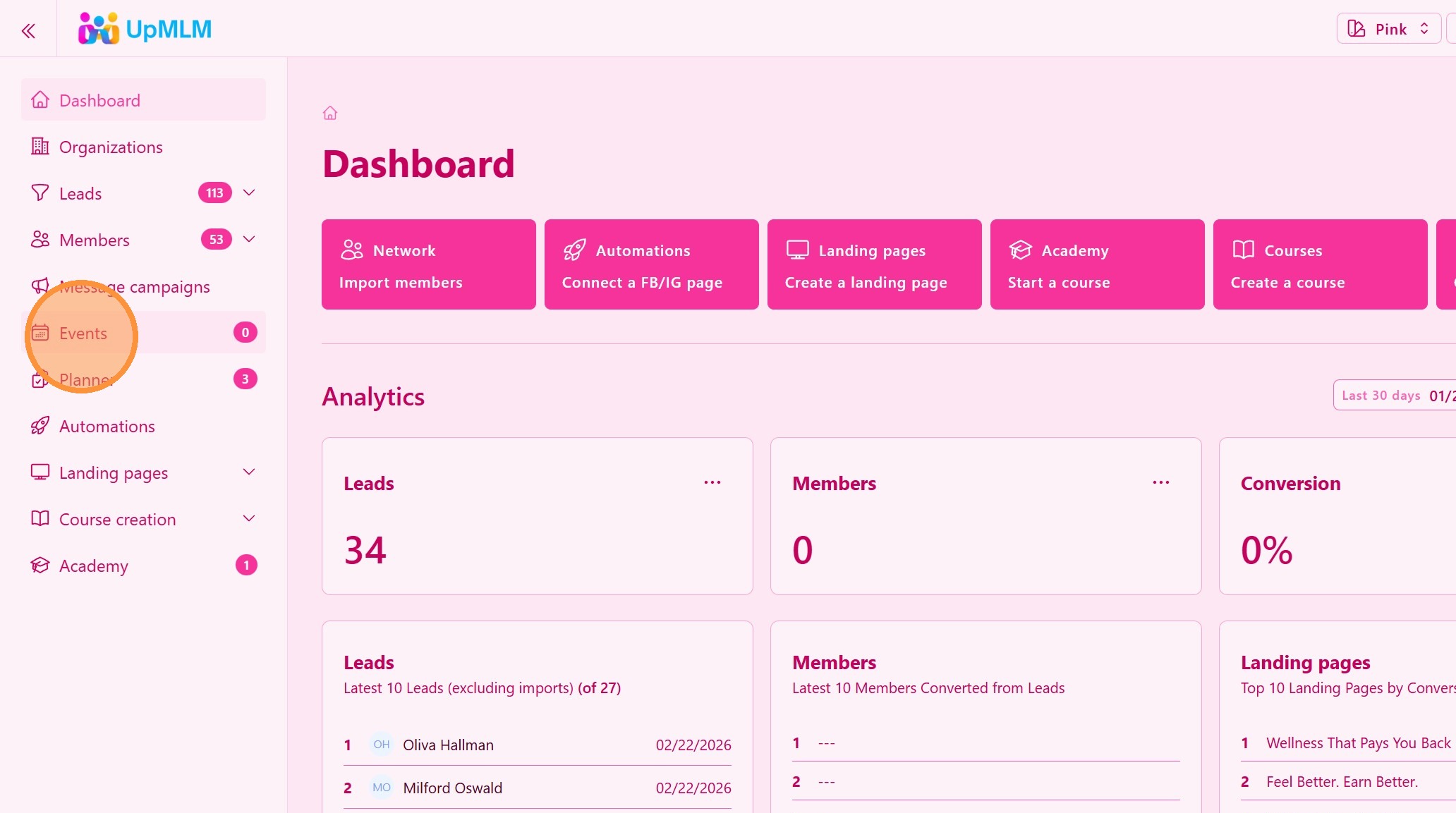
1. ### Open the Calendar Section
From the main navigation menu, click on Calendar.
> This section allows you to manage events and schedules.
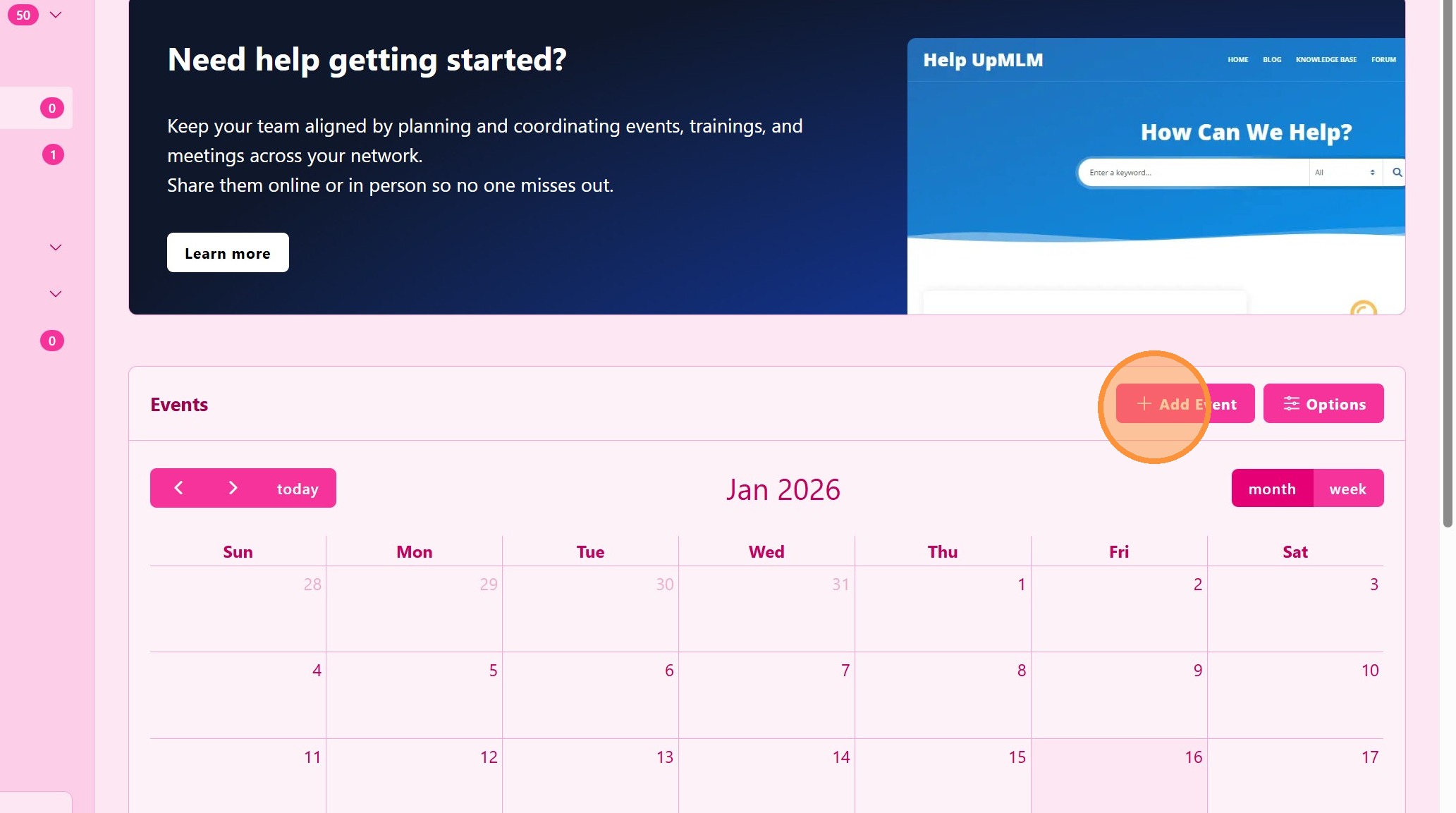
2. ### Create a New Event
Click Add Event.
> This action opens the event creation form.
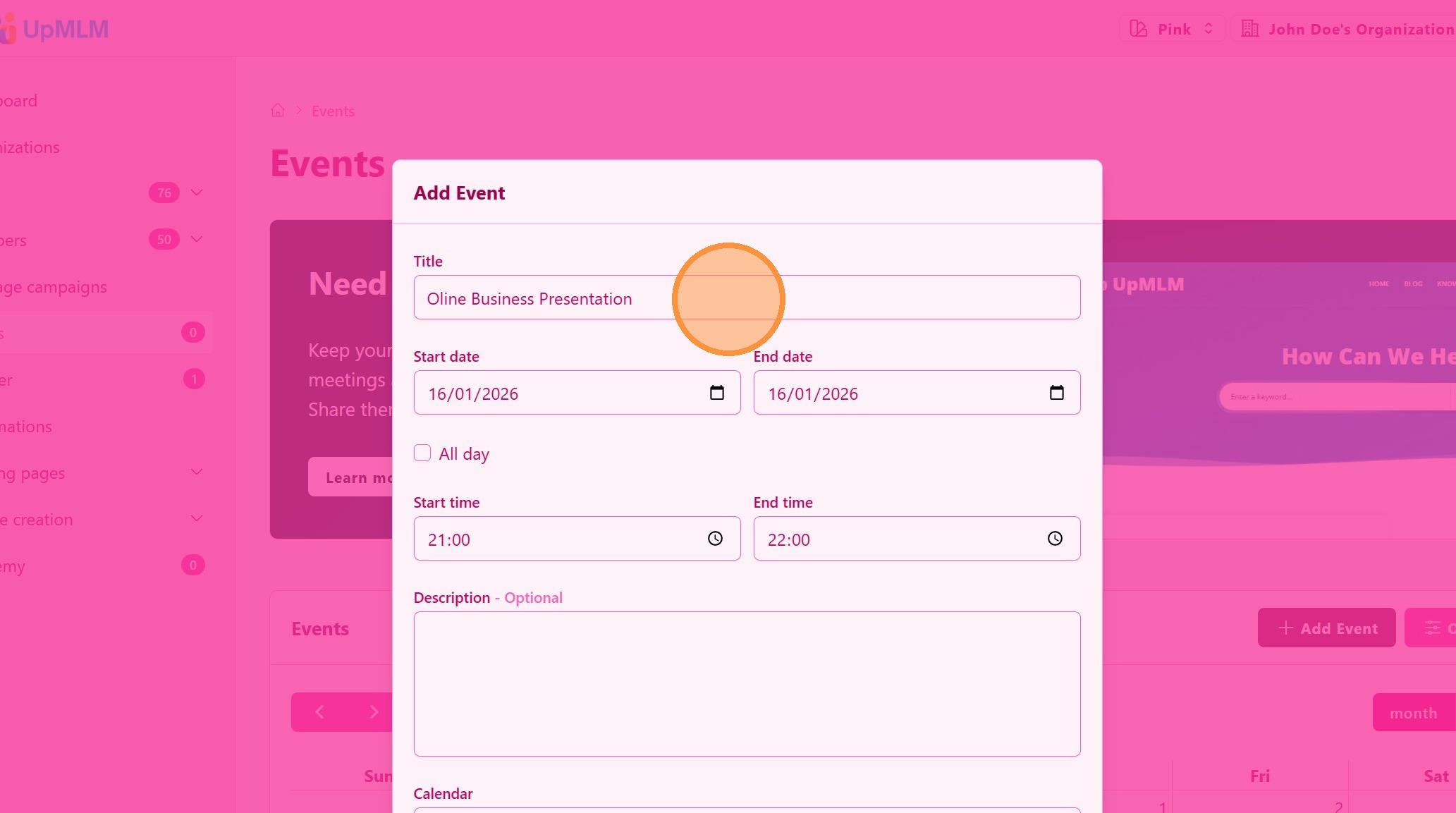
3. ### Enter Event Details
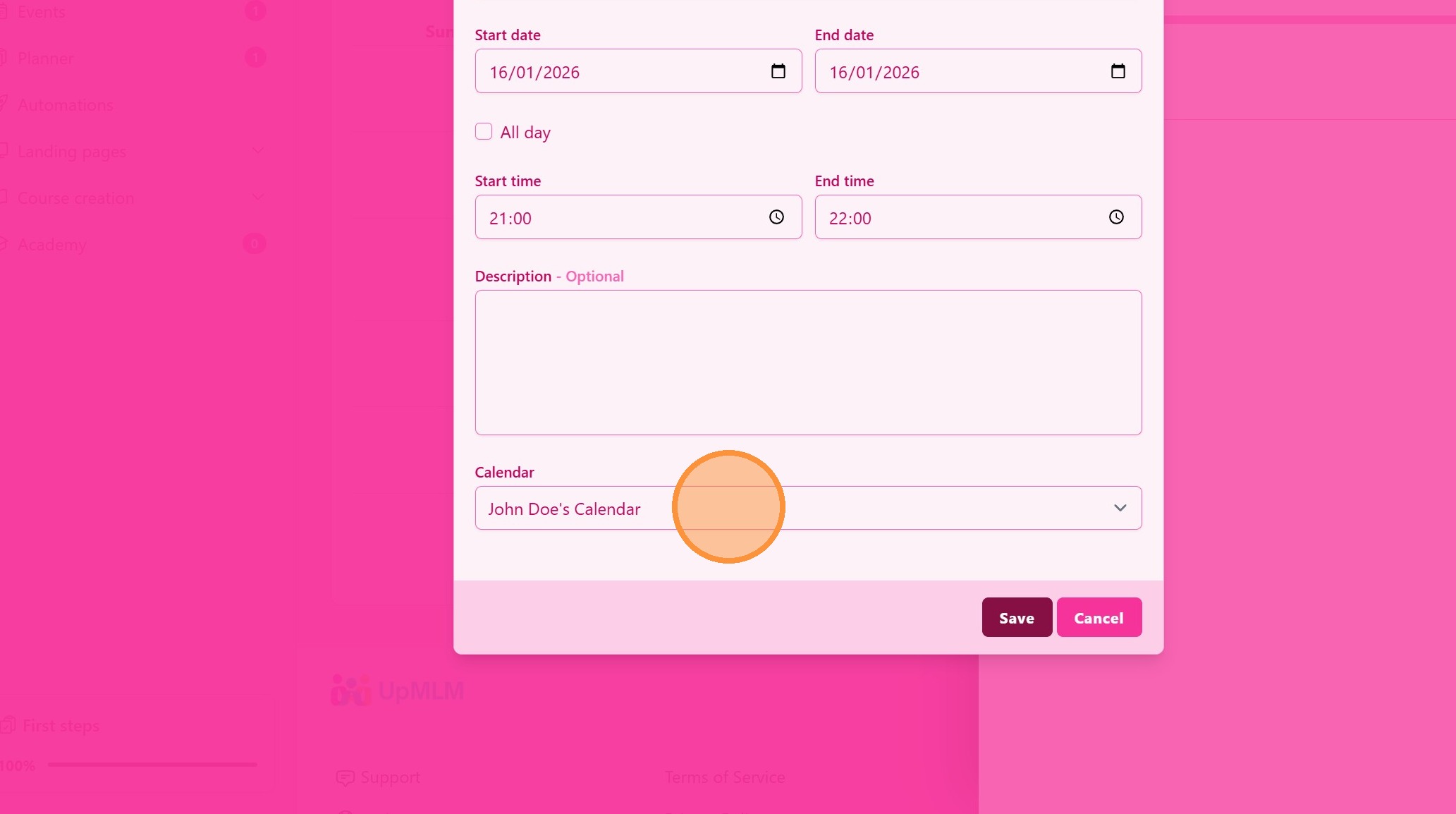
Fill in the event information, such as:
-
Event title
-
Date and time
-
Description
-
Location or meeting link
> Providing clear details helps participants understand the purpose of the event.
4. ### Choose a Calendar
You can have multiple calendars, one for you, another for your core team, etc …
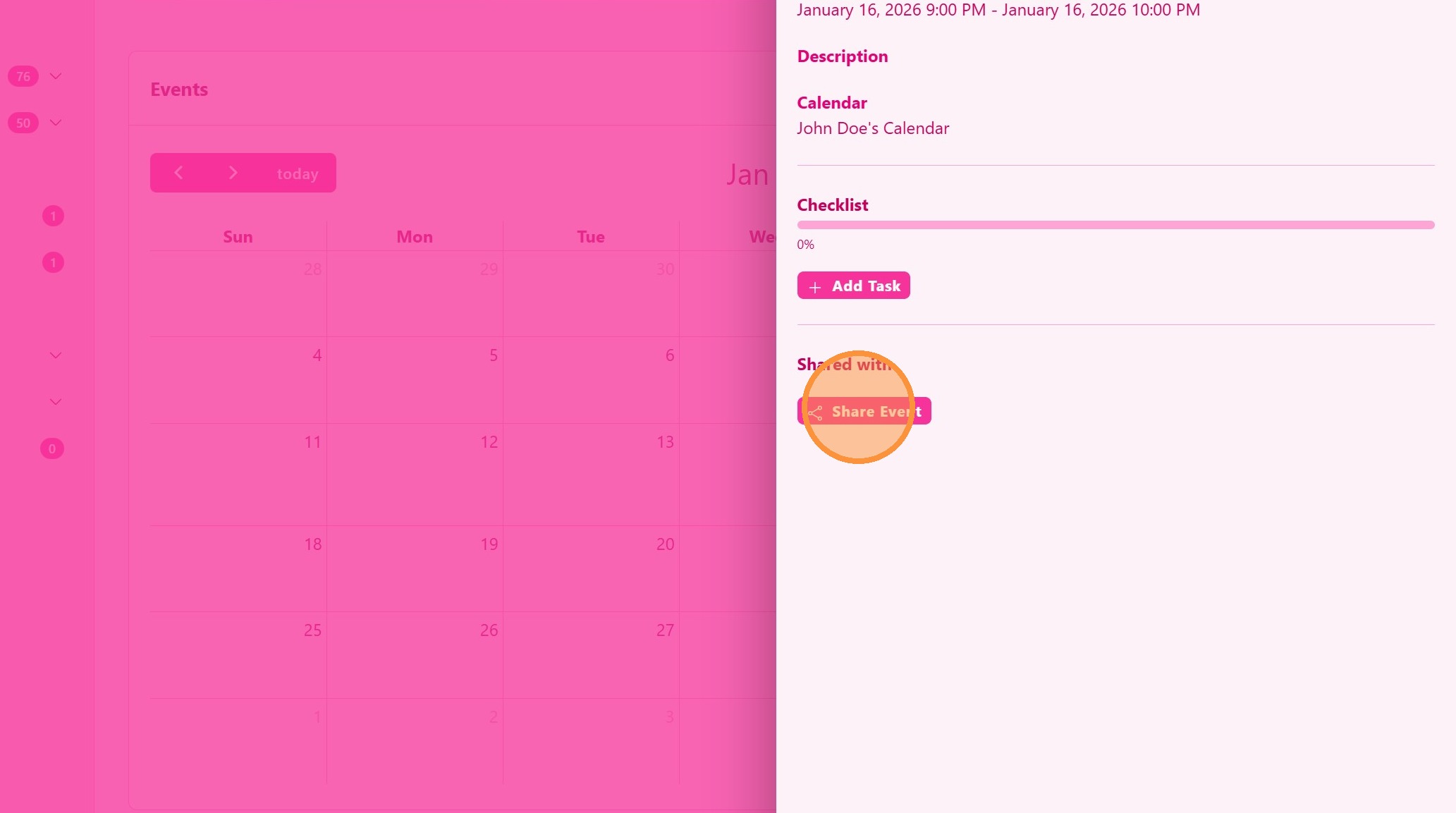
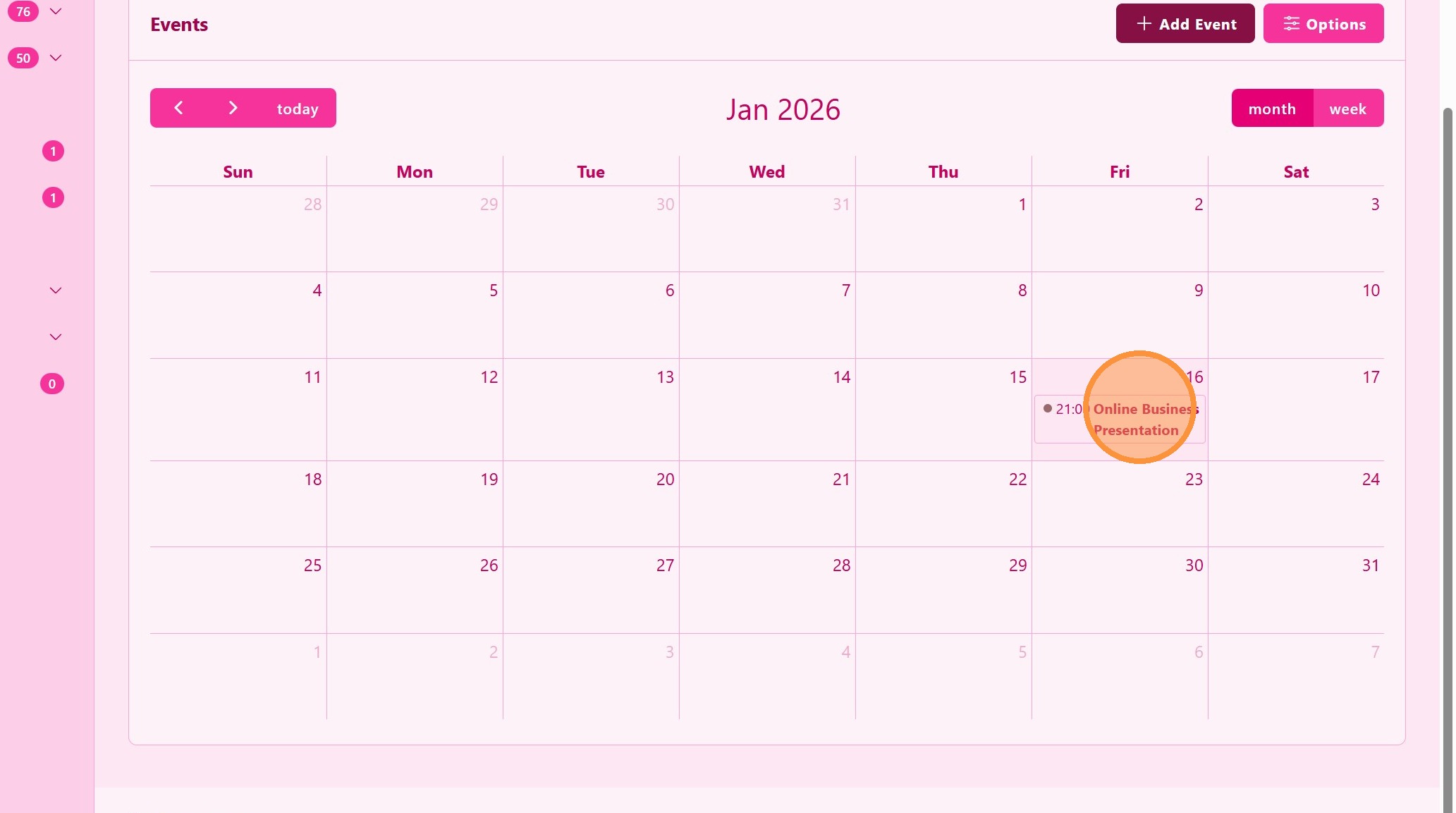
5. Open the Event
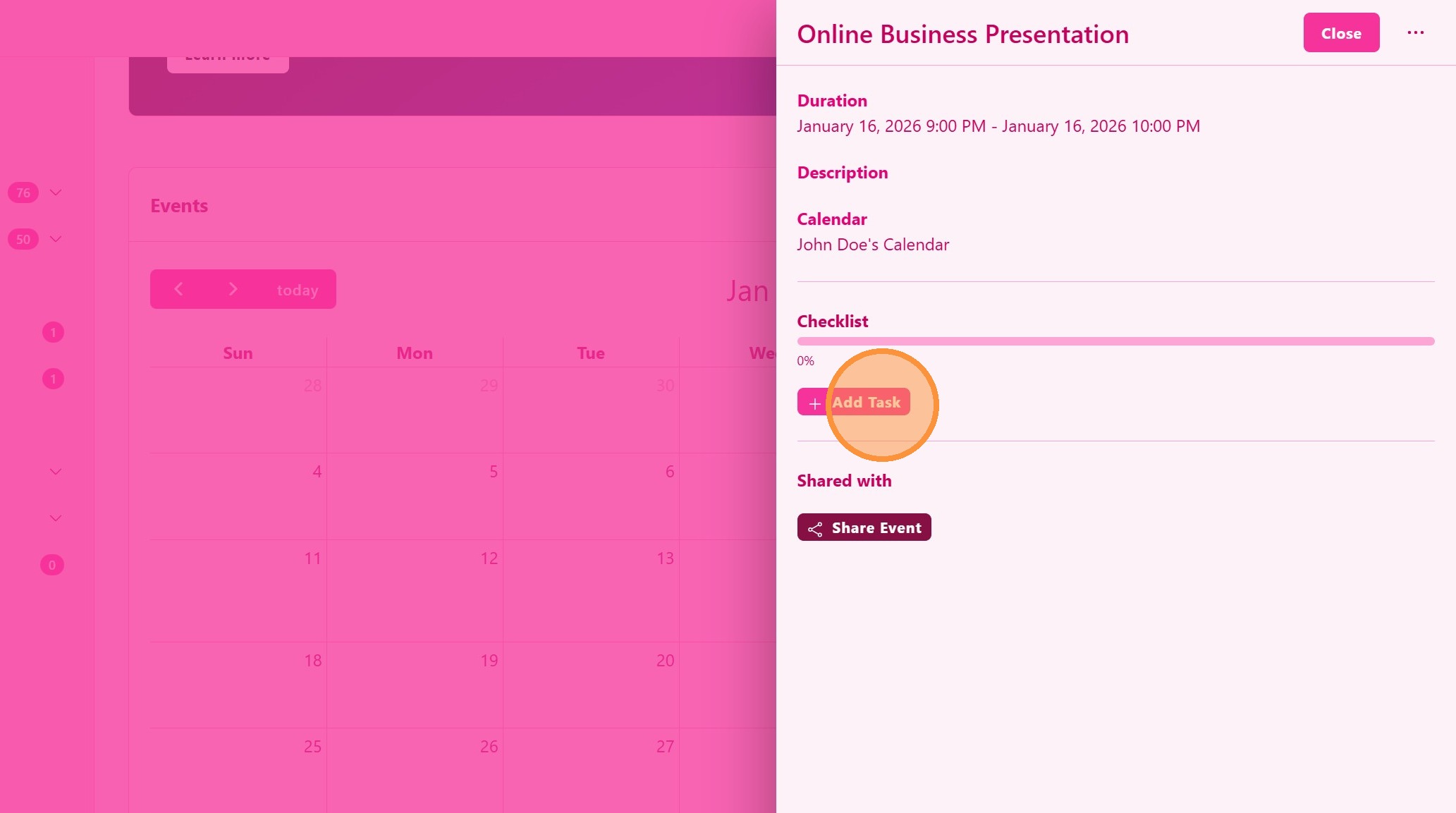
6. Click “Add Task”
7. ### Share or Invite Participants
Select the users or contacts you want to invite or share the event with.
> Invited participants will see this event in their calendar.