How do I connect my Gmail account with UpMLM?
## Introduction
In this tutorial, you will learn how to connect your Gmail account with UpMLM. By the end of this guide, you will be able to send, receive, and manage emails through UpMLM using your Gmail account.
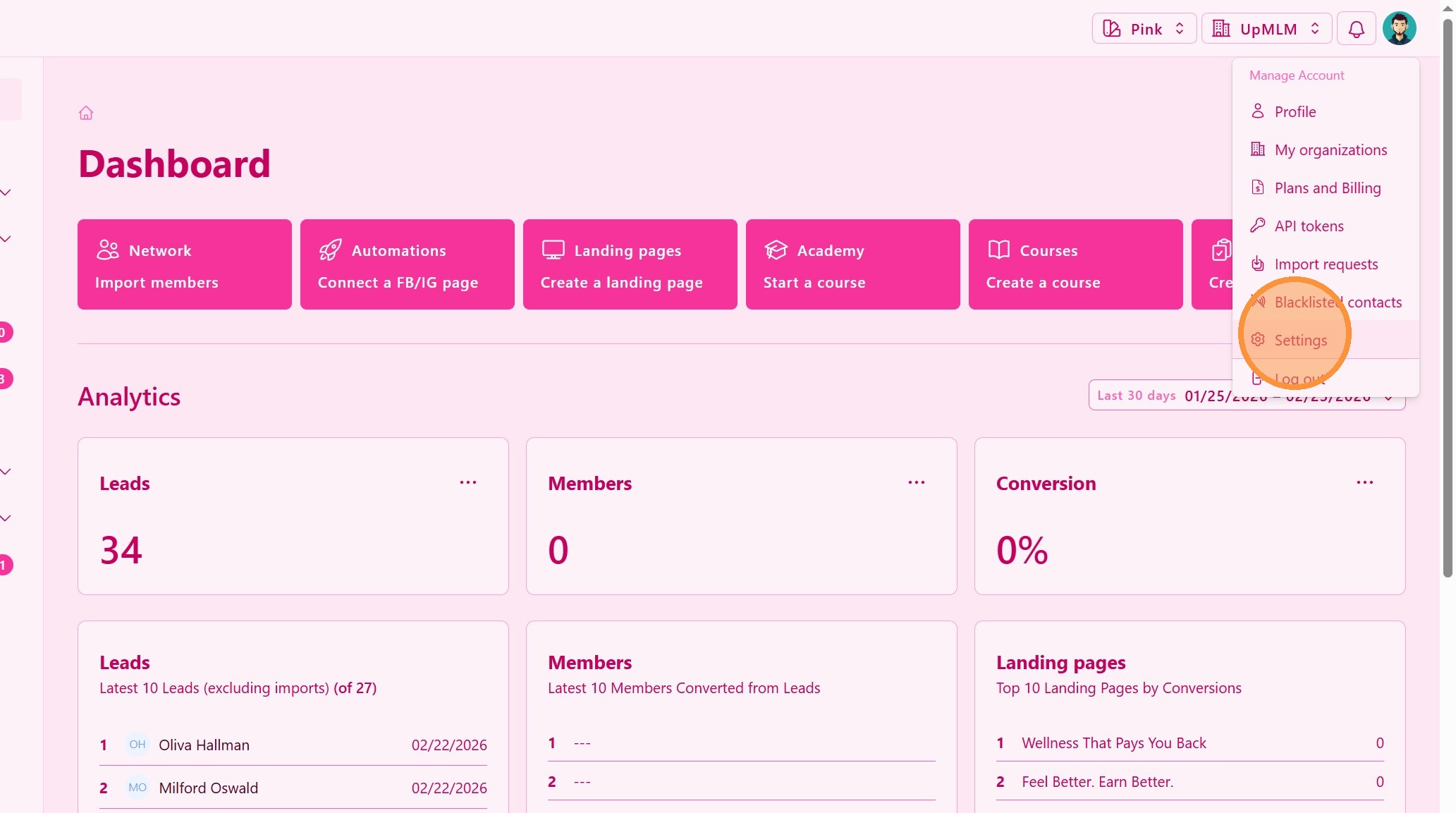
1. ### Open Your Account Menu
Click on your user profile icon in the top navigation bar and go to Settings.
> This menu provides access to your personal account settings and integrations.
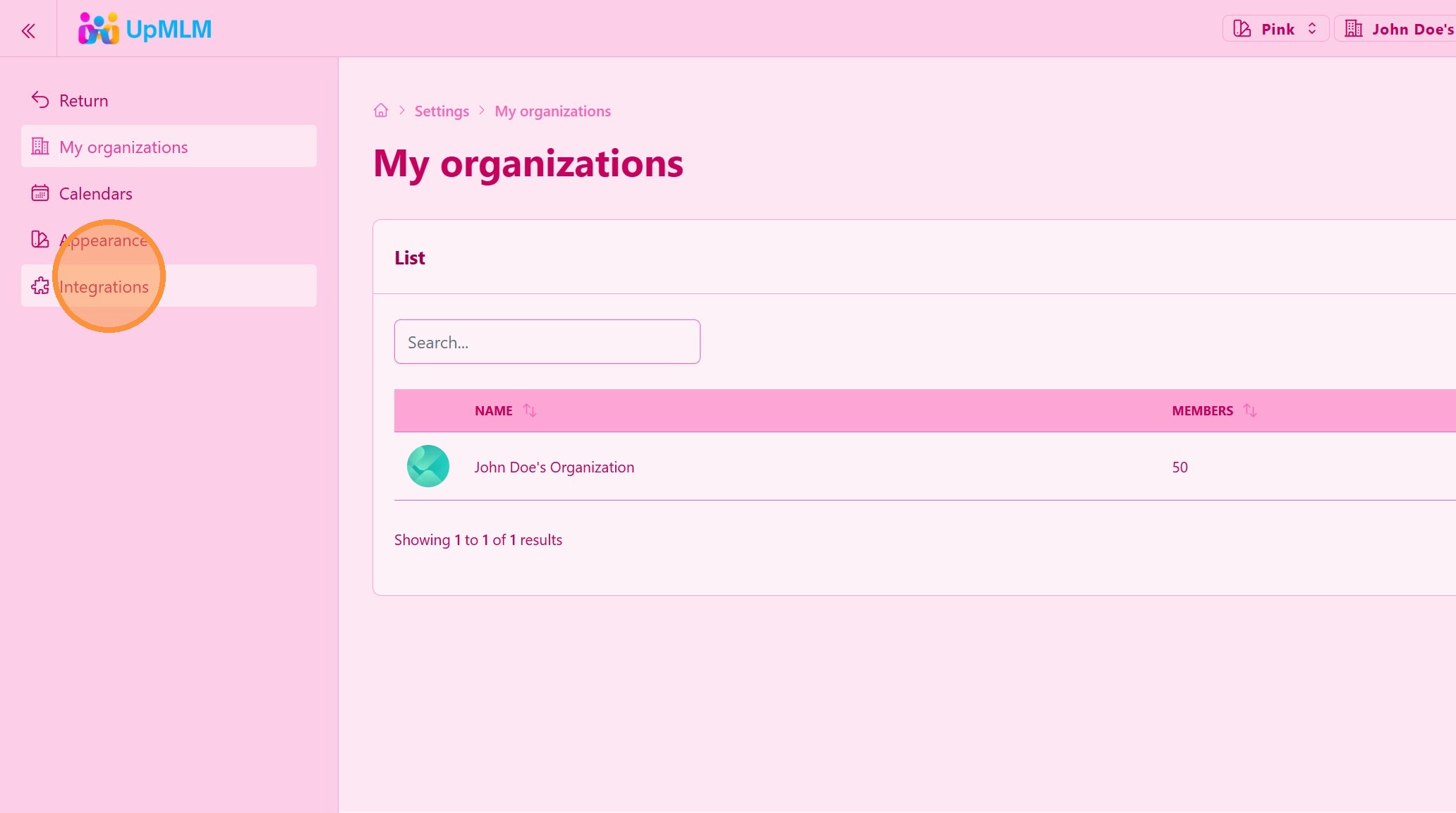
2. ### Access Integrations
> This section allows you to connect external services to UpMLM.
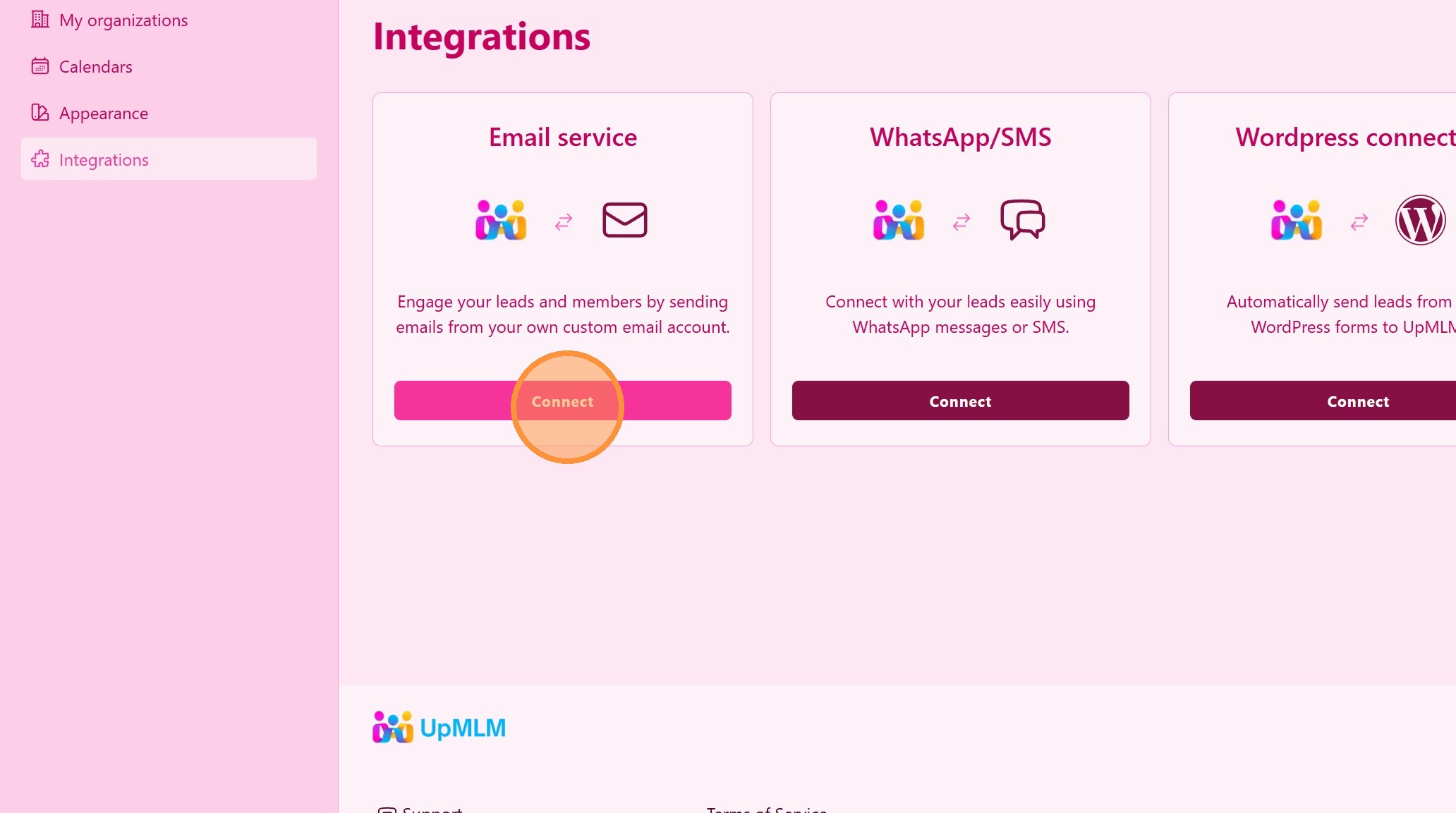
3. ### Select Email Service
4. ### Select Gmail Integration
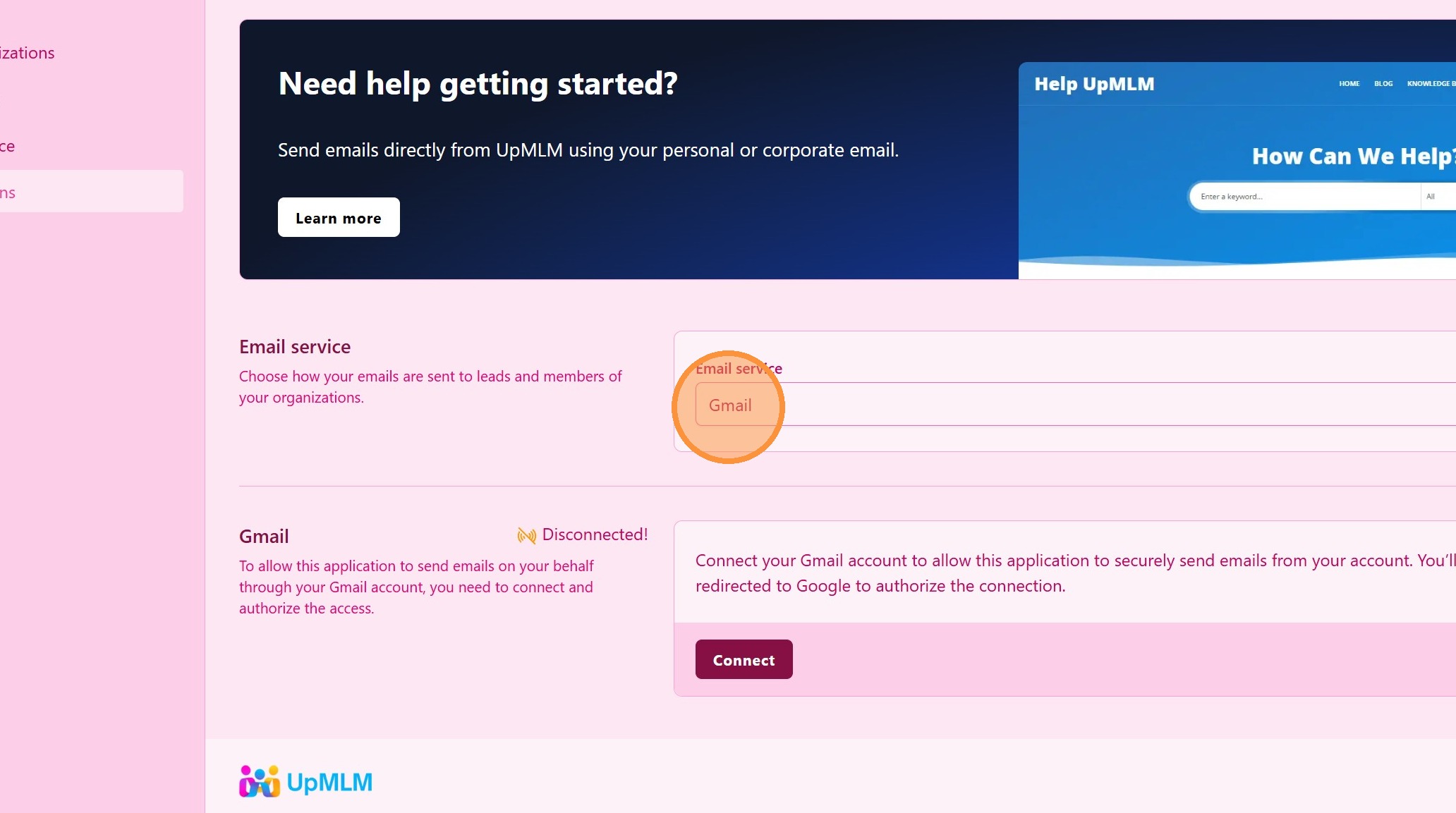
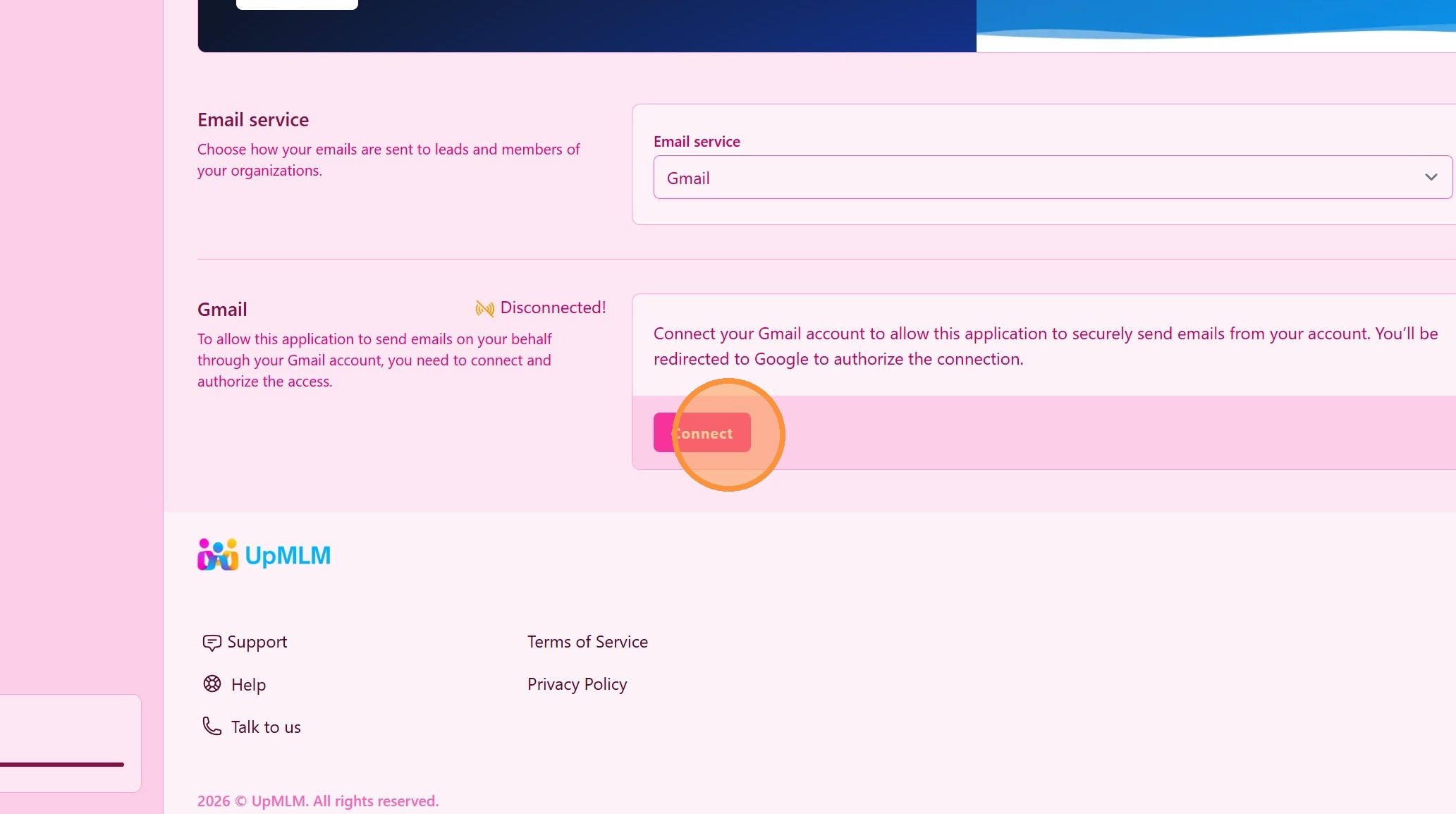
5. Click on Connect
> This starts the authorization process with Google.
Tip: ## Practical Tips
-
Use a dedicated email account: A separate Gmail account can help keep business communication organized.
-
Test the connection: Send a test email to confirm the integration works correctly.
Tip: ## Conclusion
Connecting your Gmail account with UpMLM streamlines email communication and centralizes your workflow. This integration helps you manage conversations more efficiently and maintain consistent follow-up with your contacts.