Introduction
In this tutorial, you will learn how to check the current status of your MLM business in UpMLM. By the end of this guide, you will be able to quickly access key information about your leads, members, activity, and growth so you can make informed leadership decisions.
1. ### Open the Dashboard or Business Overview Section
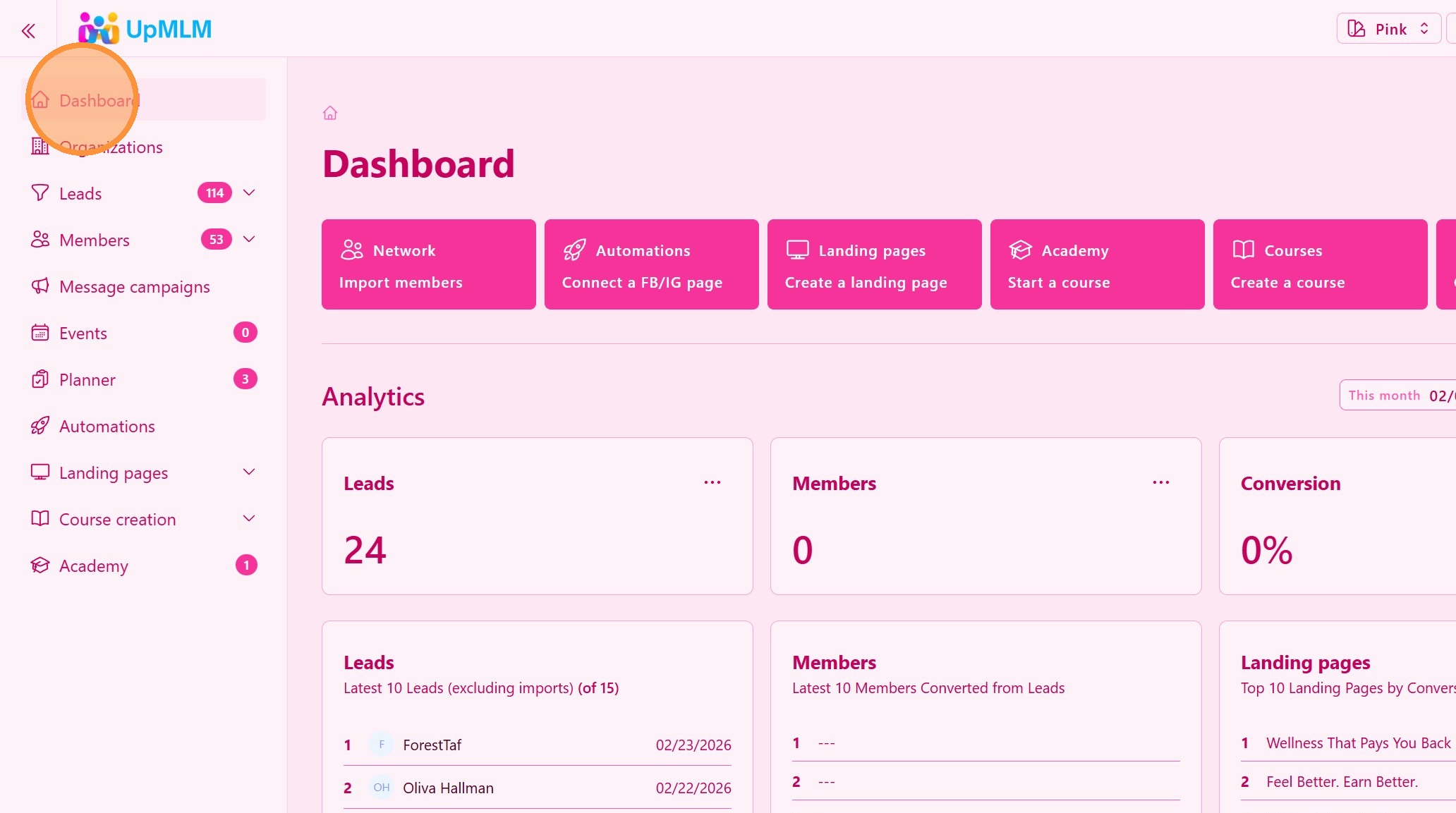
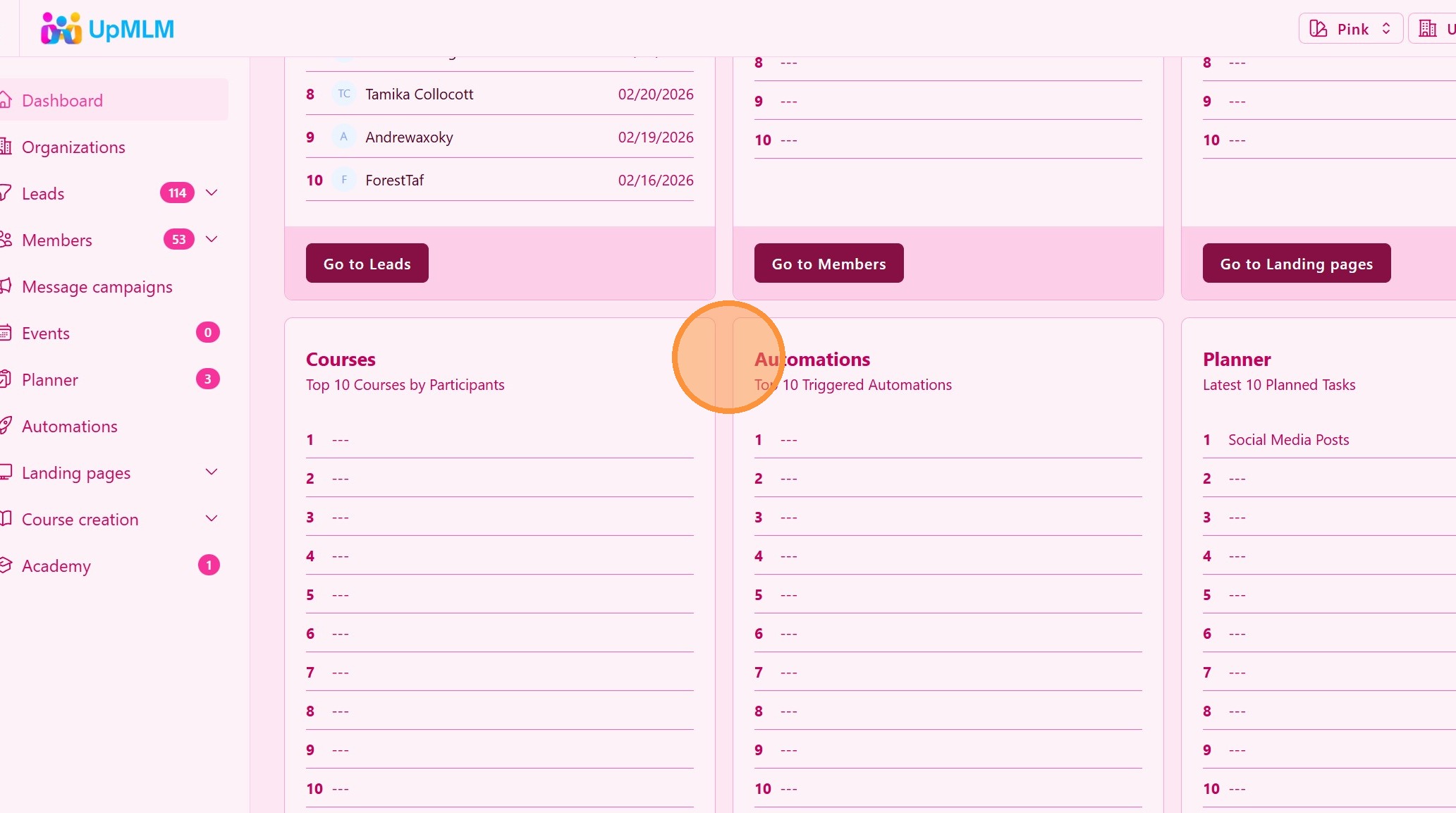
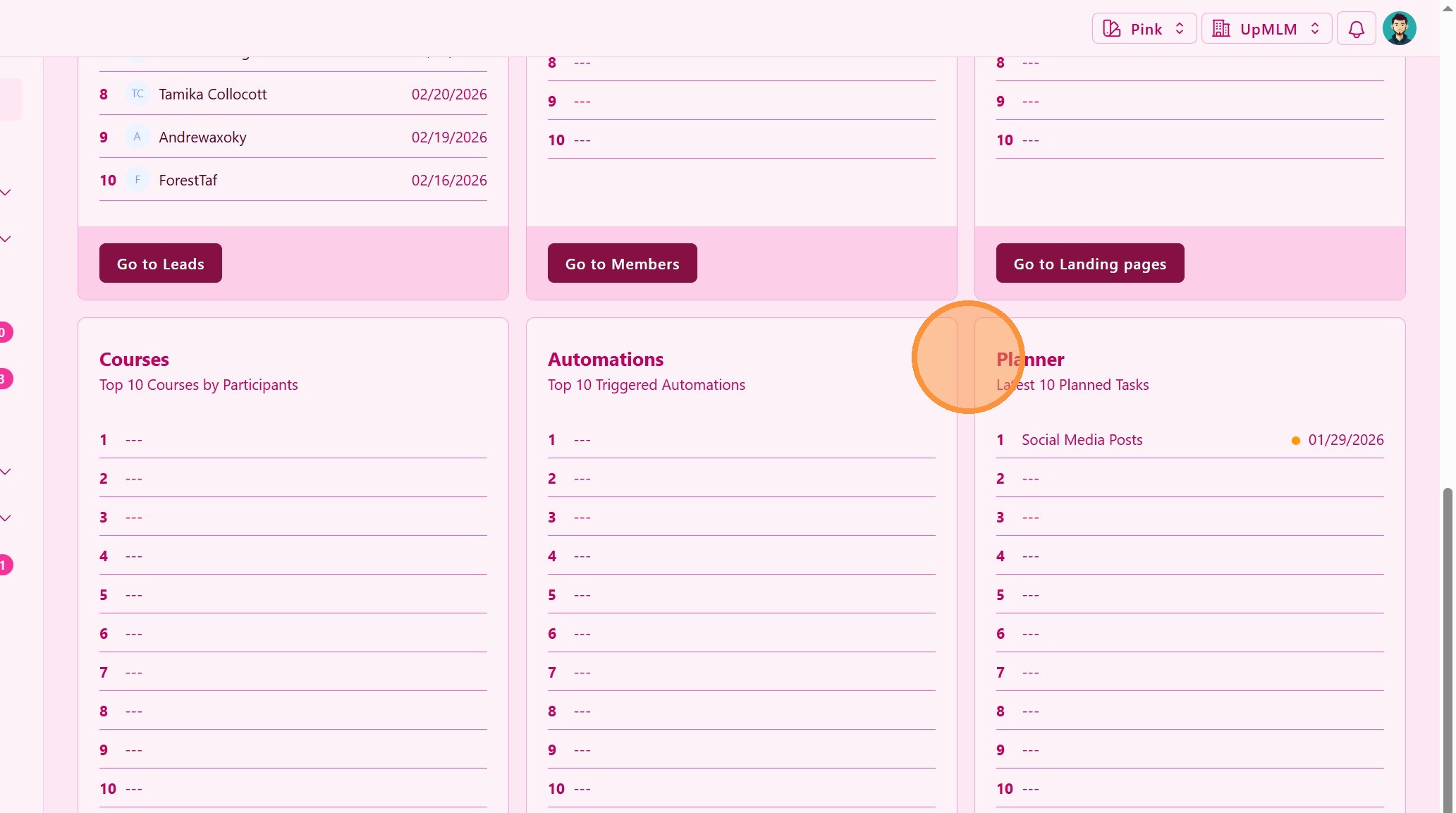
From the main navigation menu, click on Dashboard or the section that displays your business overview.
> This section provides a summary of your organization’s current performance.
2. ### Review Key Metrics
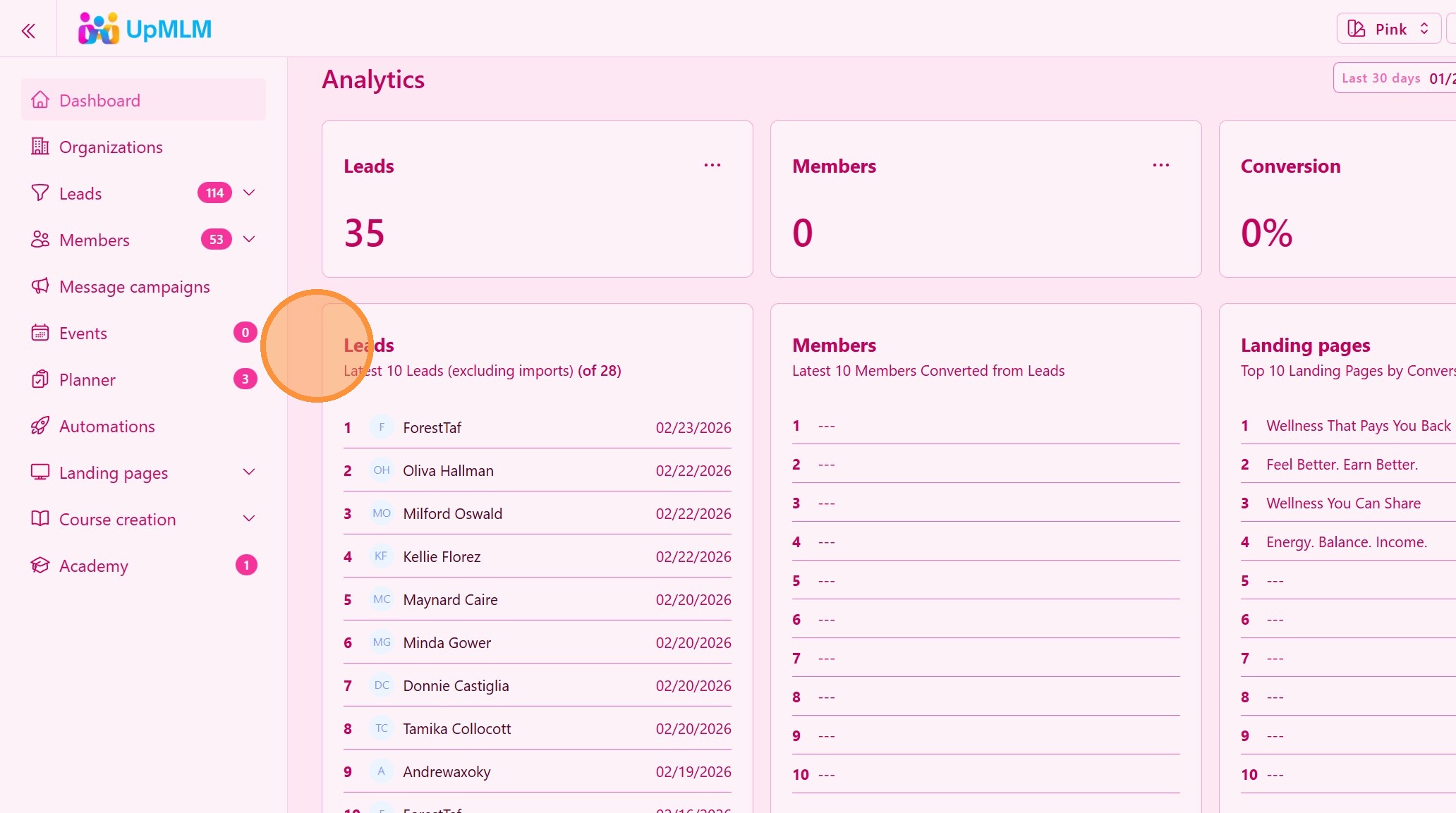
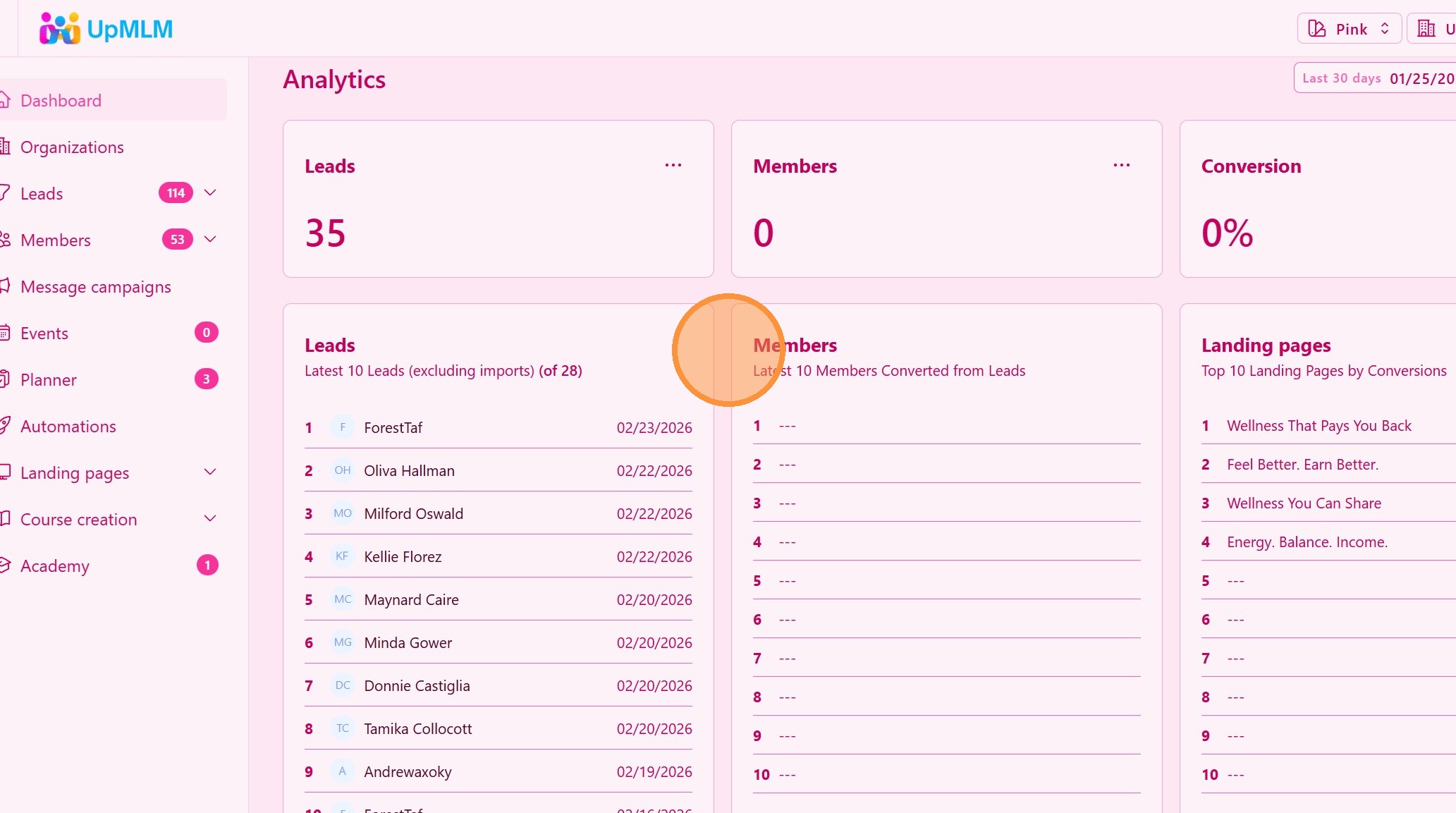
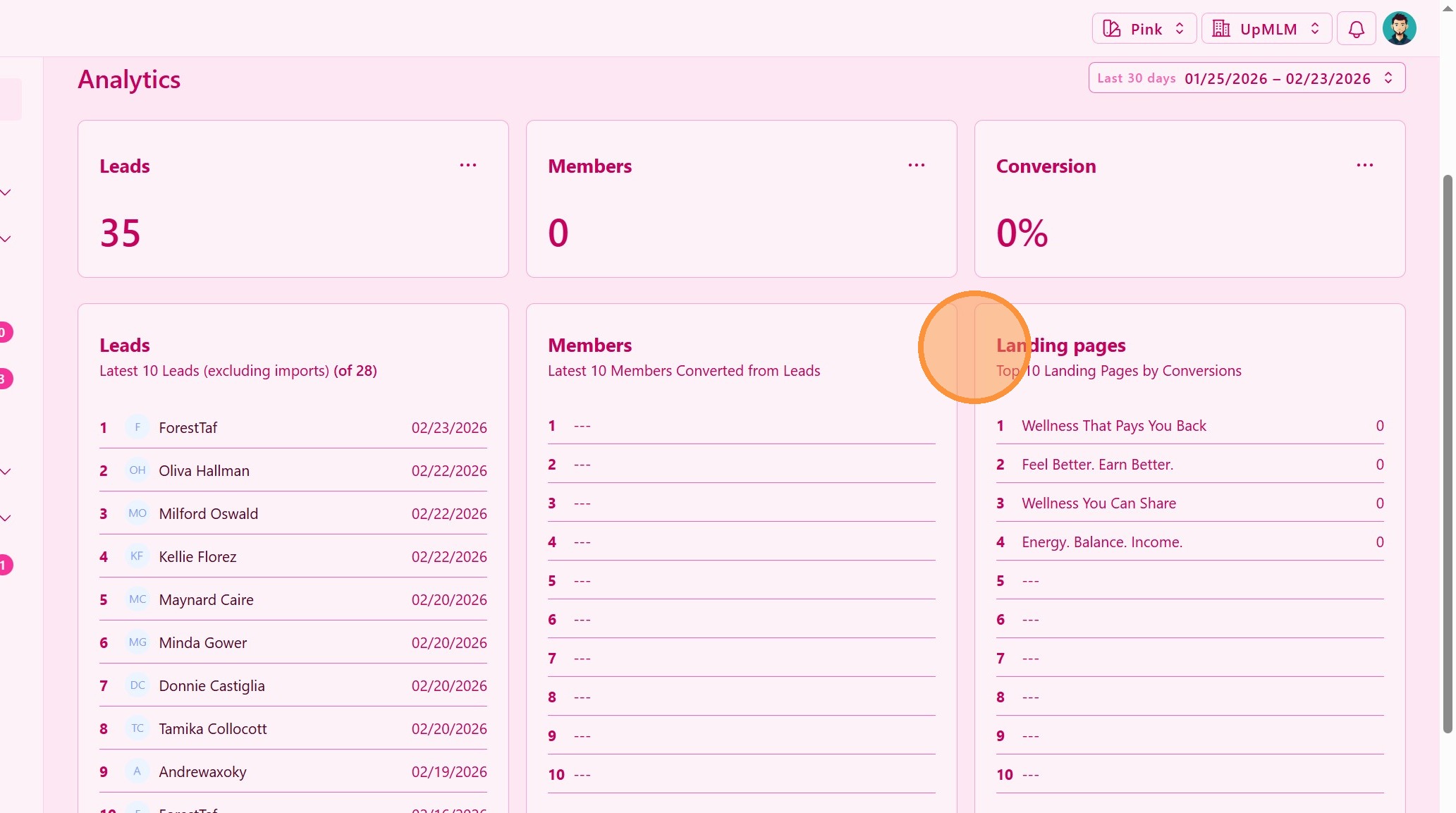
Examine the displayed data, which may include:
-
Total leads
-
Active members
-
Recent activity
-
Growth indicators
-
Upcoming tasks or events
> These metrics give you a snapshot of your business health in real time.
3. ### Analyze Team Activity
Check which members are active, engaging with courses, or progressing through training.
> This helps you identify rising leaders and areas that need support.
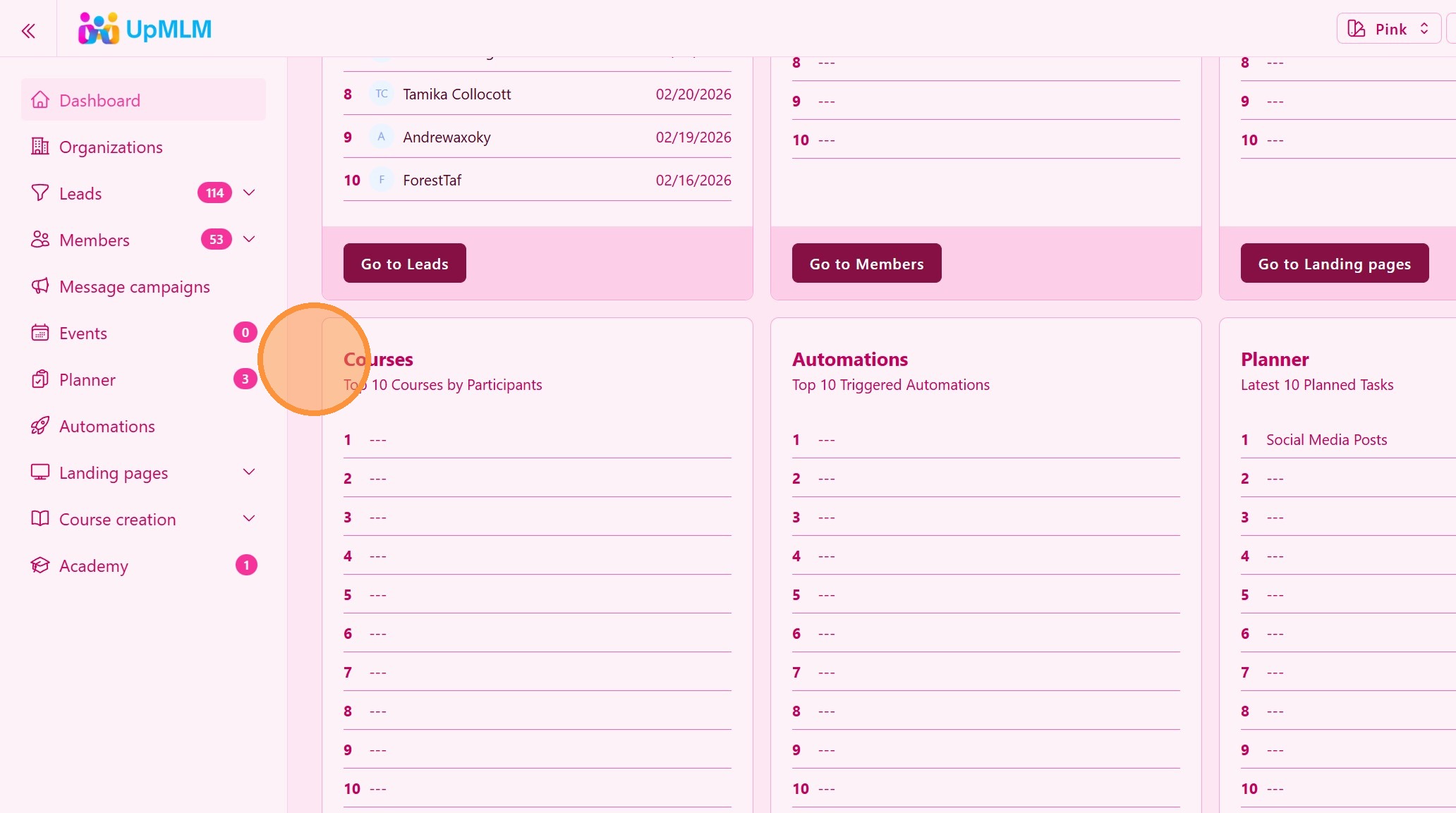
4. ### Monitor Lead Progress
Review where leads are positioned within your funnel stages.
> Understanding lead movement helps improve follow-up and conversion
5. ### Take Action if Needed
Based on the data:
-
Assign tasks
-
Send follow-ups
-
Schedule training
-
Contact inactive members
> The goal is not just to observe the data, but to act on it.
Tip: ## Practical Tips
-
Check your dashboard daily: Small adjustments prevent bigger problems.
-
Look for patterns: Identify trends in growth or inactivity.
-
Focus on activity, not just numbers: Engagement drives duplication.
-
Use insights to coach smarter: Data helps you support your team strategically.
Tip: ## Conclusion
Monitoring the current status of your business in UpMLM allows you to lead with clarity and confidence. By reviewing real-time data on leads, members, and activity, you can make smarter decisions and keep your MLM organization growing consistently.