Introduction
In this tutorial, you will learn how to locate your upline organization in UpMLM. By the end of this guide, you will be able to identify your upline, view the organizational structure, and understand how you are connected within your MLM network.
1. ### Open the Organization Section
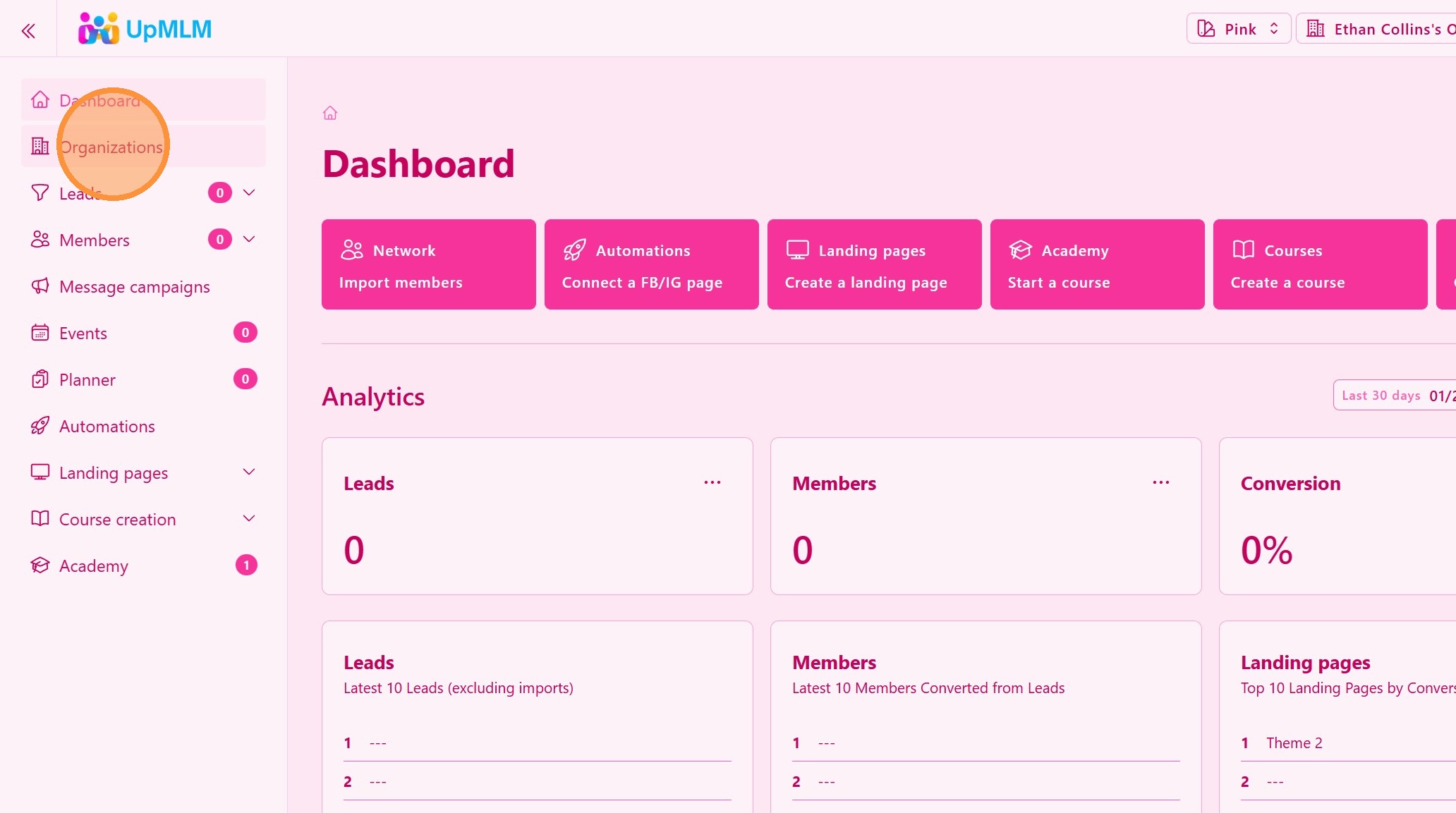
From the main navigation menu, click on Organization.
> This section displays all your MLM organizations, your’s and from your upline.
2. ### View your Organizations
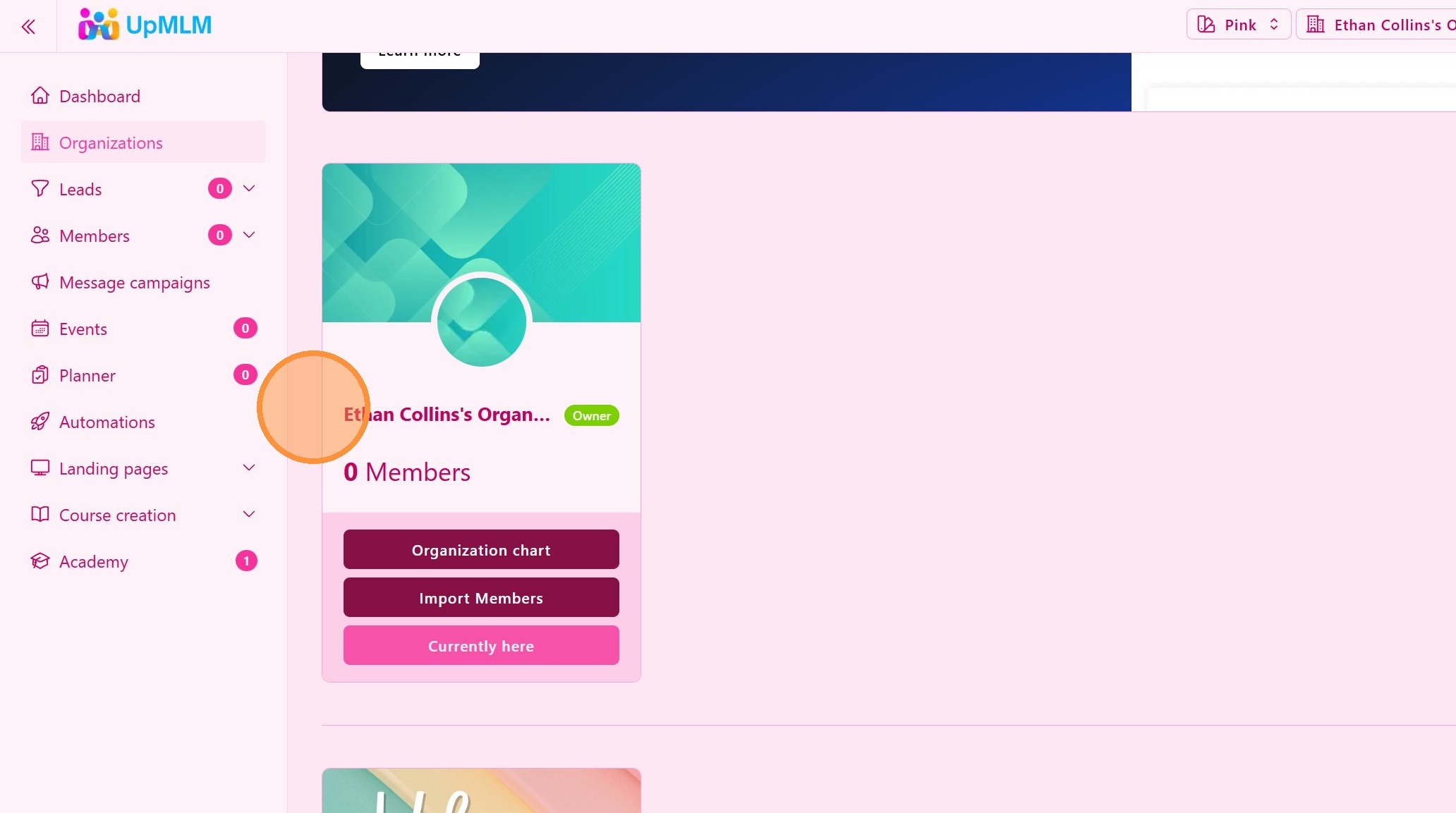
You can have one or more Organizations, depending on your subscription plan. Having multiple organizations enables you to share one account with other family members and or manage multiple MLM business with only one subscription plan.
3. ### View and Switch to your Upline Organization
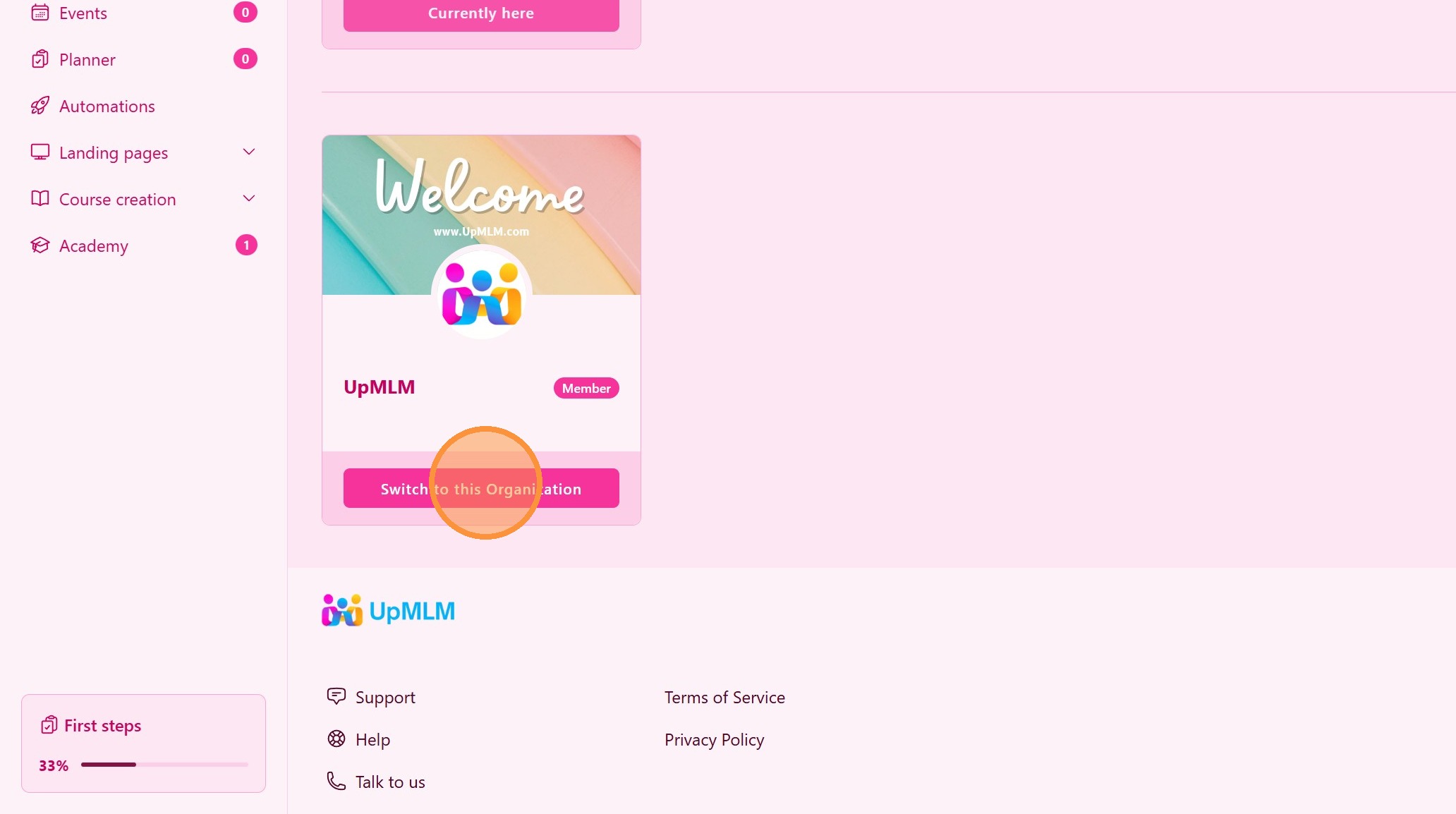
Your upline will invite you to access his/her Organization and share with you valuable informations such as:
- Exclusive free courses, training and master classes
- Landing pages for you to use
- Planning tasks
- Exclusive online and offline sheduled events
- and much more
Tip: ## Practical Tips
-
Use the tree view regularly: It helps you understand your structure clearly.
-
Learn from your upline: Check shared resources and training materials.
-
Stay aligned: Understanding your position strengthens collaboration.
-
Visualize growth: The organization tree helps you see expansion in real time.
Tip: ## Conclusion
Finding your upline organization in UpMLM helps you understand your position within the network and stay connected with your leadership structure. This clarity supports better communication, alignment, and structured growth within your MLM business.