Introduction
In this tutorial, you will learn how to add emails or phone numbers to the blacklist in UpMLM. By the end of this guide, you will be able to block specific contacts from receiving emails, WhatsApp messages, or SMS communications sent through the platform.
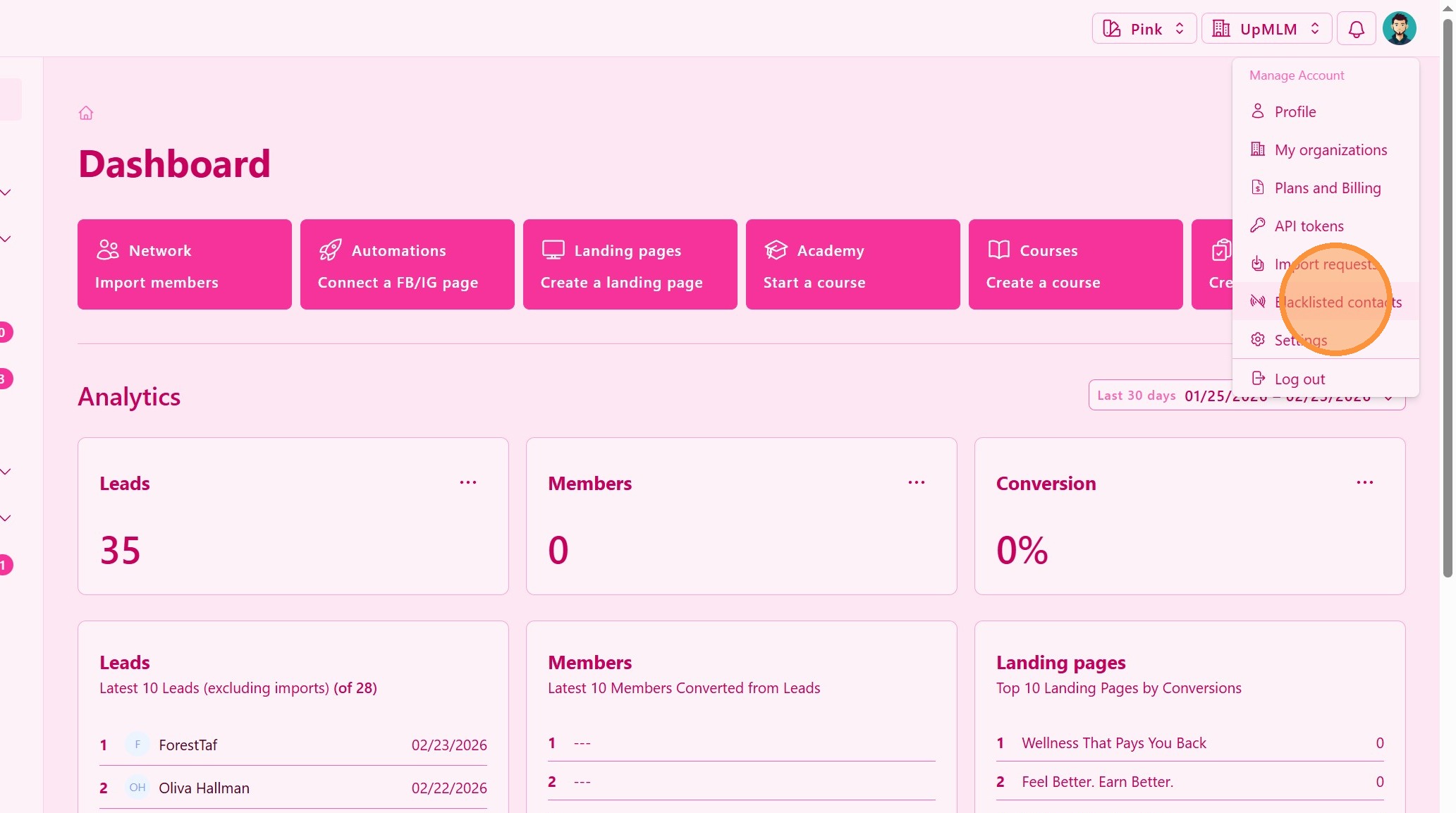
1. ### Navigate to the Blacklist Section
Locate and select the Blacklist option.
> This section contains all blocked email addresses and phone numbers.
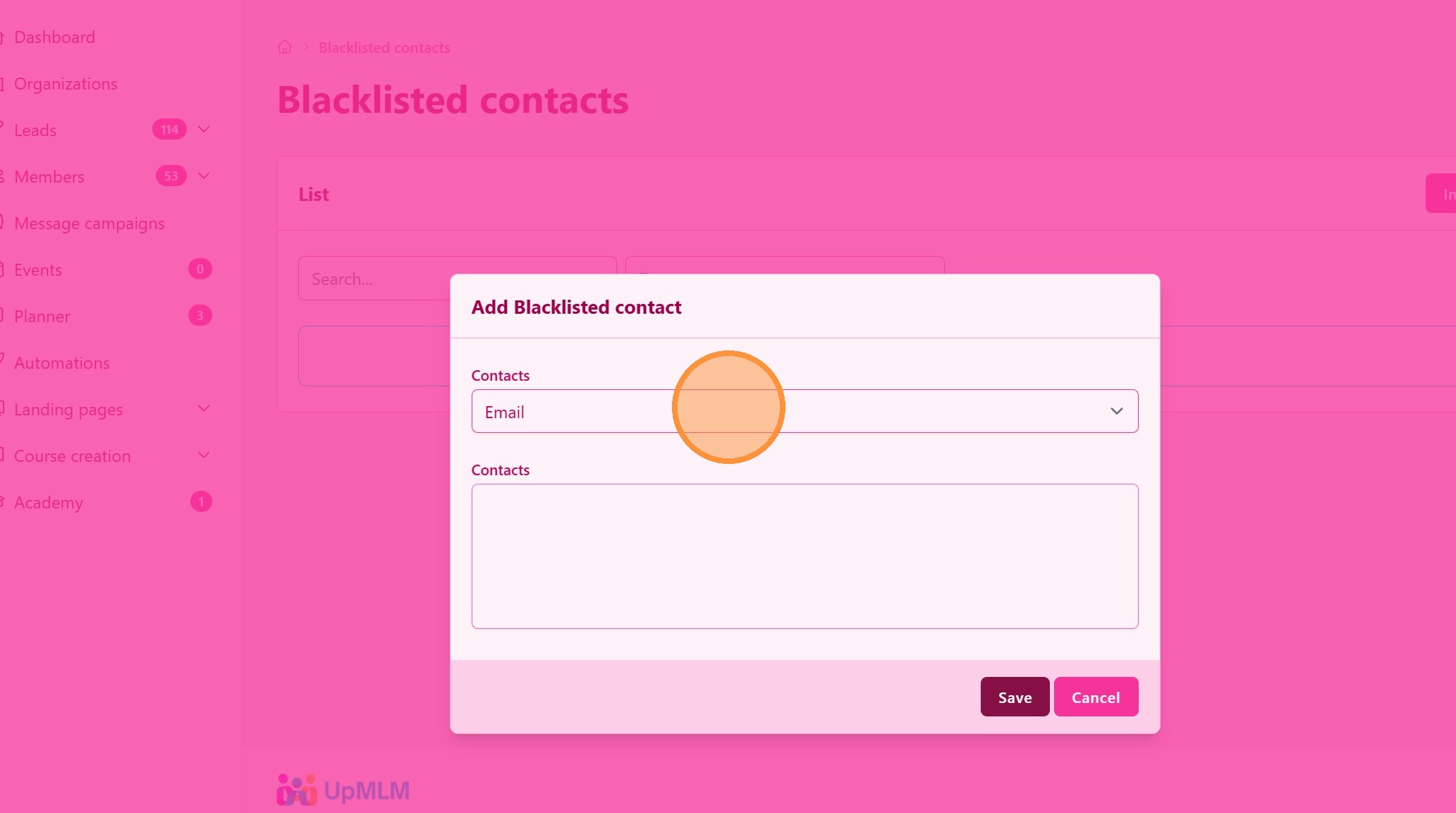
2. ### Add an Email or Phone Number
Enter:
-
The email address or phone number you want to block
-
One email our phone number per line
> This prevents the selected contact from receiving future communications.
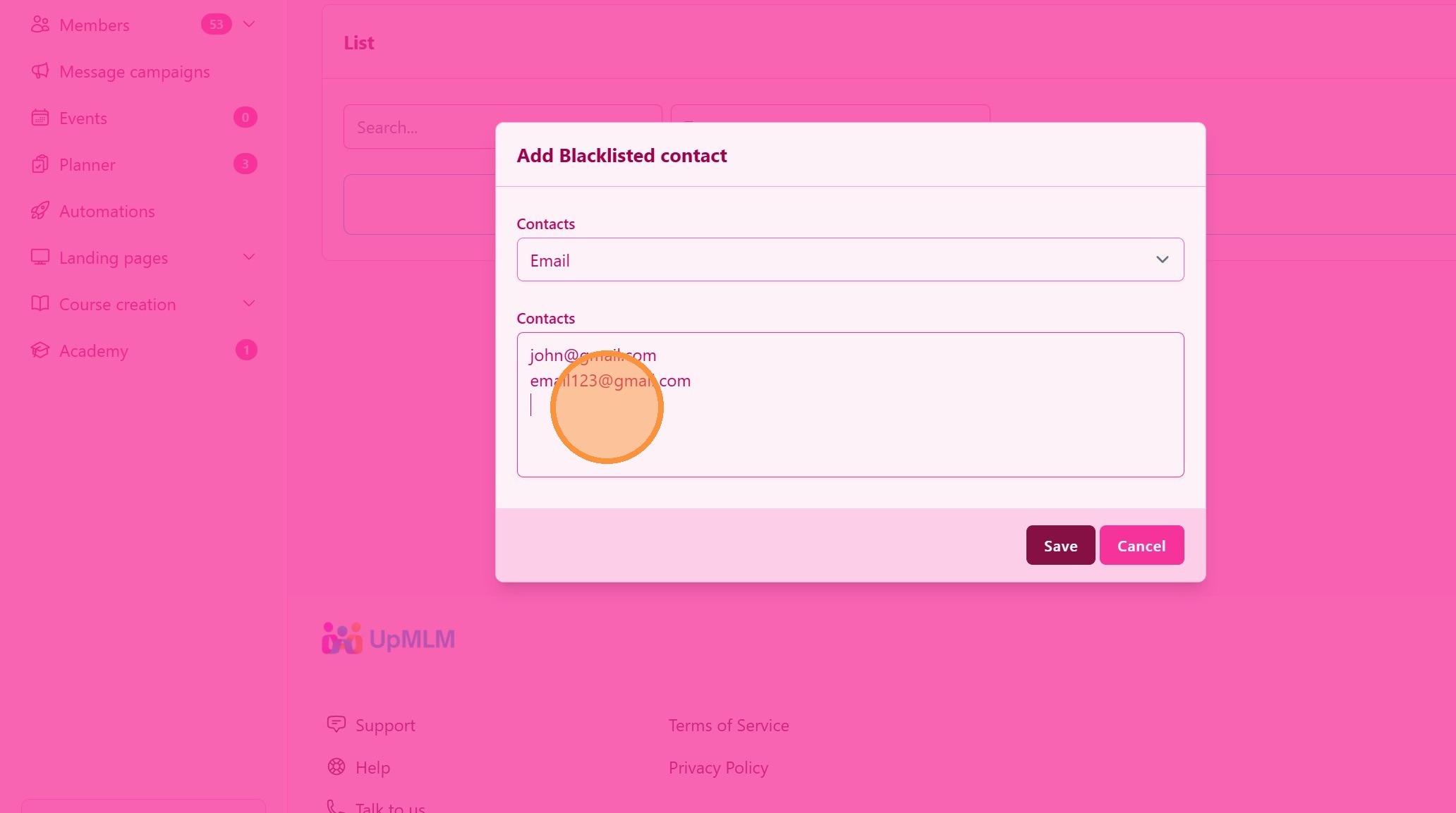
3. ### Save the Changes
Confirm and save your changes.
> The contact will now be included in the blacklist and excluded from messaging campaigns or automated follow-ups.
Tip: ## Practical Tips
-
Use the blacklist for invalid contacts: Add bounced emails or incorrect phone numbers.
-
Respect unsubscribe requests: Immediately blacklist contacts who request removal.
-
Review periodically: Clean your list to maintain communication quality.
-
Avoid overuse: Only block contacts when necessary.
Tip: ## Conclusion
Adding emails or phone numbers to the blacklist in UpMLM helps maintain professional communication standards and protects your campaigns from sending messages to invalid or unwanted contacts. Proper blacklist management ensures compliance, better deliverability, and improved communication performance.