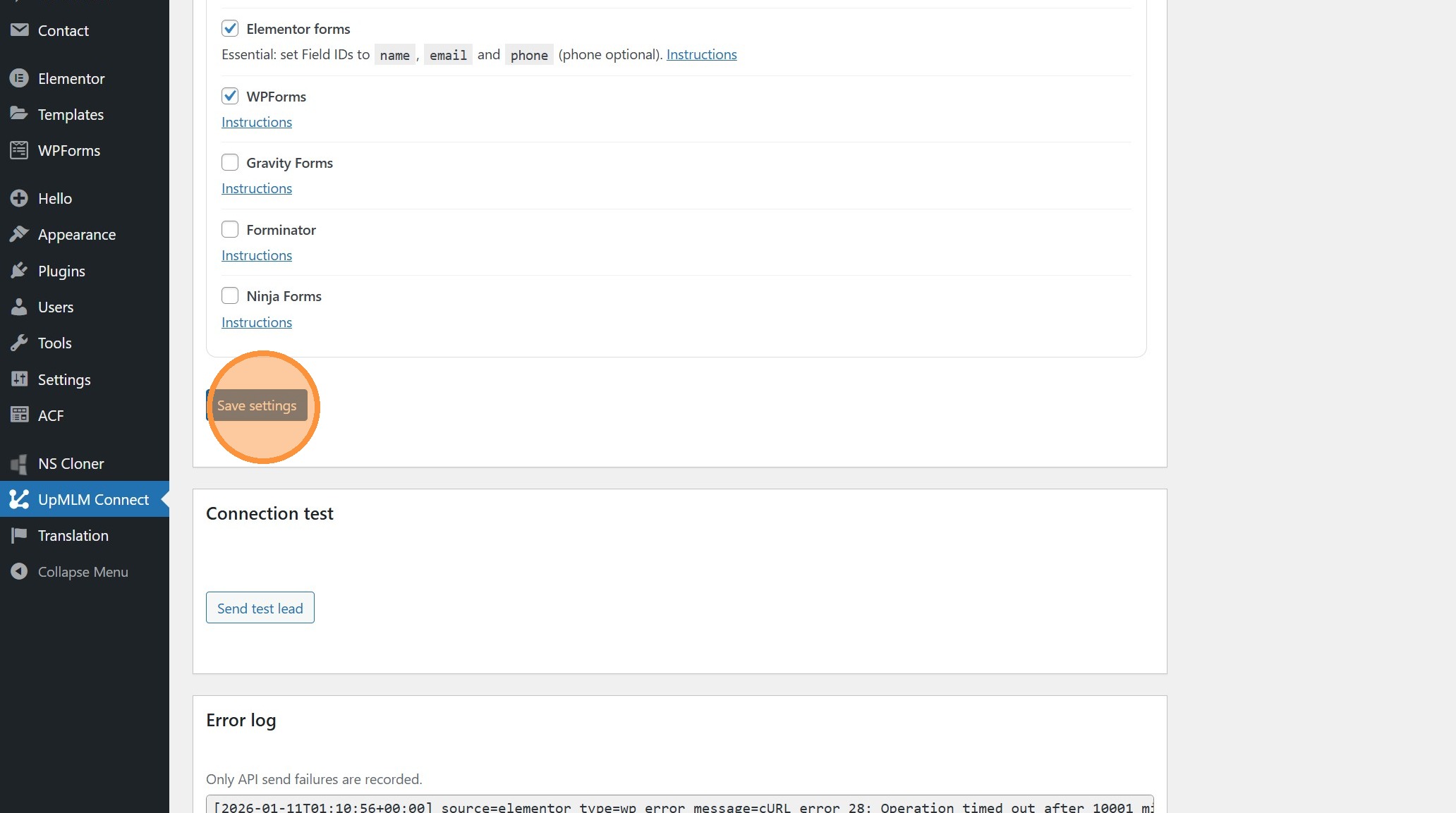
How to Connect my WordPress Forms With UpMLM
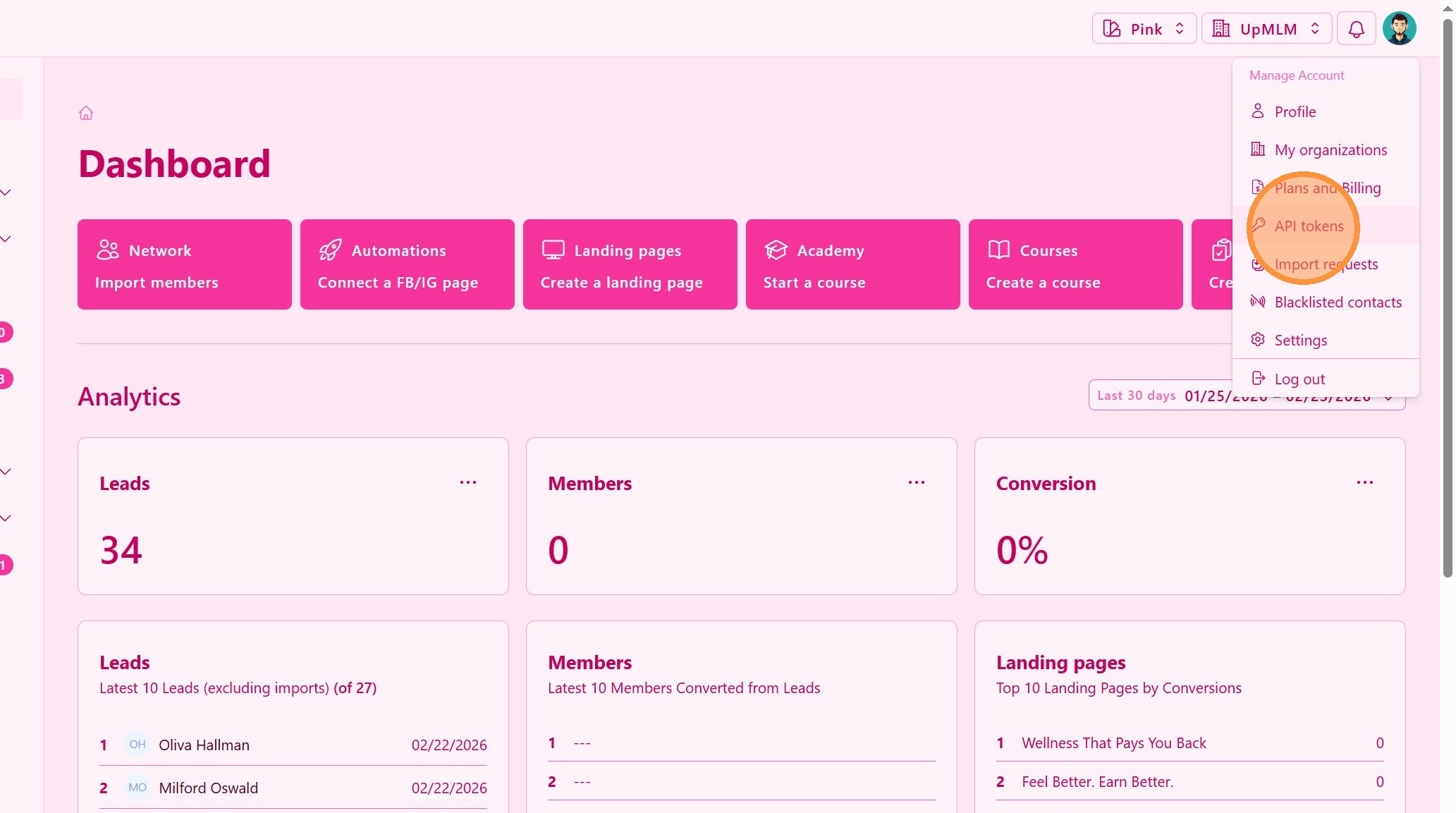
1. ### API token
From the personal navigation menu, click on API tokens.
> This section allows you to generate API tokens to connect external tools and data sources to UpMLM.
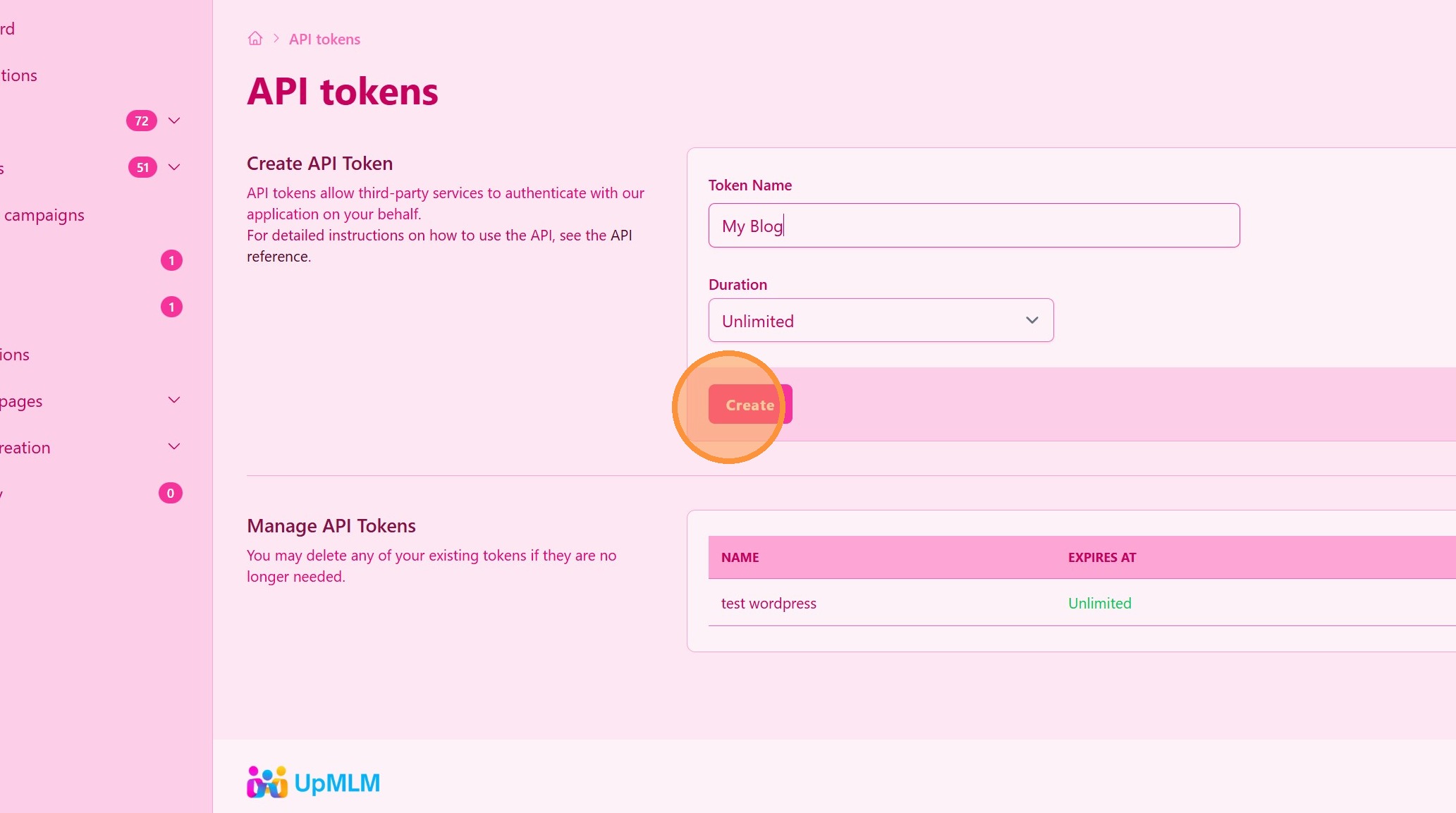
2. Click “Create”
3. Copy the Secret API Key
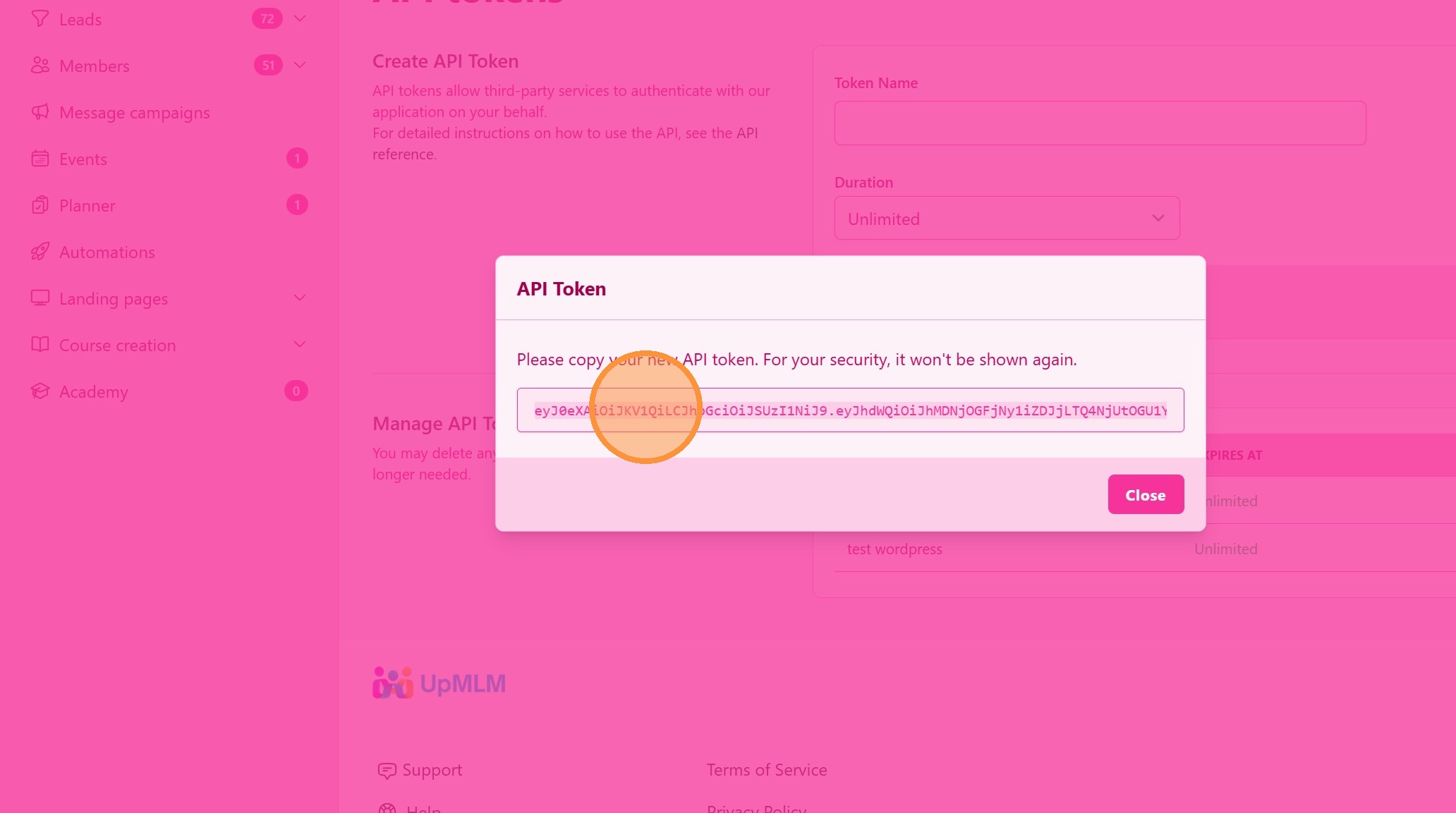
4. Configure your WordPress
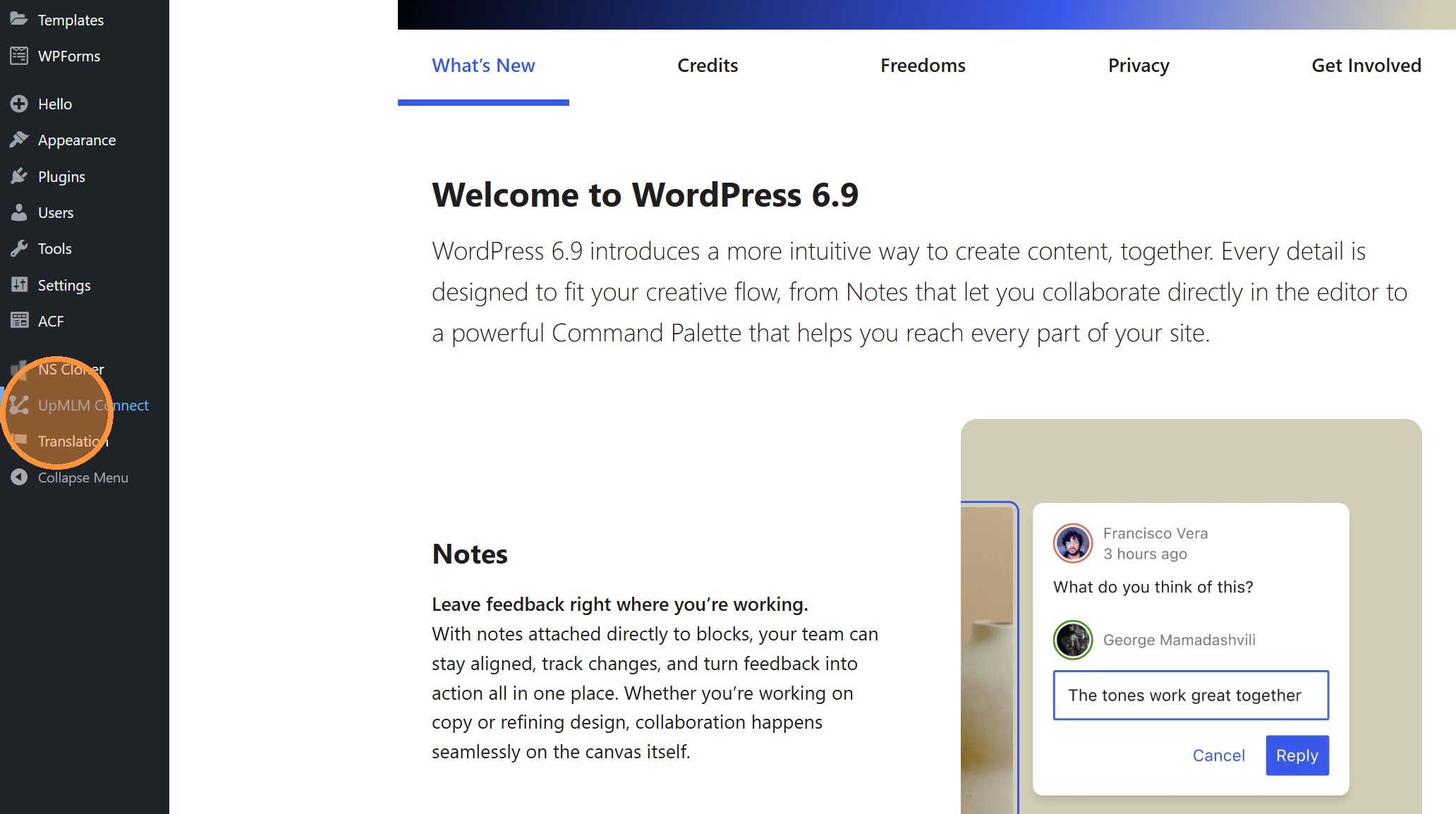
Go to your WordPress and click “UpMLM Connect”
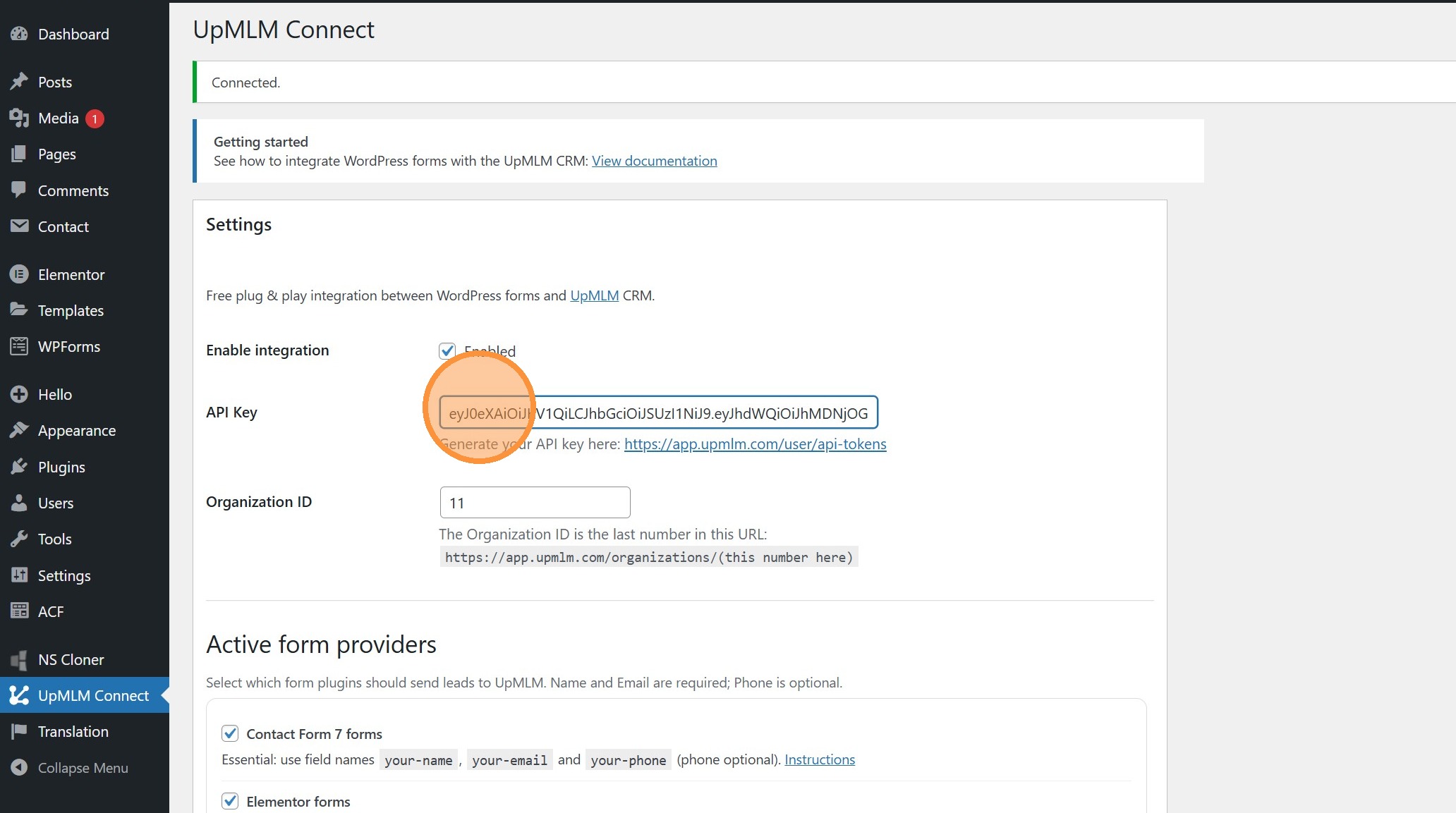
5. Paste the API KEY
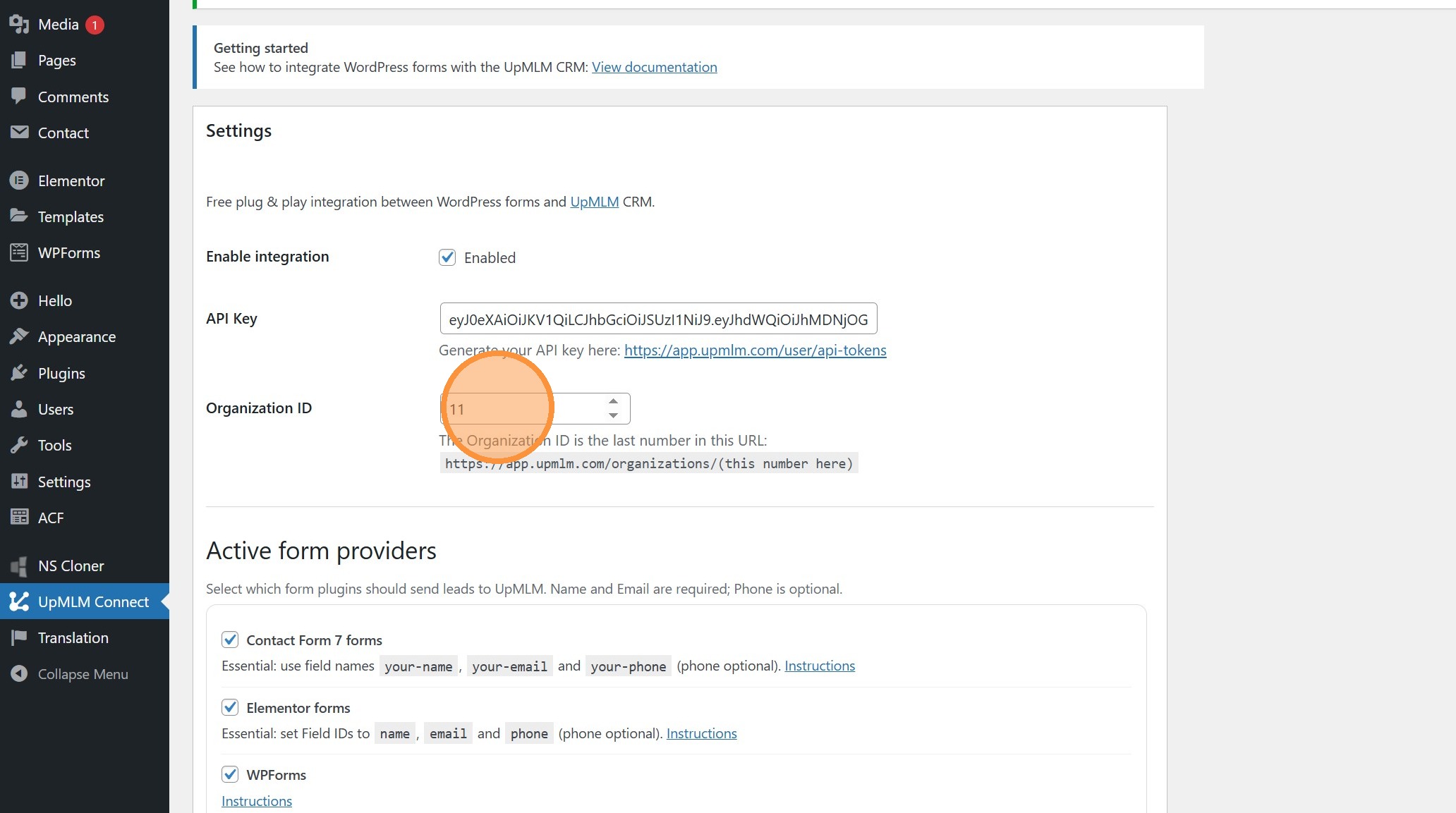
6. ### Configure Organization ID
The Organization ID is the last number in this URL: https://app.upmlm.com/organizations/11
> In this URL, organization ID is 11
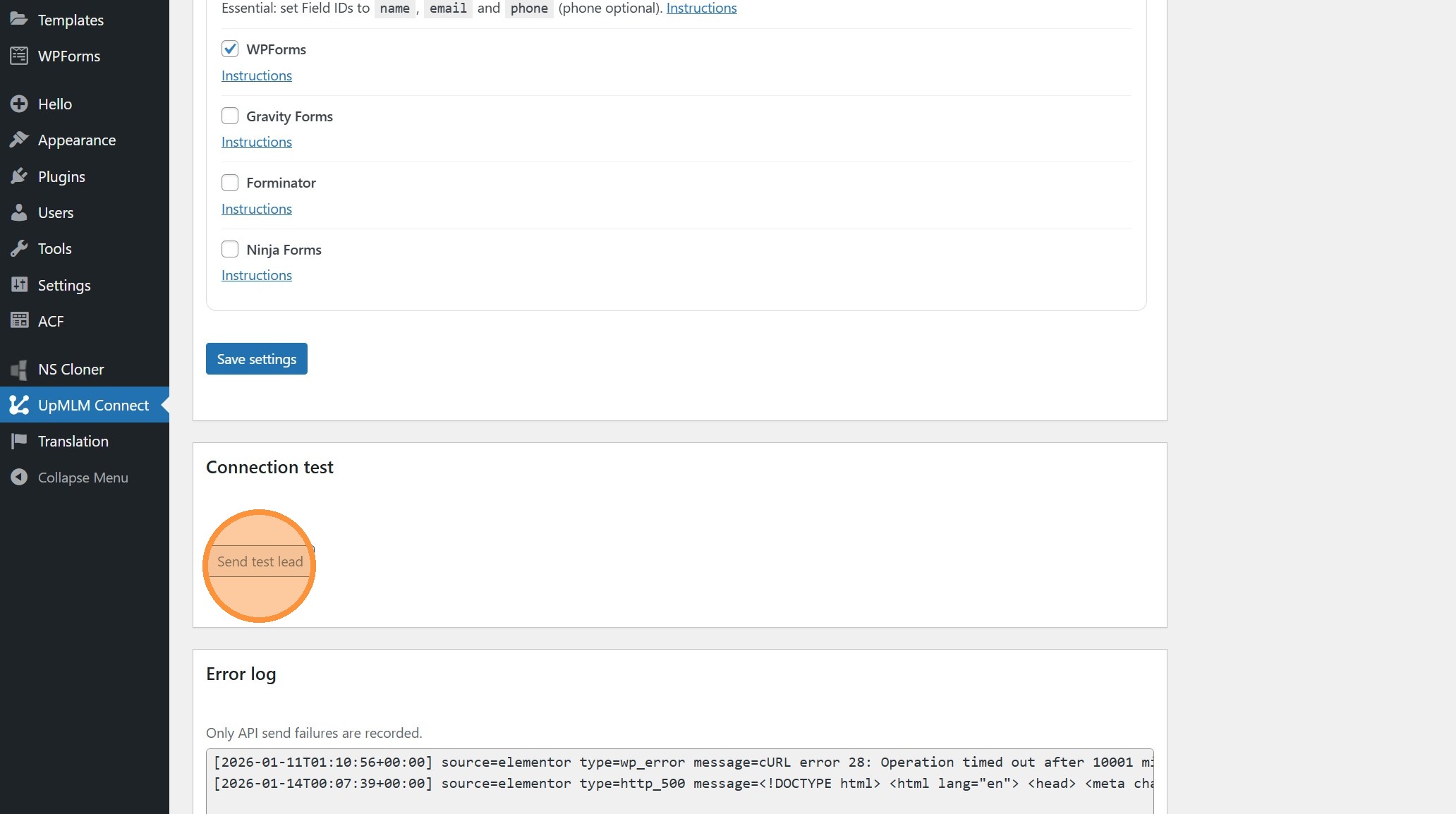
7. Test the integration
Click “Send test lead” to send a dummy lead to your UpMLM account
8. Verify
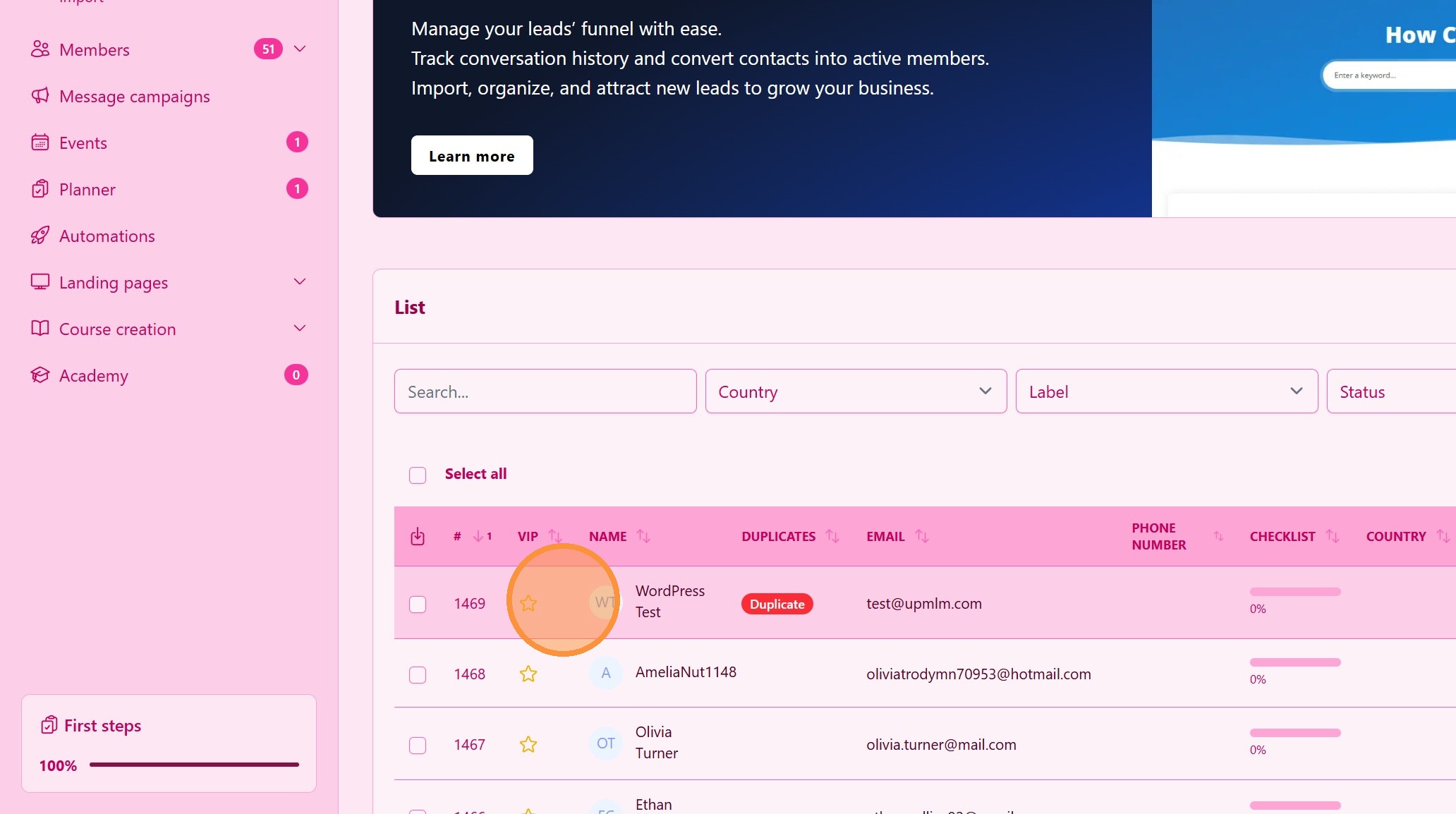
Go tou your lead list a check the WordPress lead test. Re-order the leads to list order by ID
9. Save to commit configuration