Manage and Send WhatsApp and Email Messages to Leads in UpMLM
Introduction
In this tutorial, you will learn how to send WhatsApp messages and emails to leads in UpMLM. By the end of this guide, you will be able to communicate efficiently with your leads and keep all conversations organized in one place.
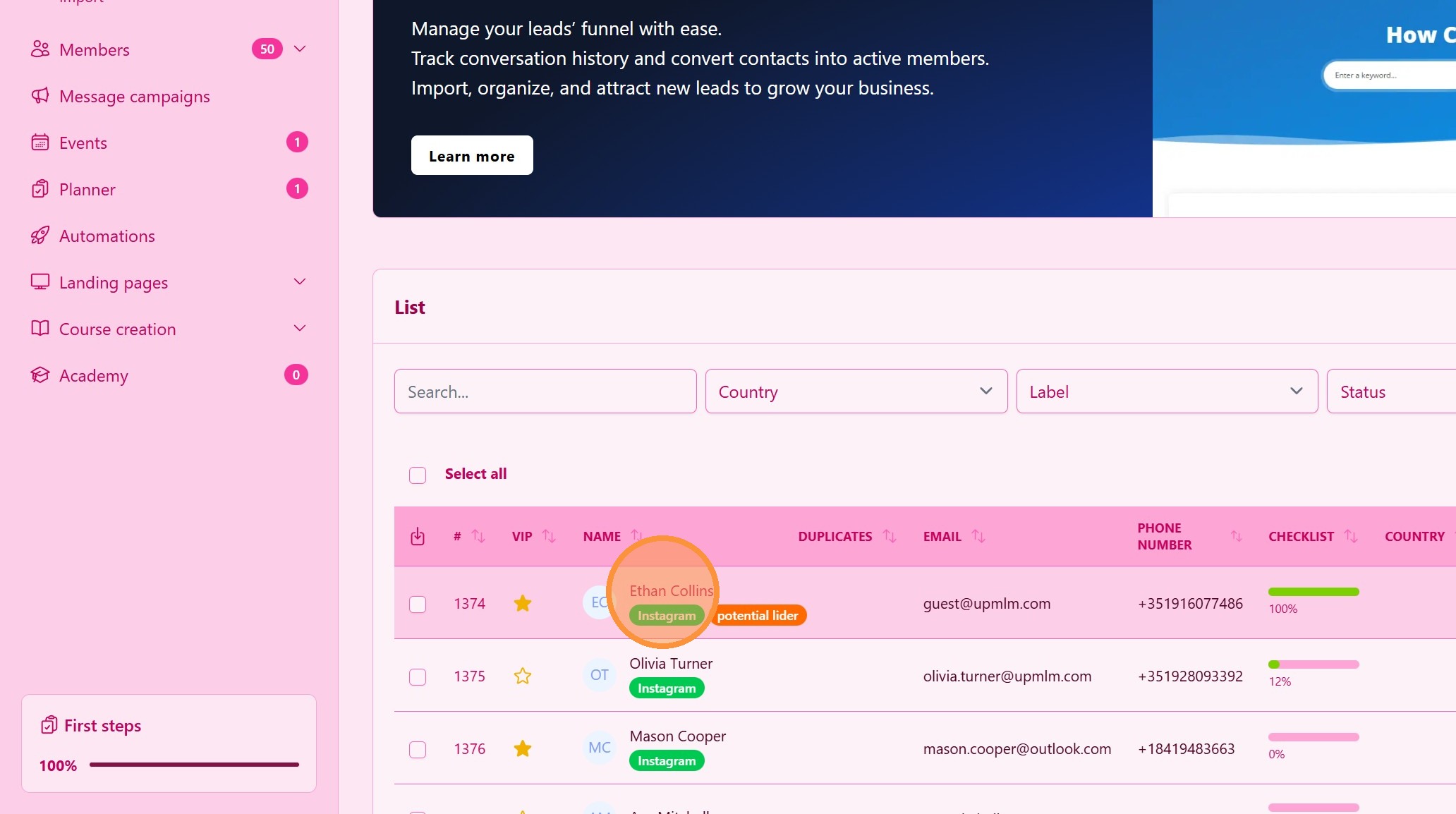
1. ### Select a Lead or member
Click on the lead/member you want to communicate with.
> This opens the lead’s/members’s detailed profile.
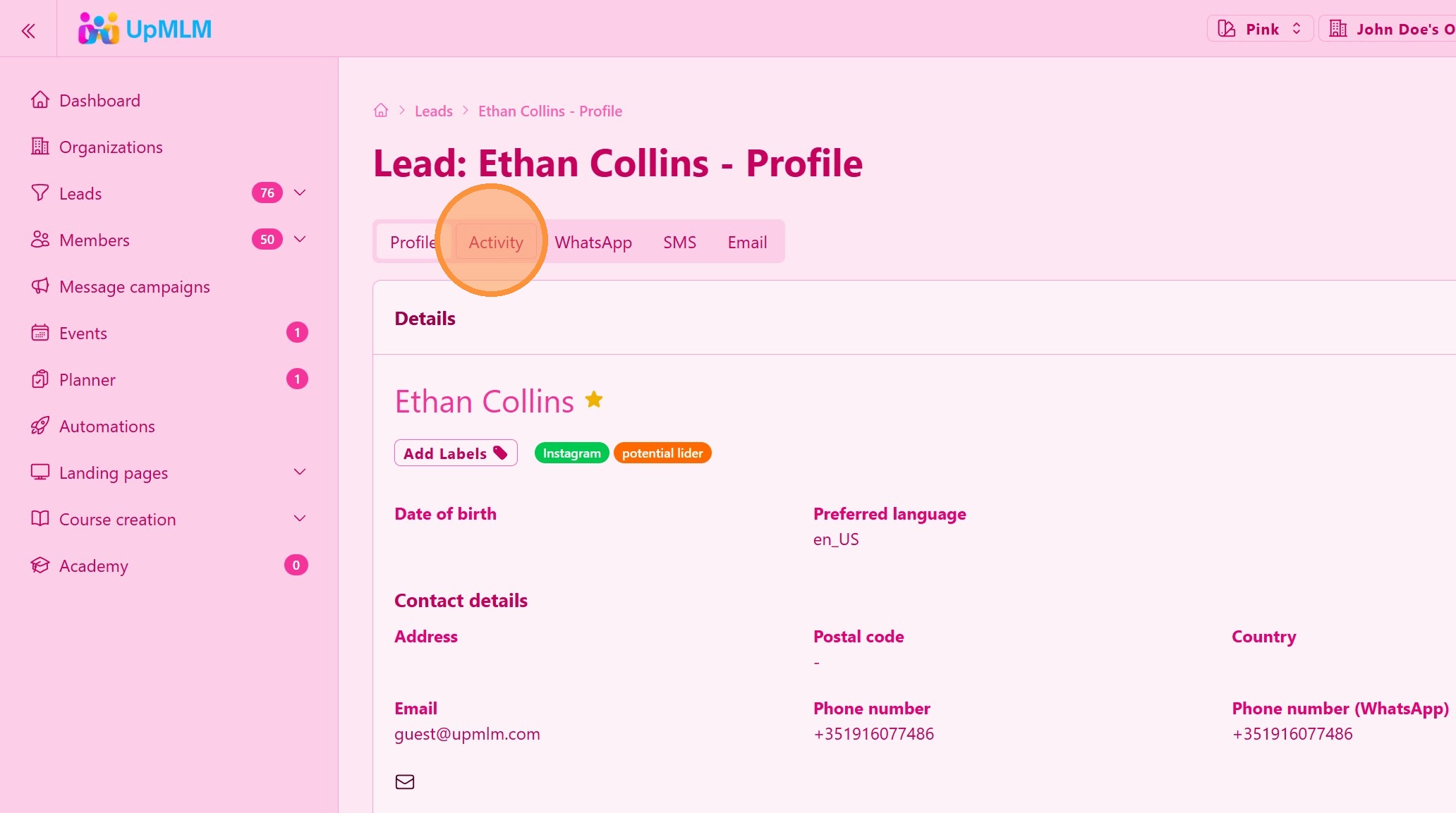
2. ### Record all your notes
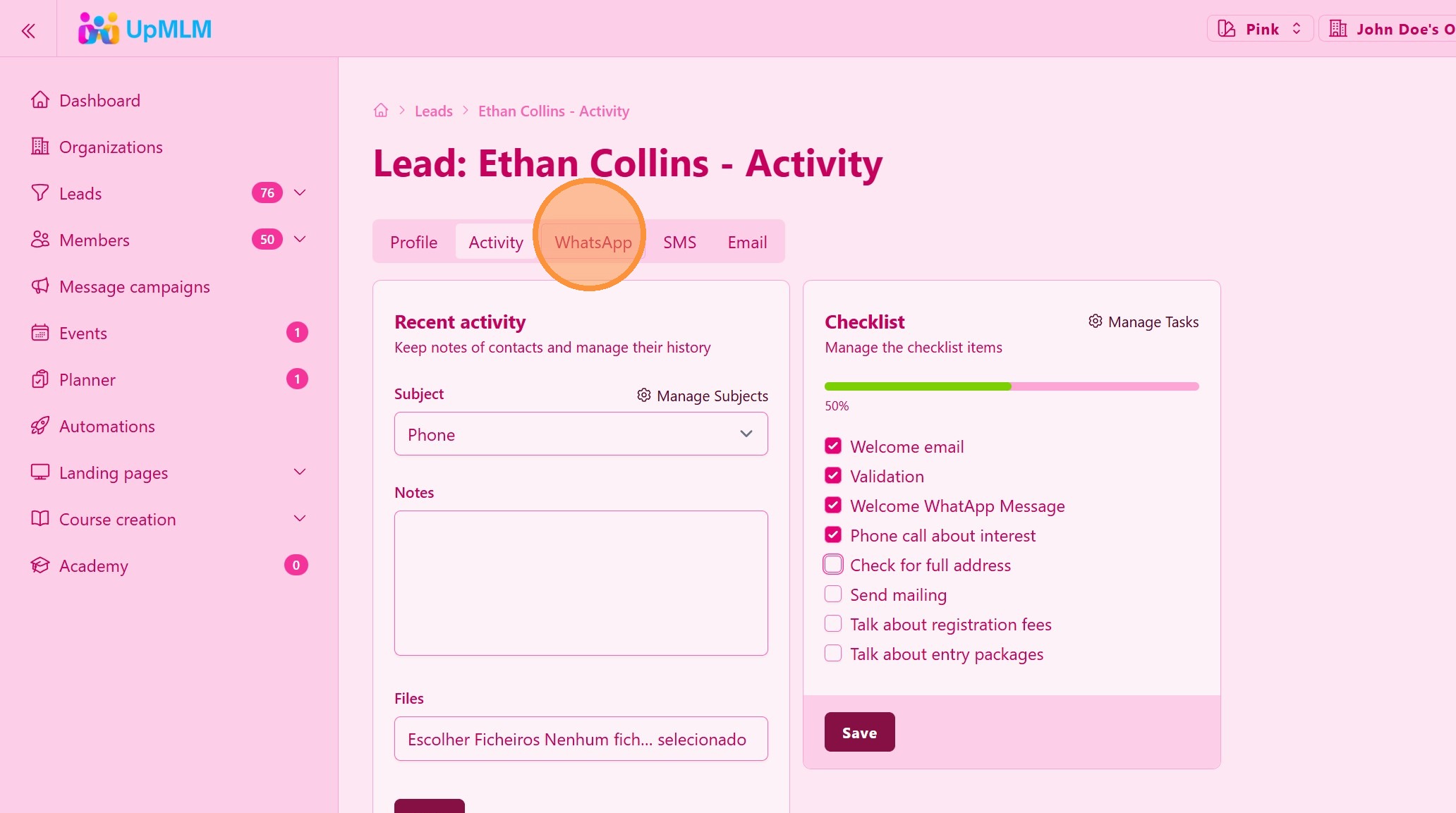
Select Activity tab to open the note tool and checklist tasks
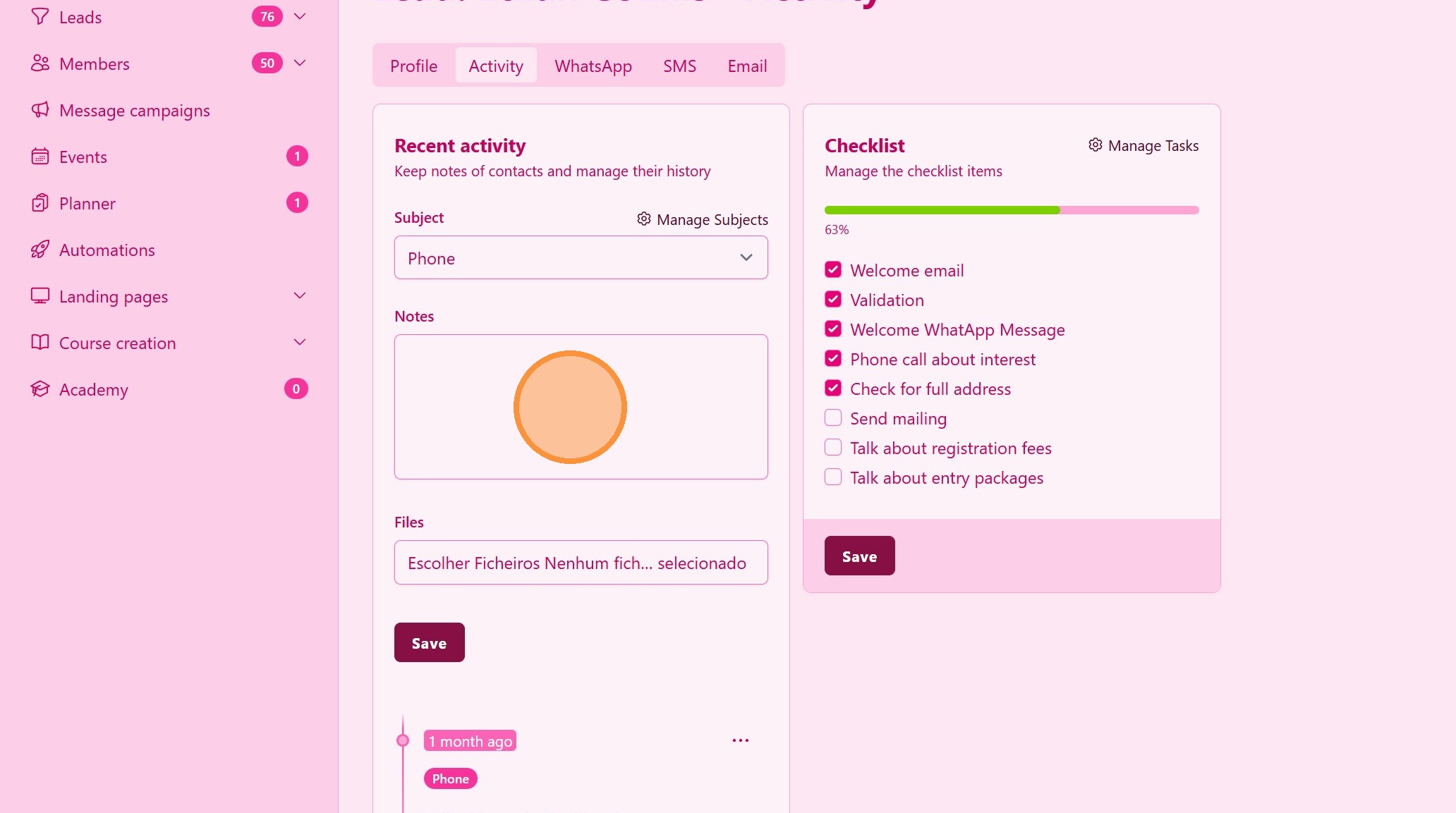
3. ### Keep Activity Notes
Write notes about your leads of every comunication you do, organize with specific subjects. You can create new note subjects that fits your business.
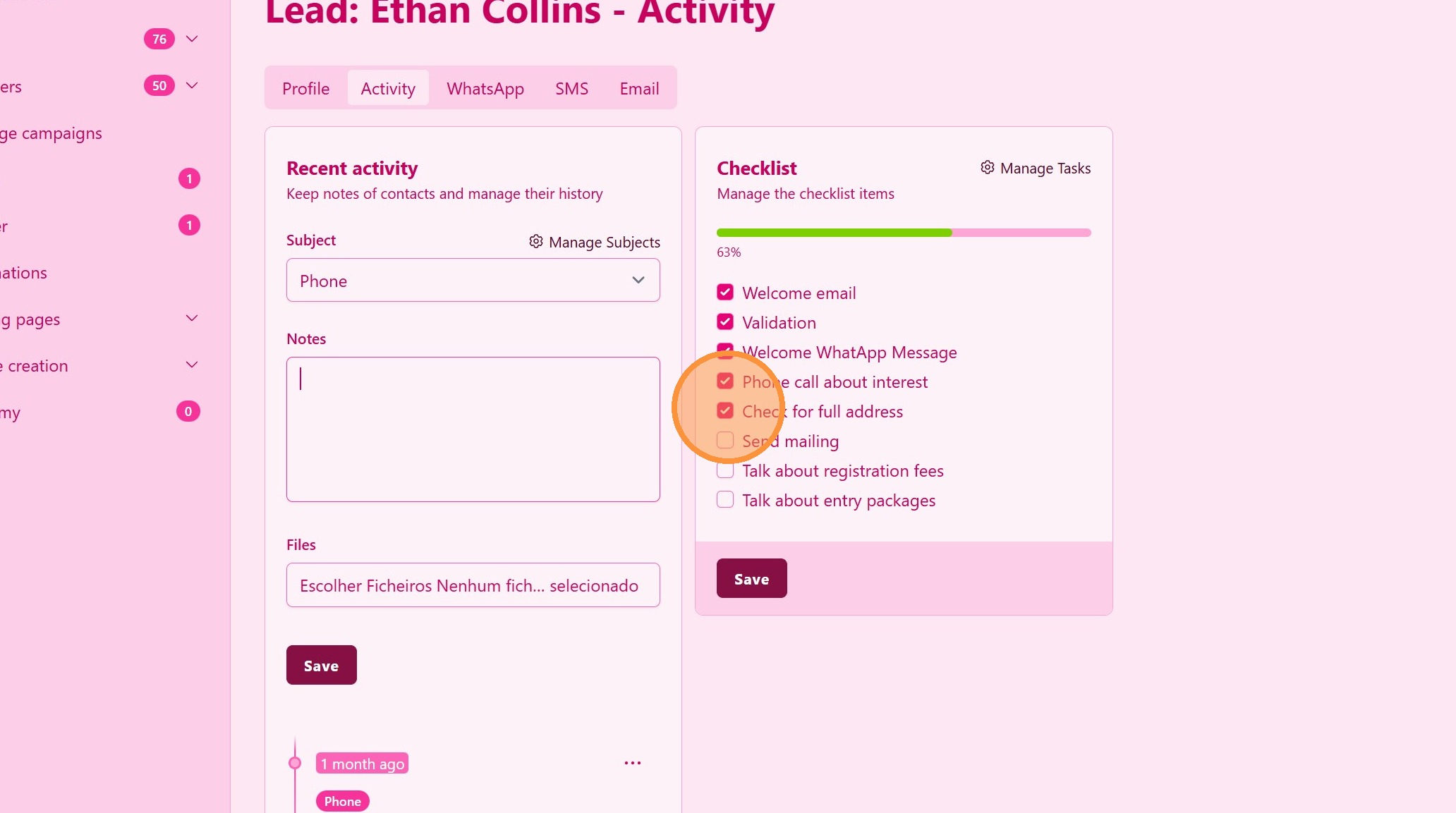
4. ### Checklist FollowUp
Create a checklist a mark the progress of you lead
5. ### Choose a Communication Channel
Select WhatsApp or Email from the available communication options.
> This allows you to choose the most appropriate channel for the lead.
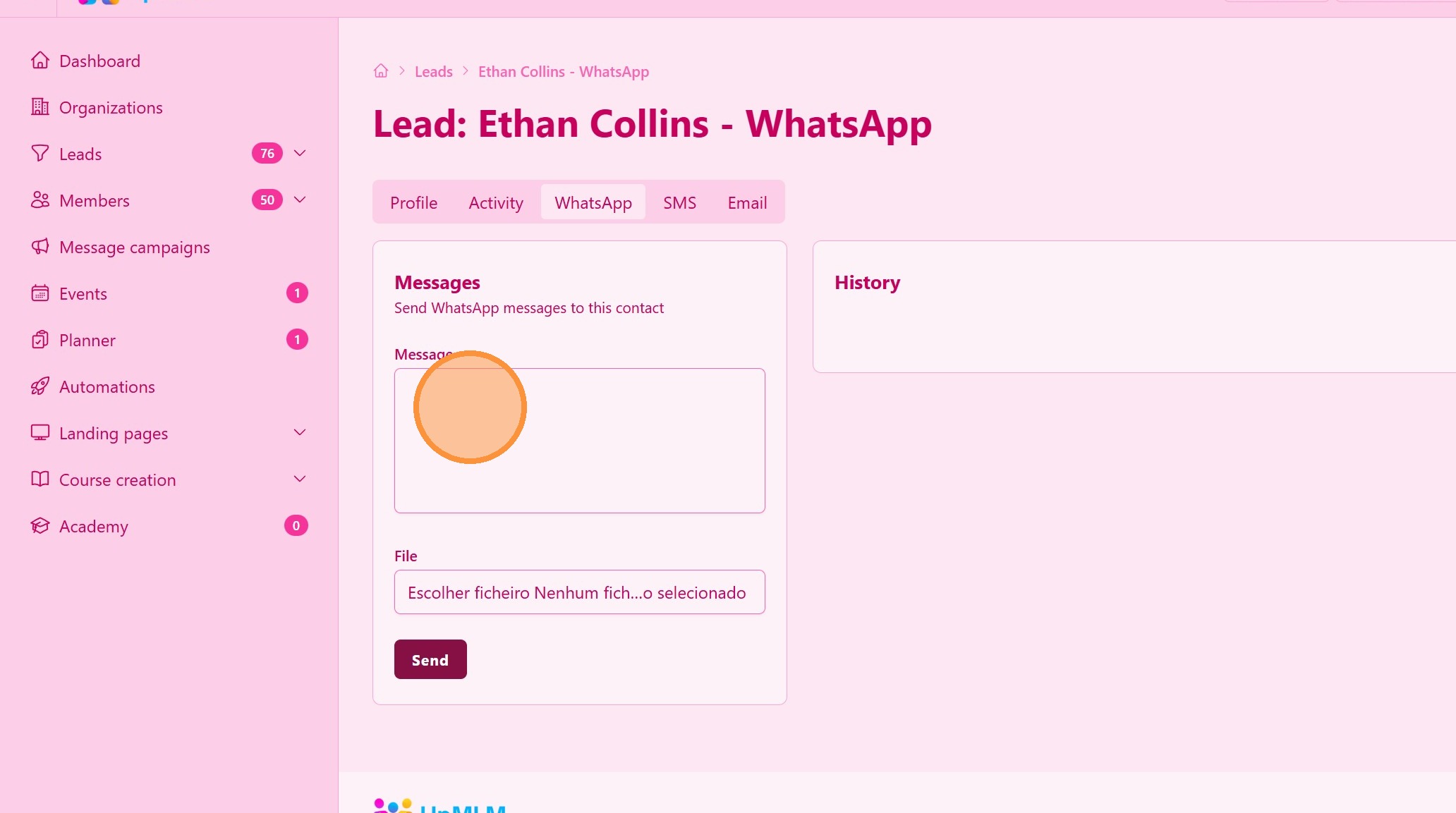
6. Send WhatsApp messages directly from UpMLM
The communication will be logged in the lead’s activity history
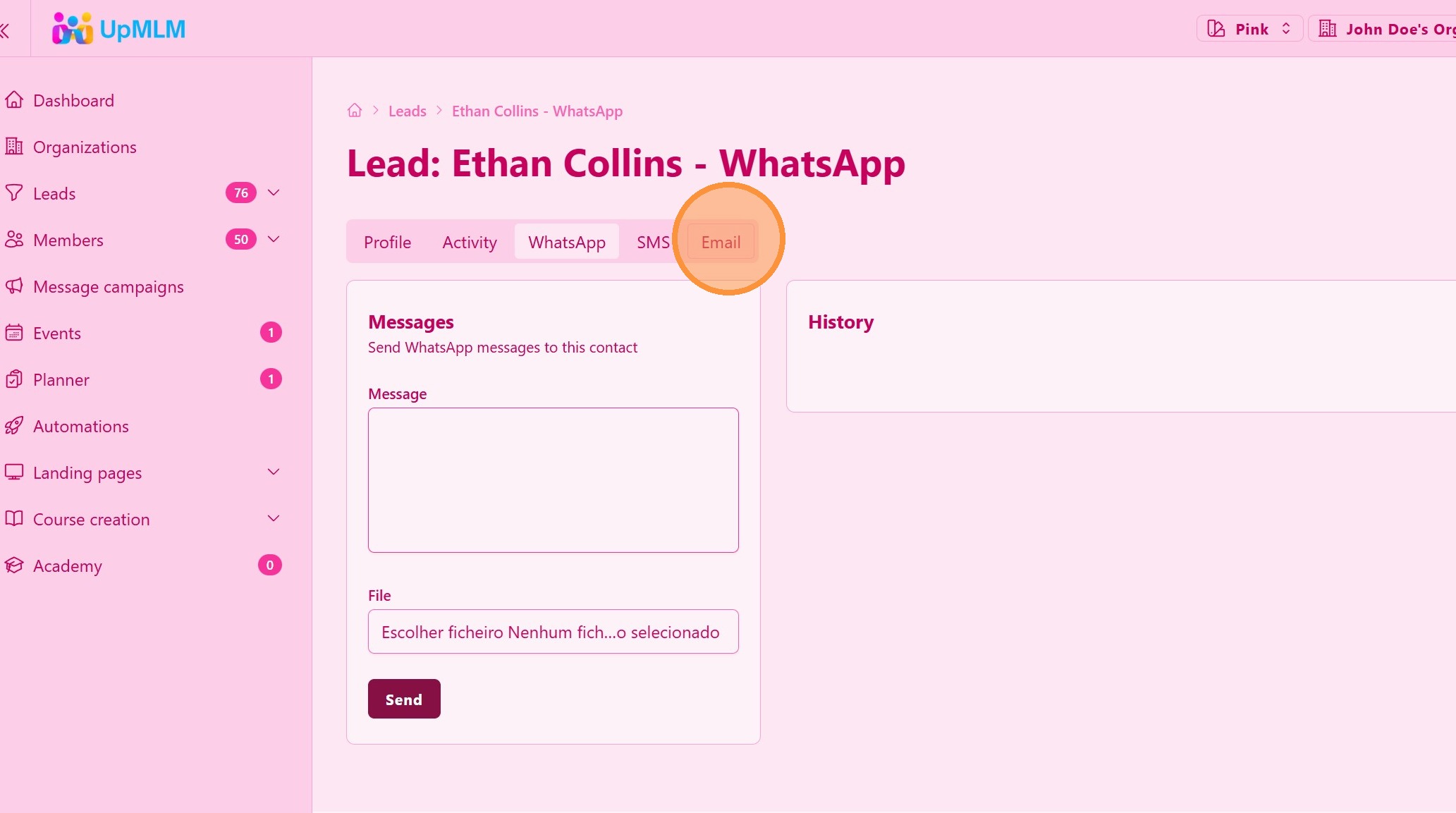
7. Send Emails directly from UpMLM
The communication will be logged in the lead’s activity history
Tip: ## Practical Tips
-
Personalize messages: Use the lead’s name or context from previous interactions.
-
Choose the right channel: Use WhatsApp for quick responses and email for detailed information.
-
Review message history: Check previous messages before sending new ones.!
Tip: ## Conclusion
Managing and sending WhatsApp messages and emails to leads in UpMLM helps centralize communication and improve follow-up consistency. This approach ensures better engagement and a more organized lead management process.