Connect Your Custom Email Account with UpMLM
## Introduction
In this tutorial, you will learn how to connect your custom email account with UpMLM. By the end of this guide, you will be able to configure email settings and use your own email address for communication within the platform.
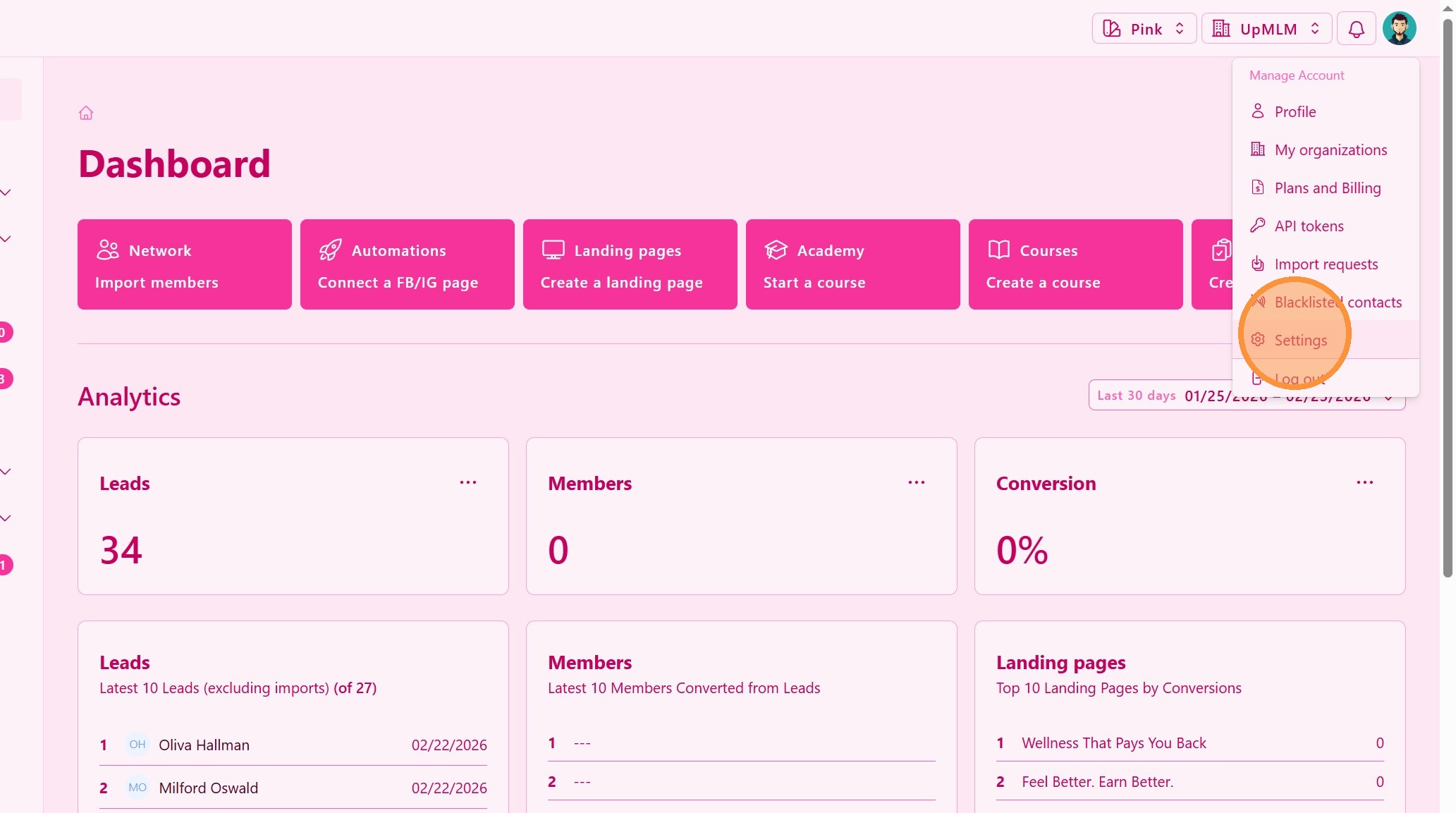
1. ### Open Your Account Menu
Click on your user profile icon in the top navigation bar.
> This menu provides access to your account settings and integrations.
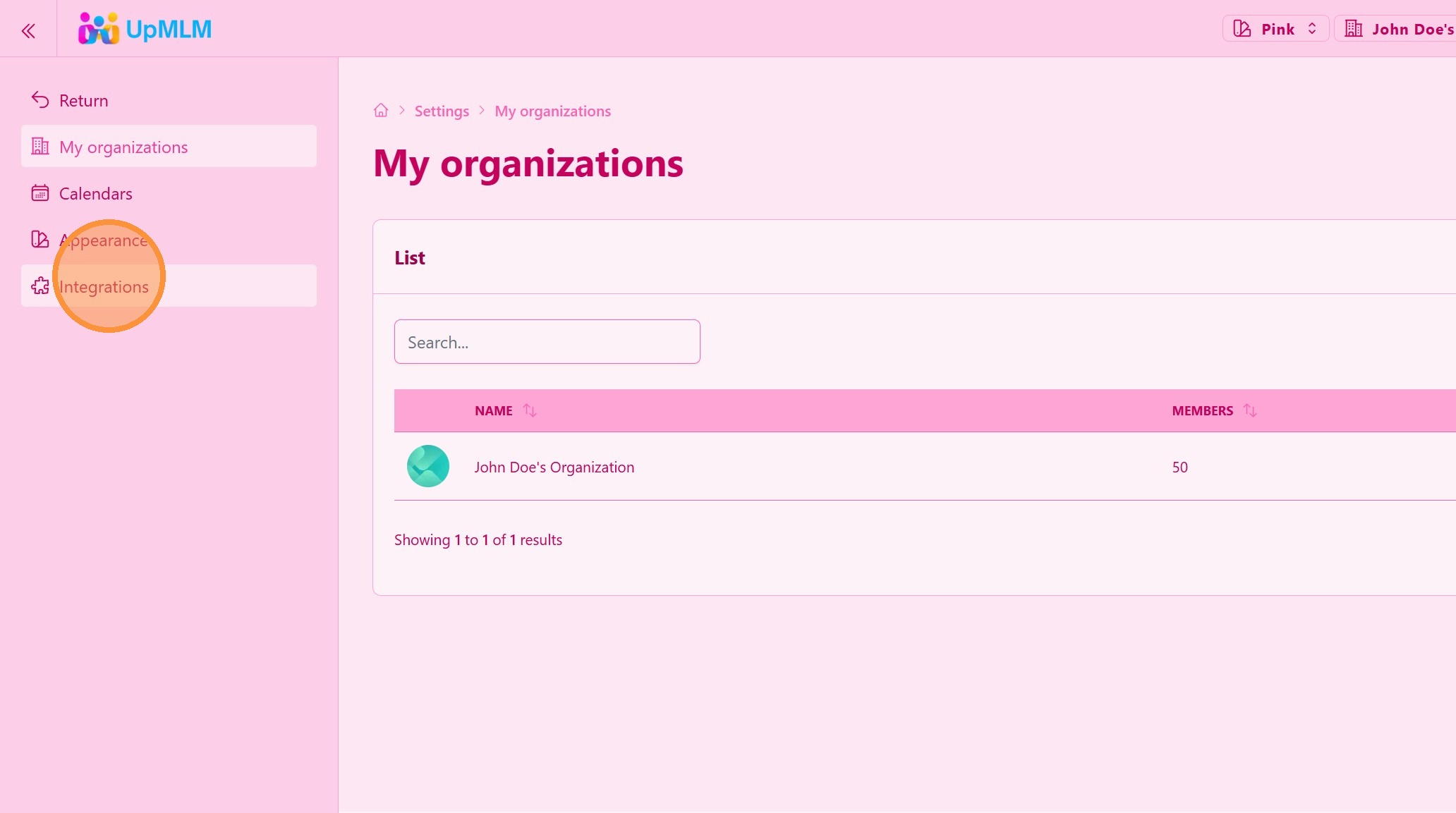
2. ### Access Integration
> This section allows you to manage email connections and configurations.
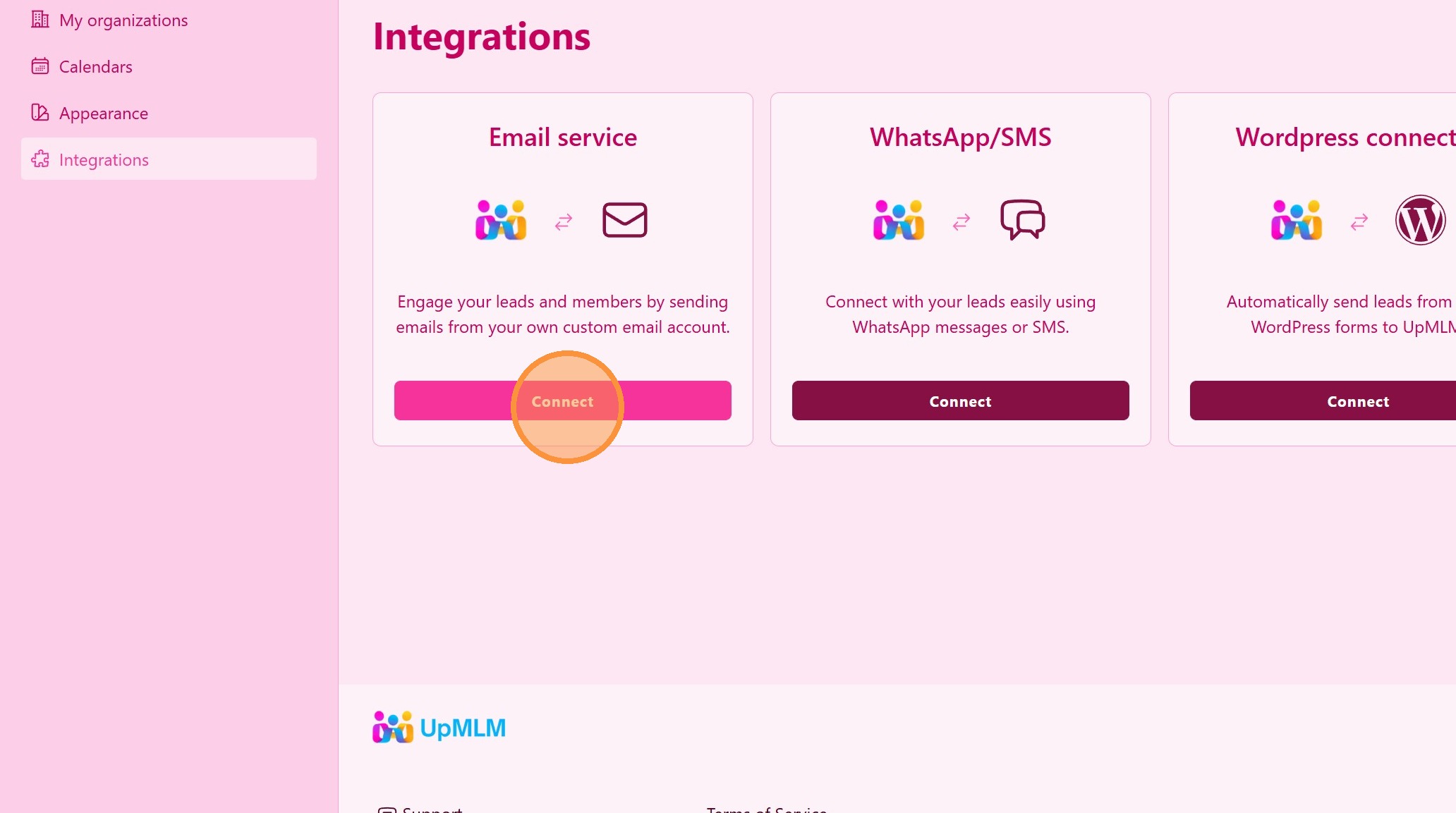
3. Connect to a Email Service
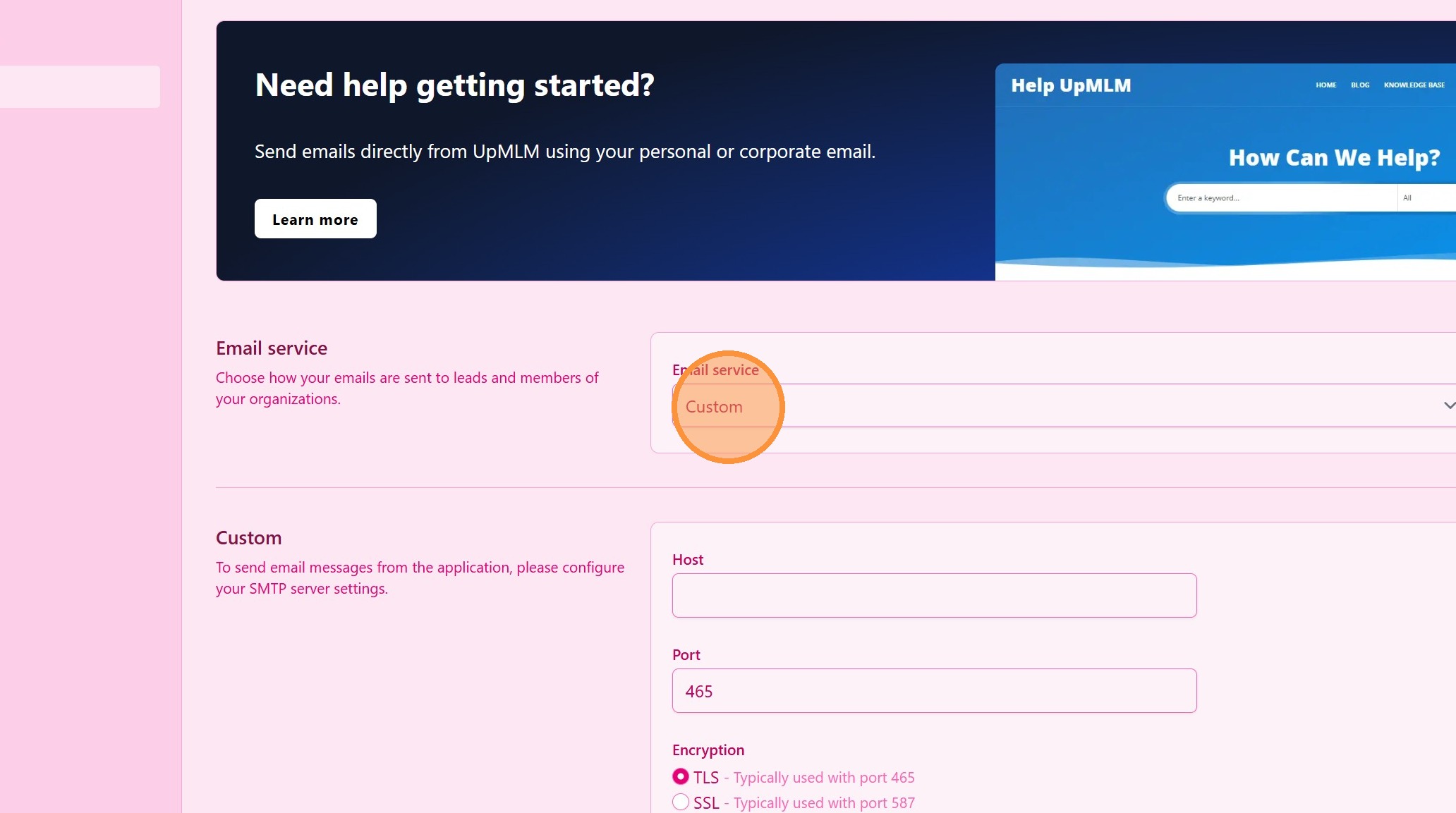
4. ### Choose Custom Email Setup
Select the option to connect a Custom Email Account.
Fill in the required information, such as:
-
Email address
-
SMTP/IMAP server
-
Port numbers
-
Authentication credentials
> Make sure the server details match those provided by your email service provider.
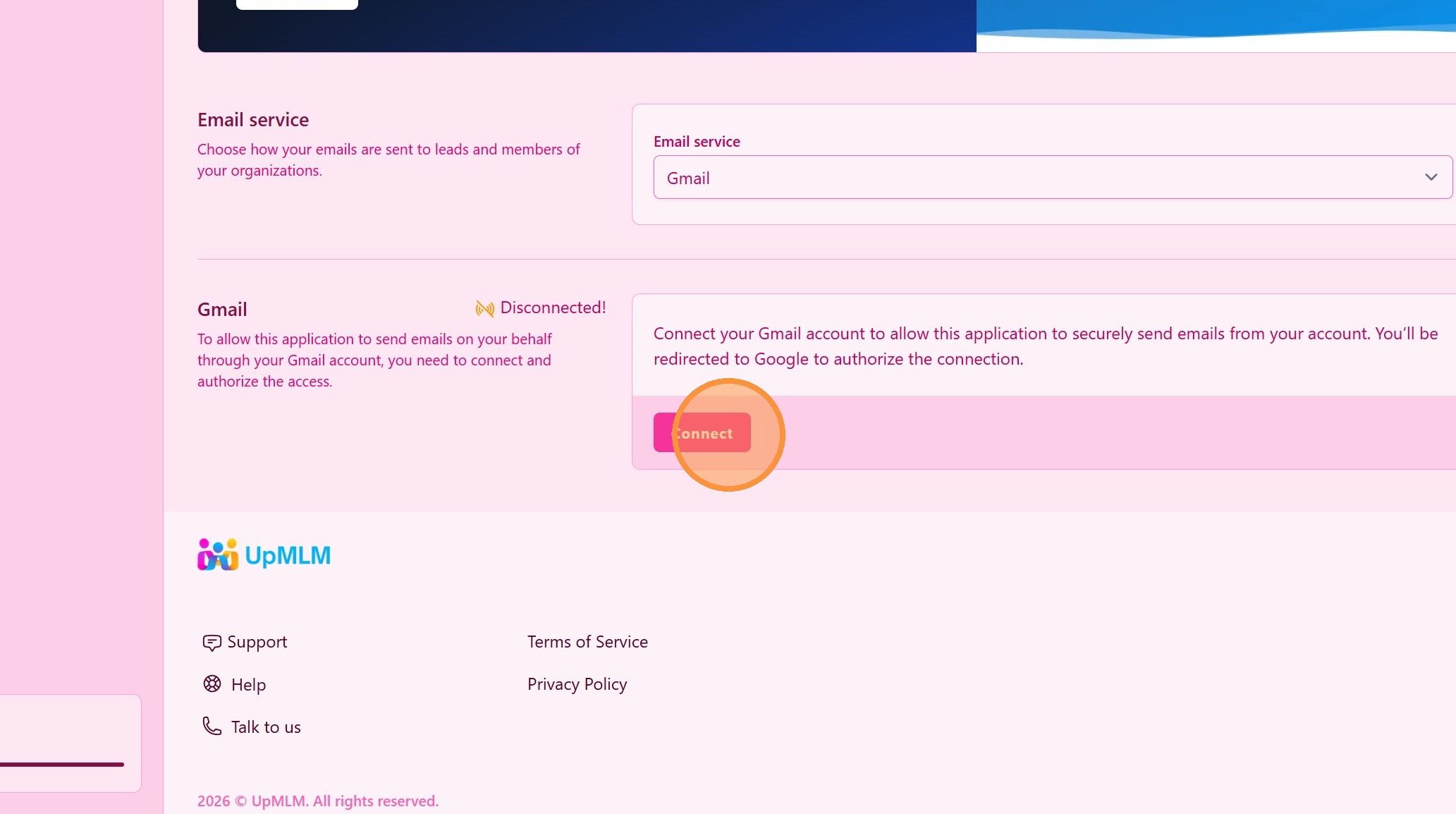
5. Click “Connect”
Tip: ## Practical Tips
-
Use provider documentation: Refer to your email provider’s official setup details.
-
Enable secure connections: Use SSL or TLS for improved email security.
-
Test sending emails: Send a test email after setup to confirm everything works correctly.
Tip: ## Conclusion
Connecting a custom email account with UpMLM gives you flexibility and control over your email communications. This setup helps maintain consistent branding and allows you to manage all outreach directly from the platform.