Create a WhatsApp/Email Message Campaign
## Introduction
In this tutorial, you will learn how to create a WhatsApp and email message campaign in UpMLM. By the end of this guide, you will be able to design, configure, and launch campaigns to reach your audience efficiently.
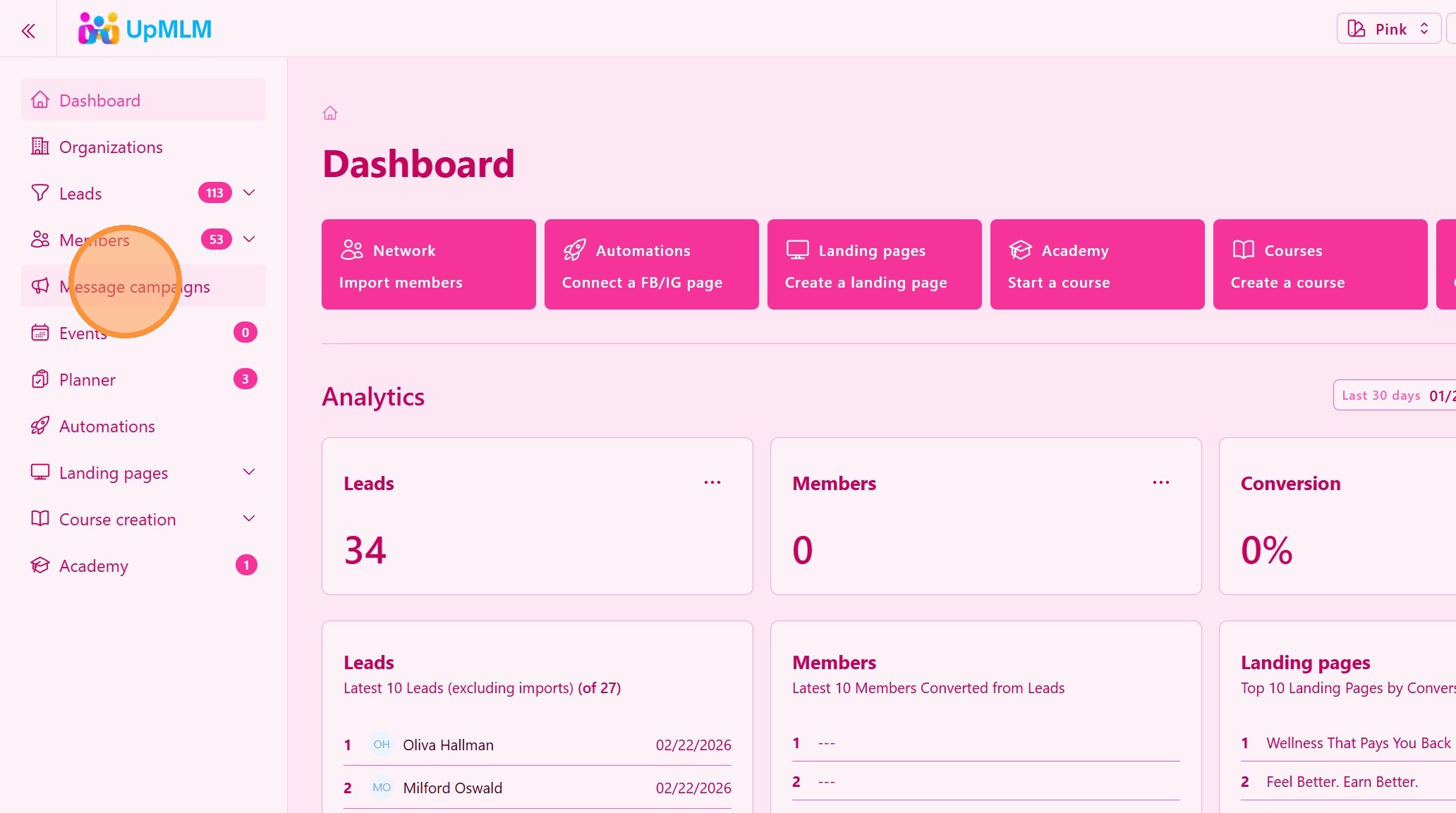
1. ### Open the Messaging Campaing Section
From the main navigation menu, click on Messaging Campaigns.
> This section allows you to manage communication campaigns.
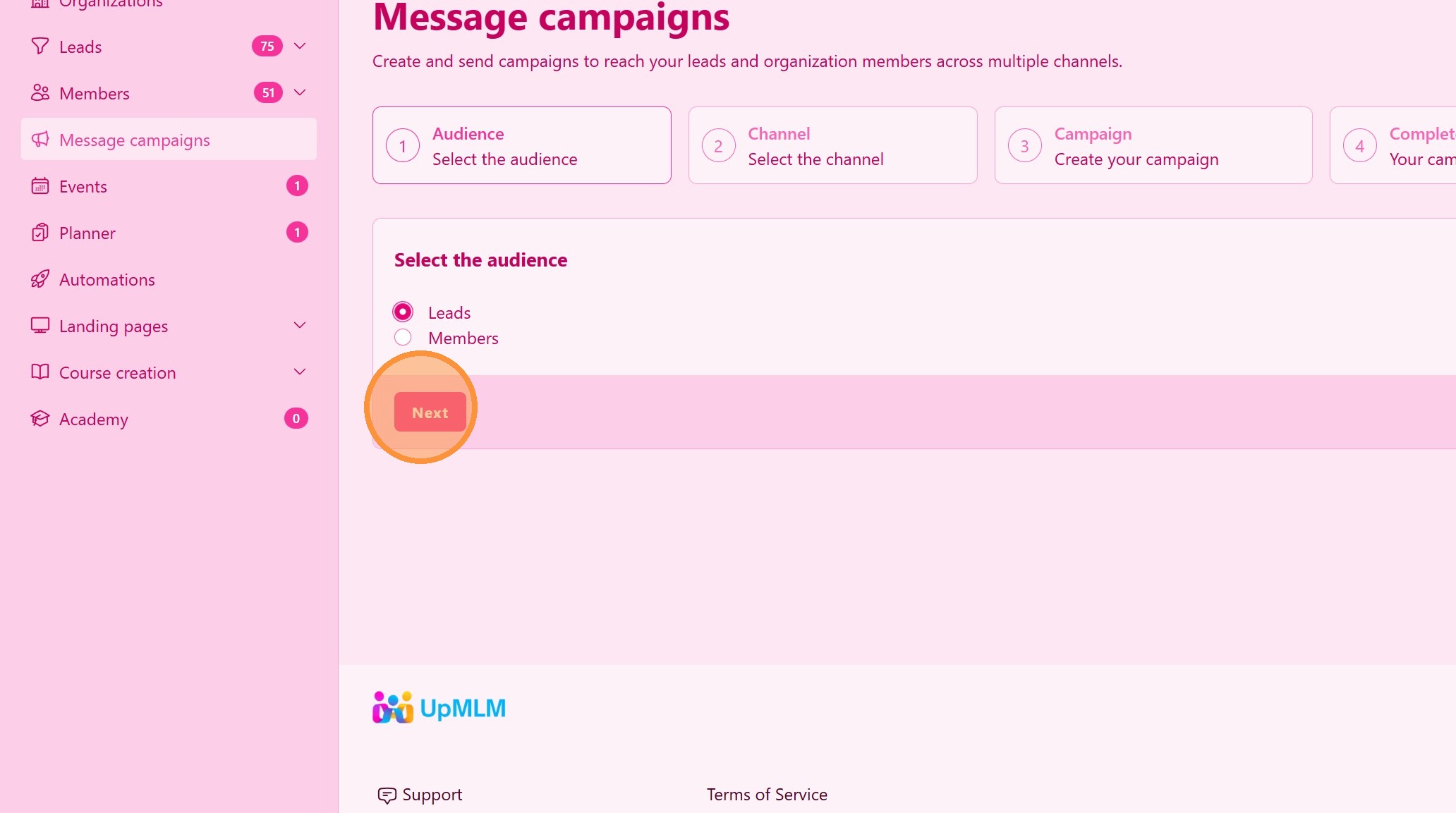
2. ### Select The Audiance
Choos Leads or Members
> This action filters all valid emails or numbers from your Leads or Members.
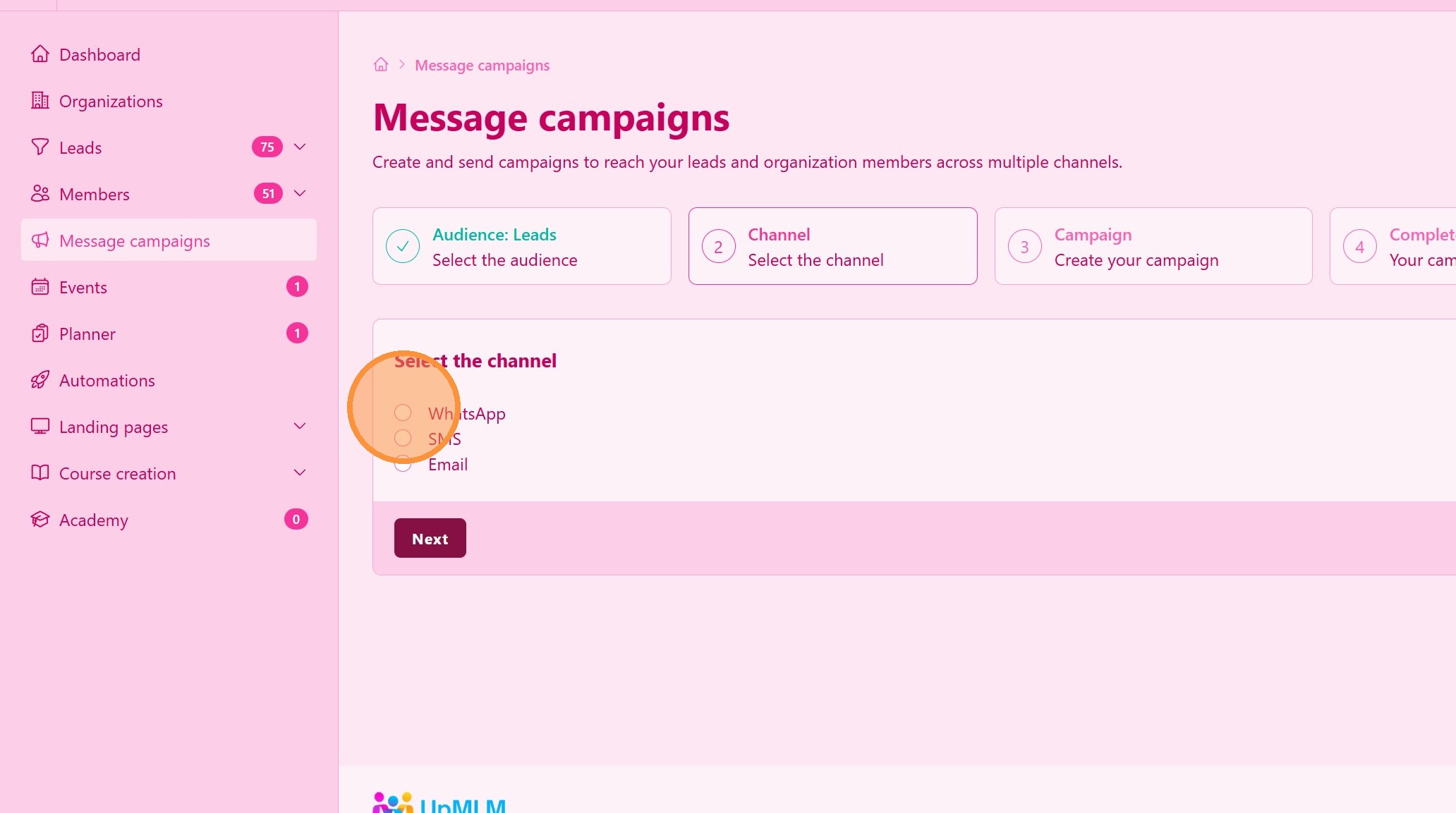
3. ### Select Campaign Type
Choose WhatsApp or Email campaign type.
> Select the channel(s) that best fit your communication goals.
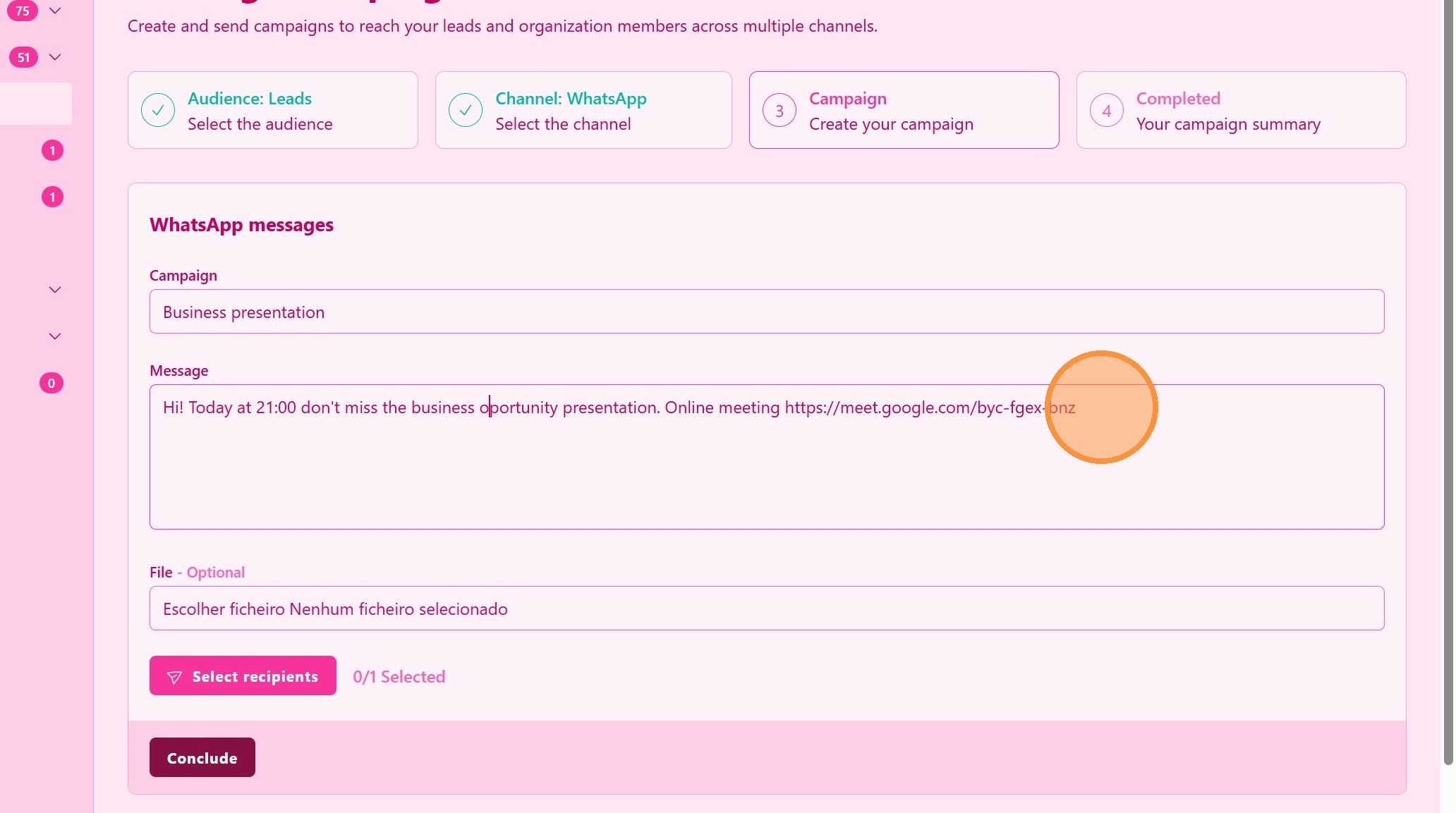
4. ### Create the Message Content
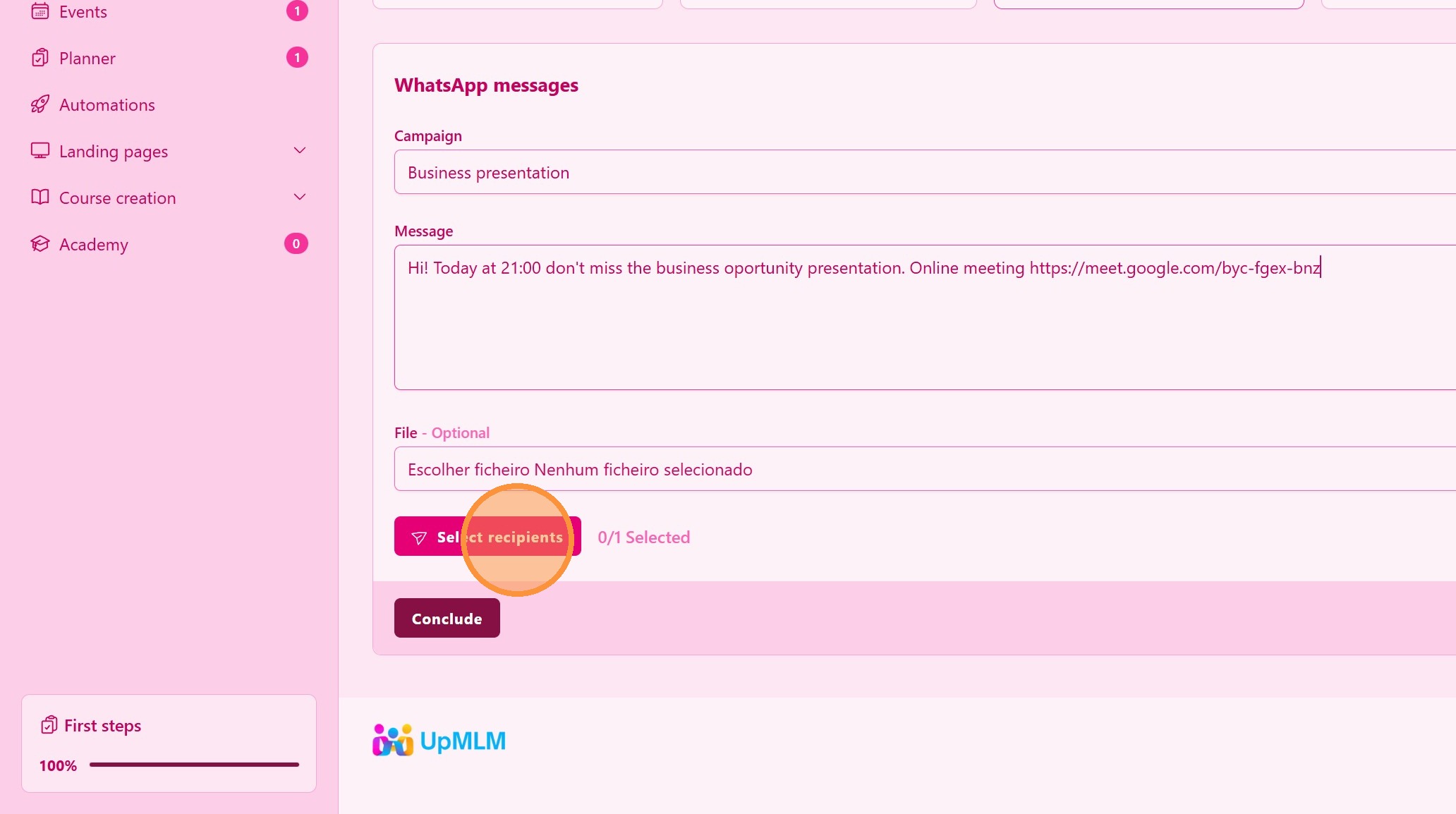
Write the WhatsApp message or email content.
> Keep messages clear, concise, and relevant to your audience.
5. Click “Select recipients”
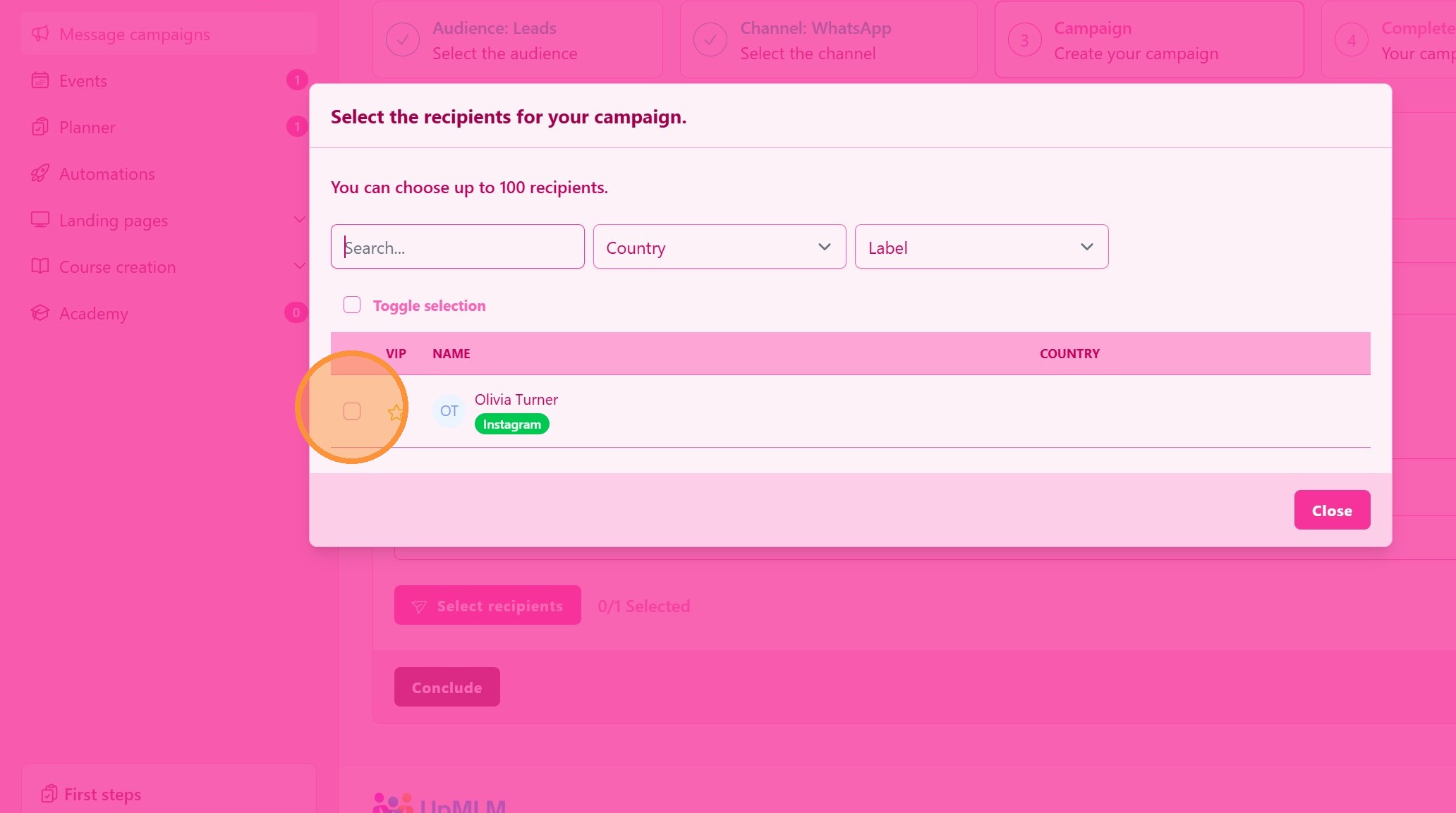
6. Select Your Audience
Use the available filters, labels and Country or search for specific names
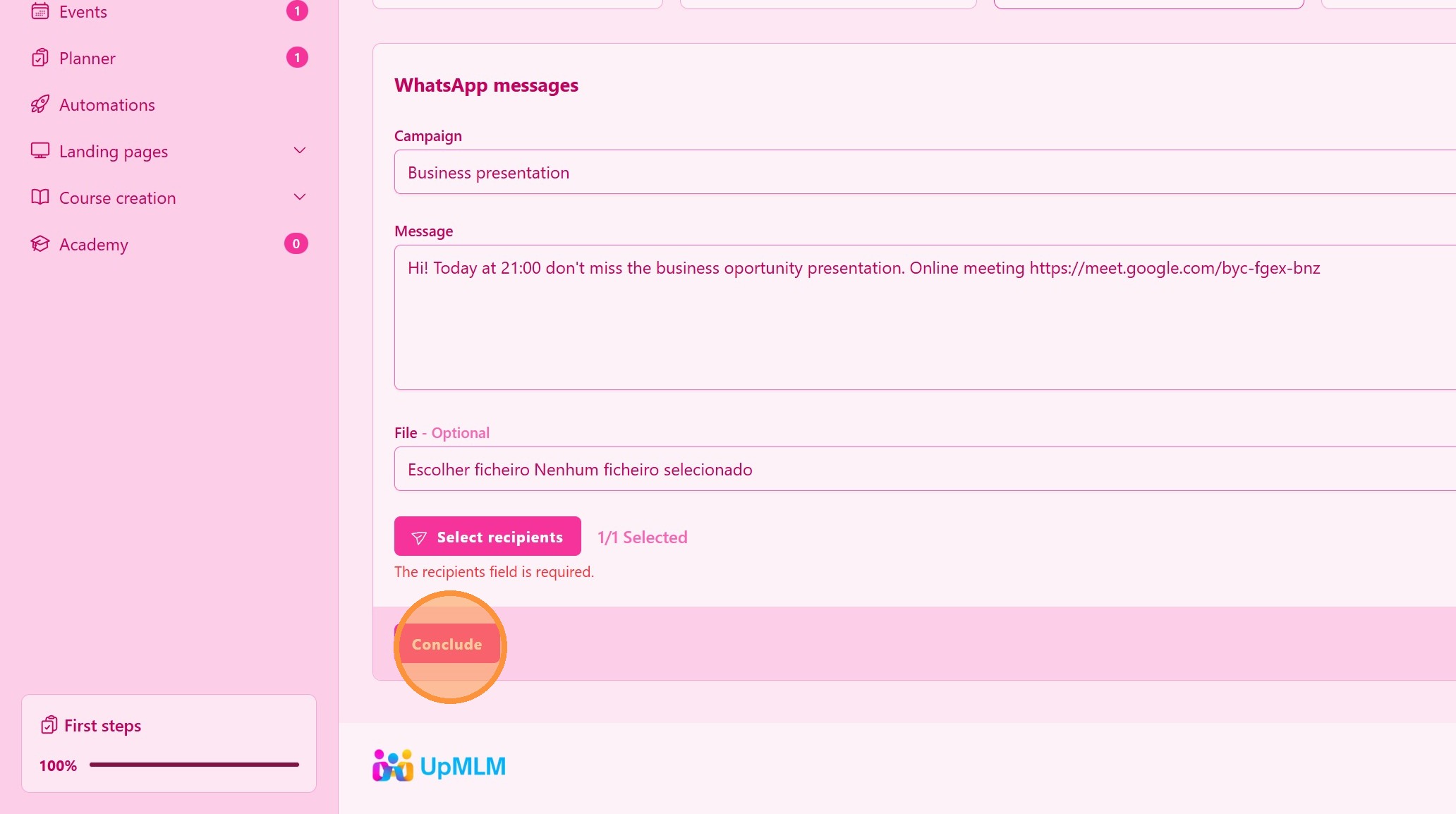
7. Click “Conclude” to send the message
Tip: ## Practical Tips
-
Segment your audience: Target specific groups for better engagement.
-
Test before sending: Send a test message to yourself first.
-
Monitor responses: Track replies and engagement to refine future campaigns.
Tip: ## Conclusion
Creating WhatsApp and email message campaigns in UpMLM allows you to communicate at scale while maintaining organization and consistency. Well-planned campaigns support better engagement and more effective follow-up.