Log Out Other Browser Sessions
Introduction
In this tutorial, you will learn how to log out other browser sessions in UpMLM. By the end of this guide, you will be able to remotely end active sessions and ensure your account is only accessible from trusted devices.
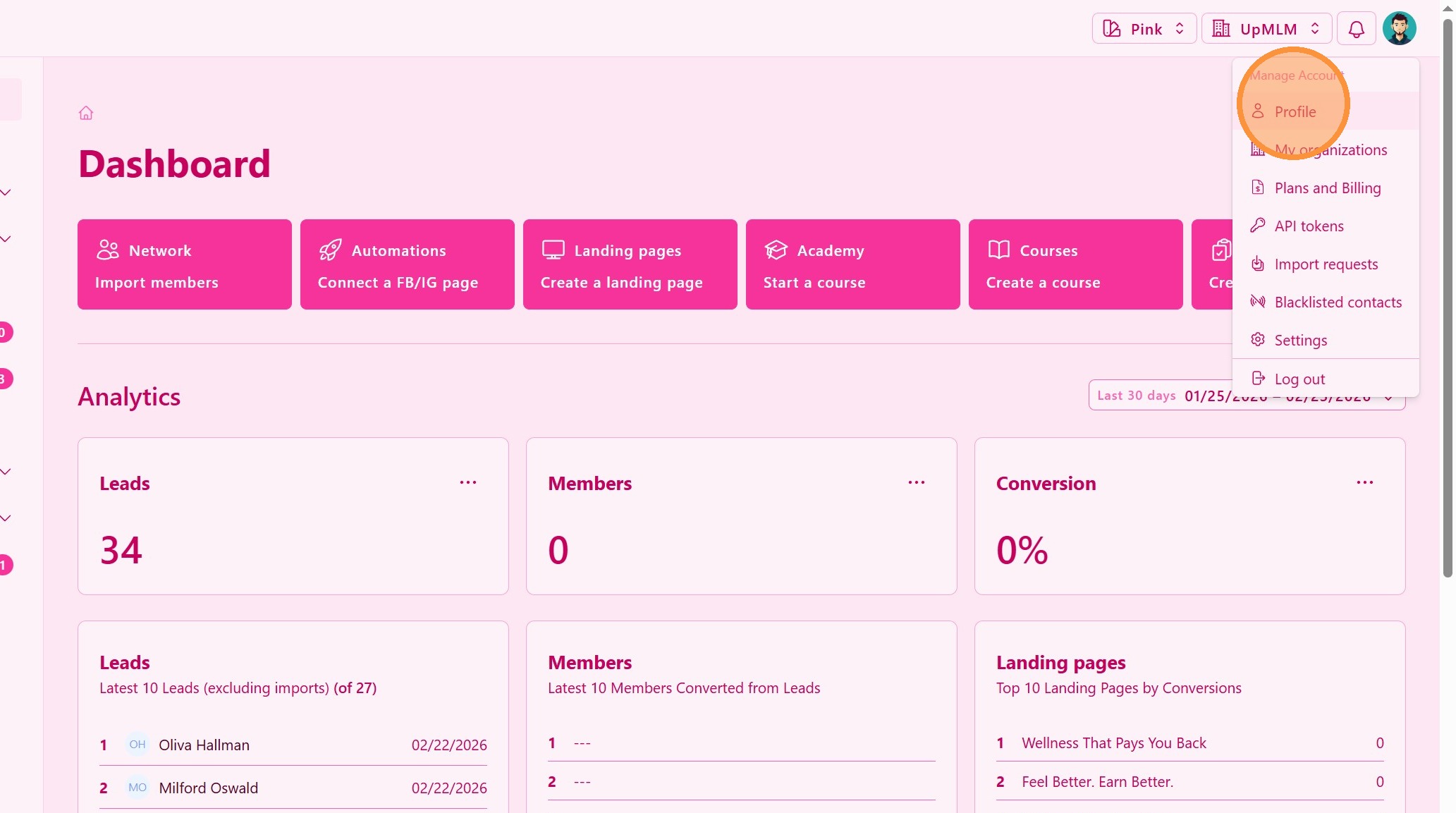
1. ### Open Your Account Menu
Click on your user profile icon in the top navigation bar.
> This menu provides access to your account and security settings.
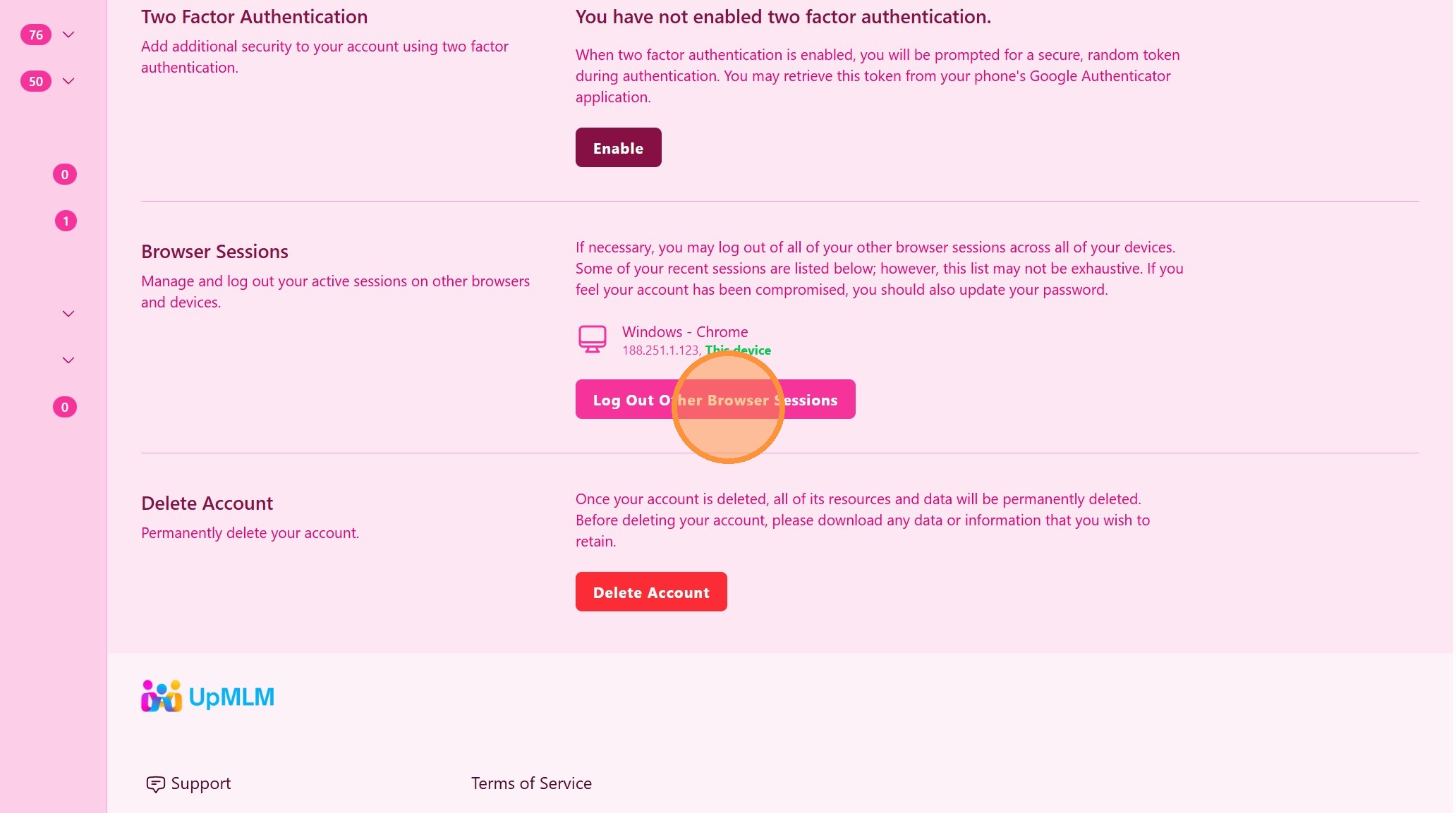
2. ### Review and Log Out Active Sessions
Review the list of active sessions, including device and location information.
> This helps you identify sessions you do not recognize or no longer need.
Tip: ## Practical Tips
-
Log out regularly: Periodically ending unused sessions improves security.
-
Check locations: Look for sessions from unfamiliar locations or devices.
-
Use 2FA: Combine session management with two-factor authentication for stronger protection.
Tip: ## Conclusion
Logging out other browser sessions in UpMLM helps protect your account from unauthorized access. This simple security measure ensures that only active and trusted sessions remain connected to your account.