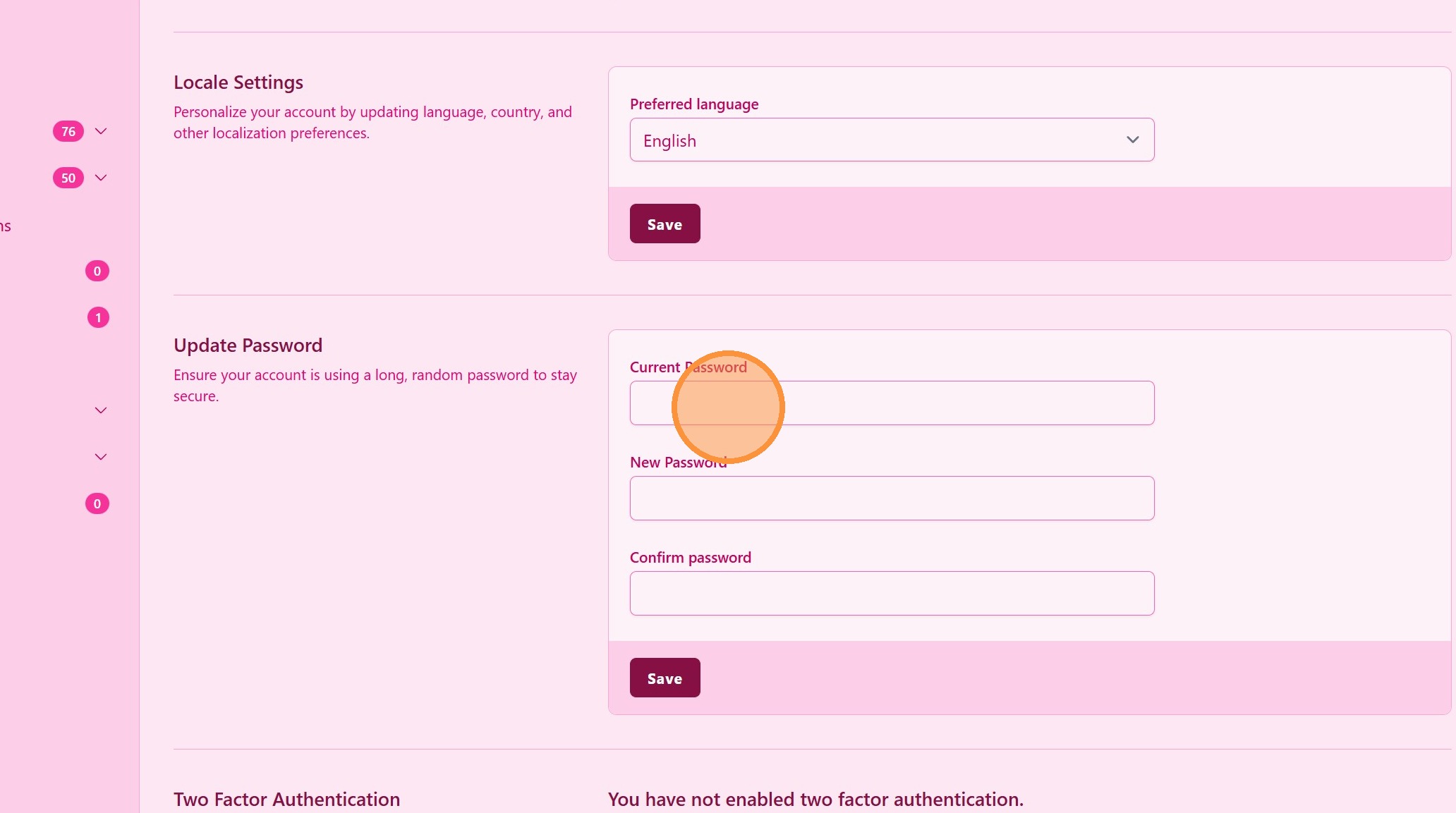
How to Update My Password
Introduction
In this tutorial, you will learn how to update your password in UpMLM. By the end of this guide, you will be able to change your password quickly and ensure your account remains secure.
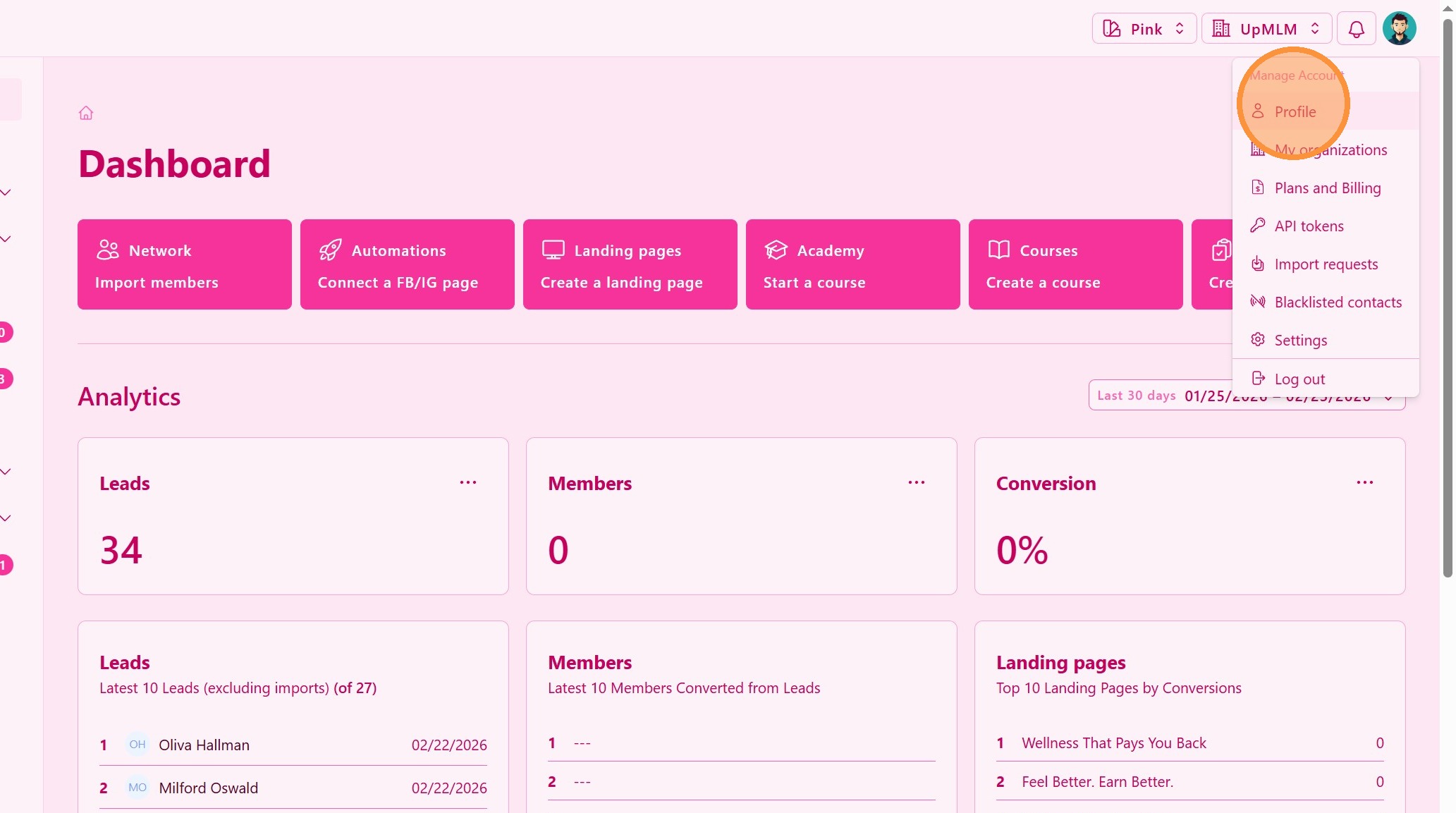
1. ### Open Your Account Menu
Click on your user profile icon in the top navigation bar.
> This menu provides access to your personal account settings.
2. ### Enter Your Current Password and New password
Type your current password in the required field.
> This step confirms your identity before making changes.