How do I create a landing page?
## Introduction
In this tutorial, you will learn how to create a landing page in UpMLM. By the end of this guide, you will be able to design, configure, and publish a landing page that helps you attract and convert new leads effectively.
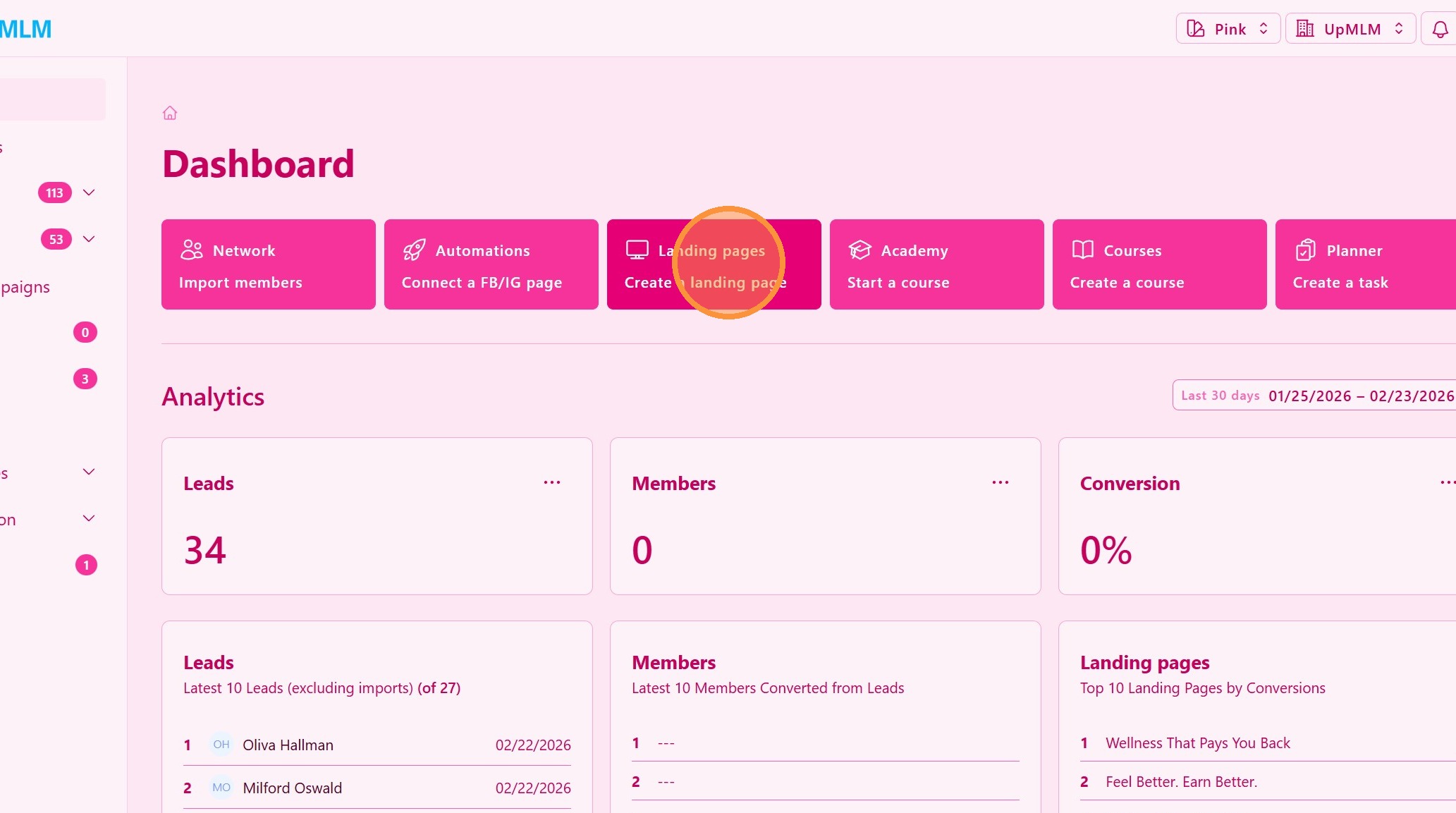
1. ### Open the Landing Pages Section
From the main navigation menu, click on Landing Pages.
> This section allows you to manage all landing pages created within the platform.
2. ### Choose a Template
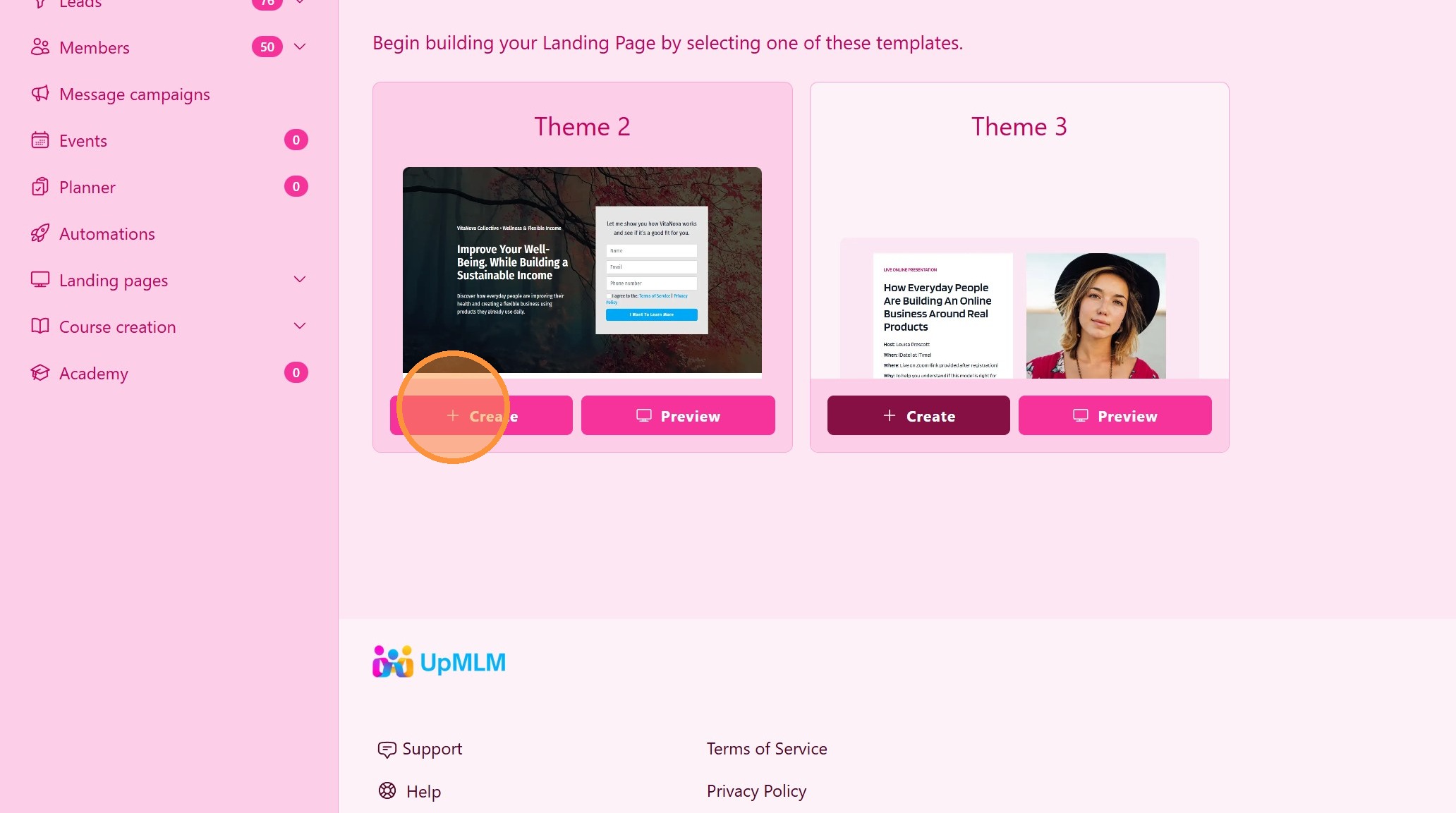
Select a landing page template from the available options.
> Templates help you get started quickly with a proven structure.
3. ### Customize the Landing Page Content
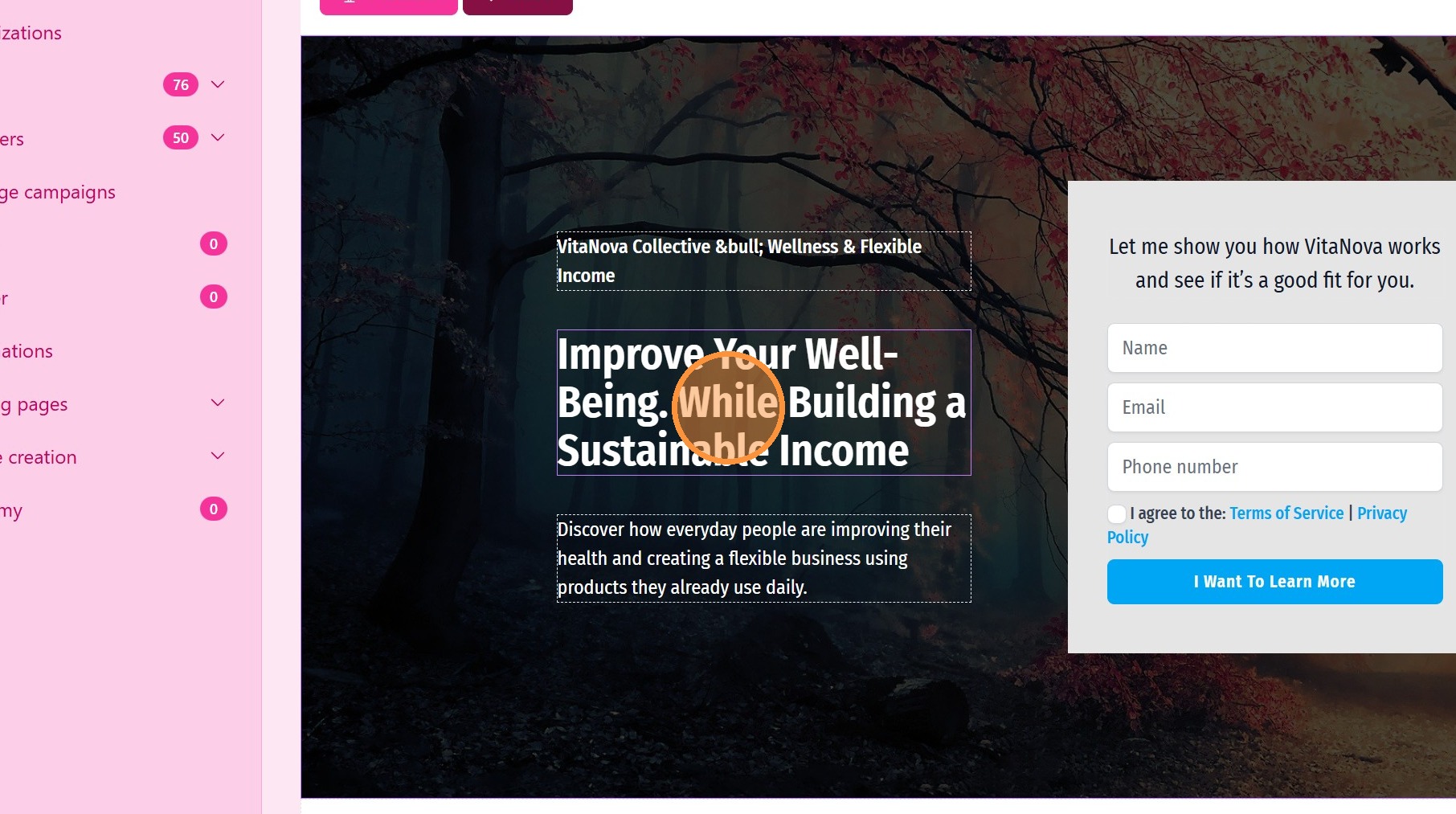
Edit the page elements, such as:
-
Backround image
-
Headline
-
Text content
-
Images
-
Form fields
-
Call-to-action buttons
-
Redirect after form submission
> Clear messaging and a strong call to action improve conversion rates.
4. ### Content Editor
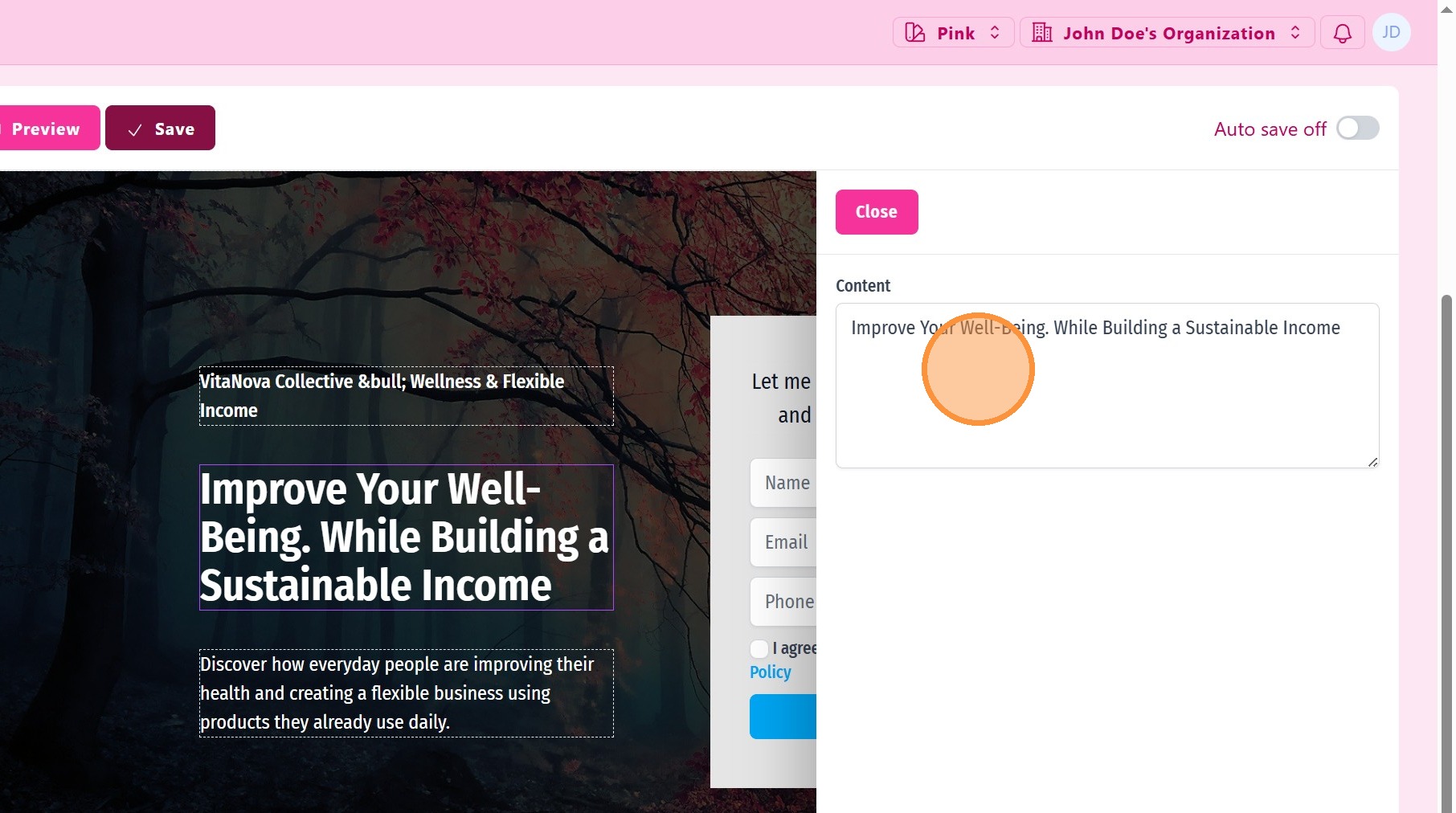
Every element can be edited. Some element can be hidden or shown.
5. ### Form Editor
You can edit all form fields, click the form to open the form editor.
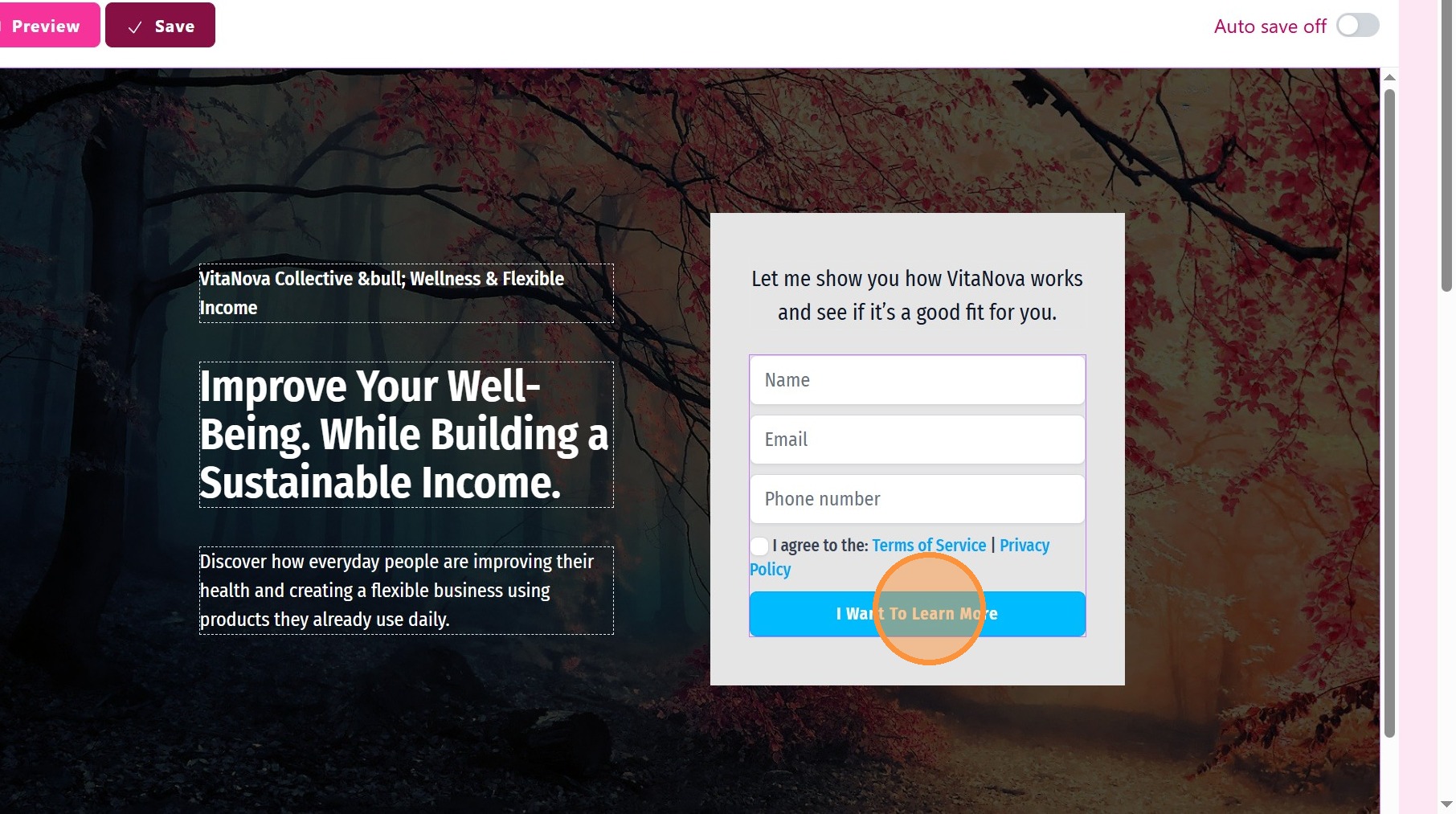
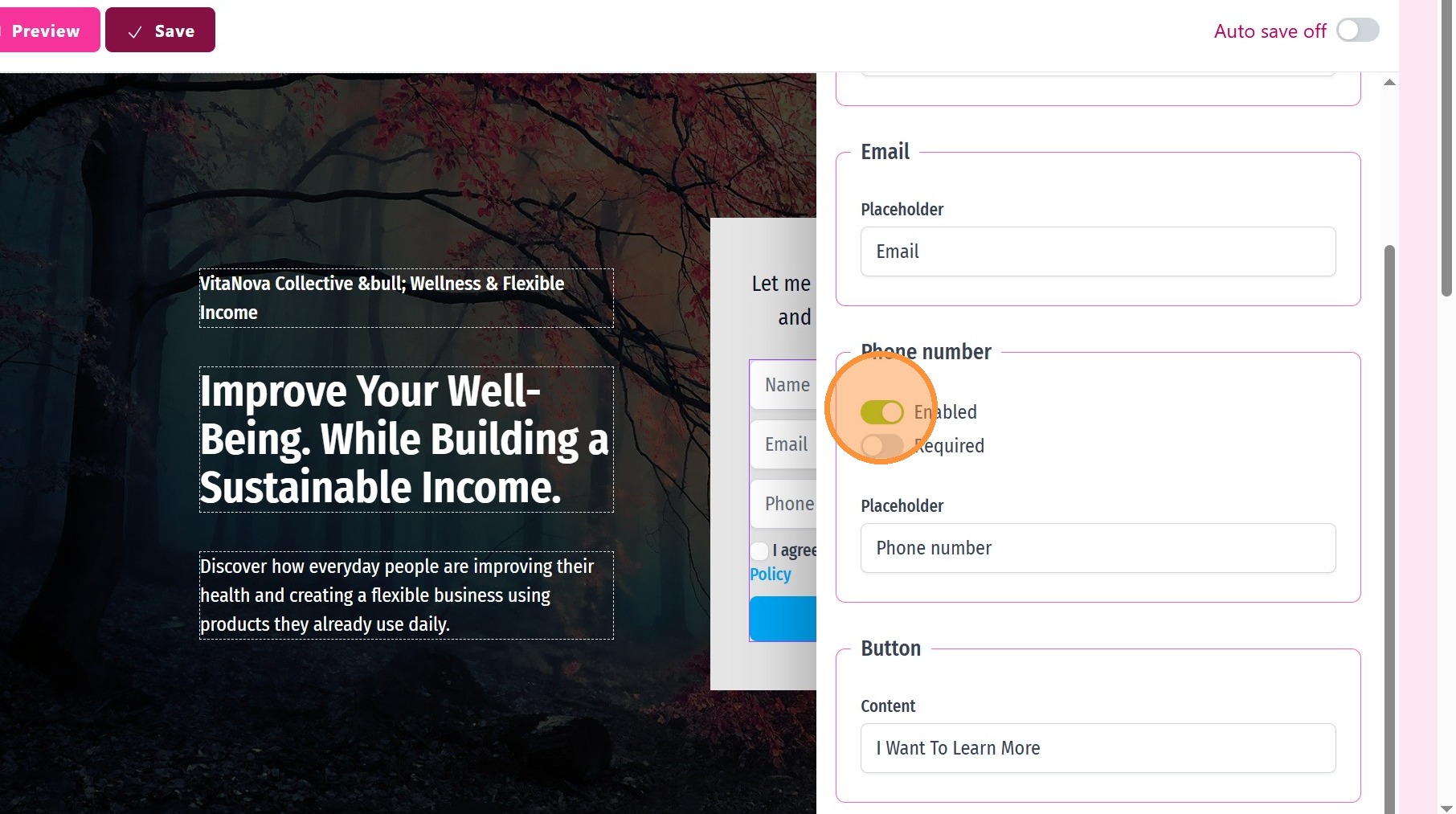
6. Disable/Enable Phone Number Form Field
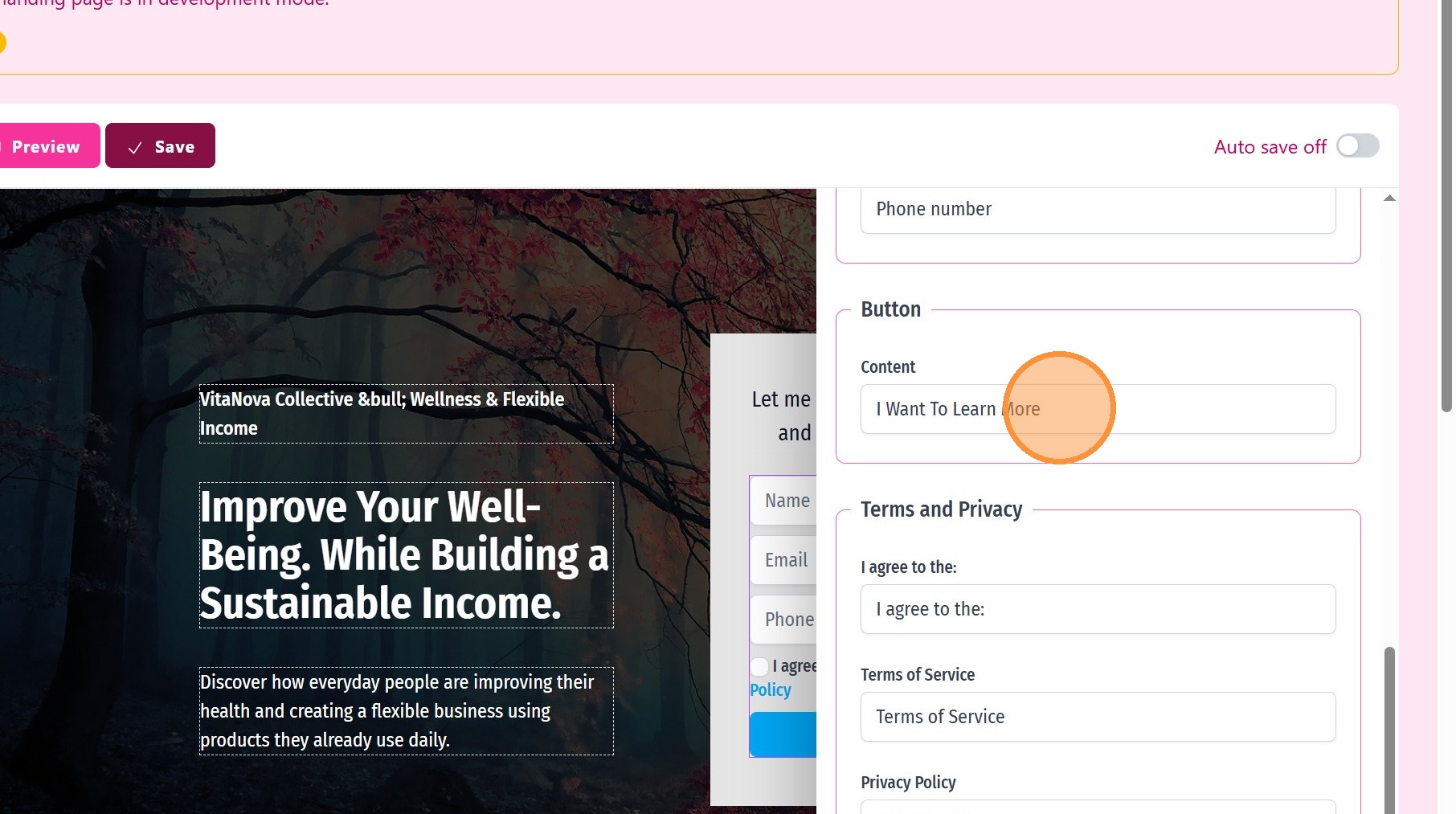
7. Edit button CTA
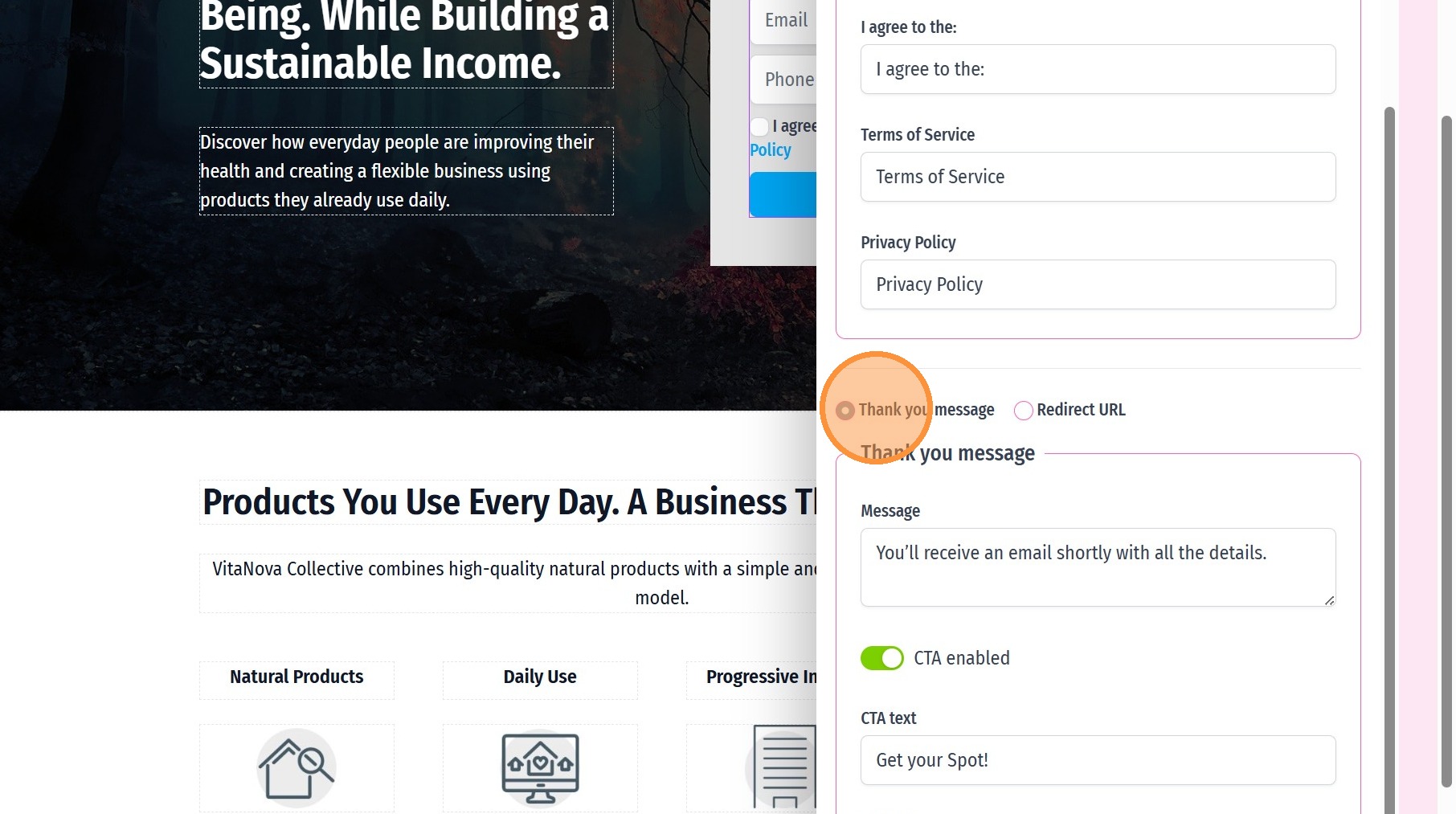
8. ### Thank You Message
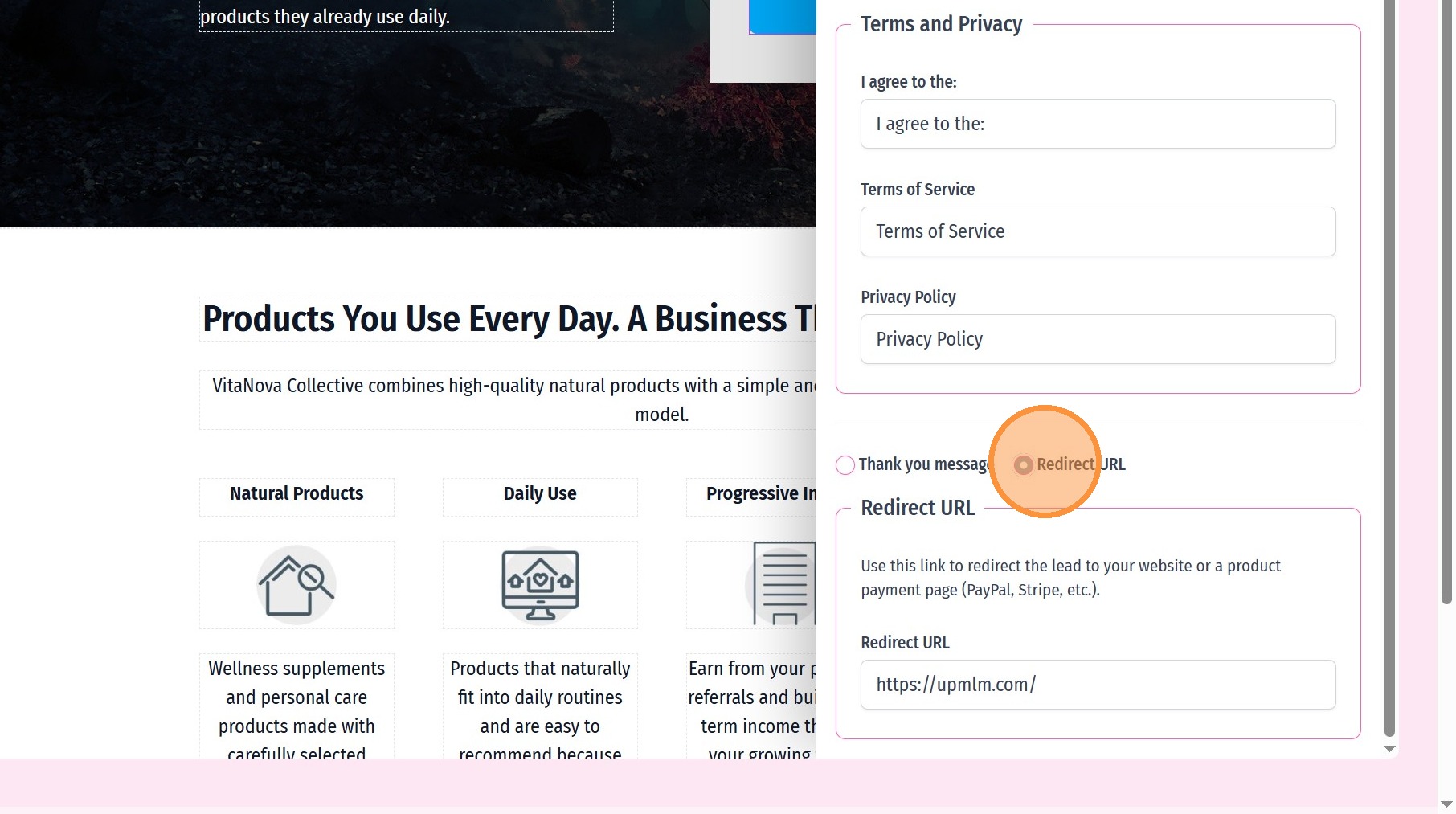
Costumize a tank you message and redirect URL after form submit
9. ### Monetize Your Leads
After form submition, redirect your visitor to another URL. You can use this option to drive visitors to a PayPal or Stripe payment link and charge your visitors.
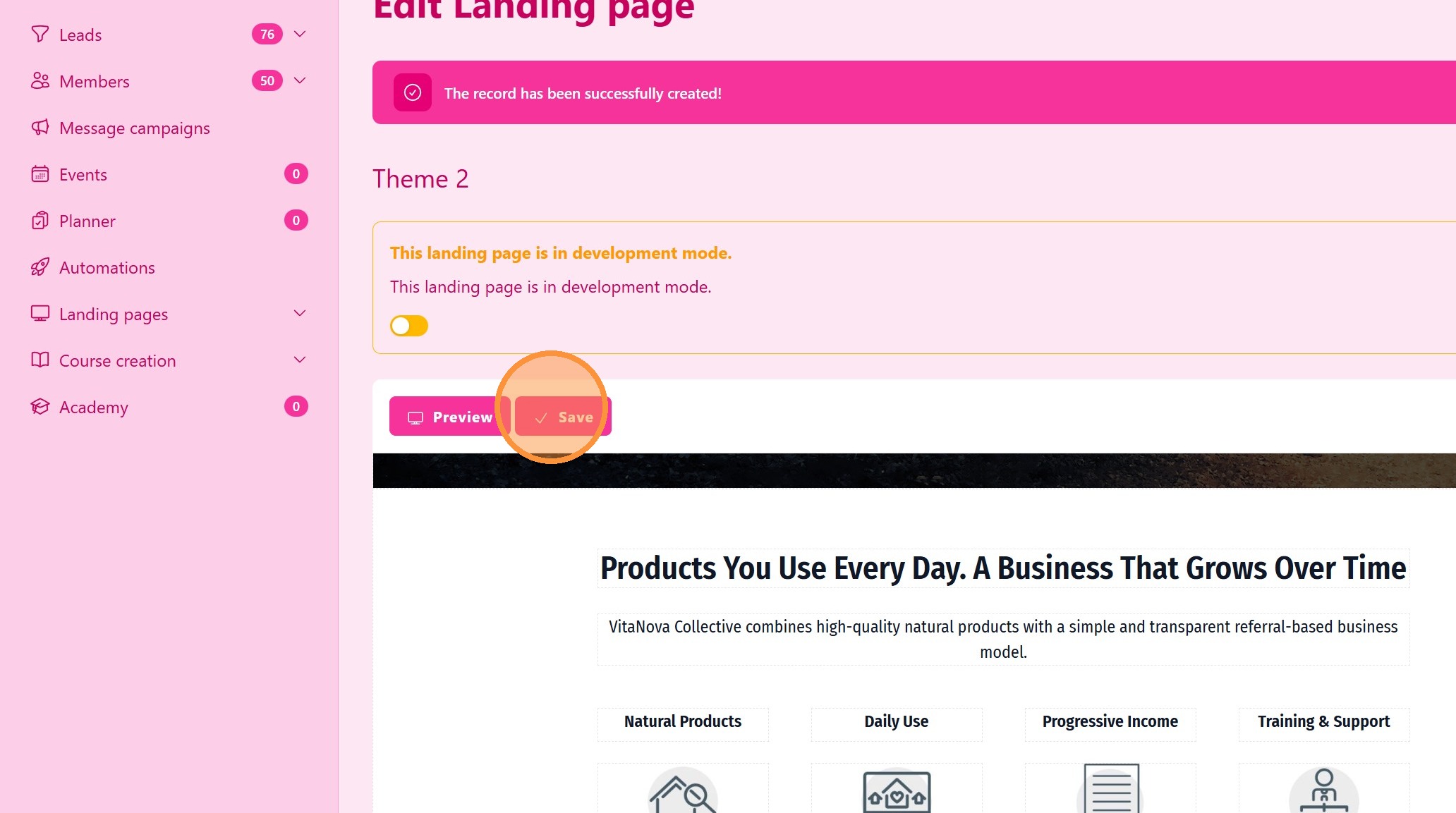
10. Click “Save” to Store All Your Edits
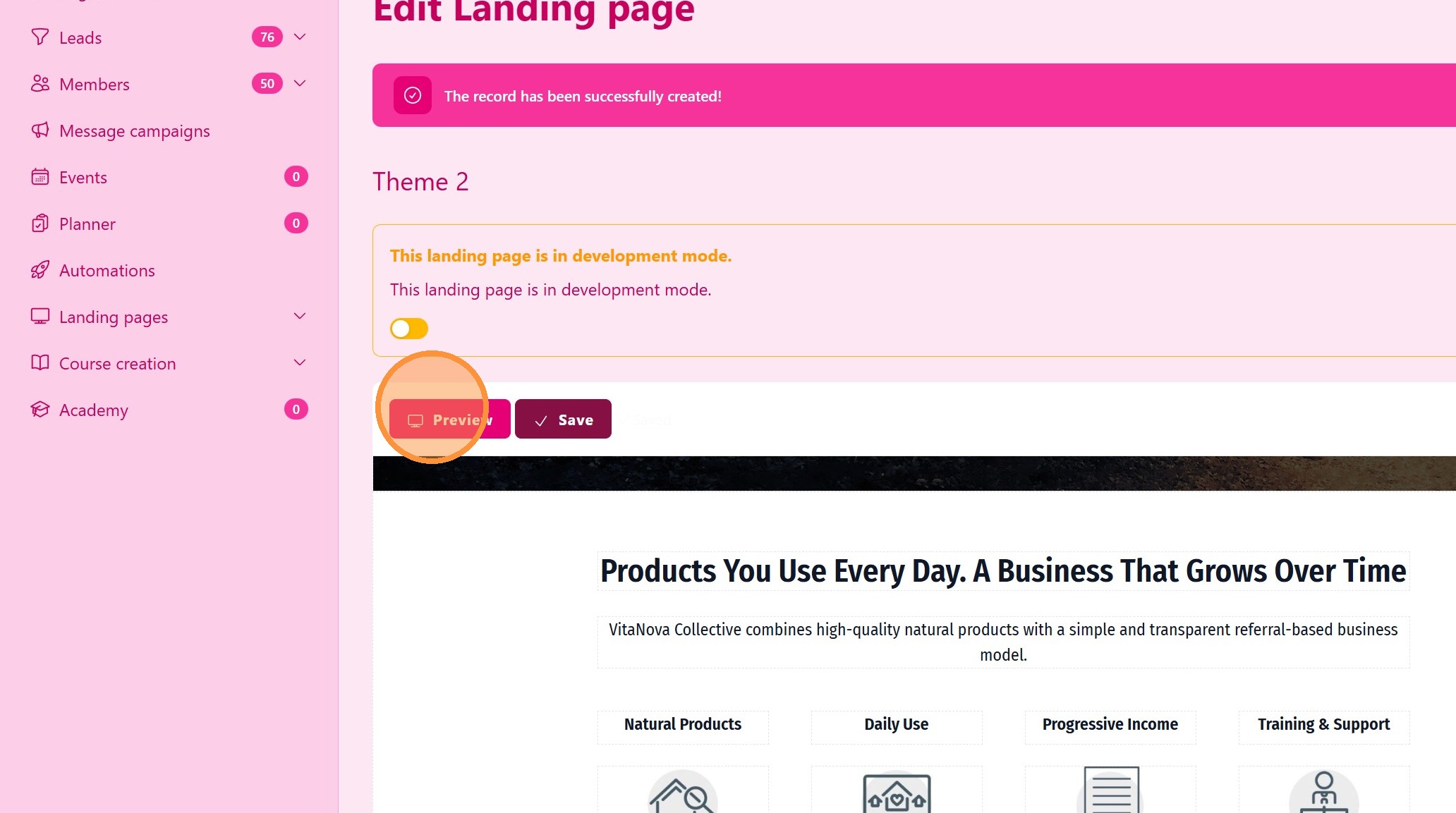
11. Click “Preview” to Check Your Page
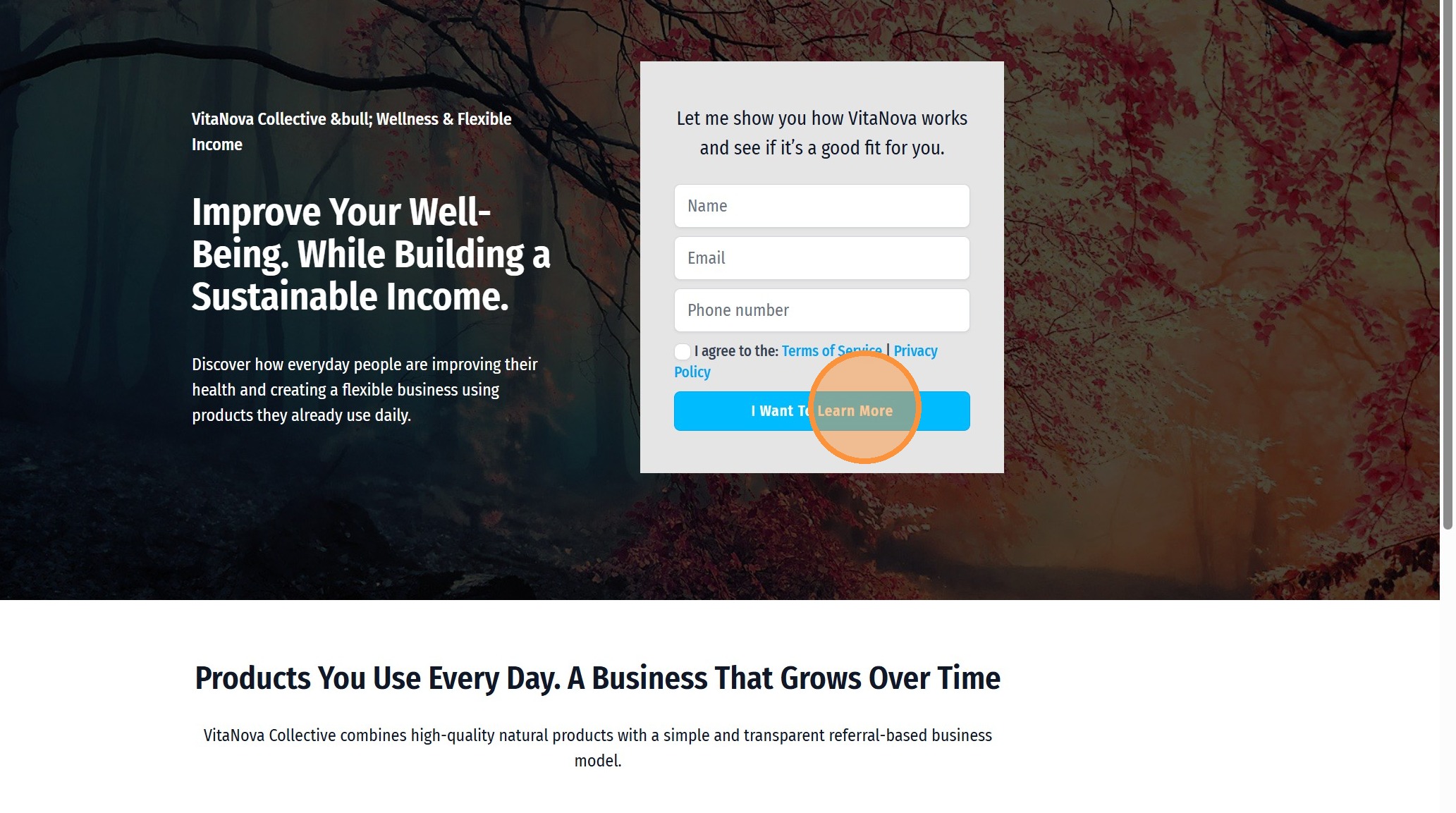
12. Test Your Landing Page
13. ### Publish the Landing Page
Click Publish to make the landing page live.
> Once published, the landing page can be shared and used to collect leads.
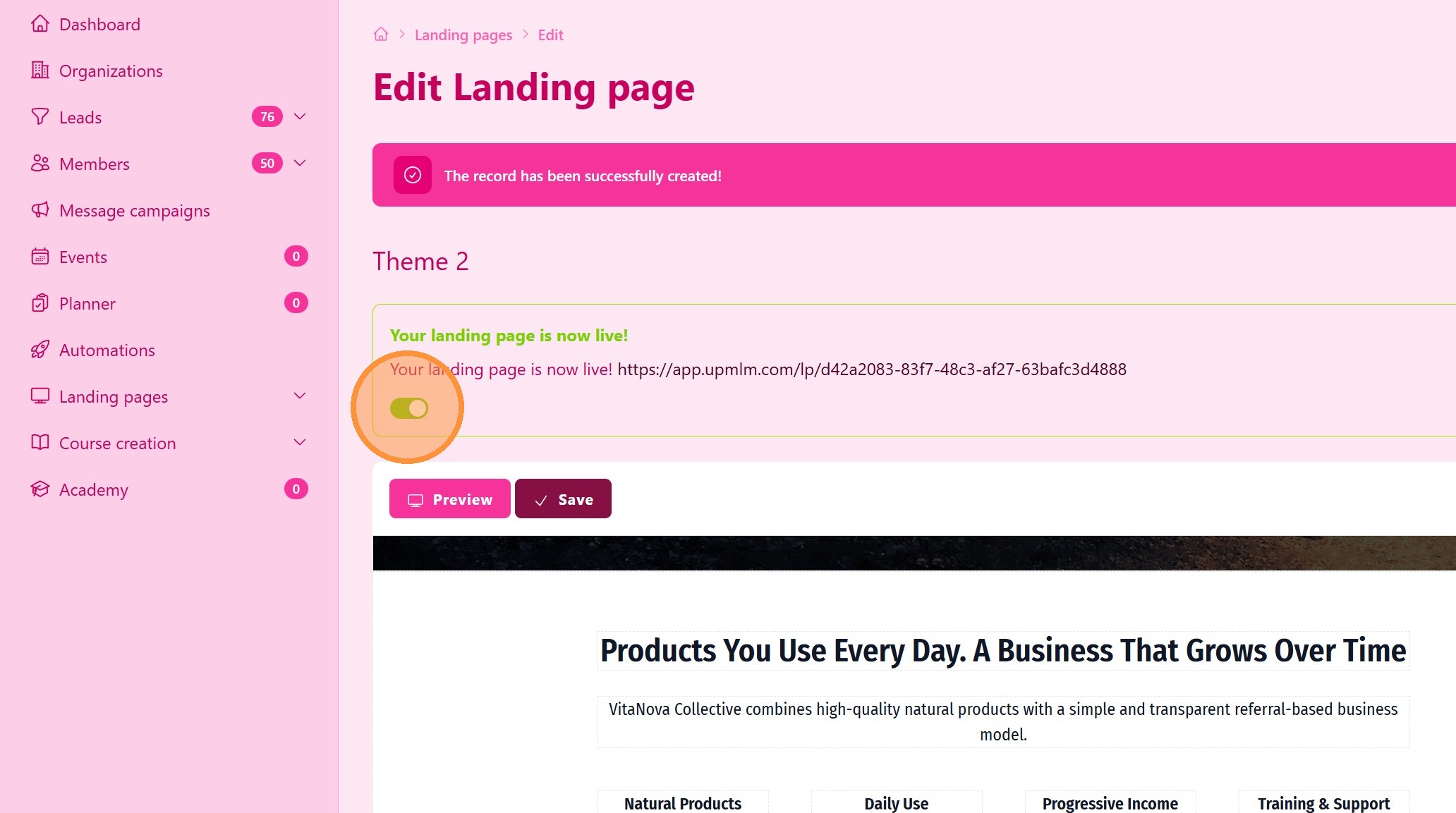
14. Click “Edit” to Open the Editor
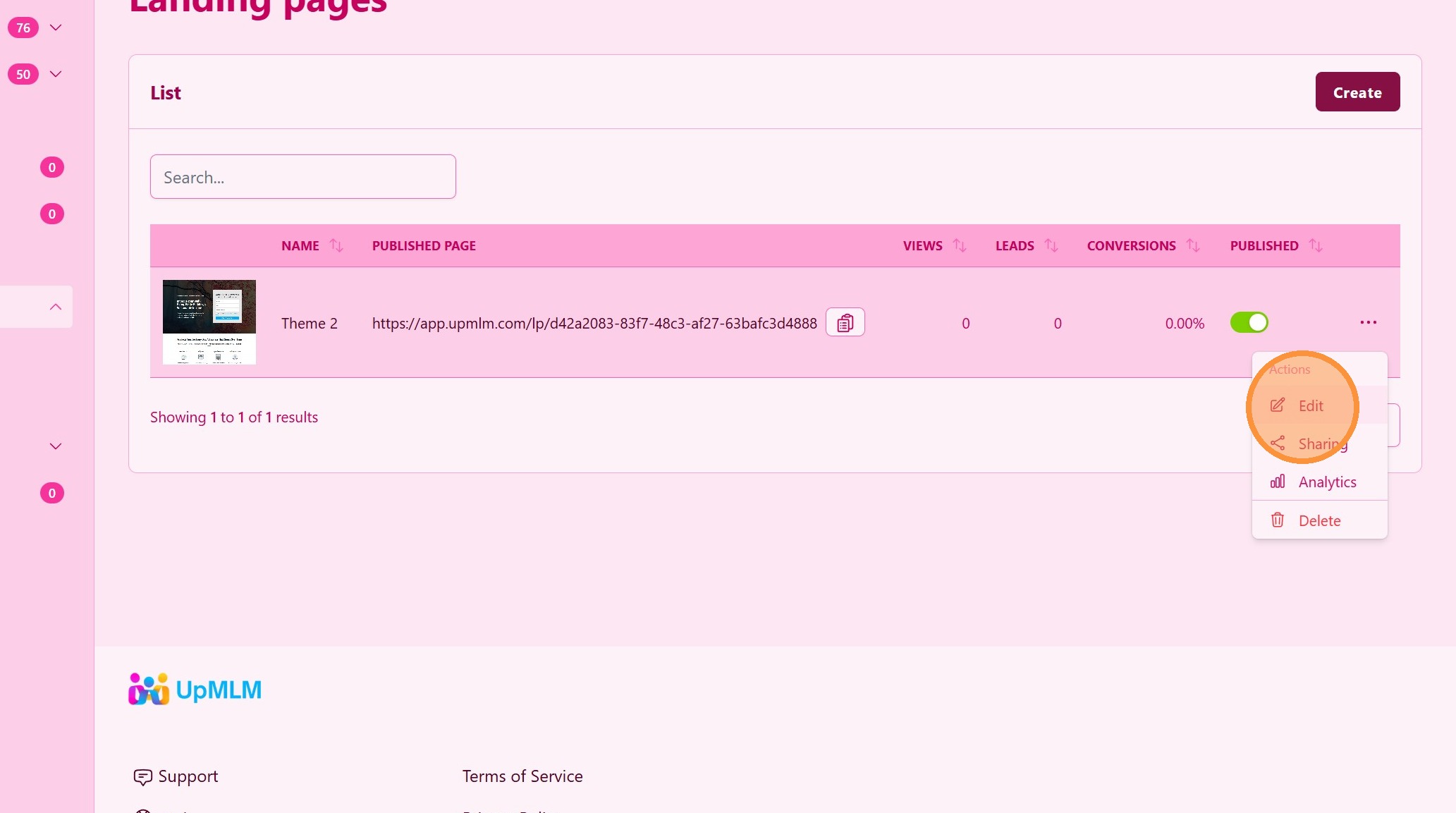
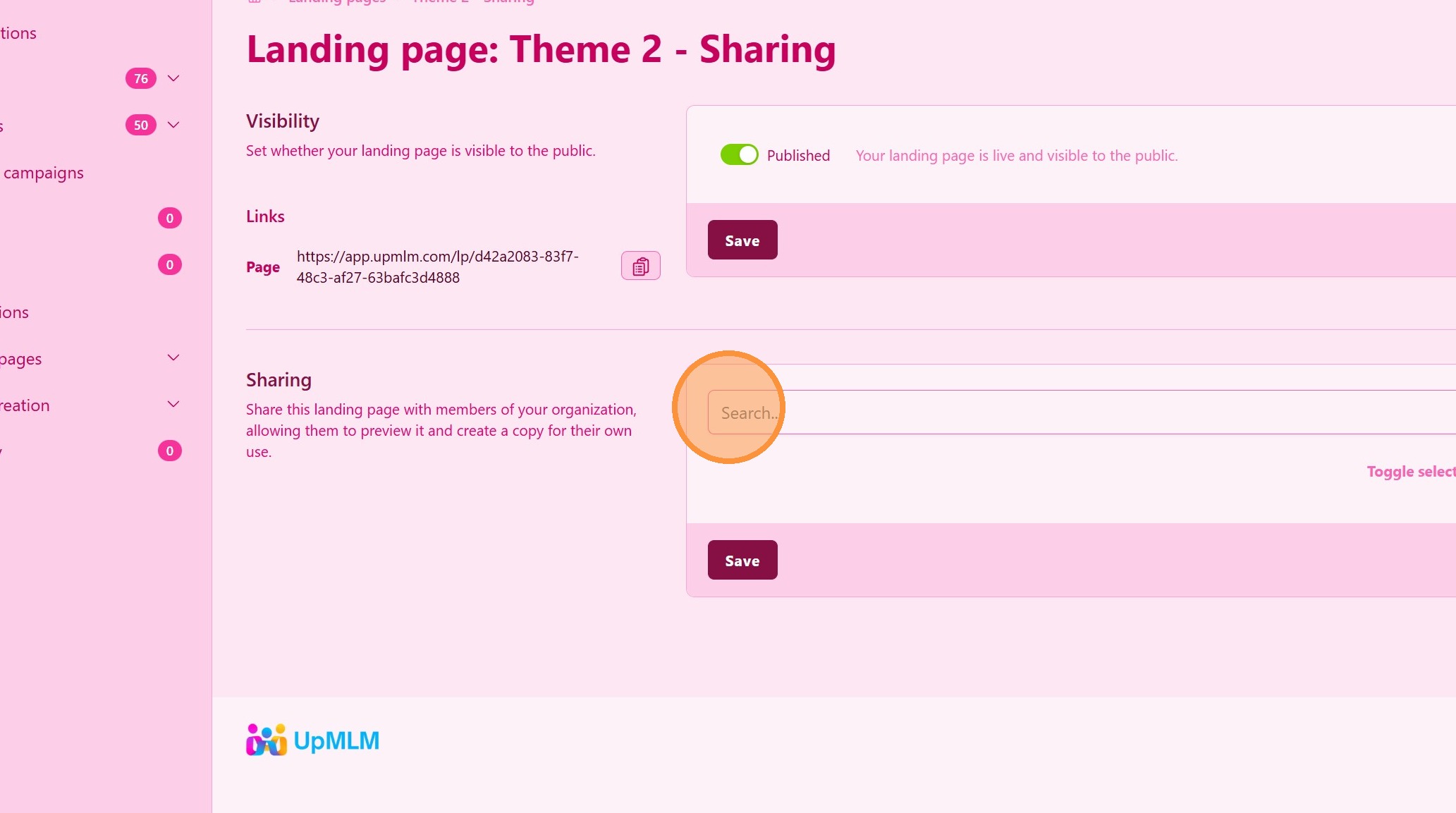
15. Sharing Section
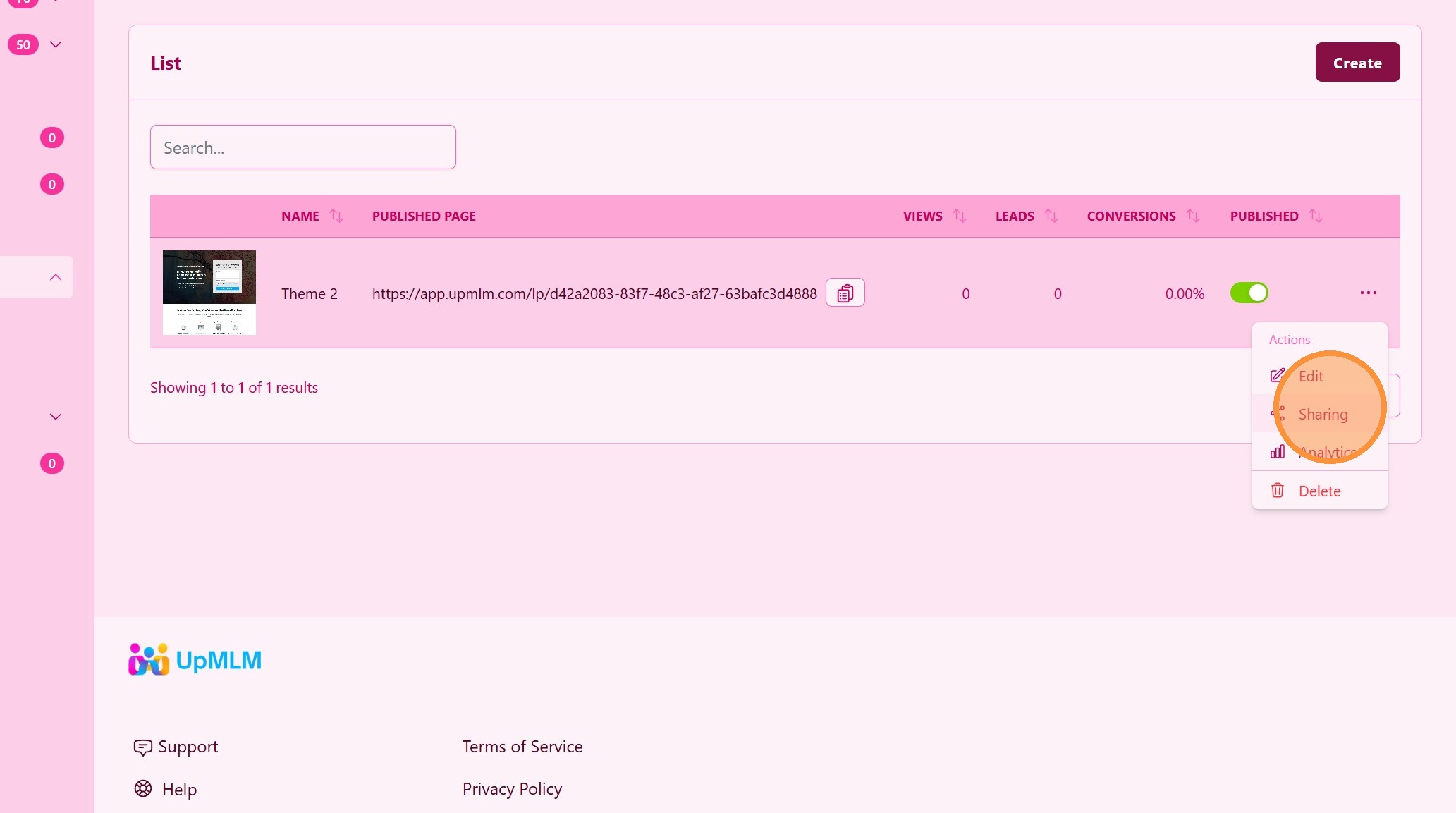
16. ### Copy Public URL
Use this URL to share this page on Google Ads, Facebook, Instagram, Email Marketing, etc … and start colecting leads.
Leads colected will be shown on the Leads table.
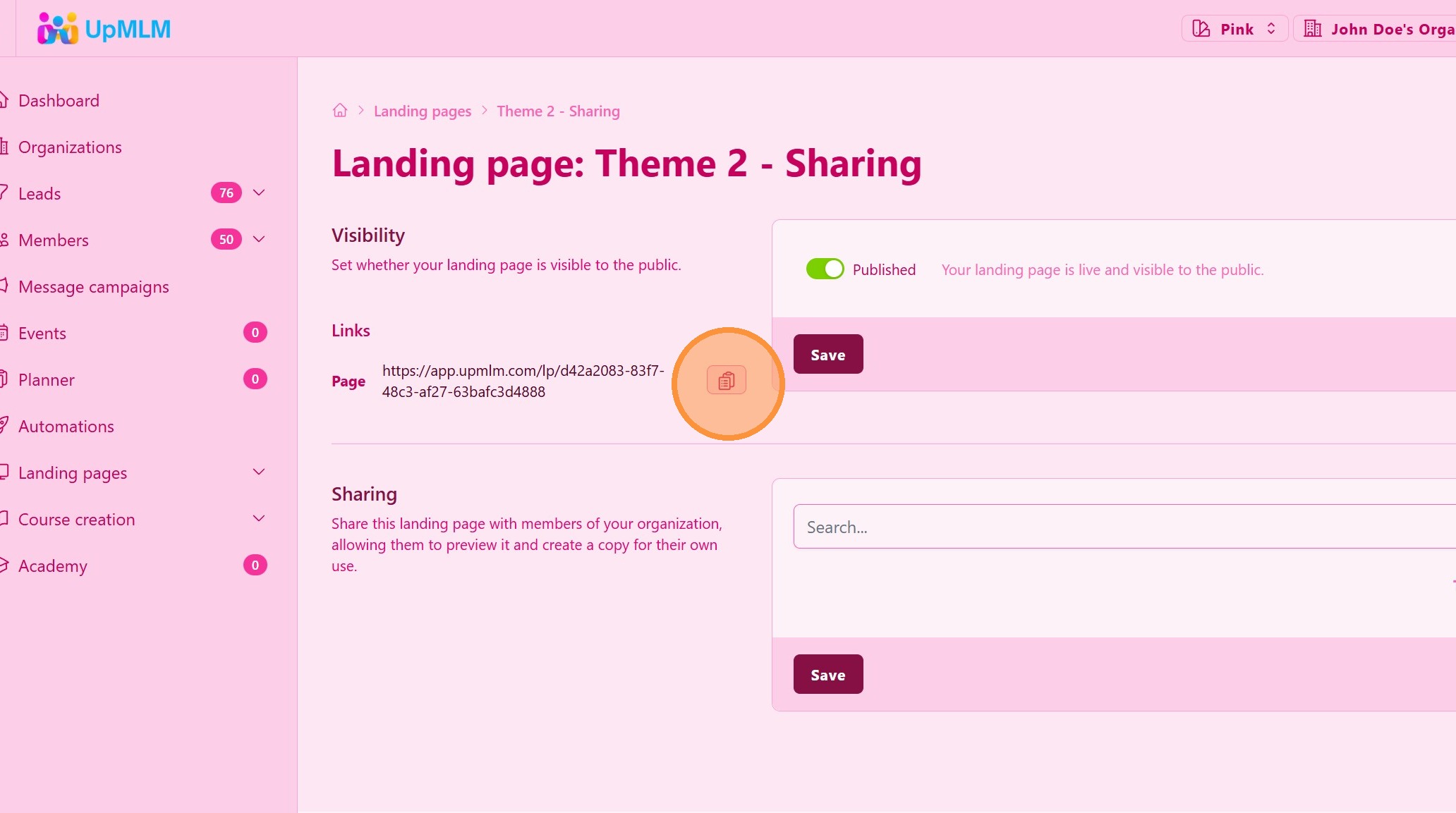
17. ### Share With Your Team
You can send a copy of this landing page to selected team members. They will receive a copy of this landing page for them to use.
This page will be available on the Landing Pages > Shared Templates section.
Your team members can edit their own copy and get leads using their landing page.
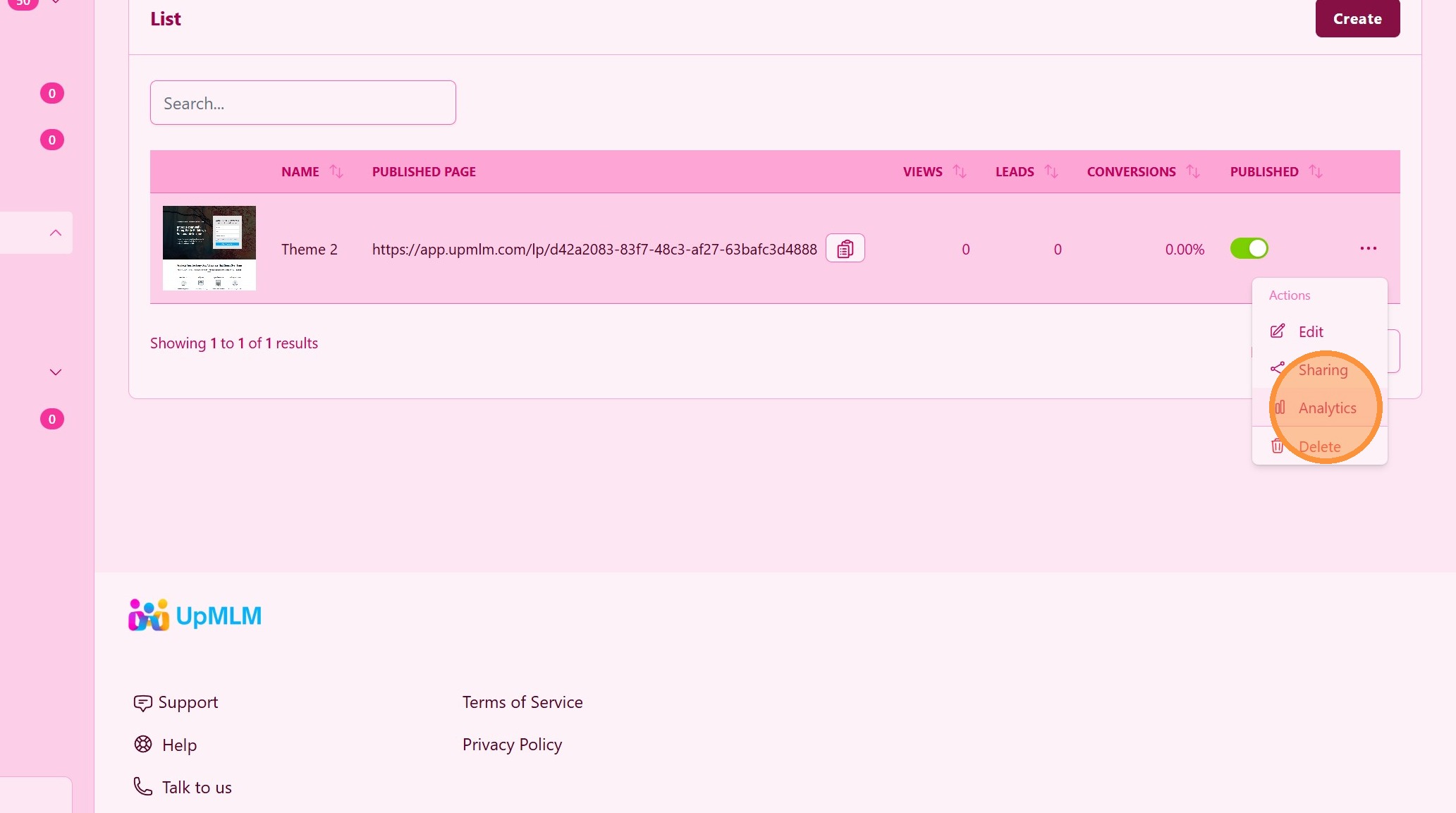
18. ### Analytics
Get all analytics to measure the performance. Impressions, conversions, etc …
Tip: ## Practical Tips
-
Keep it simple: Focus on one clear message and one main call to action.
-
Use benefit-driven headlines: Clearly explain what the visitor gains.
-
Test before sharing: Preview the landing page to ensure everything works correctly.
Tip: ## Conclusion
Creating landing pages in UpMLM allows you to generate leads and support your recruitment strategy effectively. Well-designed landing pages help convert visitors into contacts while keeping your lead management organized.